


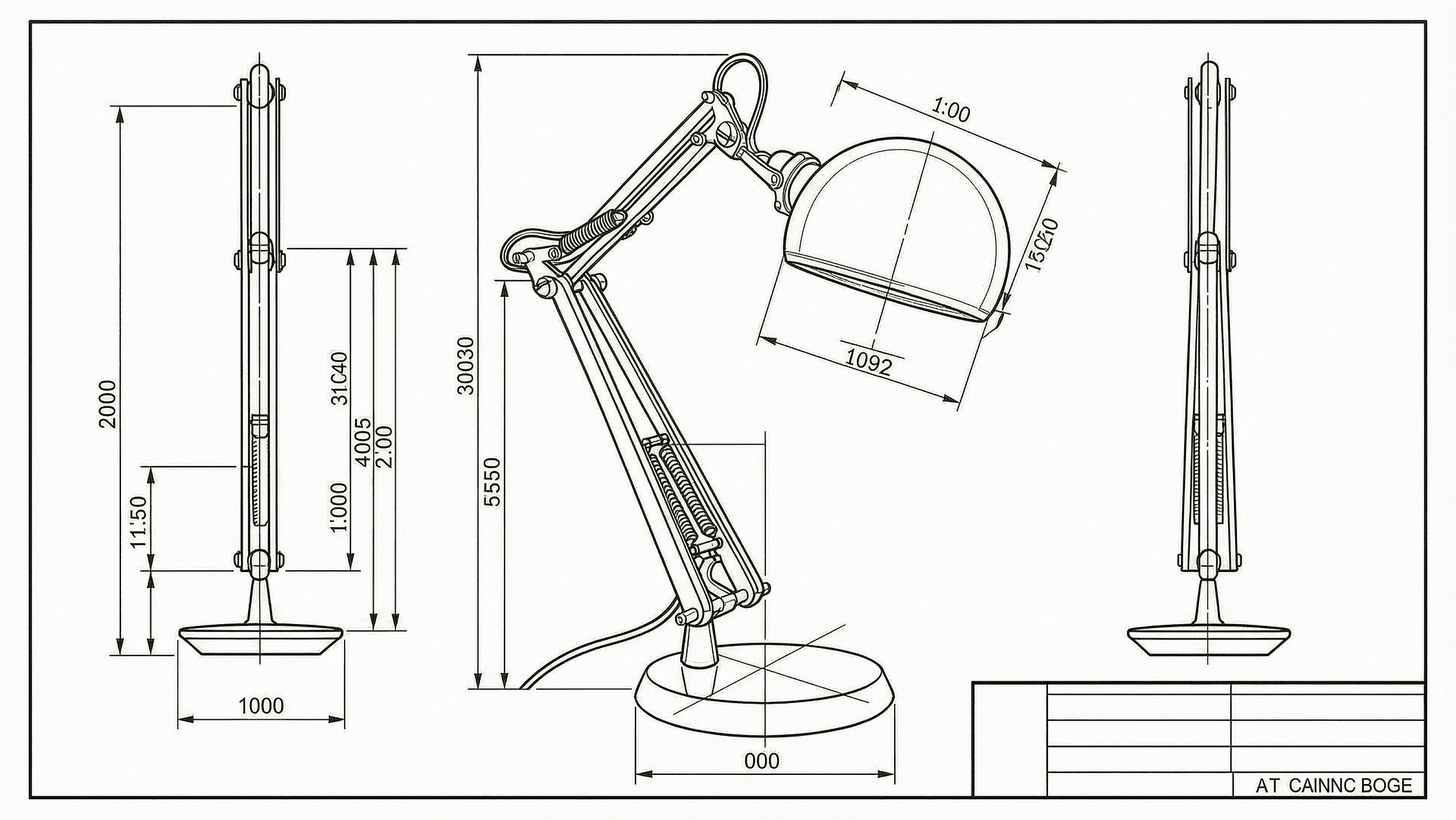
AI CAD Drawing Generator
Turn rough sketches or text prompts into clean CAD drawings, floor plans, and isometric views in seconds, across architecture, engineering structures like bridges, product design, and interior planning.


Draft, Detail, and Visualize at Any Scale
The AI CAD Drawing Generator runs on the best image models including Seedream 5.0, GPT Image 2, Nano Banana Pro, and Recraft V4, so your drawings come out clean, labeled, and ready to share.
Sketch to Drawing
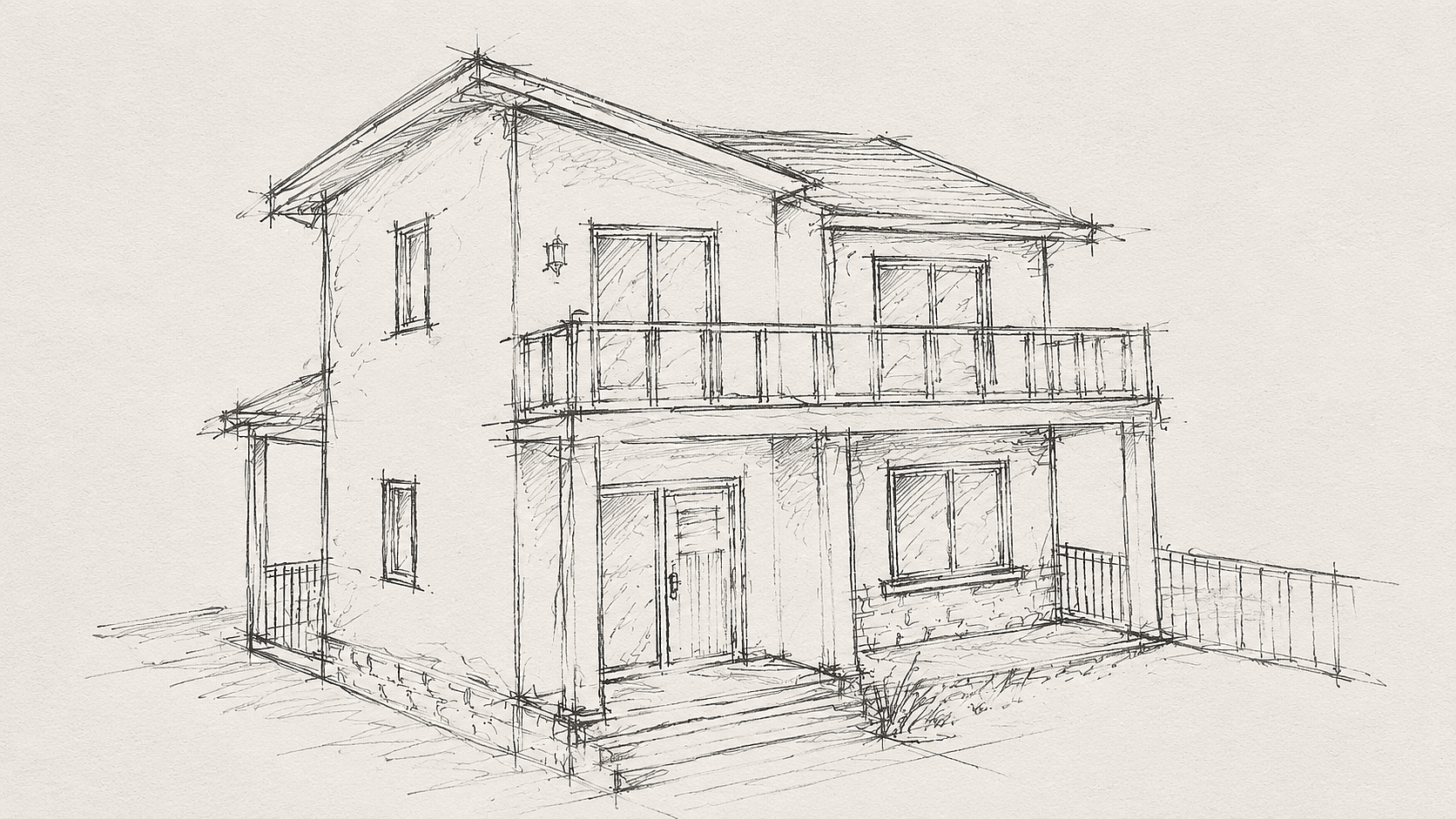
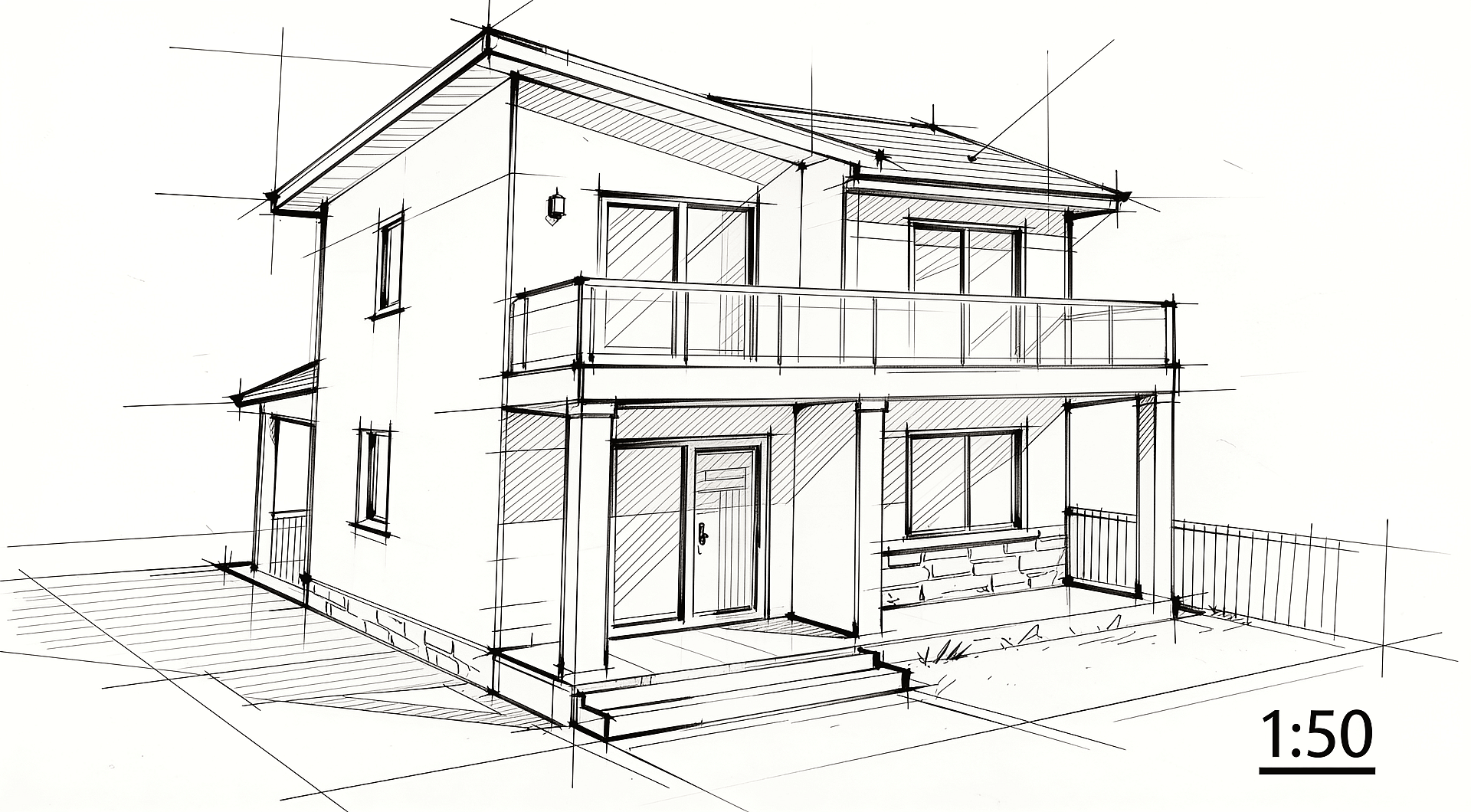
Upload a hand sketch or rough photo and convert it into a clean CAD-style line drawing. Proportions stay locked, perspective snaps to orthographic, and output reads at common scales like 1:50 or 1:100. Ideal for moving from napkin sketch to a review-ready drawing.
Readable Floor Plans
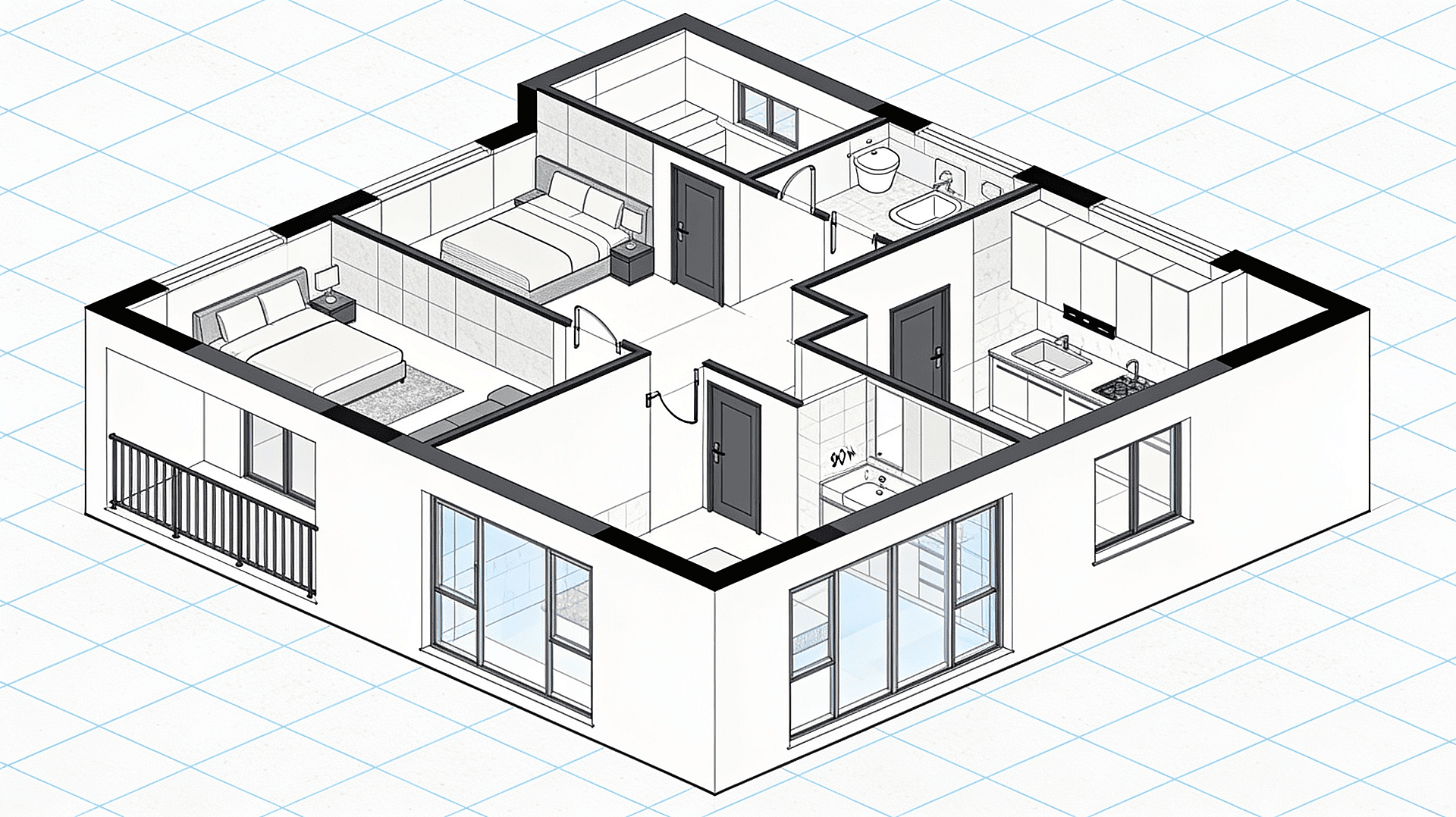
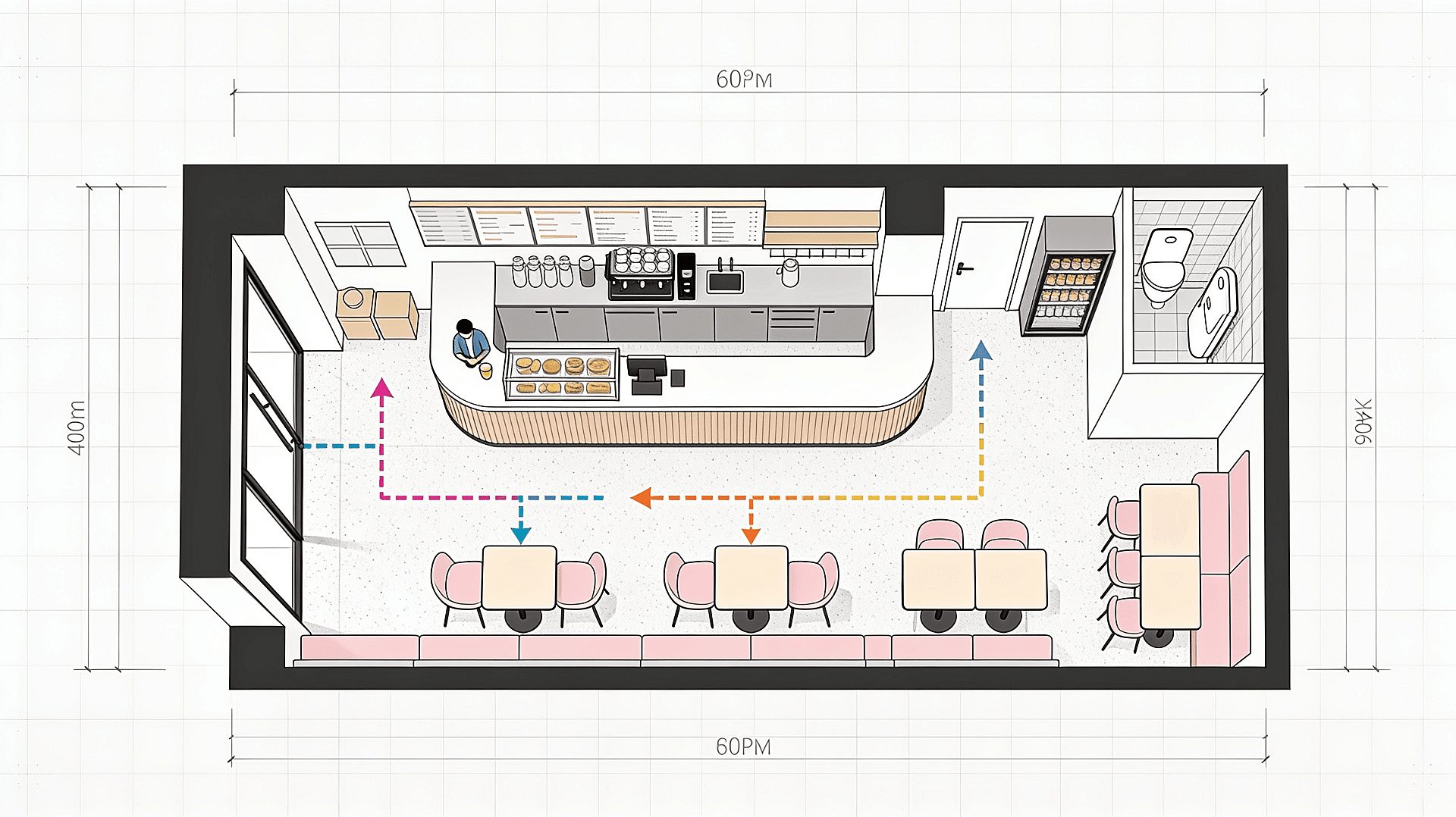
Generate 2D floor plans, office layouts, and interior design drawings with walls, doors, windows, fixtures, and room labels in seconds. Adjust room sizes, swap layouts, or restyle for residential, retail, or studio use, from a single-room apartment to a full building blueprint. Output stays legible at A3 print scale.
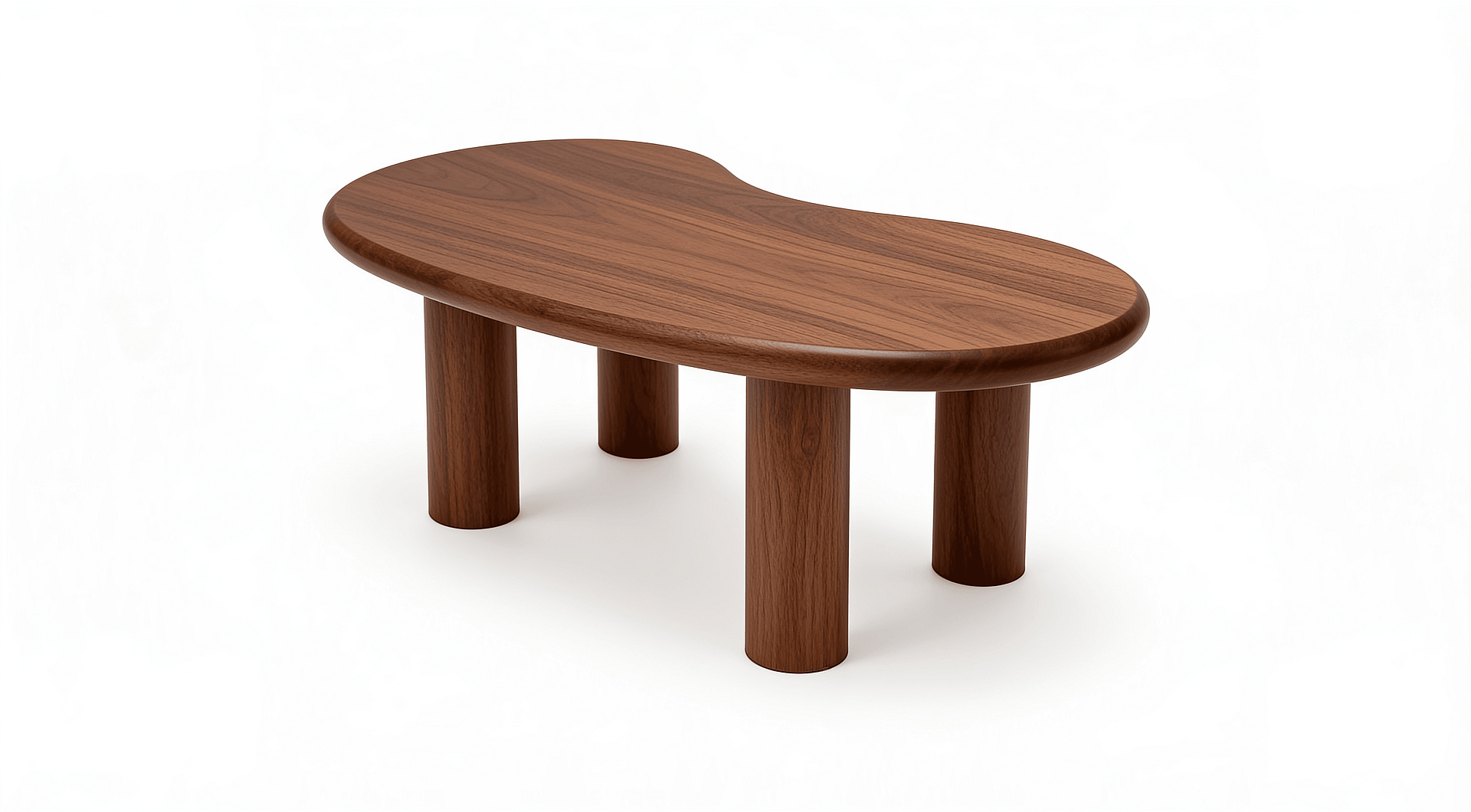
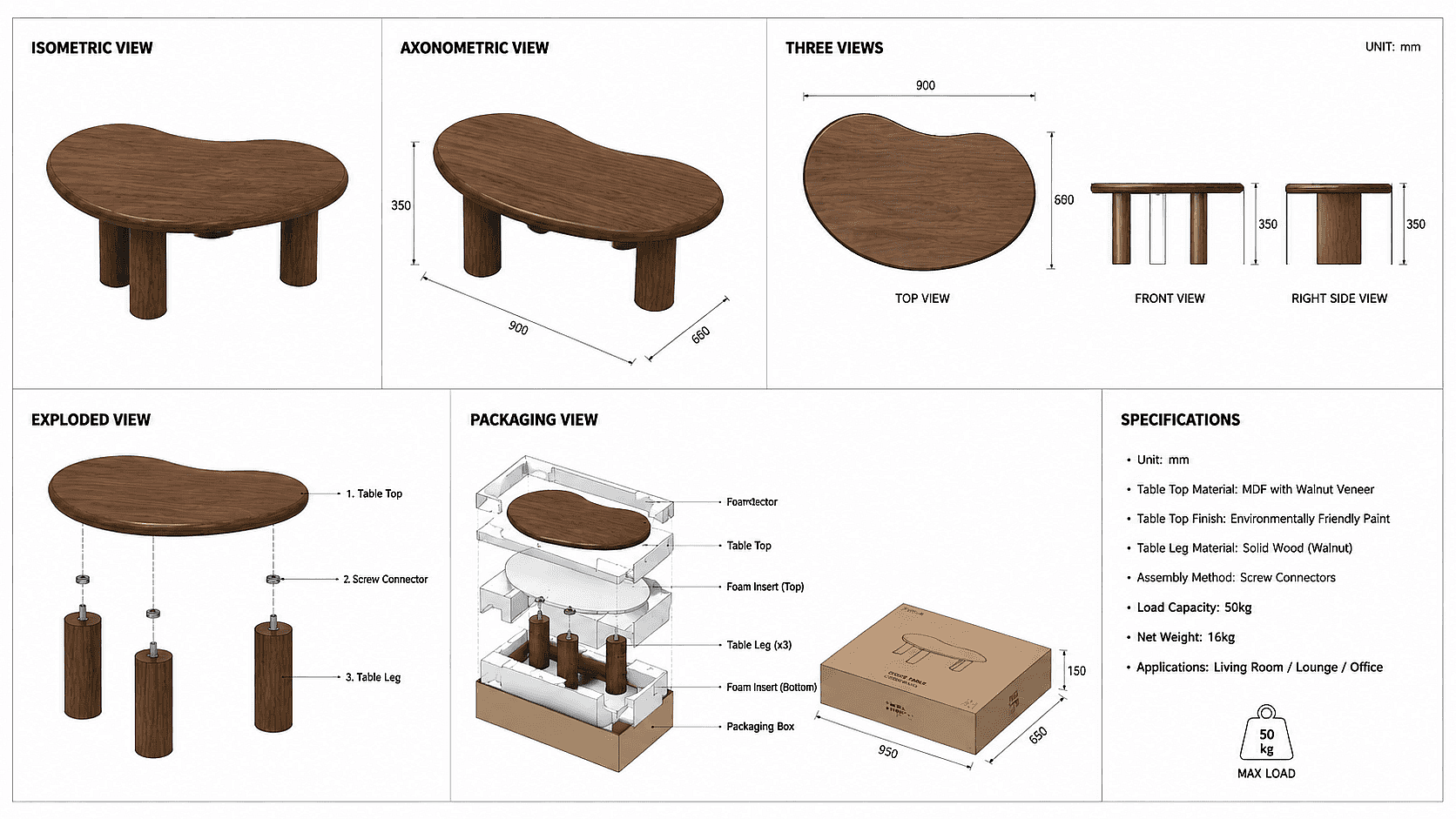
Isometric and Exploded Views
Produce isometric, axonometric, and exploded views from a single reference image or text prompt, from house designs and garden layouts to product breakdowns and packaging diagrams. Useful for assembly guides and presentation visuals where flat plans don't tell the full story.
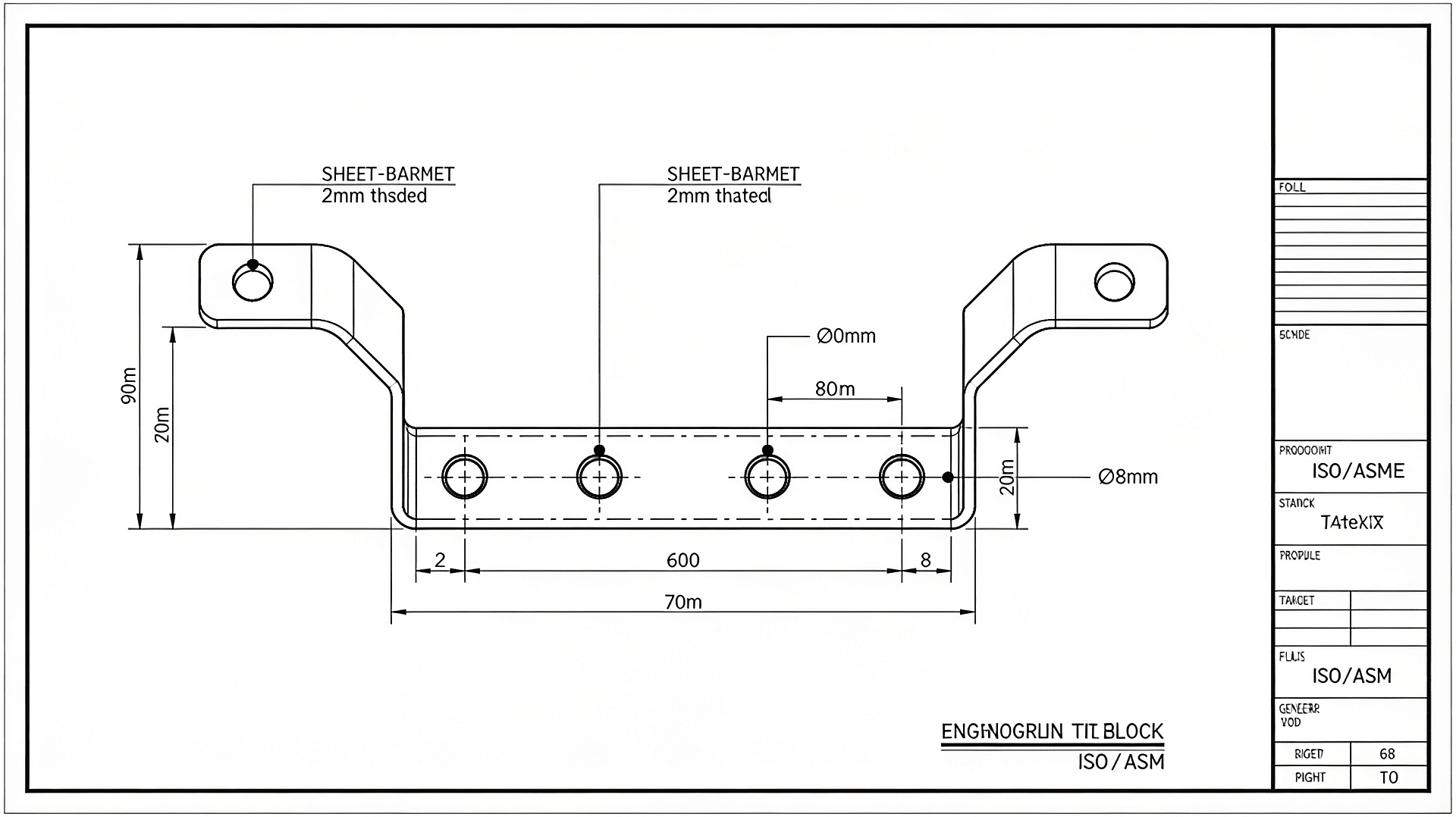
Built-In Annotations
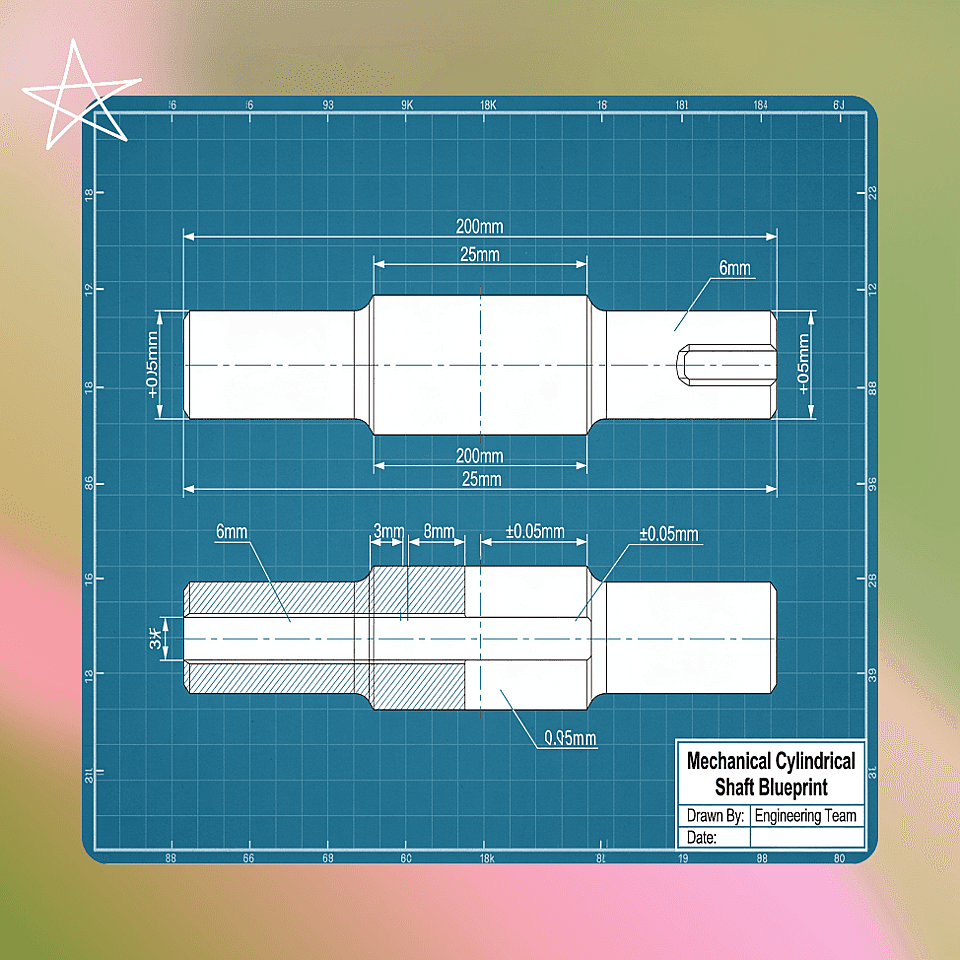
Add measurements, leader lines, part numbers, and callouts directly in the generation step, whether you're detailing a machine part, laying out an electrical plan, or documenting a plumbing layout.
How to Use the AI CAD Drawing Generator
Three steps to take an idea to finished drawing.
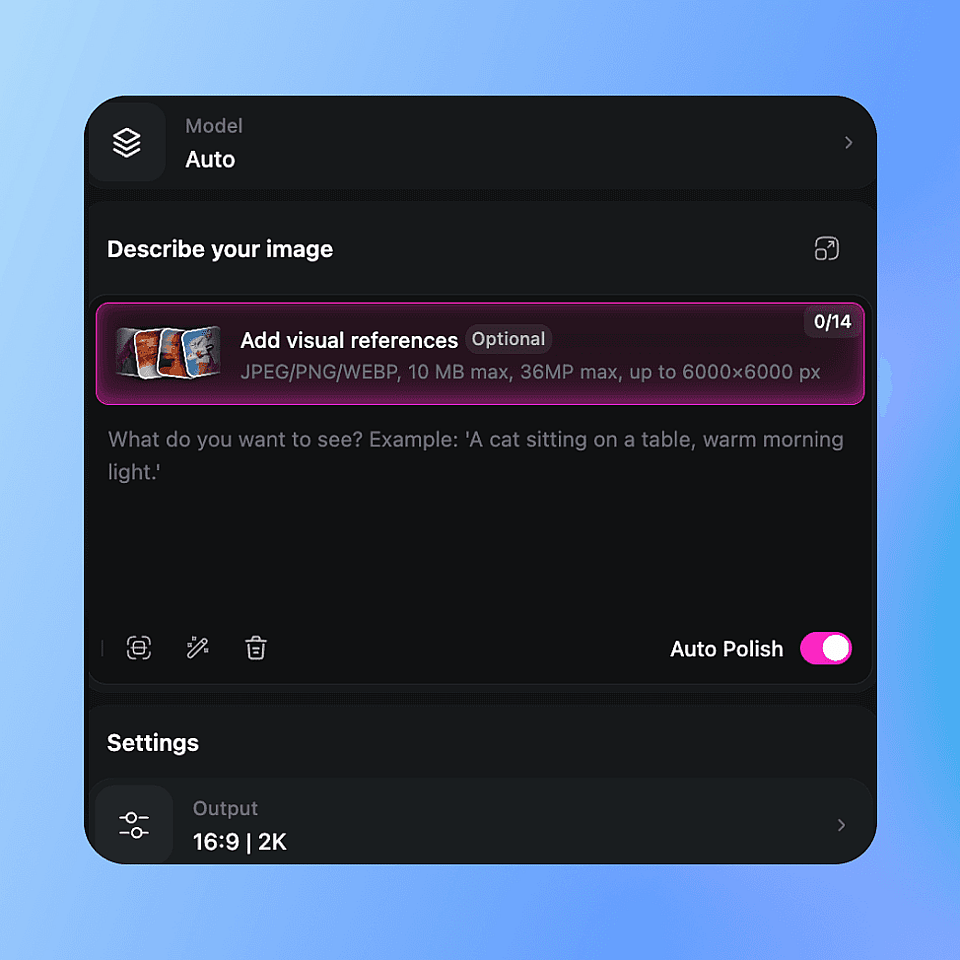
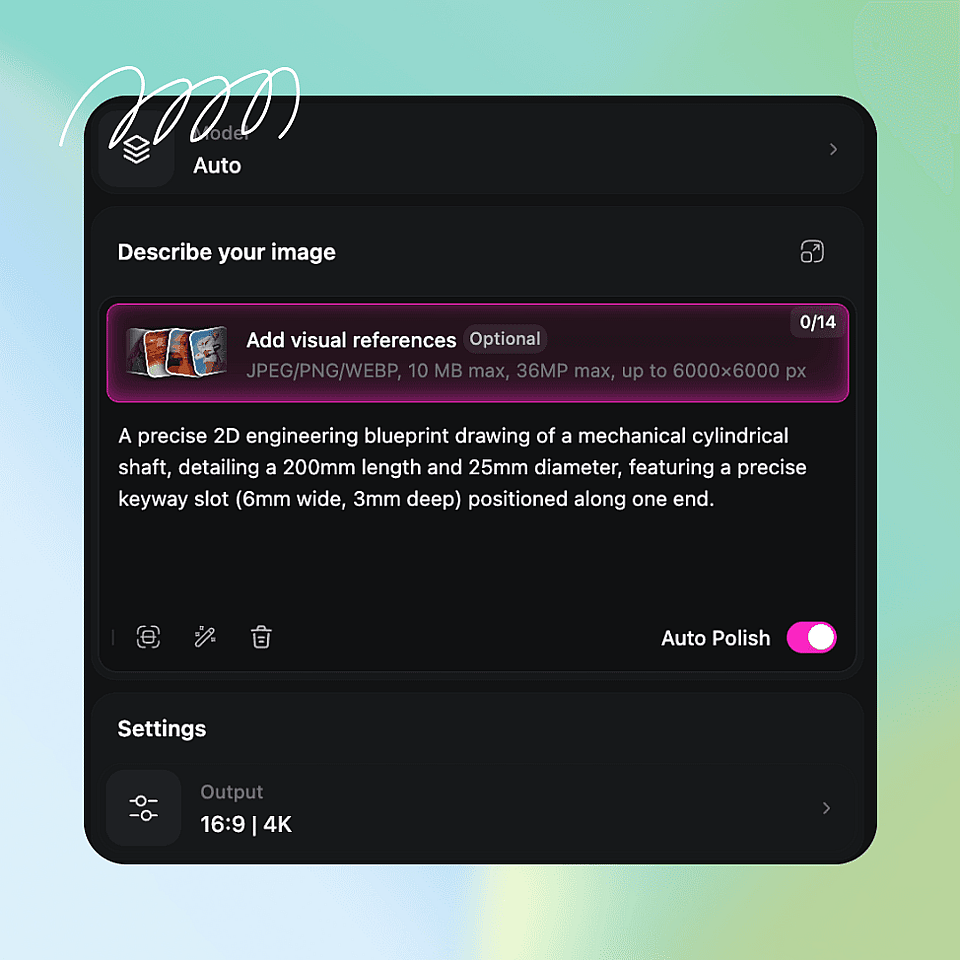
Upload or Prompt
Drop in a sketch, photo, or reference plan, or type a prompt like "1BHK apartment, 600 sqft, top-down plan." Pick the drawing type: plan, section, isometric, or exploded.
Set Style and Scale
Choose a line style (technical, blueprint, schematic) and target scale. Toggle dimensions, grids, and material hatches on or off.
Refine and Export
Use text prompting for tweaks like "widen the corridor by 2 feet," then export as PNG, JPG, or vector-ready output.
Built for Architects, Engineers, and Designers
Whether you draft designs once a year or every day, the tool fits the way you actually work.
Interior Designers
Turn a room brief into a scaled furniture layout, space plan, or working drawing in seconds. Swap styles, reflow traffic paths, or generate manufacturer-ready assembly guides, all without redrawing from scratch. Whether you're staging a client presentation, sourcing furniture, or handing off specs to a contractor, go from concept to deliverable faster at every stage of the project.
Try it Now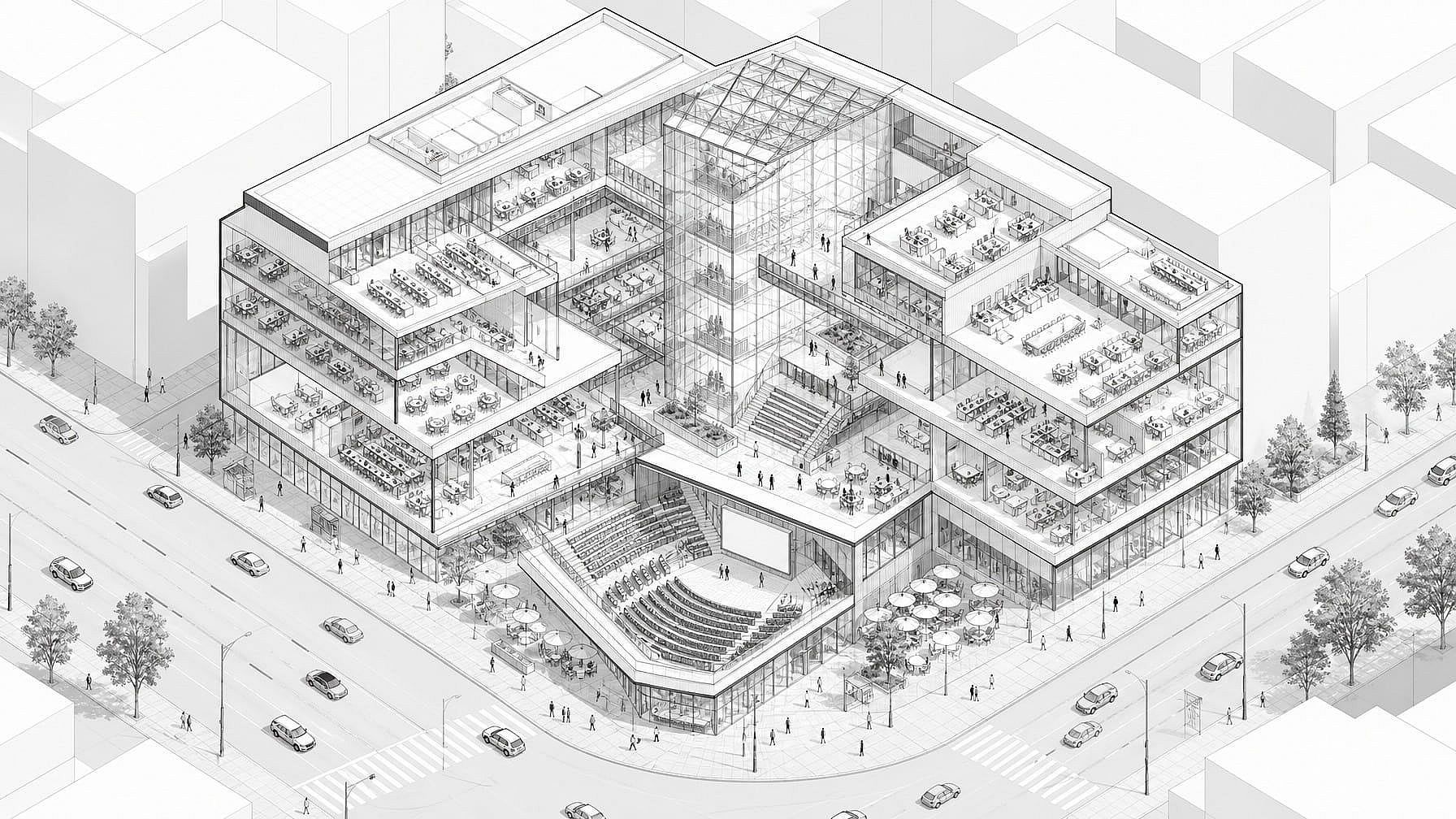
Concept Drawings
Generate isometric cutaway drawings, exploded section views, and massing studies from a text prompt, before opening Revit or AutoCAD. Visualize interior layout, vertical circulation, and program distribution in a single drawing. Export for client presentation or design review when you're ready.
Try it Now
Product Designers
Produce orthographic views, exploded diagrams, and concept renders for new product ideas. Move from idea sketch to a clean, reviewable drawing in one pass.
Try it Now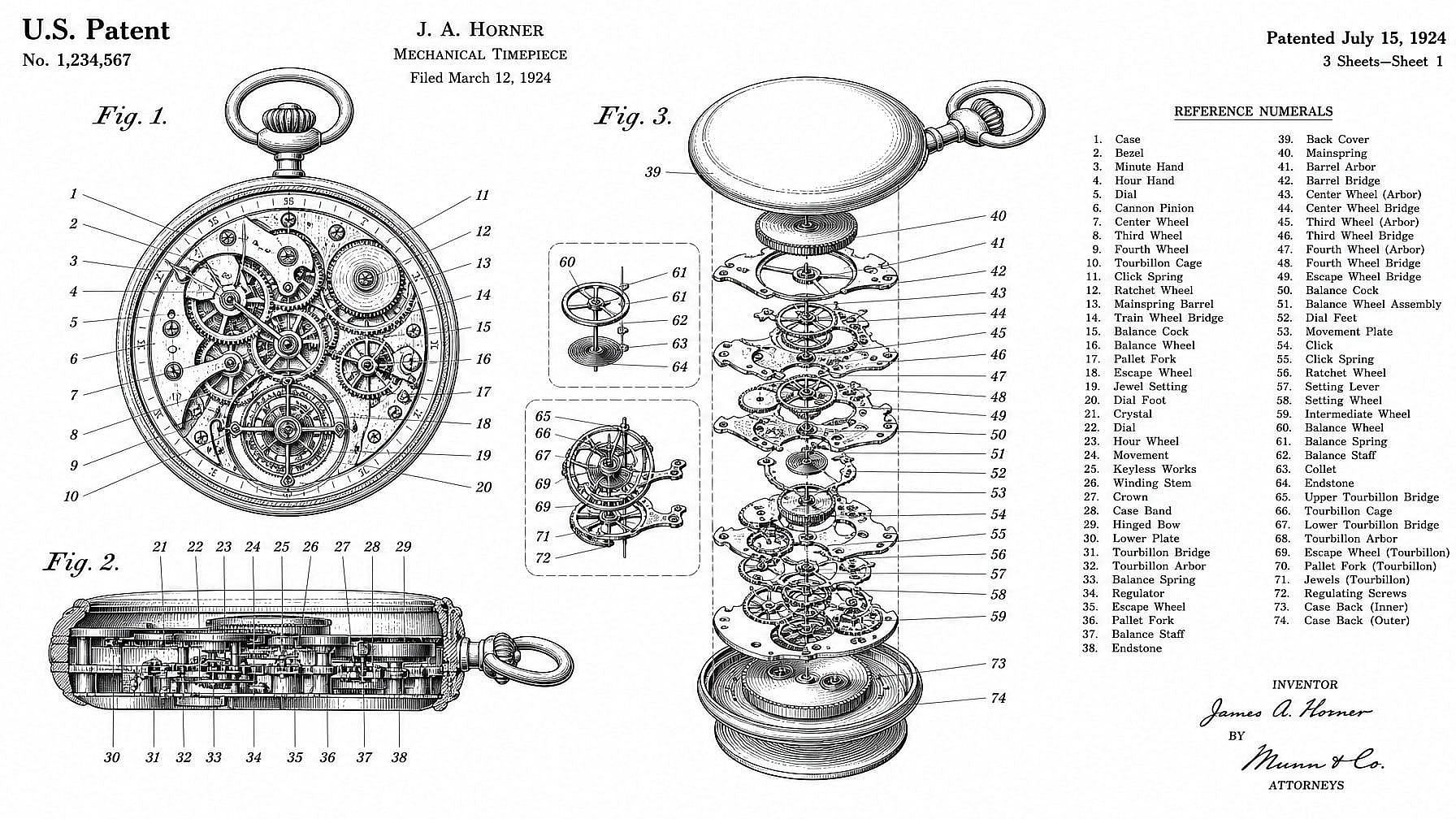
Patent Illustrators
Create line drawings for patent filings, instruction manuals, and engineering documentation. Output meets the clean, label-friendly style examiners and editors expect.
Try it NowFrequently Asked Questions
Get Insights from Experts Blog
Get the insights you need. Our experts share actionable hacks, break down the hottest topics, and provide essential how-to guides to help you build, optimize, and scale.
Read More