Your Favorite Models — All in One Place, with Unlimited Generations.

Enjoy Limited Time 50% OFF! ›

OpenArt VFX OpenArt VFX

VFX is a brand-new video transformation suite by OpenArt. Upload any clip and replace the background, relight the full scene, or apply frame-level video effects to a specific region. Three modes, one upload, results in minutes.
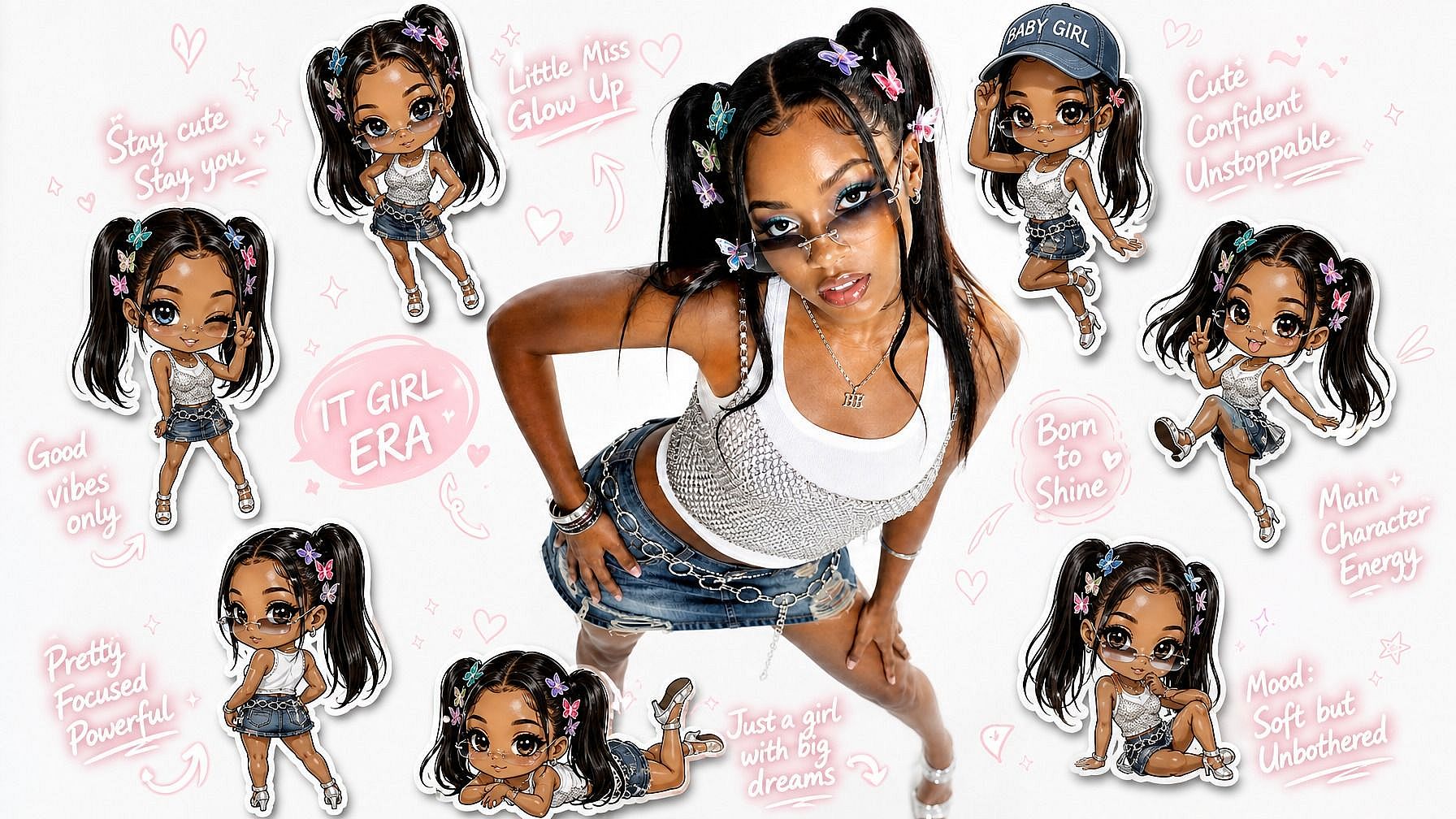
Your Video Add the character video you want to insert
Target Image Photo with character you want to replace
Try Now

Three Modes, One Upload

Replace your background, restyle your lighting, or paint precise VFX into specific regions, all from a single video upload.

No Studio, No Pipeline

No green screen, no compositor, no render farm. The AI does the work professional VFX pipelines used to require.

Minutes, Not Hours

Your generations and edits are delivered in a few minutes, with side-by-side compare views built in.

Community Creations

See how creators, filmmakers, and brands are using OpenArt VFX to transform footage they already shot.

Three Modes. One Upload. Total Control.

OpenArt VFX runs on Beeble's SwitchX, a video transformation model purpose-built for high-fidelity subject isolation, full-frame relighting, and masked region edits. The same upload becomes whatever you need it to be.

Subject stays. Background changes.

Replace Background mode automatically isolates the main subject in your video and swaps the entire environment behind them. No green screen, no manual cutout, no studio. Pick a preset, upload your own image, or generate a new scene with AI, and the AI rebuilds the world behind you. A bedroom recording becomes a professional studio shot. A plain desk becomes a neon-lit city. One click, no editing.

Try it Now

Same shot. New atmosphere.

Relight and Mood transforms the entire frame: lighting, atmosphere, color, and visual character. Your performance and motion stay intact, but the world around you gets recomposed. A flat daytime clip becomes golden hour. A standard talking head becomes a noir short. A casual vlog becomes a cinematic sequence. This is where mood matters as much as message, and it ships standard with every OpenArt VFX session.

Try it Now

Mask, prompt, transform.

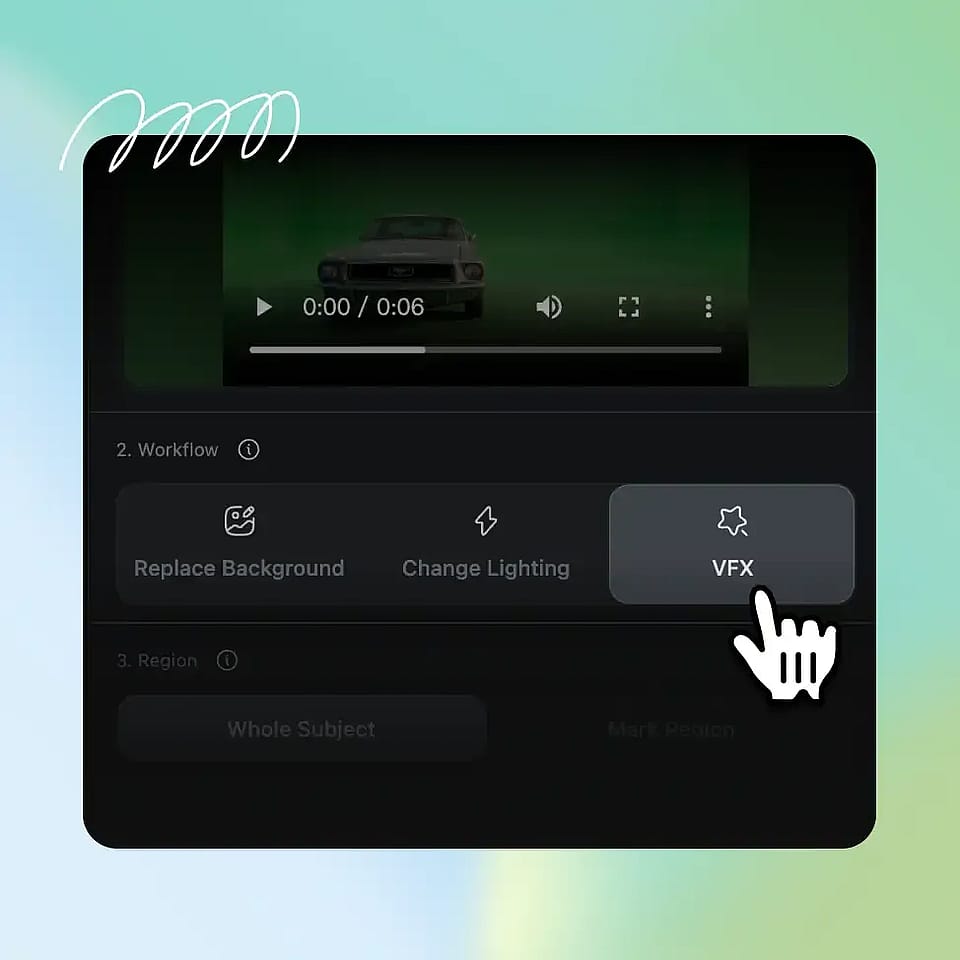
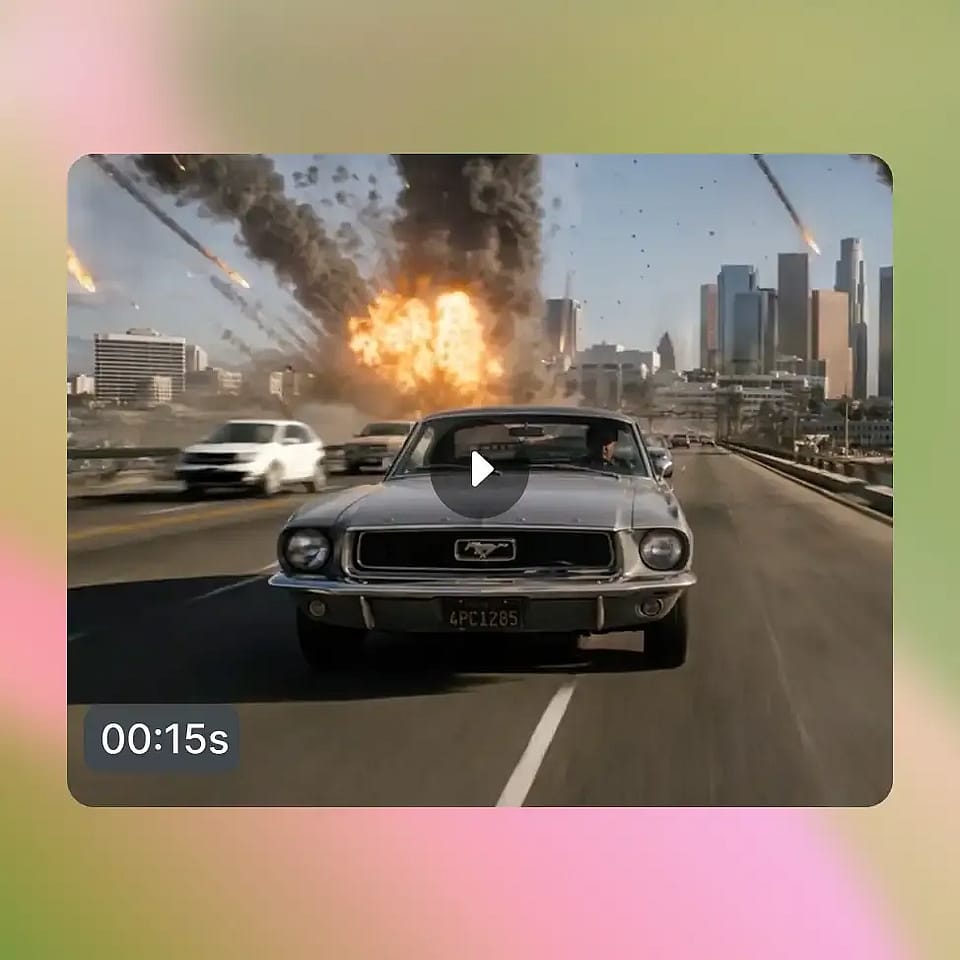
VFX mode gives you frame-level control. Paint a mask on the first frame, add a prompt, and the AI transforms only that region across every frame. Everything outside the mask stays exactly as you shot it. Replace a held prop, swap a costume element, modify a section of the background, or apply a localized character change to a precise region of the scene. The control of professional compositing, without the software.

Try it Now

Guide every result your way.

Across all three modes, you can shape the output with a curated preset, your own reference image, or a brand-new scene generated with OpenArt's AI image tools. Add an optional text prompt to fine-tune the look. The same input flexibility works whether you're swapping a background, restyling lighting, or masking a specific region, so creative direction never has to fight the workflow.

Try it Now

How to Use OpenArt VFX

Three steps. Three modes. Minutes to a finished result.

1
Step 01

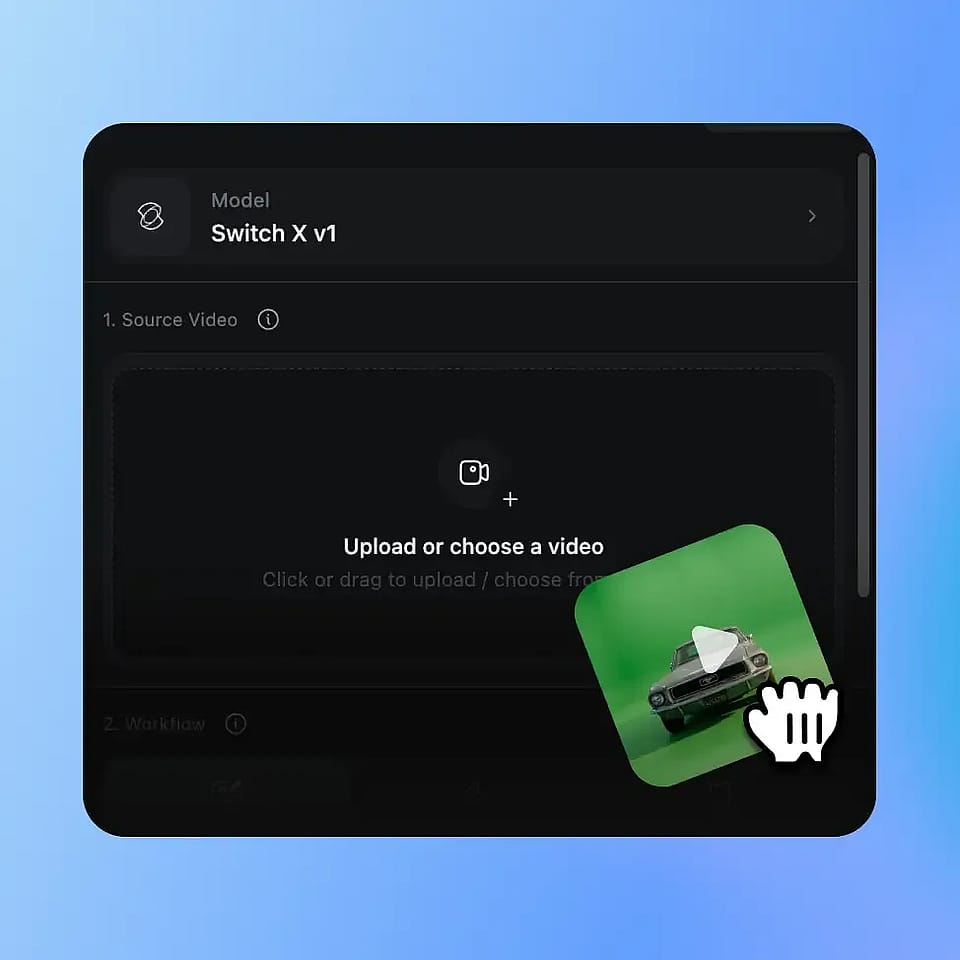
Step 01. Upload Your Video

Upload any MP4 or MOV clip. The tool works on any footage from any room, with no green screen, no special lighting, and no studio setup required.

2
Step 02

Step 02. Pick Your Mode

Choose Replace Background to swap your environment, Relight and Mood to restyle the full frame, or VFX to transform a specific masked region. Add a reference image, a preset, or a prompt to direct the result.

3
Step 03

Step 03. Generate and Compare

SwitchX processes your video asynchronously and delivers a finished result in a few minutes. Preview Output, Source, Alpha, and Compare views, then download as MP4.

Built for Every Kind of Creator

From bedroom YouTubers to indie filmmakers, here is how creators are using OpenArt VFX.

Content and Social Creators

YouTubers, TikTokers, Reels creators, and podcasters who shoot from home and want their footage to look like it was shot somewhere far better. They reach for Replace Background first, push into Relight and Mood when they want a signature visual style, and rarely need to learn anything more than upload, pick, generate.

Try it Now

Style-Driven Creators

Music video directors, short film makers, and creators who care about mood as much as message. Relight and Mood is built for them: shift a flat clip into golden hour, transform a casual scene into cinematic noir, or apply a full character style without changing a single frame of the underlying performance.

Try it Now

Indie Filmmakers

Directors and short film makers who want AI-assisted VFX without the overhead of Nuke, After Effects, or a compositing team. VFX mode delivers the kind of localized control that used to require a full pipeline, with precise masks, prompts, and reference images guiding the output.

Try it Now

Brands and Marketing Teams

DTC brands, agencies, and product marketers who need to scale content without scaling production. Film a single asset, then apply different backgrounds or moods for different campaigns, platforms, or seasonal pushes. One shoot becomes a campaign-ready library.

Try it Now

Educators and Remote Presenters

Online educators, business coaches, and corporate video teams who record from home offices and need a clean, consistent, professional background every time. Replace Background turns any room into a polished, on-brand setting in minutes.

Try it Now

Frequently Asked Questions

OpenArt VFX is an AI video transformation suite. Upload any clip and you can replace the background, relight the entire scene, or apply frame-level visual effects to a specific region, all from a single upload. The original subject, performance, and motion stay intact, while everything around or on top of it can be transformed.
Three things, mapped to three modes. Replace Background swaps the entire environment behind your subject. Relight and Mood restyles the full frame, including lighting, atmosphere, color, and visual character. VFX gives you mask-and-prompt control over a specific region, so you can swap props, modify costumes, change parts of the background, or add localized effects.
OpenArt VFX is powered by Beeble's SwitchX, a video transformation model purpose-built for high-fidelity subject isolation, full-frame relighting, and masked region edits. SwitchX is what allows all three modes to run from the same upload with the temporal consistency that makes the result feel like a real shot.
No. Replace Background and Relight and Mood are designed for one-click use: pick a preset or reference image and generate. VFX mode is more advanced and benefits from precise masking and clear prompting, but no compositing software, scripting, or post-production training is required at any point.
Most footage works, with the cleanest results coming from clips where the subject is clearly visible, lighting is reasonably consistent, and camera movement is moderate. OpenArt VFX accepts MP4 and MOV files in H.264 or HEVC.
Most jobs complete in three to seven minutes. Generation runs asynchronously with live progress, so you can leave the tab and come back when the result is ready. Output is delivered with Output, Source, Alpha, and Compare views for quick review.
You can choose 720p or 1080p output at generate time. 2K and 4K are not currently supported.
Yes. Output from OpenArt VFX can be used in commercial projects, including paid social, brand campaigns, product marketing, monetized YouTube content, and client work. Check OpenArt's terms of service for the latest commercial usage details for your plan.
Traditional VFX requires a compositor, a render farm, and software that takes years to master. OpenArt VFX delivers the same kind of creative control, the ability to separate what was captured from what is seen, in a few minutes from a web upload. No green screen, no team, no pipeline, no software to learn.

Get Insights from Experts Blog

Get the insights you need. Our experts share actionable hacks, break down the hottest topics, and provide essential how-to guides to help you build, optimize, and scale.

Read More

Create without limits

Join millions of creators using OpenArt to generate images, videos, characters, and stories - all in one platform.

Get Started for Free →