Photo to Avatar
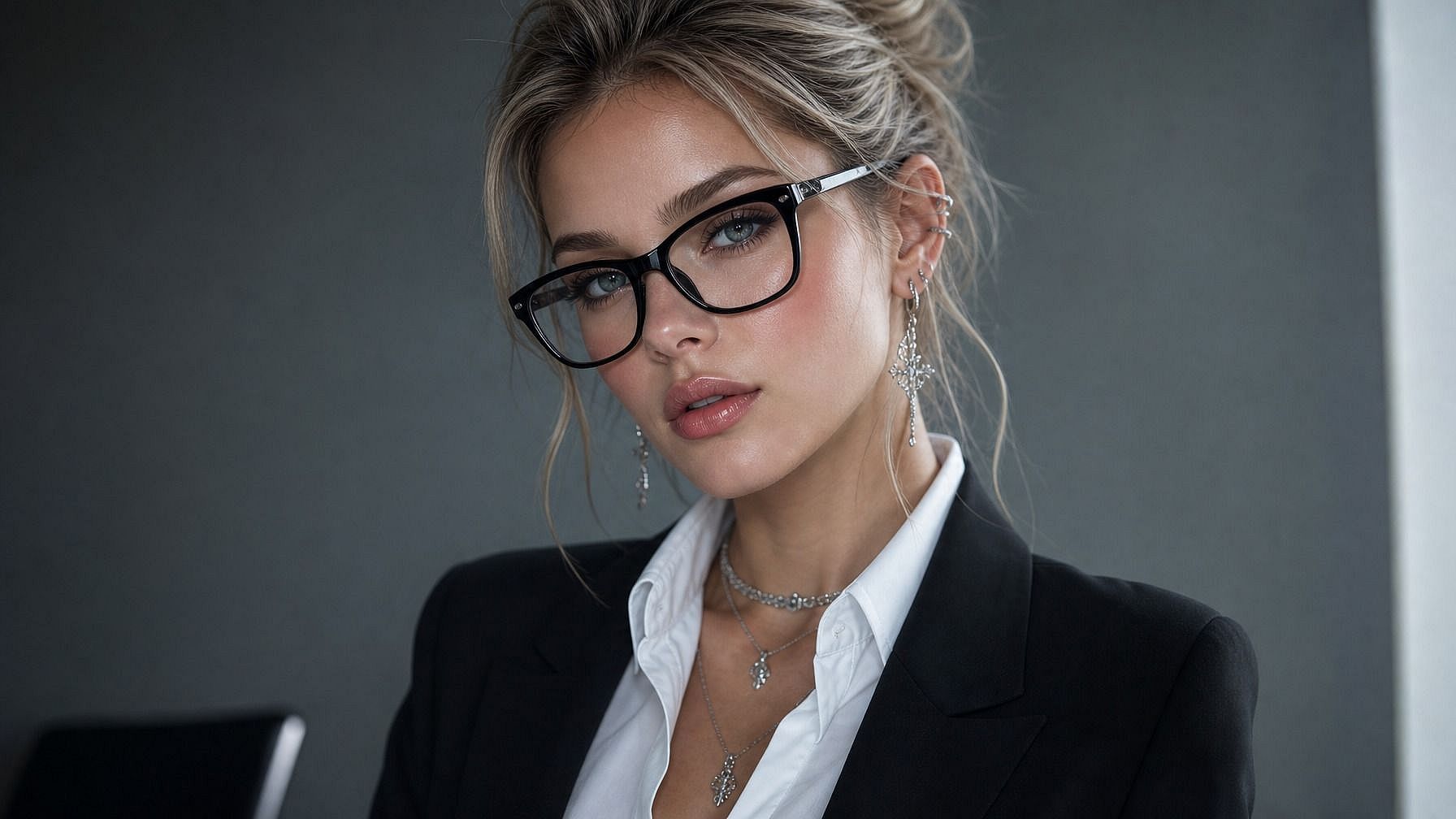
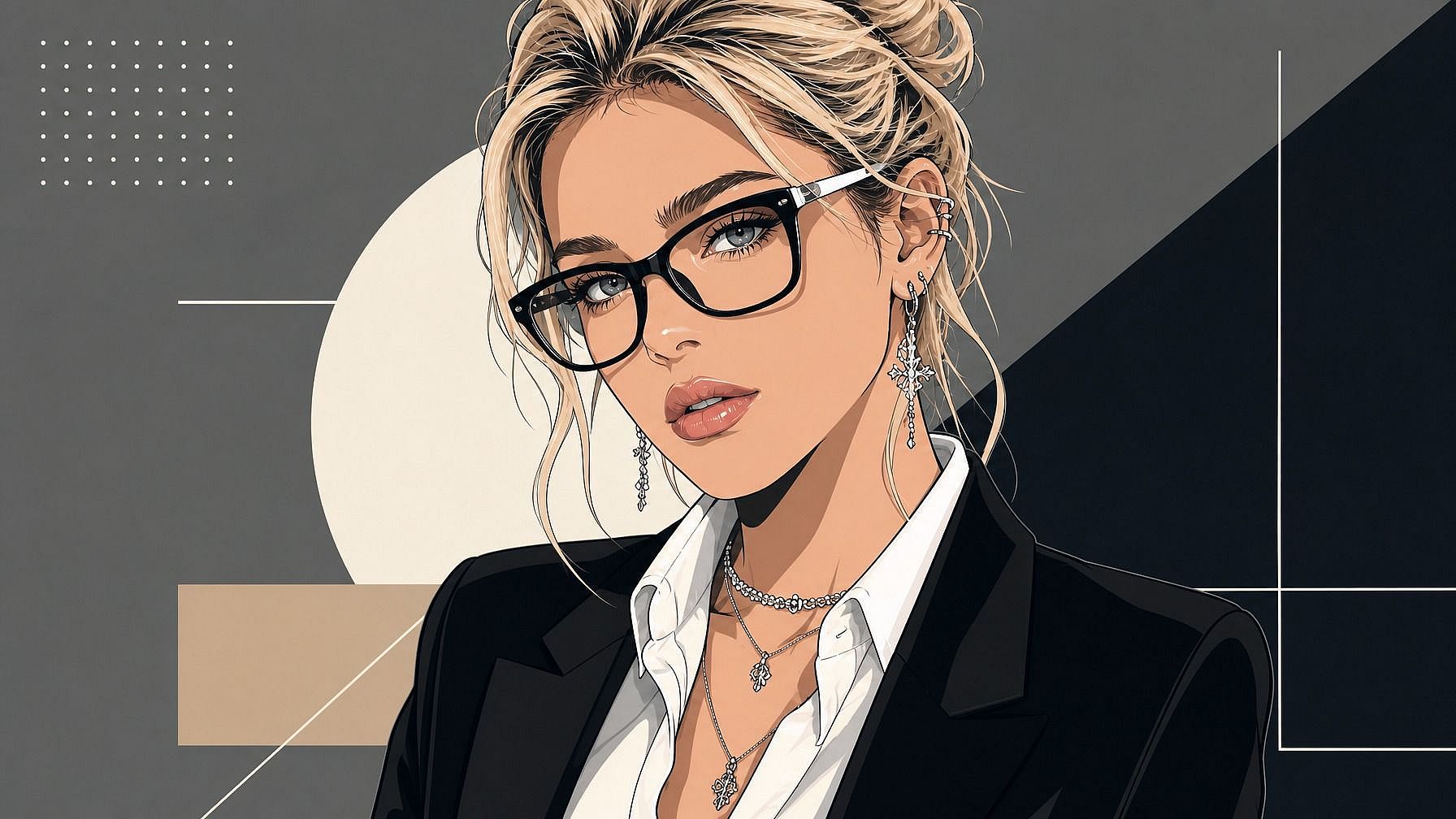
Want a stylized avatar that actually looks like you? Upload your photo to OpenArt's photo to avatar tool and get a custom version of yourself in seconds: anime, 3D, illustrated, retro, fantasy, polished headshot, whatever you're going for. Use it as your profile pic, your gaming character, your work-app icon, or anywhere else you show up online.
 Add an image Or drag and drop here · JPEG, PNG, WEBP
 Benefits of Photo to Avatar



Custom Avatar from Any Photo
Upload your face and get a stylized avatar version of you in moments. Works for selfies, headshots, full-body photos, and even pet pics if you want an avatar for your dog.



Pick Any Style
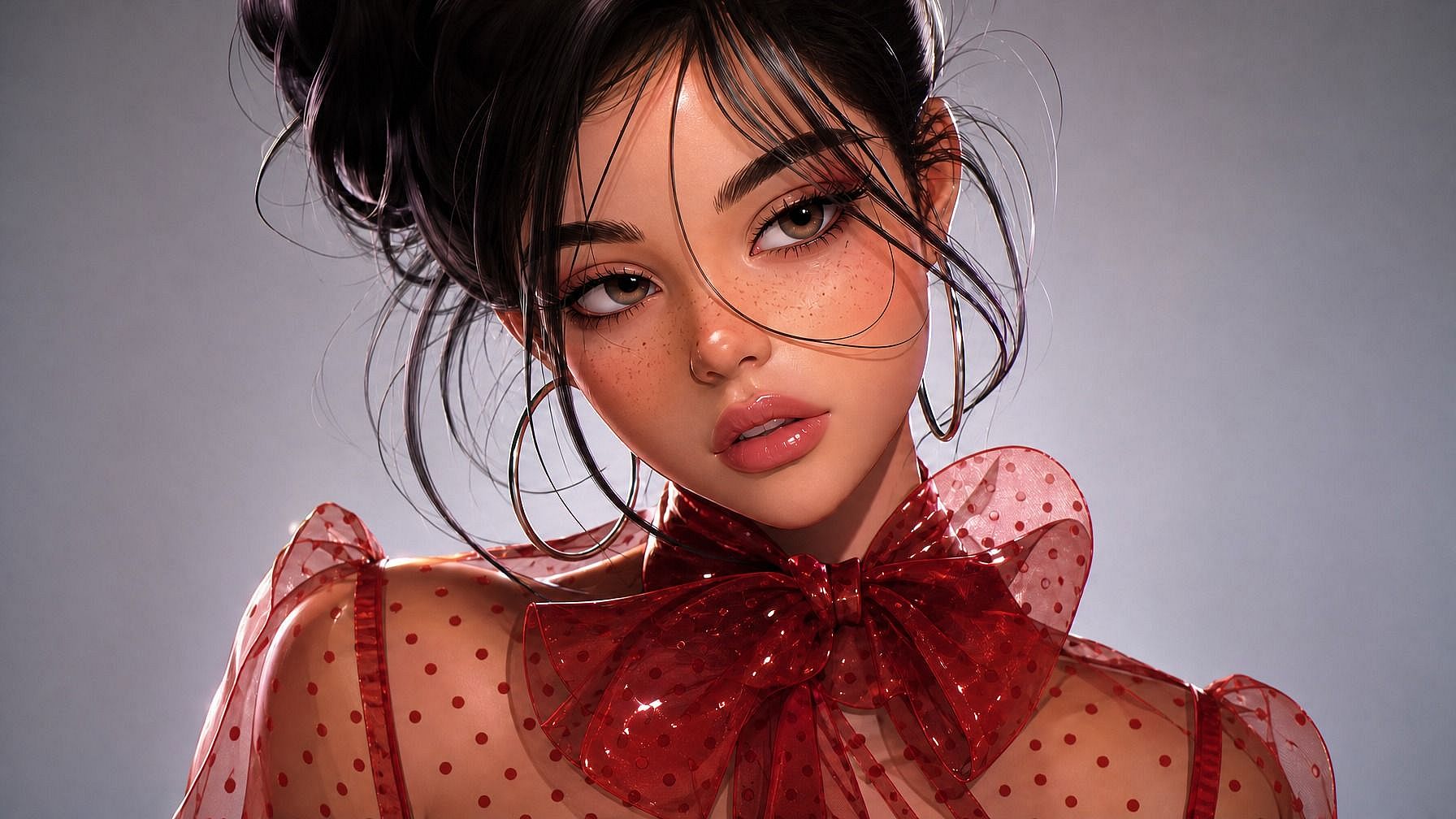
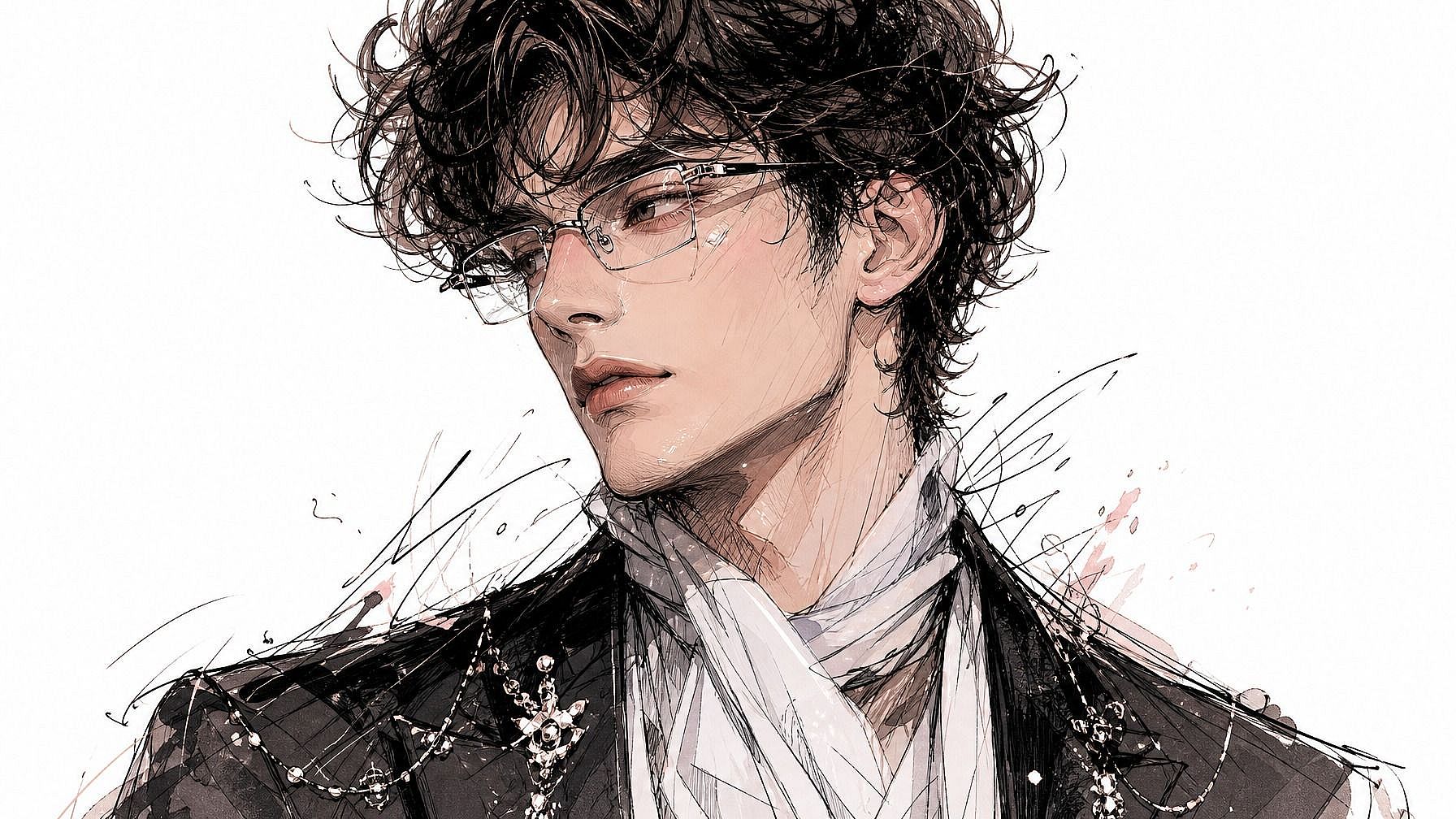
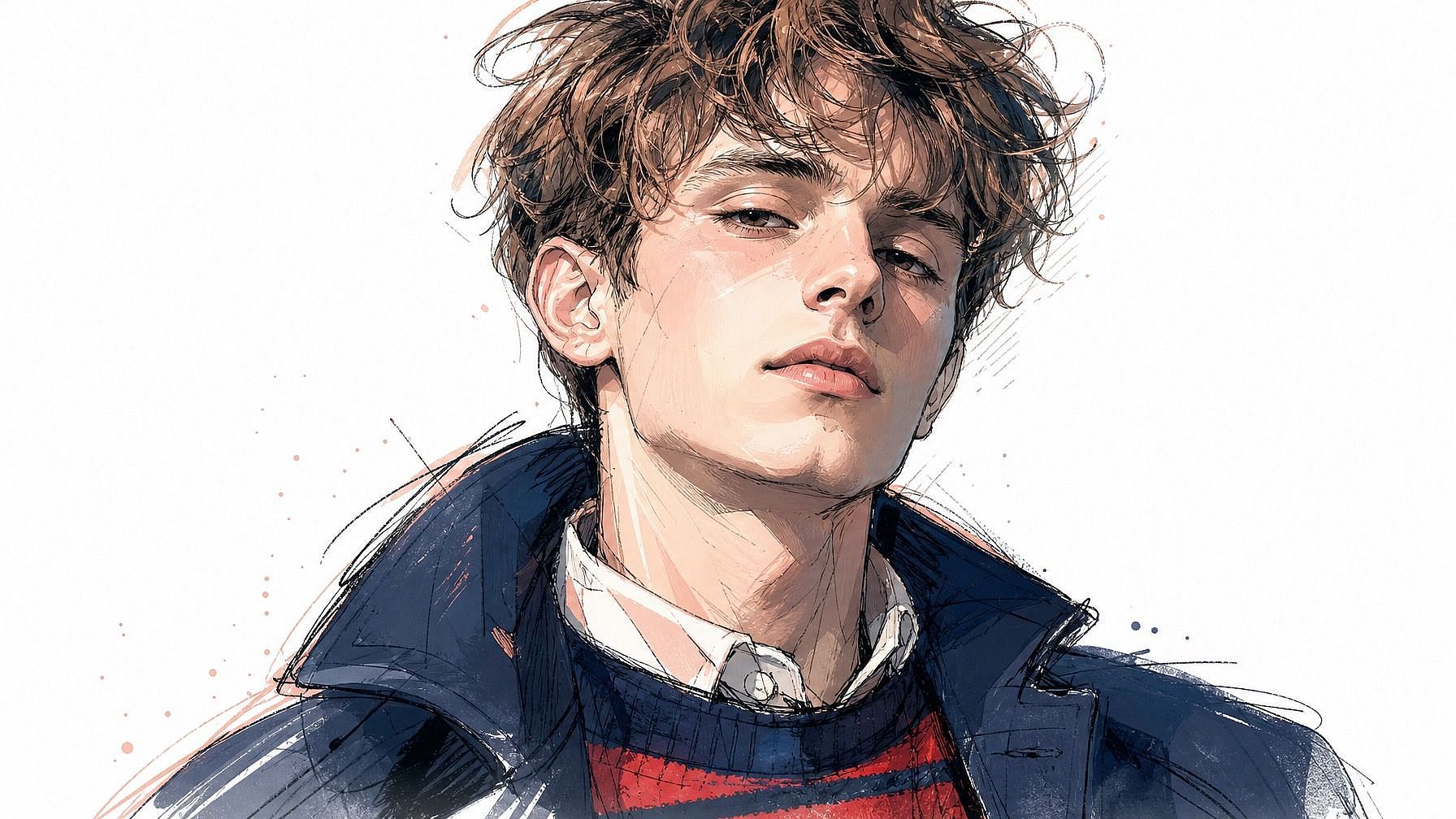
Anime, 3D rendered, illustrated, retro pixel, fantasy hero, polished headshot, comic book. Describe the look you want and the AI matches your photo to it.
Stays Recognizable
Even with the stylization, the AI preserves what makes you, you. Your face shape, hair, expression cues, everything is maintained.
Community Creations
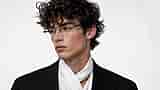
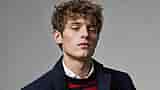
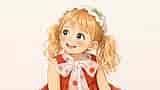
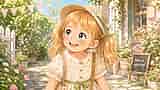
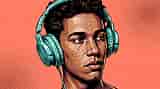
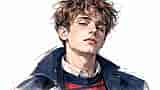
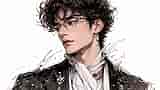
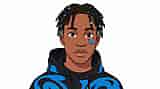
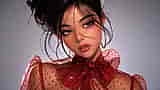
See what people are turning into avatars. From anime-style profile pics to 3D character avatars, polished illustrated headshots, and fantasy heroes, explore how a single photo can become a whole new identity online.









Key Features of Photo to Avatar
OpenArt's AI image editor uses advanced models like GPT Image 2.0, Nano Banana Pro, and Recraft V4 to convert photos into stylized avatars that stay expressive and recognizable. So your avatar actually looks like you, not a random stand-in face that vaguely resembles a human.
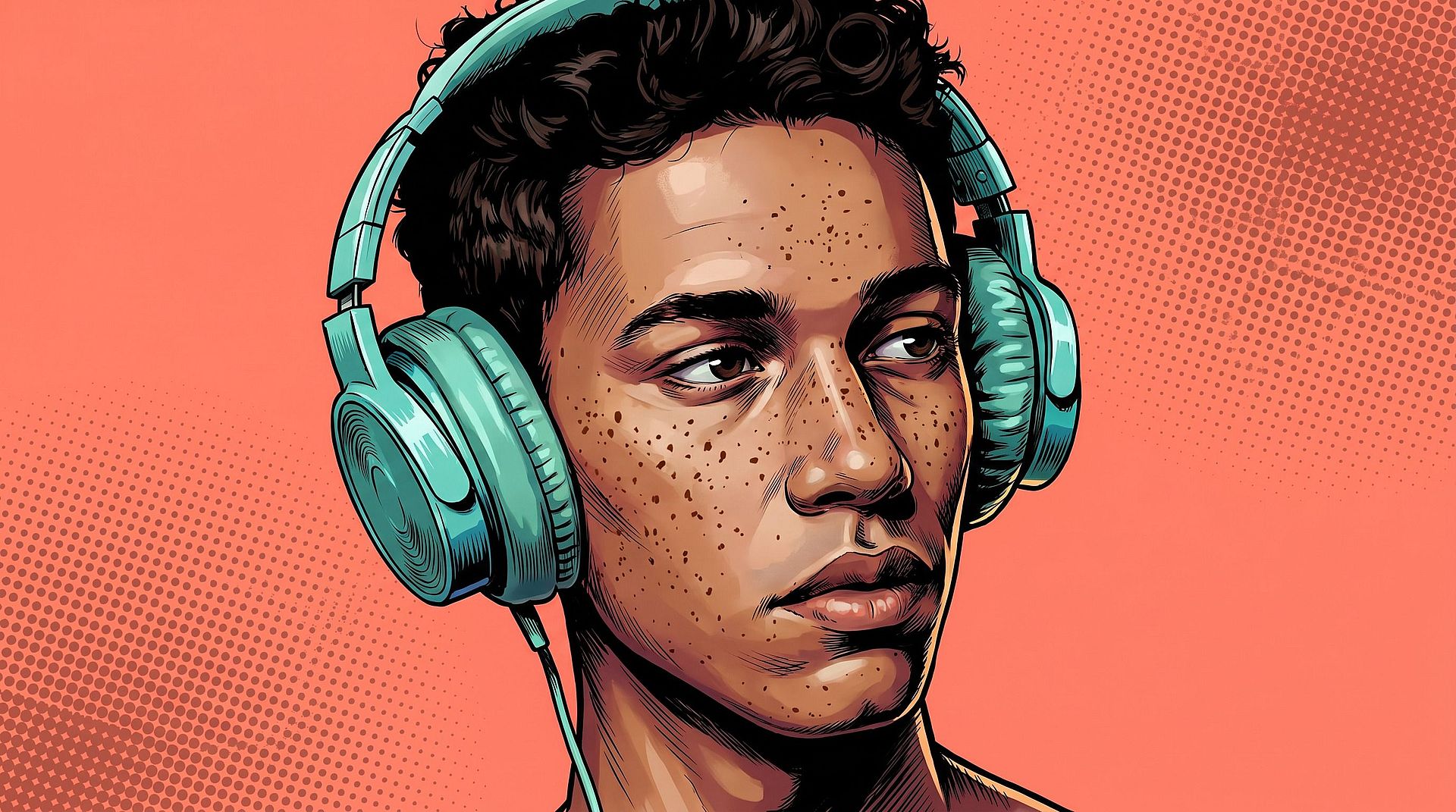
Personal Avatar from a Photo
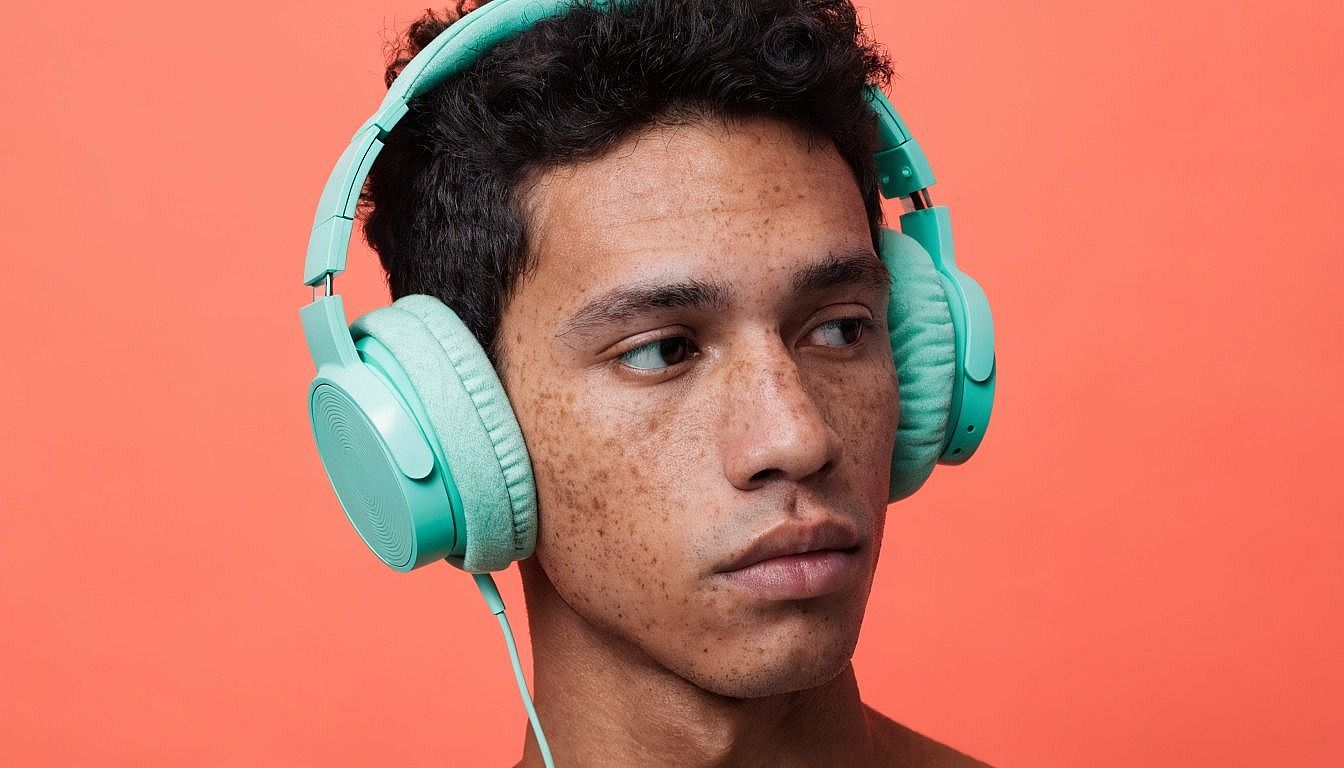
Upload any photo and the AI generates an avatar that captures your face, expression, and overall vibe. It's not a quick filter; the system rebuilds your features in the chosen style, keeping the details that make you recognizable while taking on the look of a designed avatar. So it's clearly you, just rendered.
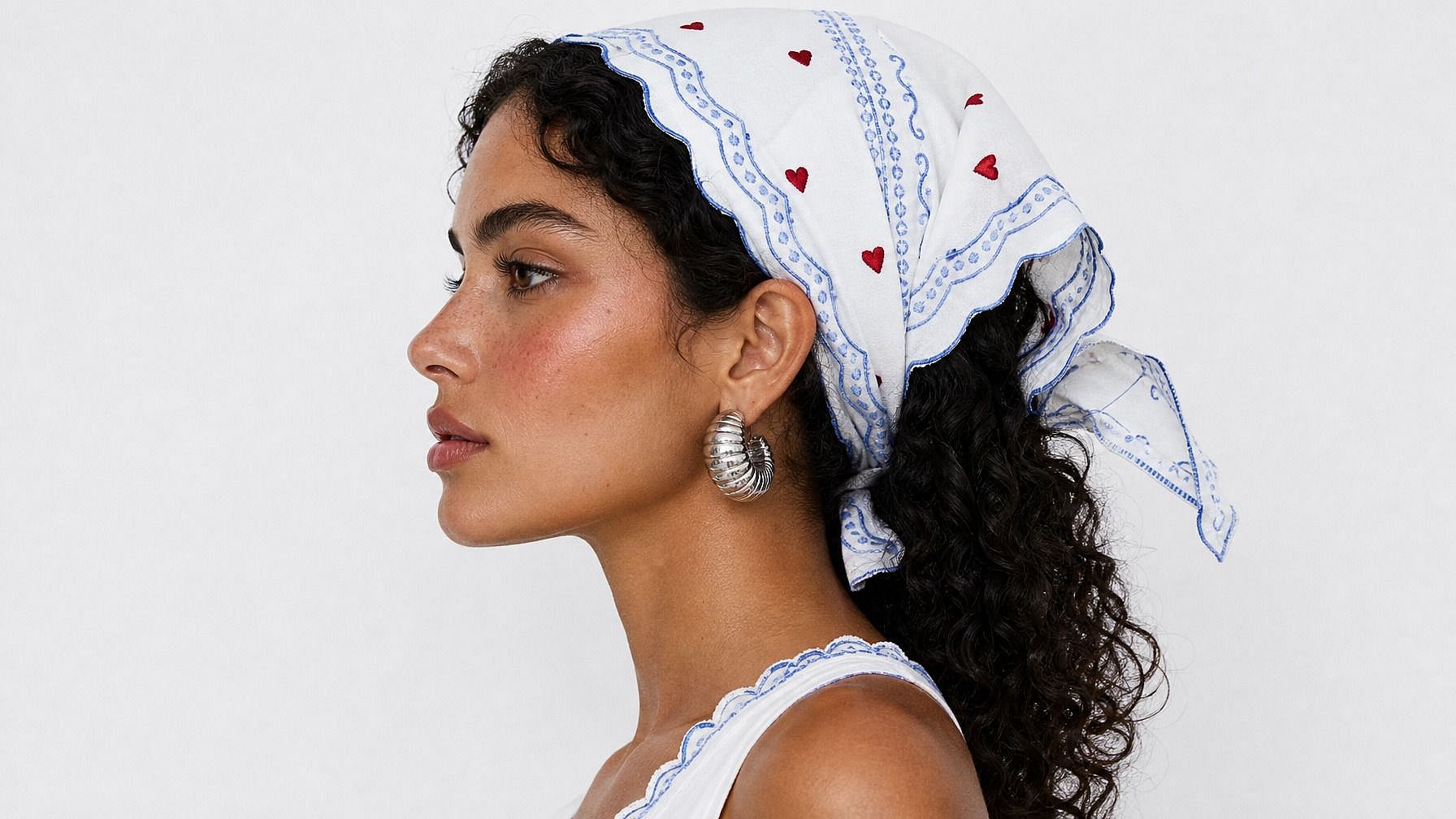
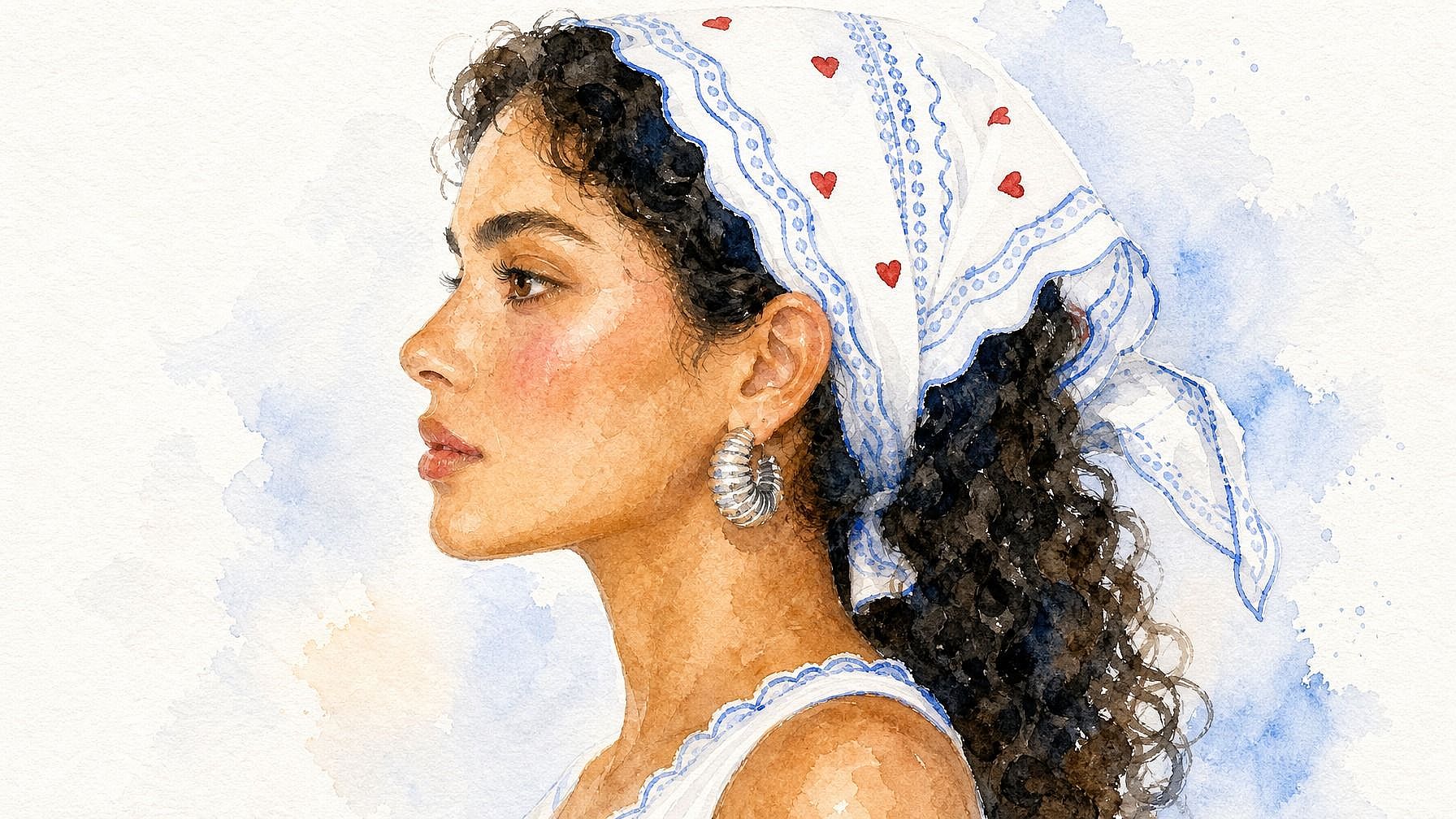
Style Range from Anime to Photoreal
Pick whatever look fits the vibe: anime, 3D rendered, hand-drawn illustration, retro pixel, fantasy hero, comic book, photoreal portrait, watercolor. The AI adapts to the style you describe, so the avatar lands in the world you're aiming for instead of feeling generic. Try a few styles on the same photo and see which one clicks.
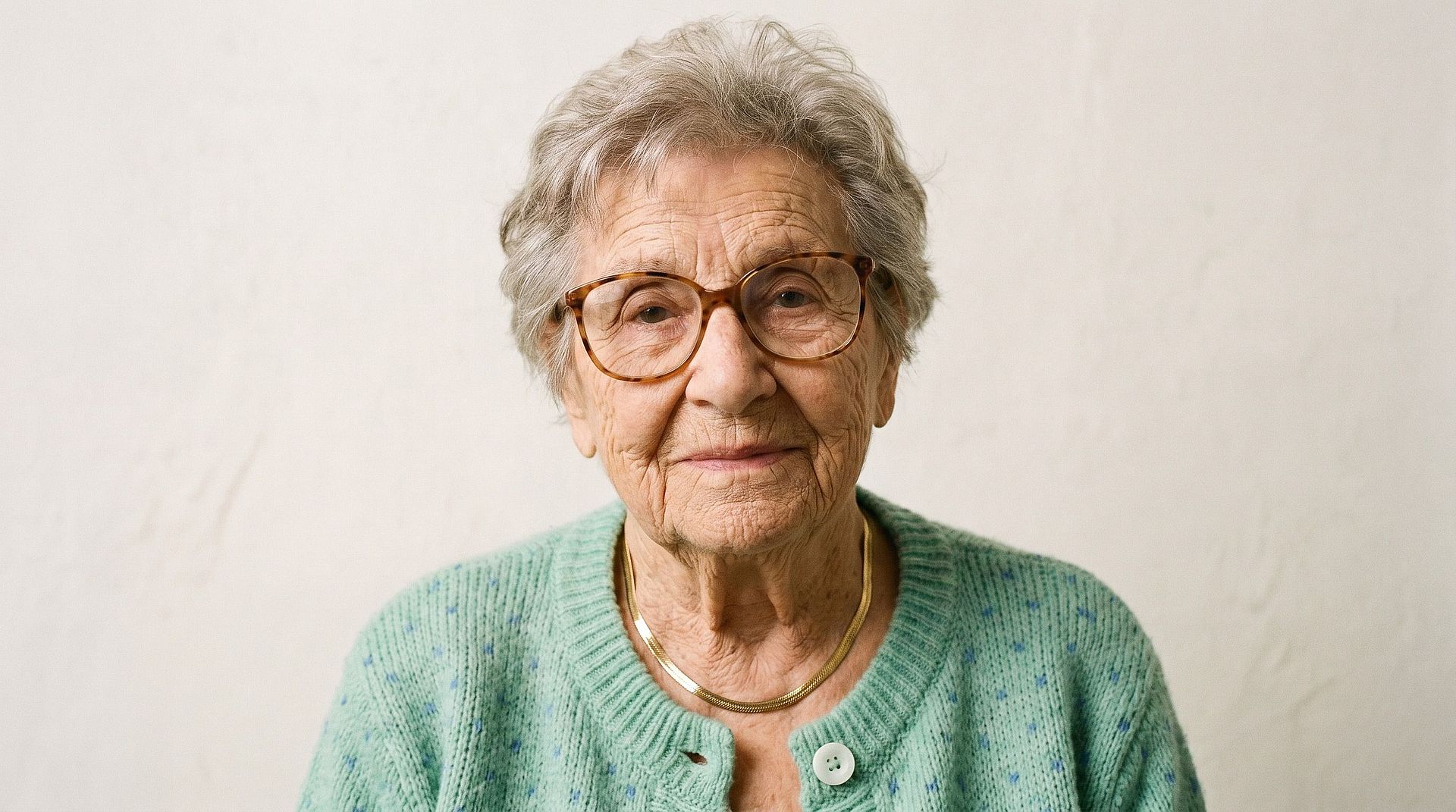
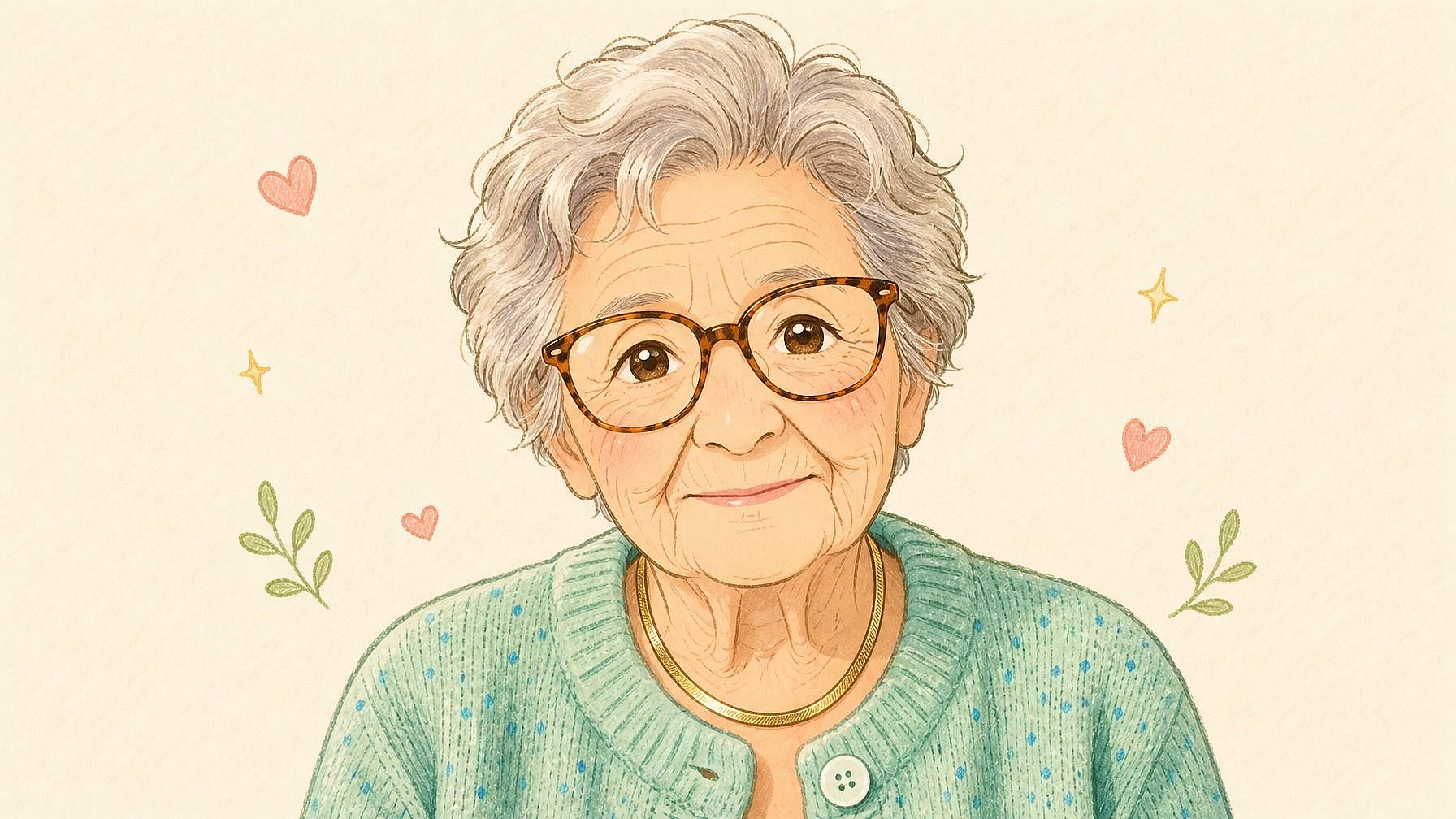
Recognizable Likeness, Stylized Look
Even with all the stylization layered on top, the AI preserves the features that make a face actually recognizable, like eye shape, hair, jawline, expression. So when people see your avatar, they instantly think "that's you" rather than "that's some random anime character."
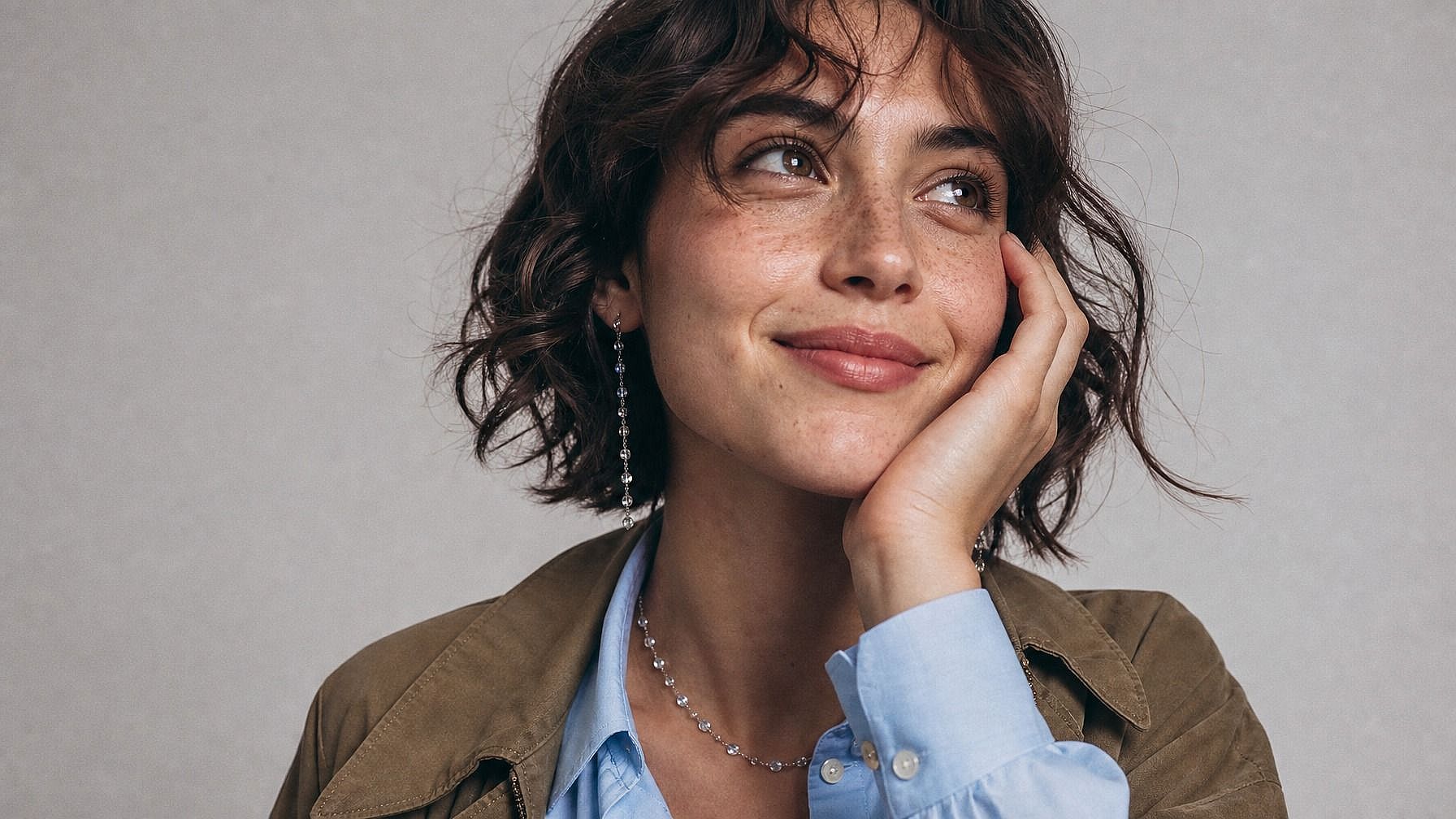
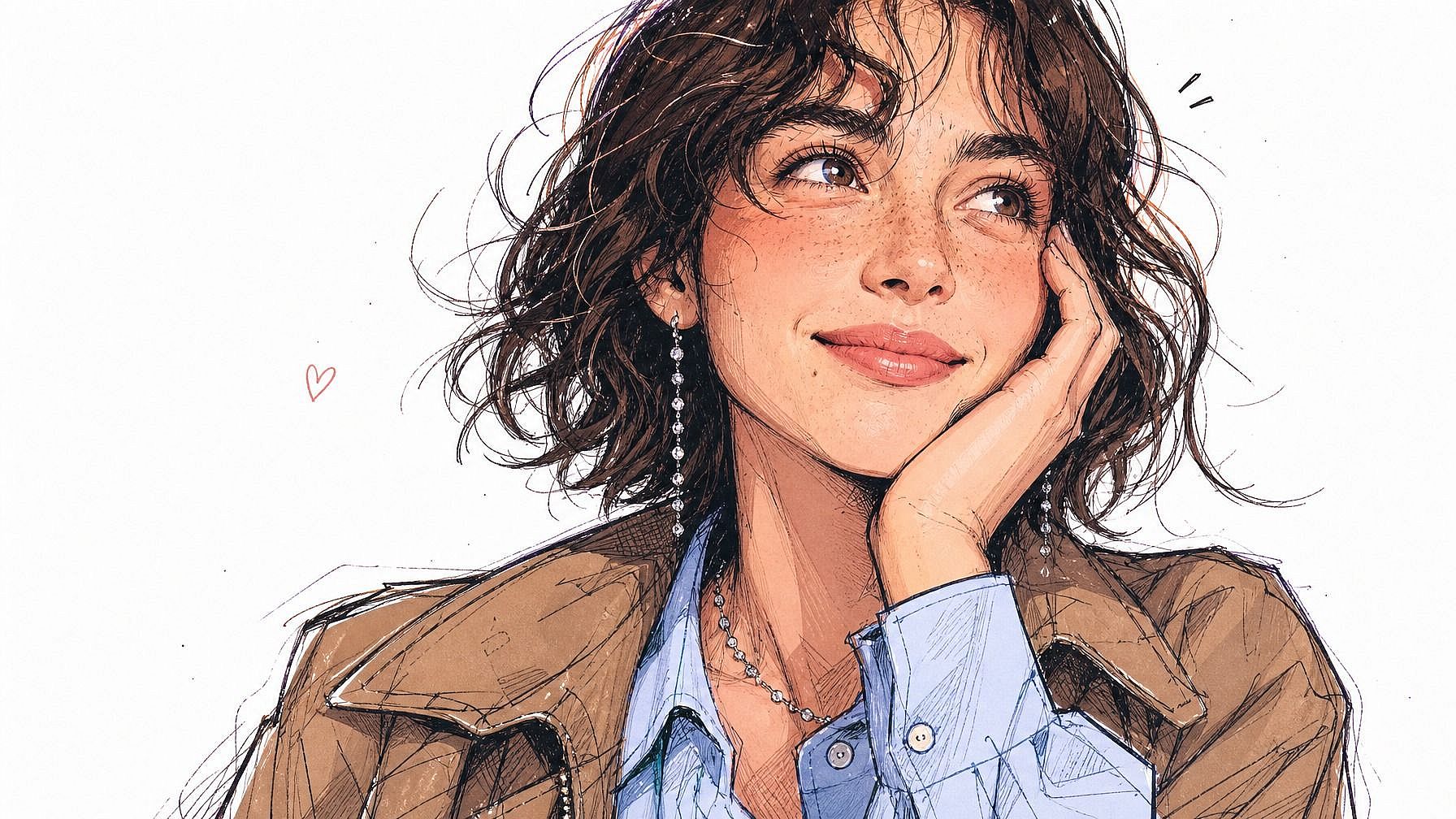
Built into a Full Image Editing Workflow
After your avatar is generated, you can keep refining it in the same window. Adjust the background, swap the outfit, change the framing, generate variations at different angles, or run a few styles side by side. If you want a smaller, more iconic version of yourself, the Photo to Emoji tool is right there too.
How to Use Photo to Avatar
Turn your photo into a stylized avatar in three steps.
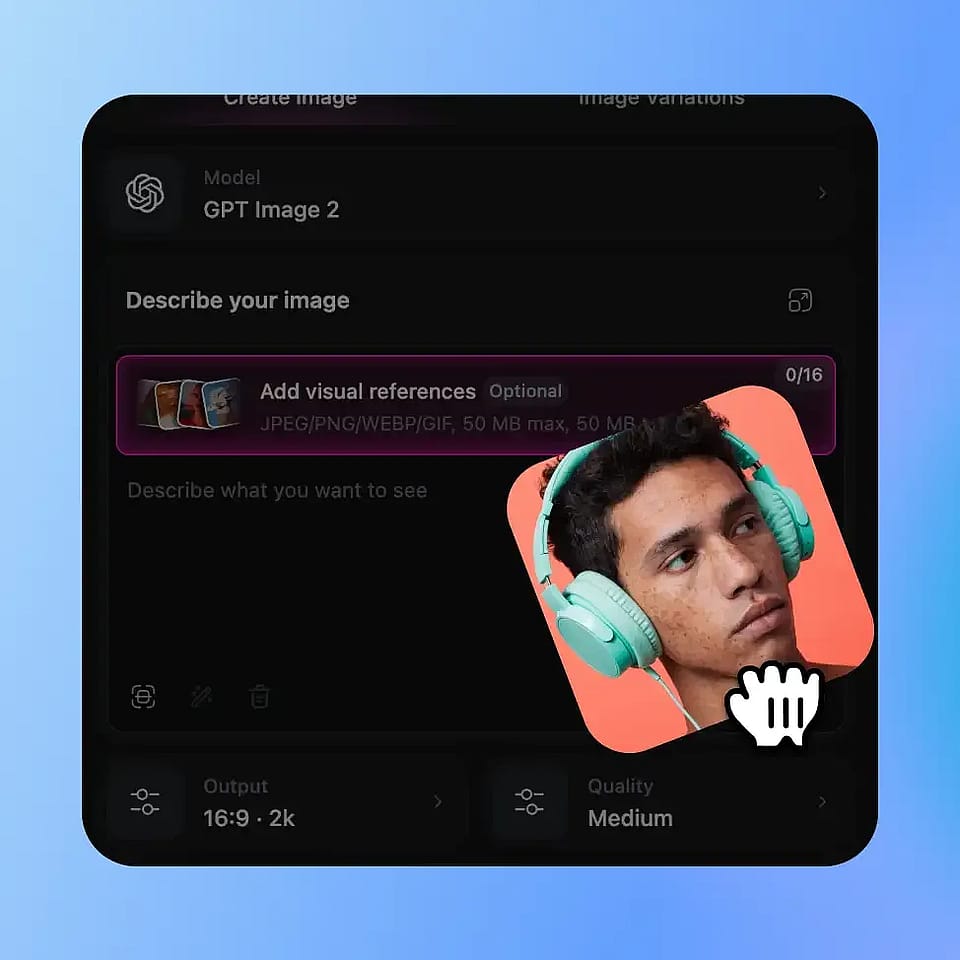
Upload Your Photo
Open OpenArt's image tools and upload a clear photo of yourself. A well-lit headshot or upper-body shot works best, but the AI handles full-body and side angles too.
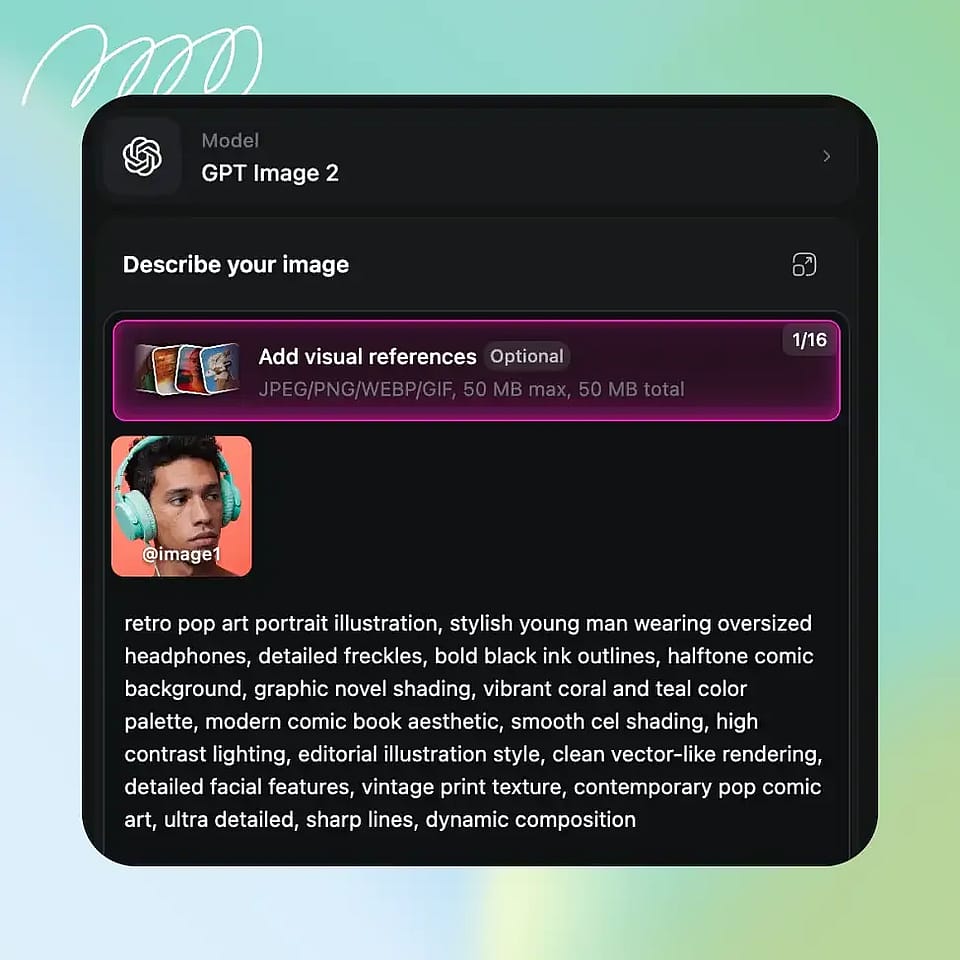
Describe Your Avatar Style
Type in the look you want: "anime hero," "3D rendered avatar," "polished illustrated headshot," "fantasy character with armor," "retro pixel adventurer." Be as specific or generic as you want.
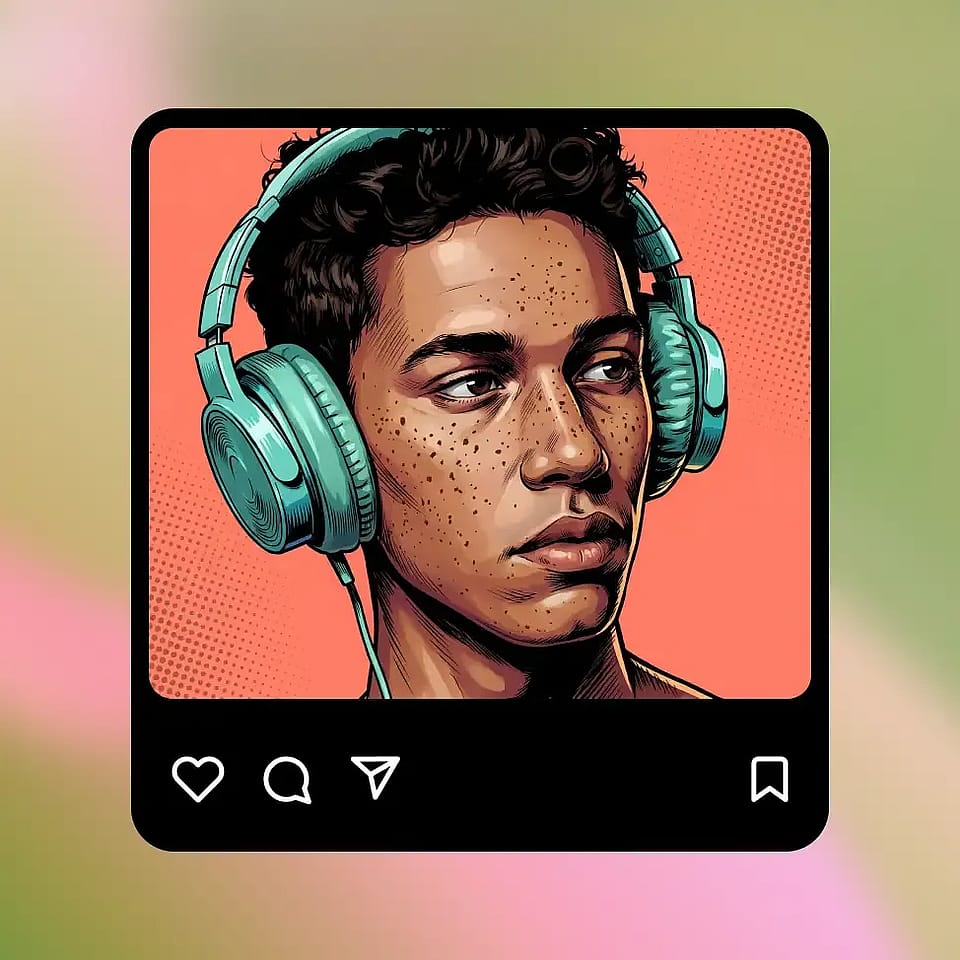
Generate and Refine
Run it, preview the avatar, and refine if needed. Try a different style, adjust the prompt, or generate a few variations until you find one that feels right.
Built for Stylized Identities Across Social, Gaming, and Work
Take a photo of yourself and turn it into an avatar that actually represents how you want to show up online.
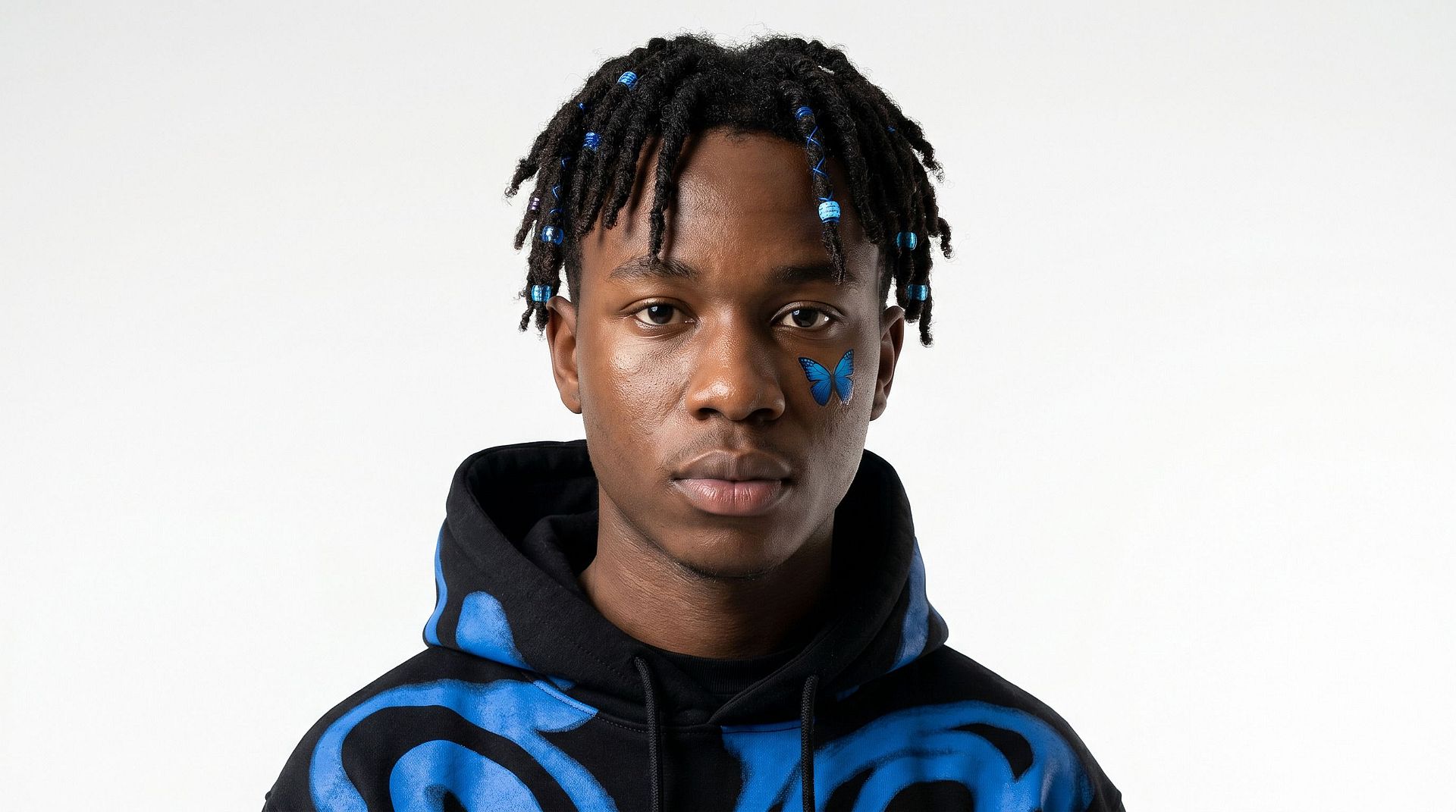
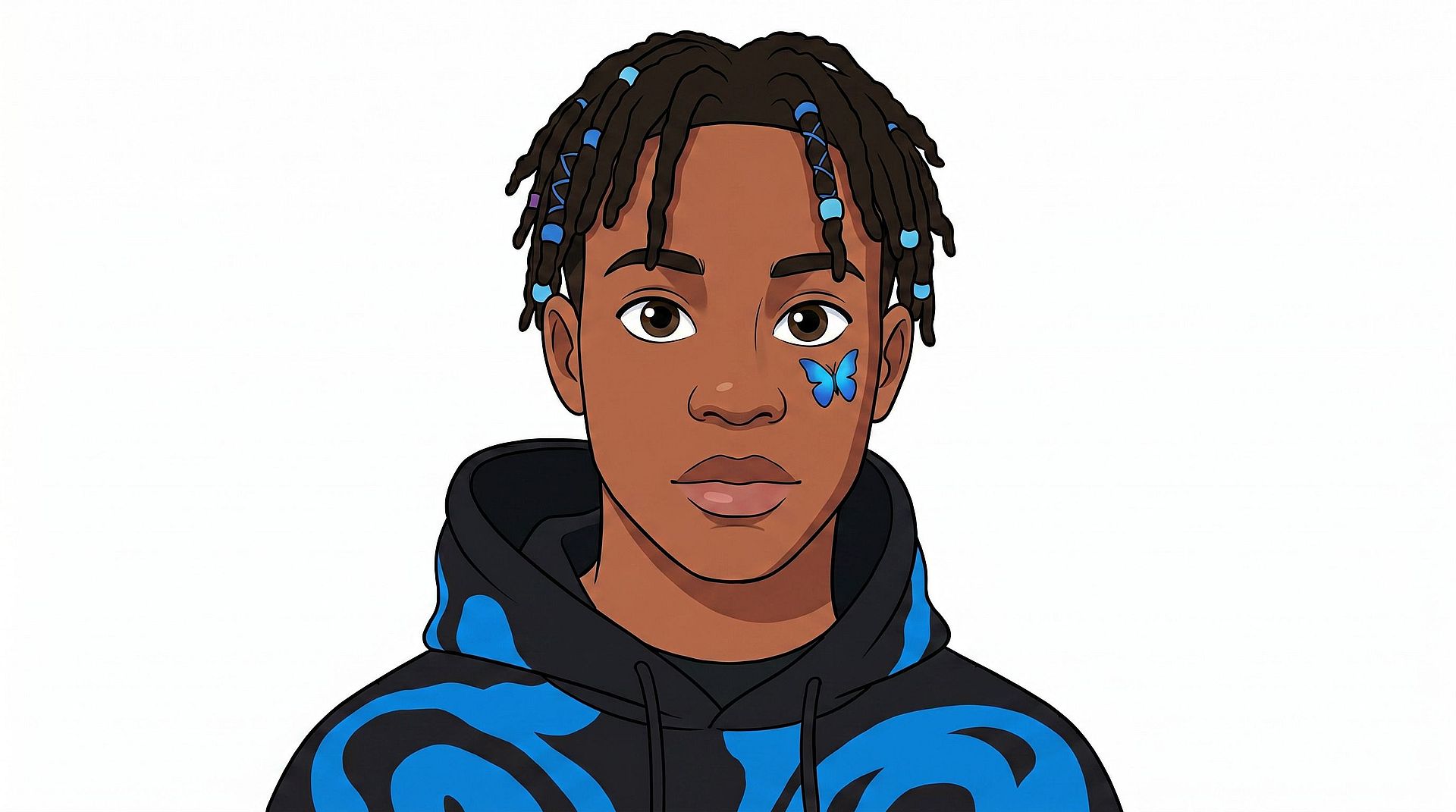
Profile Pictures Across Social Media
Use a stylized avatar as your profile pic on Instagram, X, Discord, LinkedIn, or anywhere else you have an identity online. It works as a fun, expressive version of you that still reads as you, without putting your full face on every single platform you sign up for.
Try it Now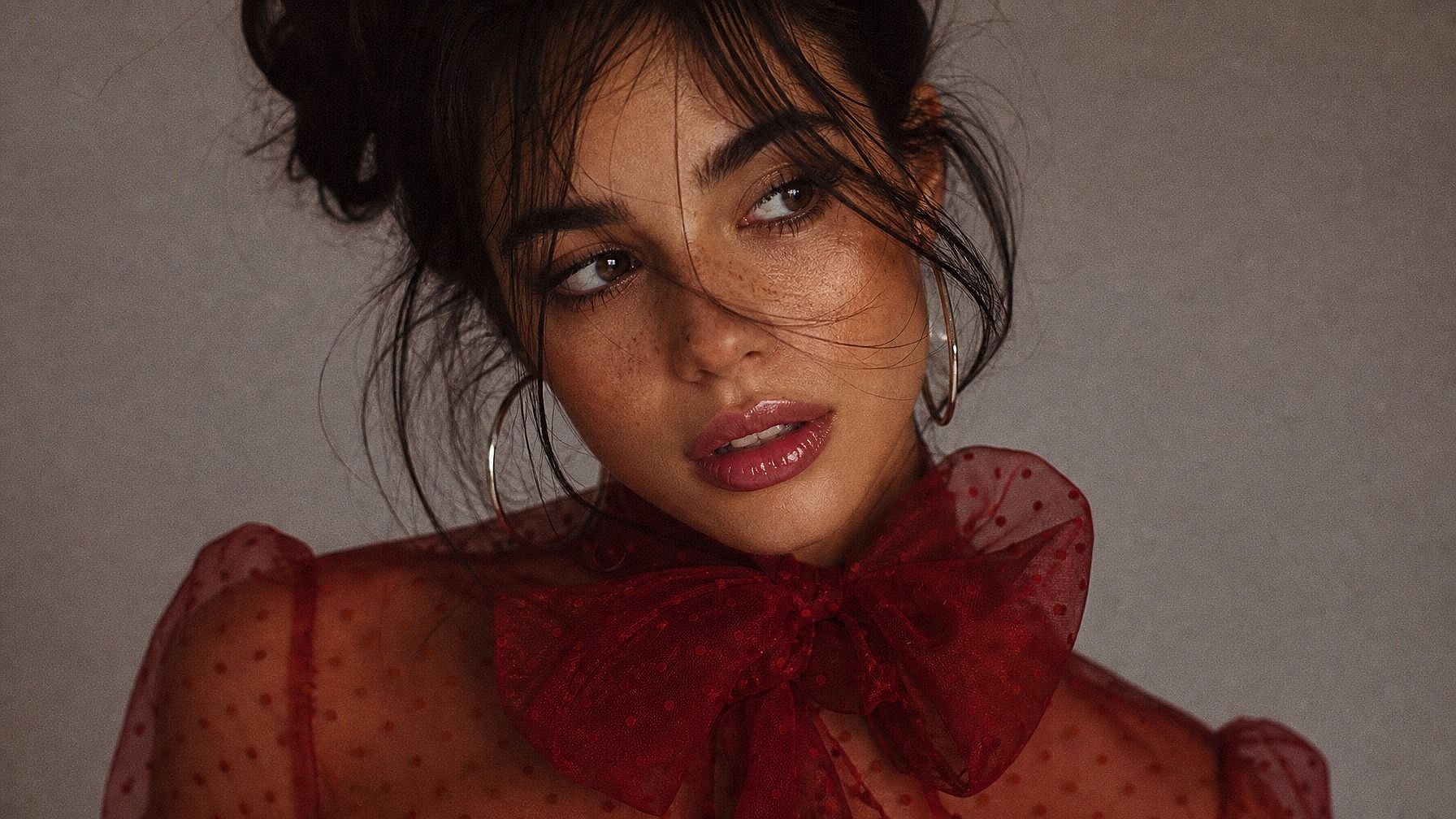
Gaming and Virtual Worlds
Generate avatars for your gaming profile, Discord server, or virtual hangouts. Pick a style that fits your gaming personality, like anime hero, fantasy character, sci-fi pilot, retro pixel adventurer, and you've got an identity that actually feels like you instead of a default placeholder.
Try it Now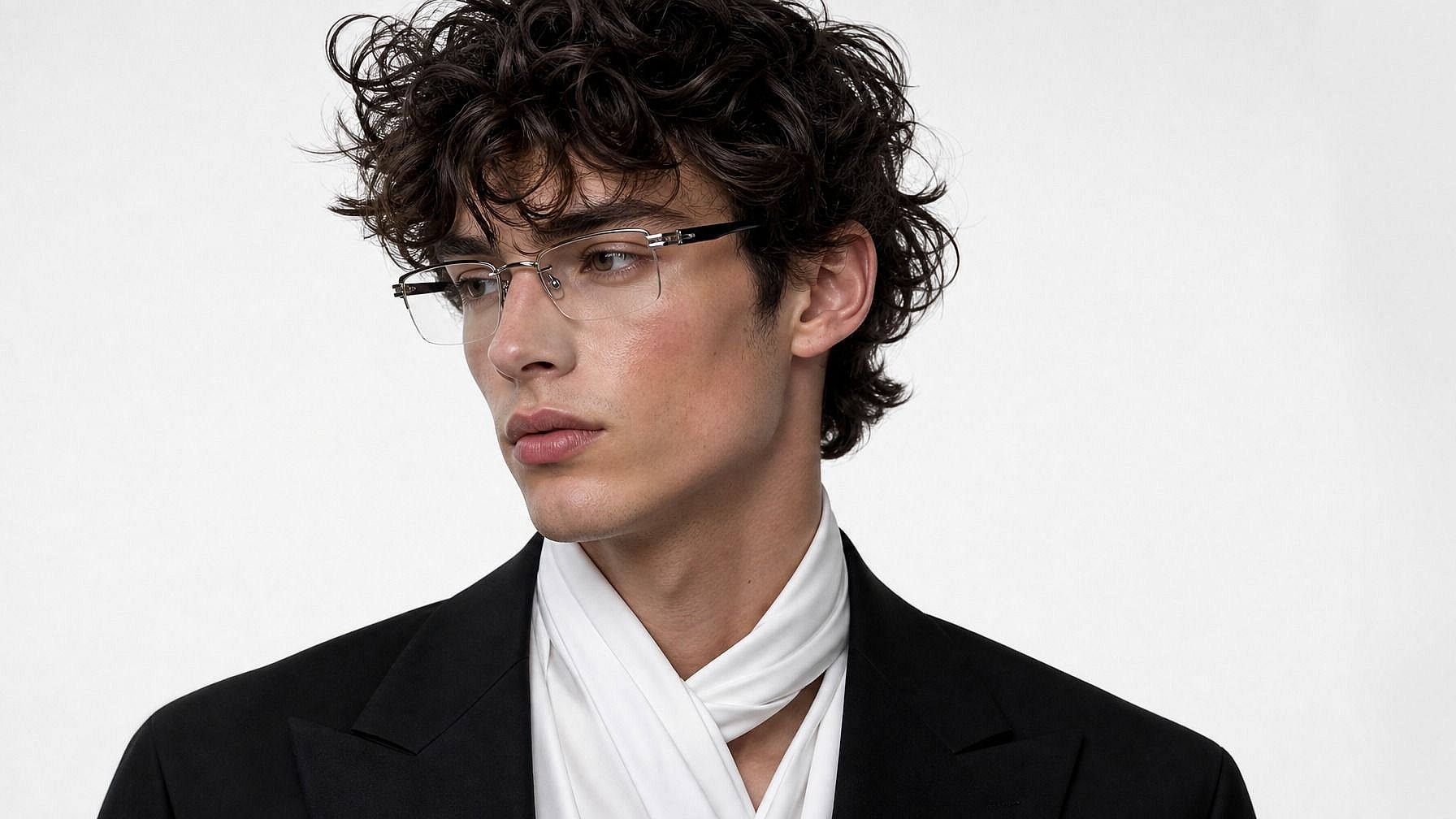
Polished Avatars for Work
Need a polished but stylized headshot for Slack, Notion, your portfolio, or a personal site? Generate an illustrated or realistic avatar that looks put-together without being a stiff corporate headshot. Especially useful for remote workers, freelancers, and creators who want a consistent visual identity across tools.
Try it Now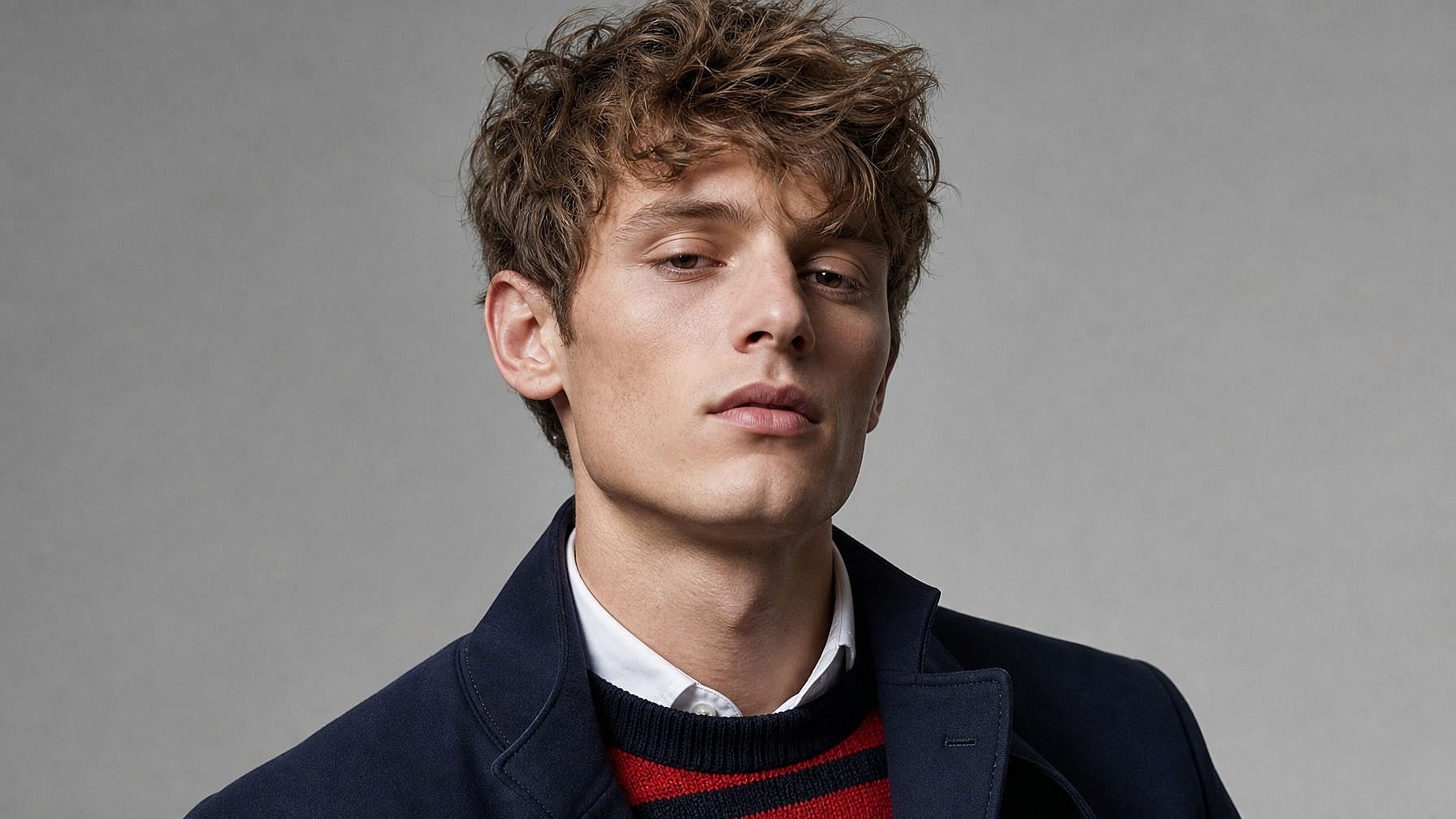
Content Creators and Personal Branding
Build a recurring avatar that becomes part of your brand, for your YouTube channel, podcast cover art, newsletter header, or merch. Use it consistently across platforms and you start building visual recognition without having to redo a photoshoot every time you rebrand.
Try it NowFrequently Asked Questions
Get Insights from Experts Blog
Get the insights you need. Our experts share actionable hacks, break down the hottest topics, and provide essential how-to guides to help you create, optimize, and scale.
Read More