

Free Image to Prompt Generator
Upload a photo, screenshot, or reference image. OpenArt analyzes it with a director's eye — parsing faces, composition, lighting, color palette, framing, and mood — then generates a precise, copy-paste-ready prompt formatted for AI image models like Nano Banana Pro, Seedream 5.0, or GPT Image 2.
Free Image to Prompt Generator
Upload a photo, screenshot, or reference image. OpenArt analyzes it with a director's eye — parsing faces, composition, lighting, color palette, framing, and mood — then generates a precise, copy-paste-ready prompt formatted for AI image models like Nano Banana Pro, Seedream 5.0, or GPT Image 2.
 Add an image Or drag and drop here · JPEG, PNG, WEBP
 Replace
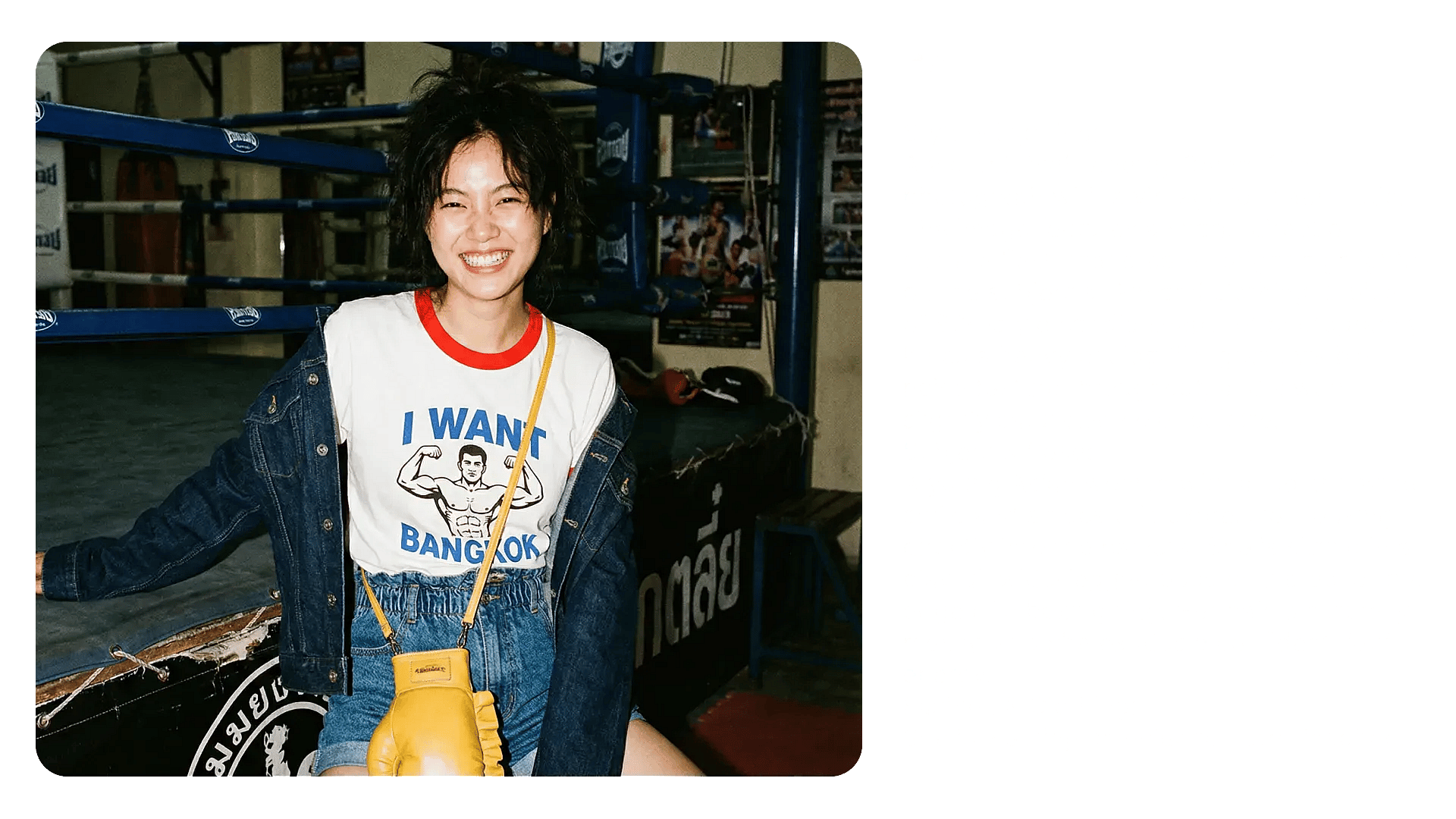
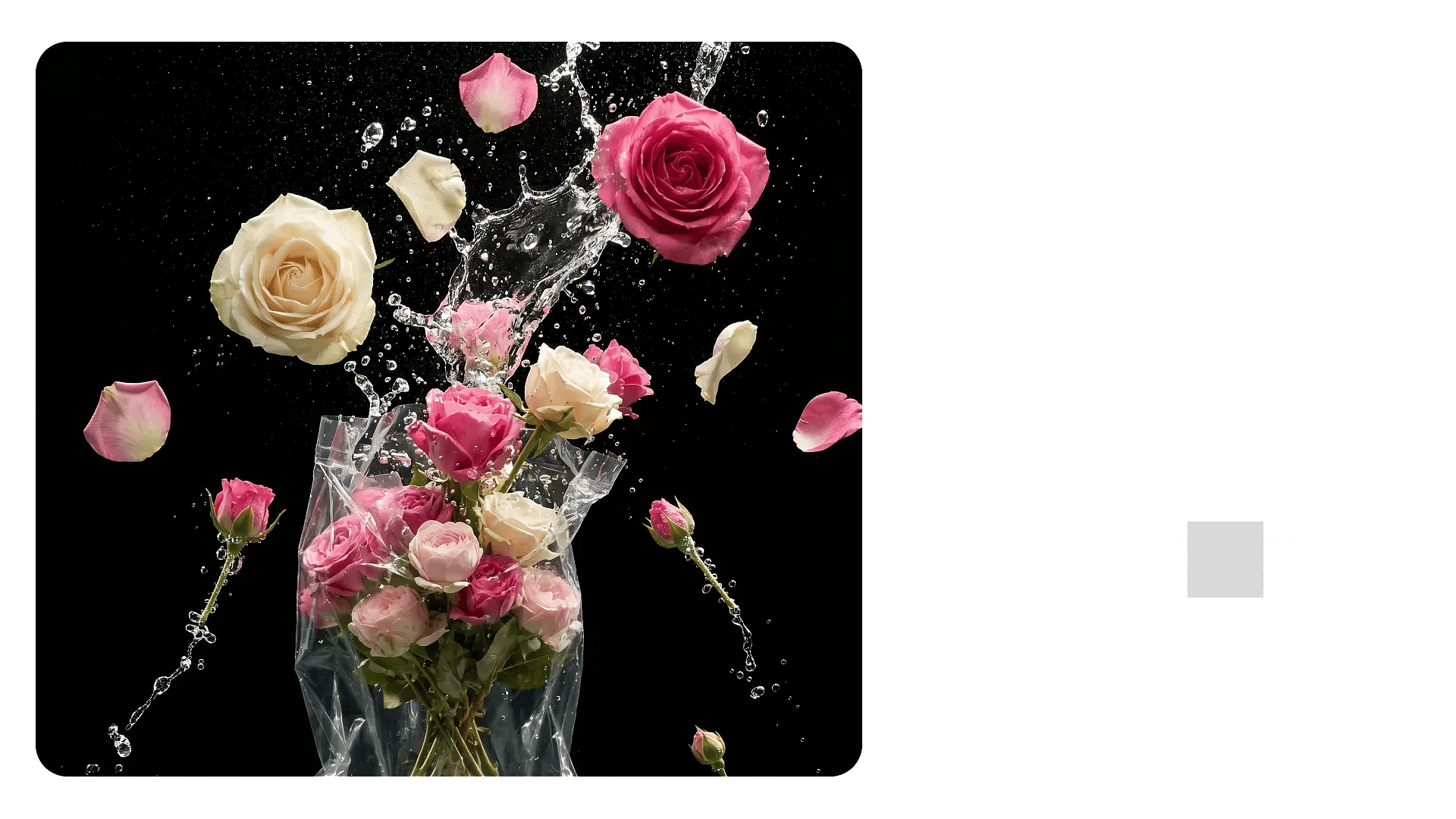
Image to Prompt, Built for Real Creative Work



More Than Object Detection
Older interrogators identify what’s in the frame. OpenArt’s tool reads how the frame is built - lens, light direction, color grade, mood. That’s the part that determines whether your generation actually matches the reference.



Cinematography-grade output
Every prompt covers six layers: subject, action, environment, camera and lens, lighting and style, technicals. Same checklist a DP would use.
One Prompt Across Every Model
Paste the result straight into Nano Banana Pro, Seedream, Flux, Imagen, Veo 3, Kling, LTX. No reformatting between models, no separate prompt for video. You can also use the prompt in Image Generator to create the final image.
What You Can Do With Image-to-Prompt
OpenArt’s image-to-prompt tool converts visual elements like composition, lighting, color palette, style, and camera settings into structured prompts that can be reused across image and video generation workflows.
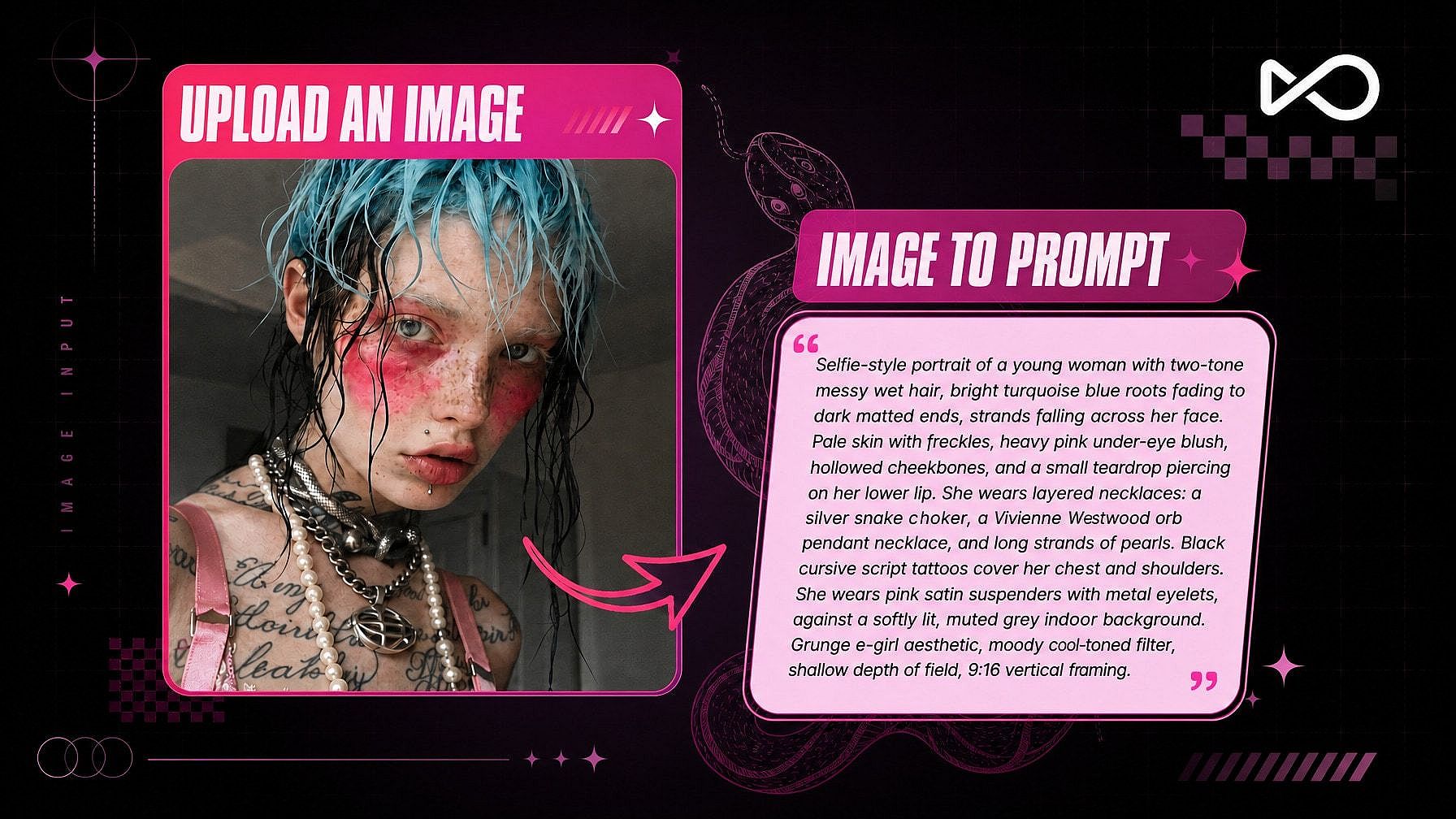
Generate variations faster
Paste the prompt into any AI image model to quickly create new versions of the same look. OpenArt's AI Image Generator offers the best models all in one platform, including GPT Image 2, Seedream 5.0, Nano Banana Pro, and more. You can also refine variations by changing the lighting, lens, color palette, or composition without rewriting the entire prompt.
Turn images into video shots
Use the same prompt in any video model like Seedance 2.5 or Gemini Omni with OpenArt's AI video generator to create cinematic motion shots with a matching visual style. OpenArt’s prompts are structured for both image and video workflows.
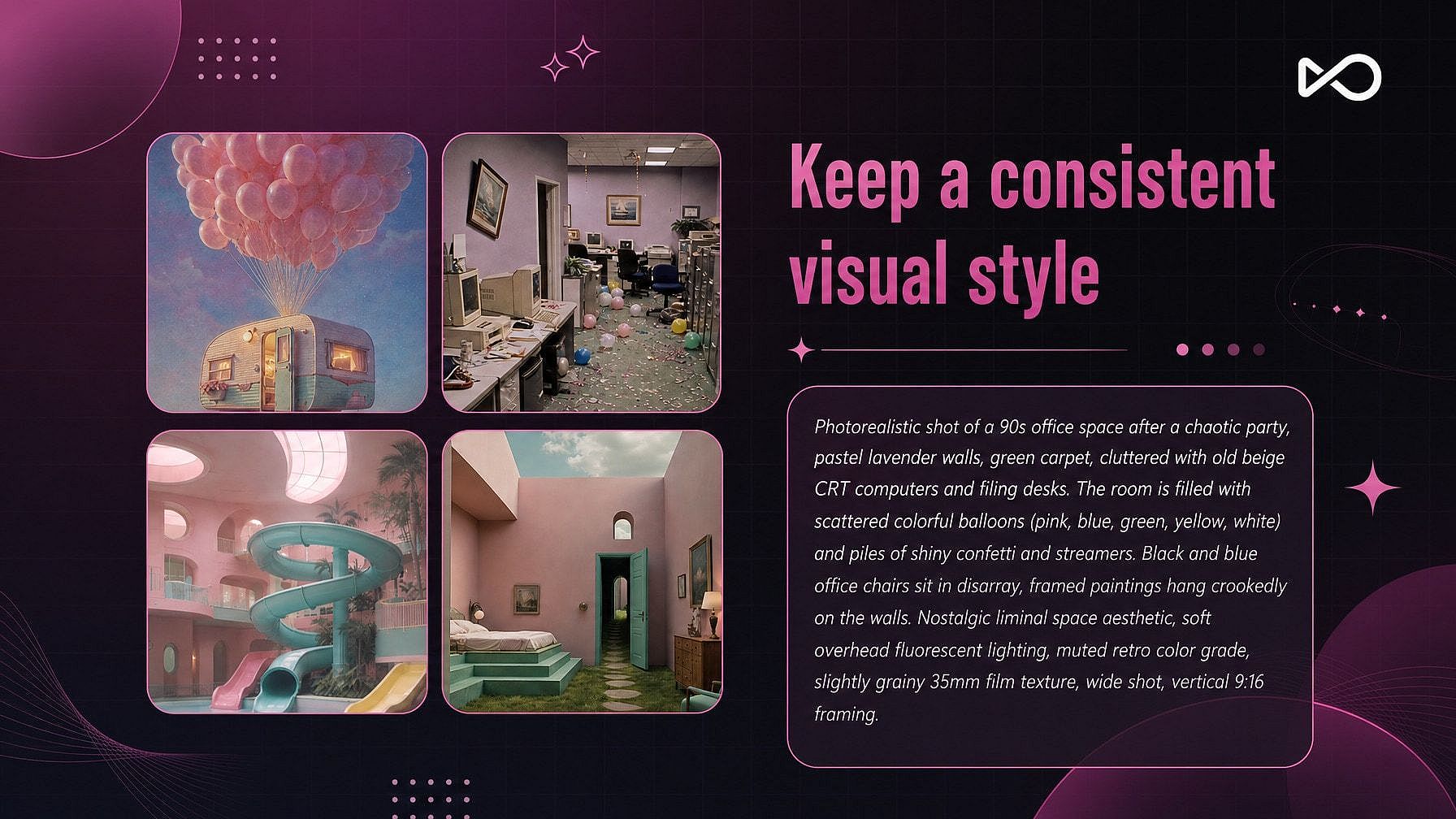
Keep a consistent visual style
Generate prompts from multiple reference images, combine the lighting, framing, and palette descriptors, and build a repeatable style system for a campaign, short film, or content series.
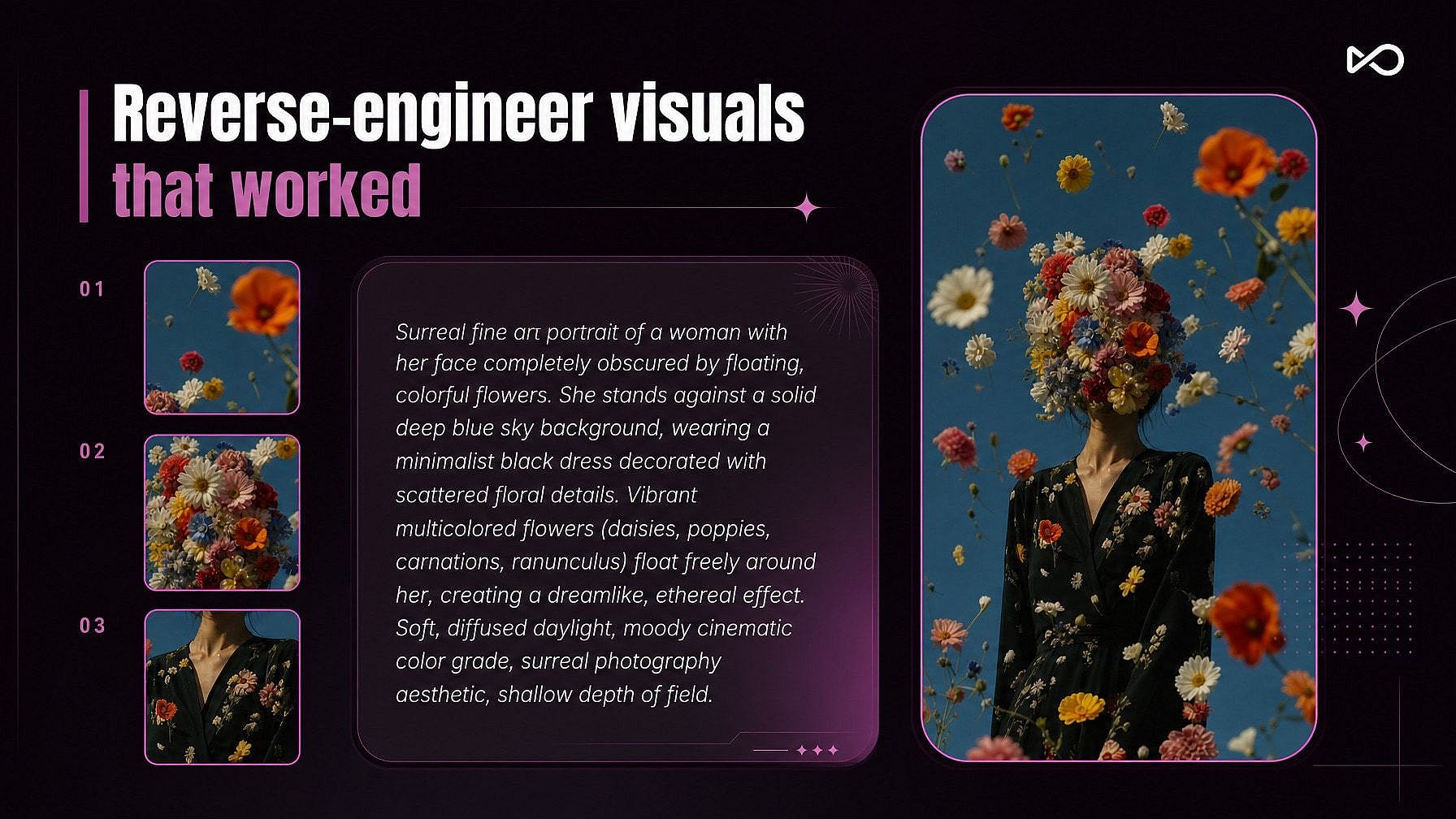
Reverse-engineer visuals that worked
Upload your best-performing content and see exactly what made the image work — lens choice, lighting setup, mood, texture, and composition — so you can recreate the style intentionally instead of guessing.
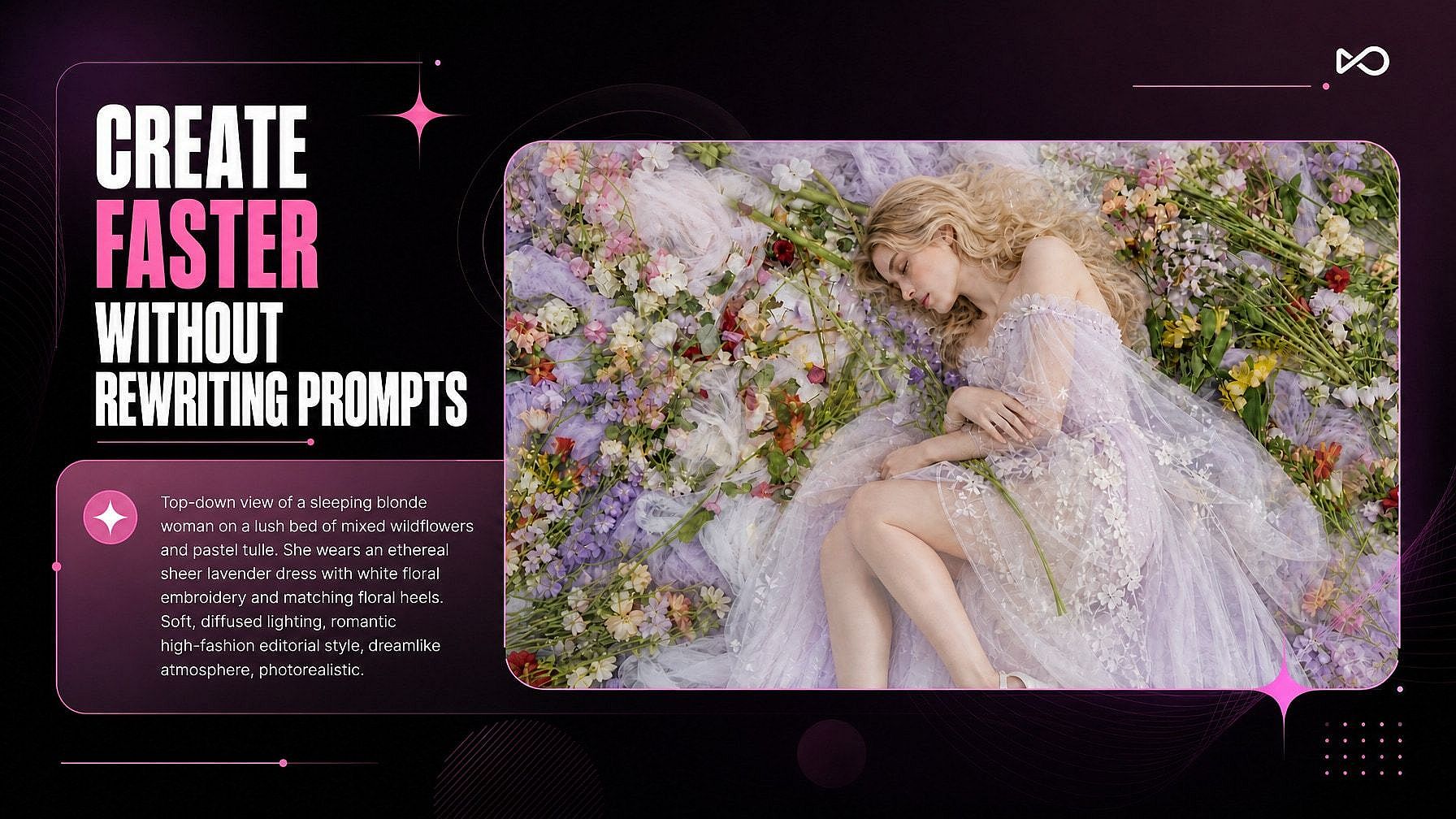
Create faster without rewriting prompts
OpenArt structures prompts into editable visual layers. Instead of rewriting everything, you can swap a single detail like lighting, environment, or camera angle and generate new variations in seconds.
How to use OpenArt’s image-to-prompt tool
Upload an image, generate the prompt, and create with your favorite AI model, all in 3 simple steps.
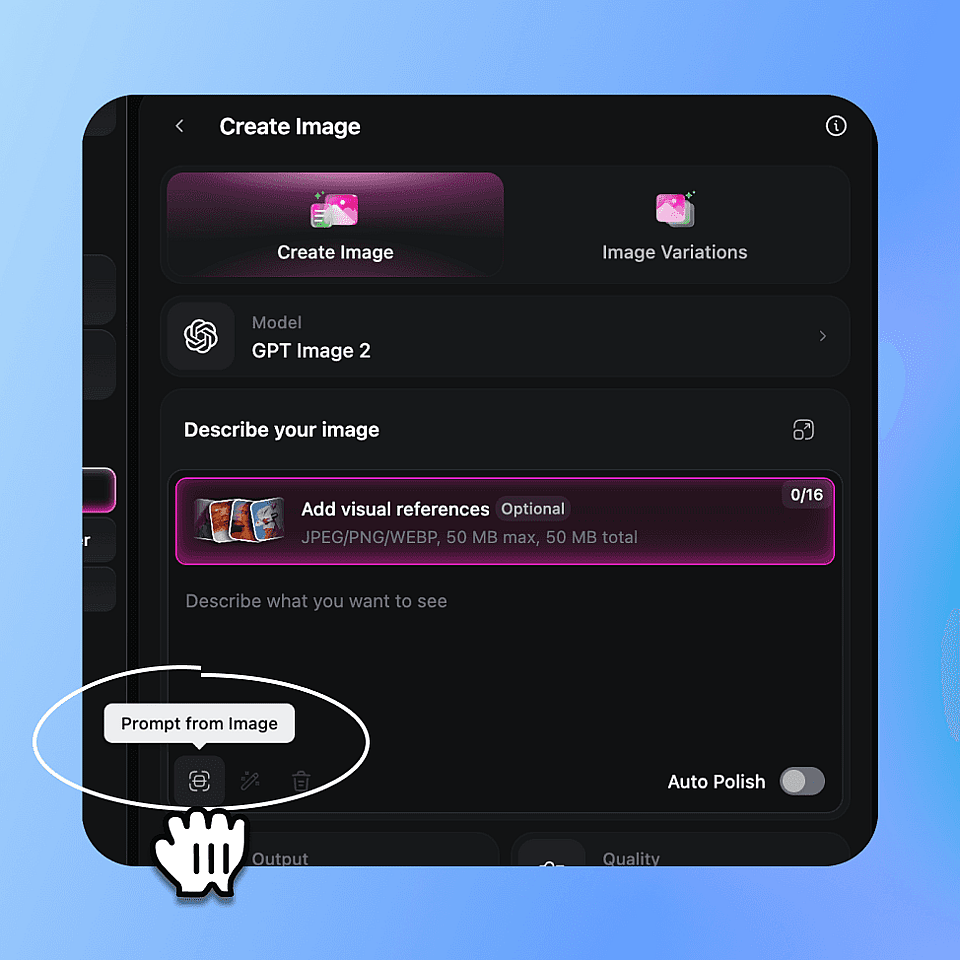
Upload your reference
Click the Prompt from Image icon to get started, then upload or drag in the image you'd like turned into a prompt.
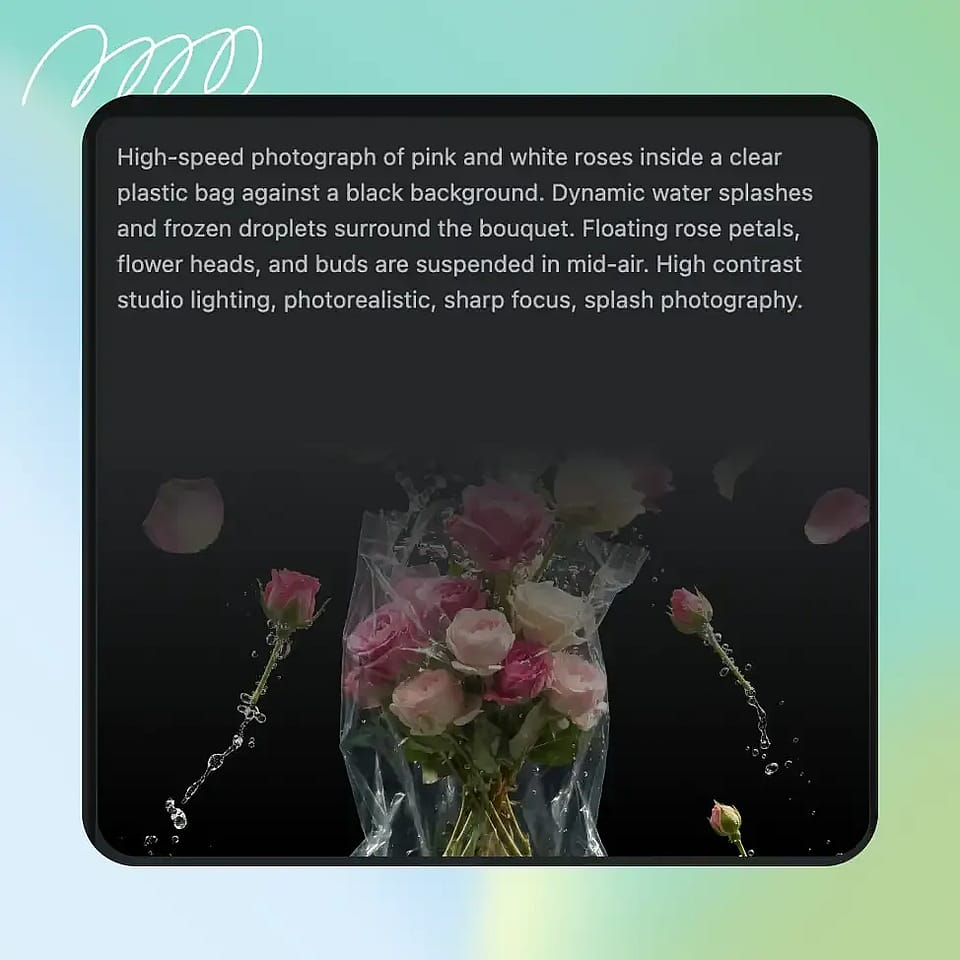
Generate the prompt
It takes roughly 5 to 8 seconds and returns a single paragraph. The paragraph is structured - subject, action, environment, camera, lighting, technicals, but reads as natural English. Copy it, or use it directly in the next step.
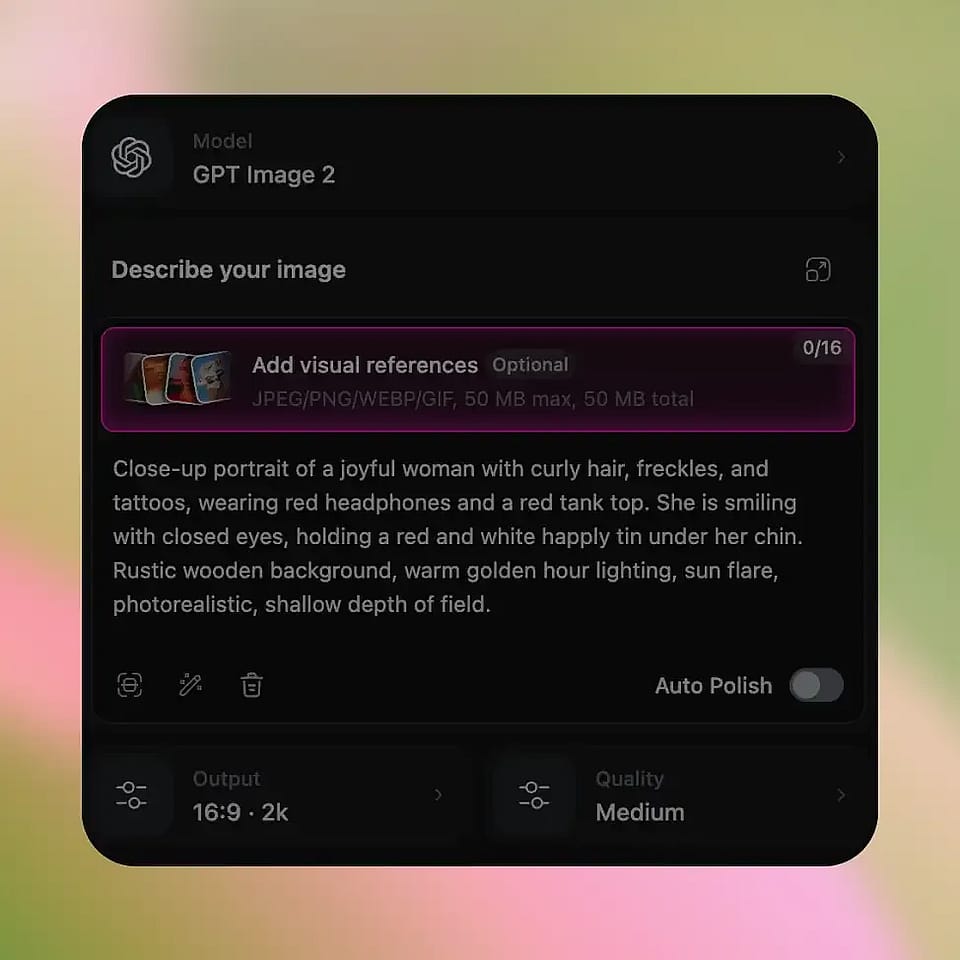
Send it to a model
Click into any creation form, text-to-image, text-to-video, modify-video, character. The prompt is already in the field. Pick your model. Adjust the one or two words you want different from the reference (the subject’s hair color, the time of day, the aspect ratio). Hit Create.
Built for Creators, Teams, and AI Workflows
From short-form creators to production teams, anyone working with AI visuals can use Image-to-Prompt to recreate styles faster, keep outputs consistent, and turn references into production-ready prompts.
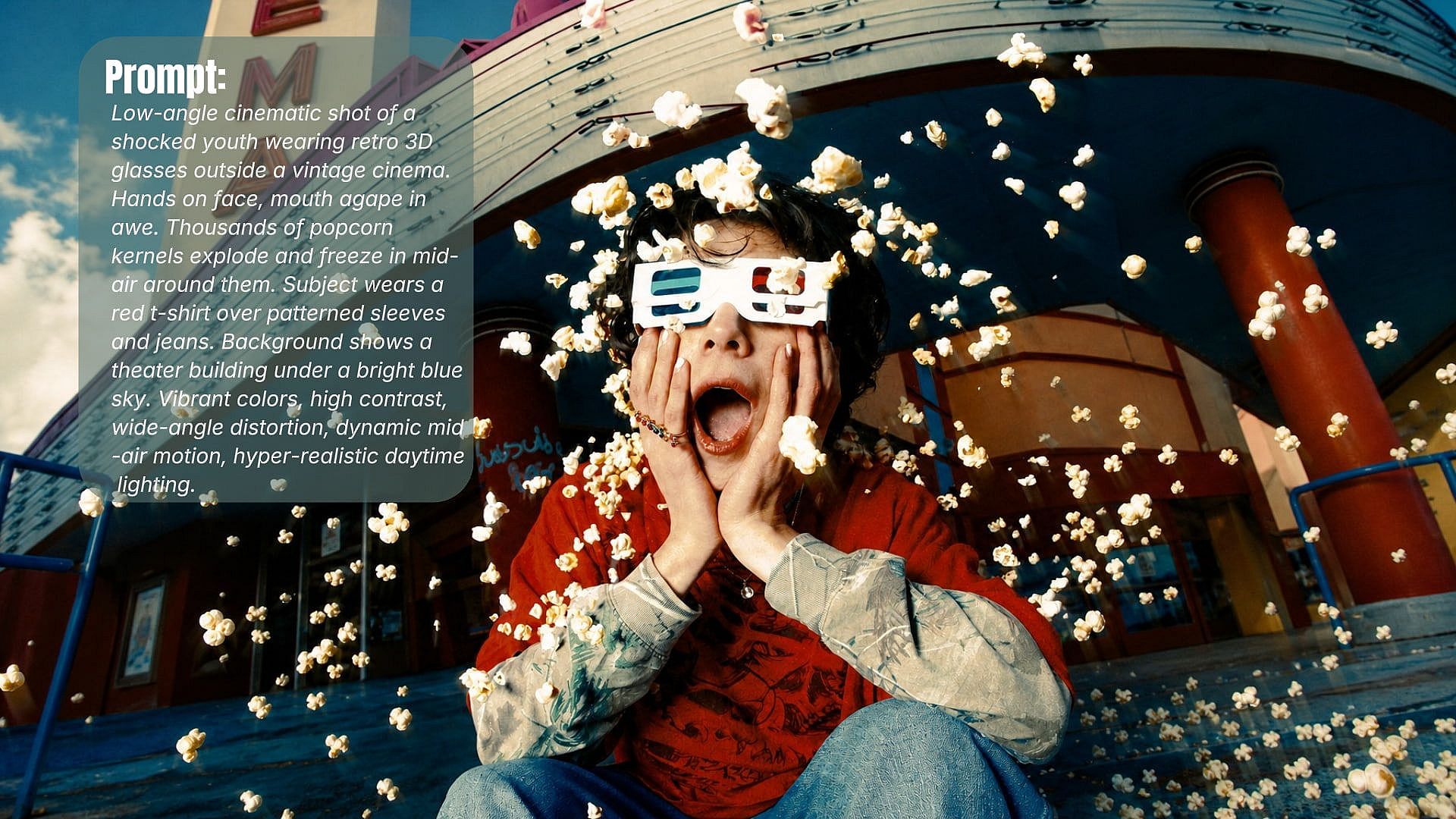
For creators making daily content
You’re posting to TikTok, Reels, Shorts, or YouTube on a near-daily cadence. You see a frame in someone else’s video - the lighting, the look, the energy, and you want to make ten more in the same direction without spending an hour writing prompts. Drop the screenshot in, get a prompt that gives you ninety percent of the look, generate the variations, ship.
Try it Now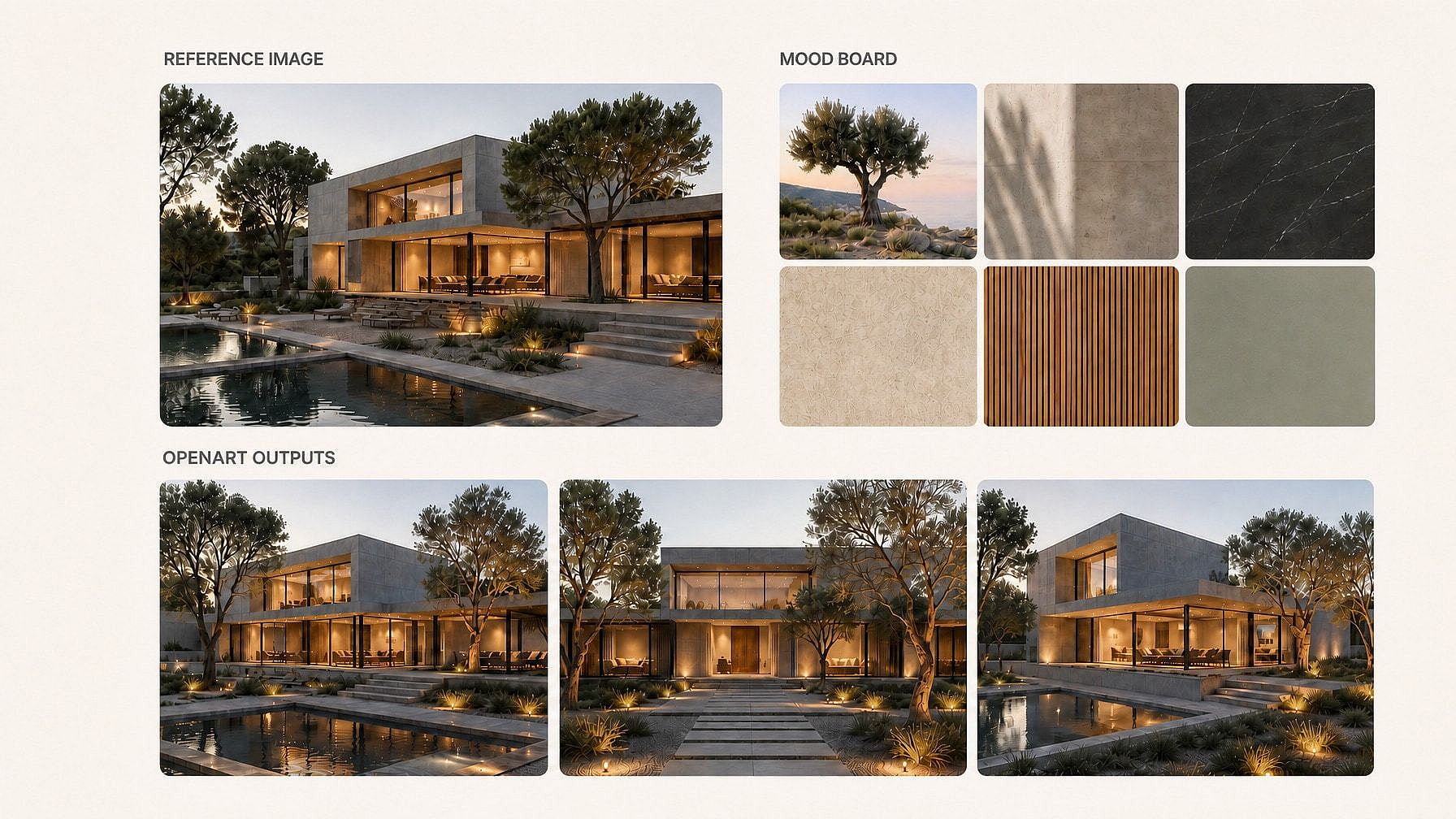
For designers and creative teams
You’re working from mood boards, references, or client visuals and need outputs that stay close to the original look. OpenArt captures the details that actually shape the image, lighting, palette, framing, and texture, so generations feel consistent instead of random.
Try it Now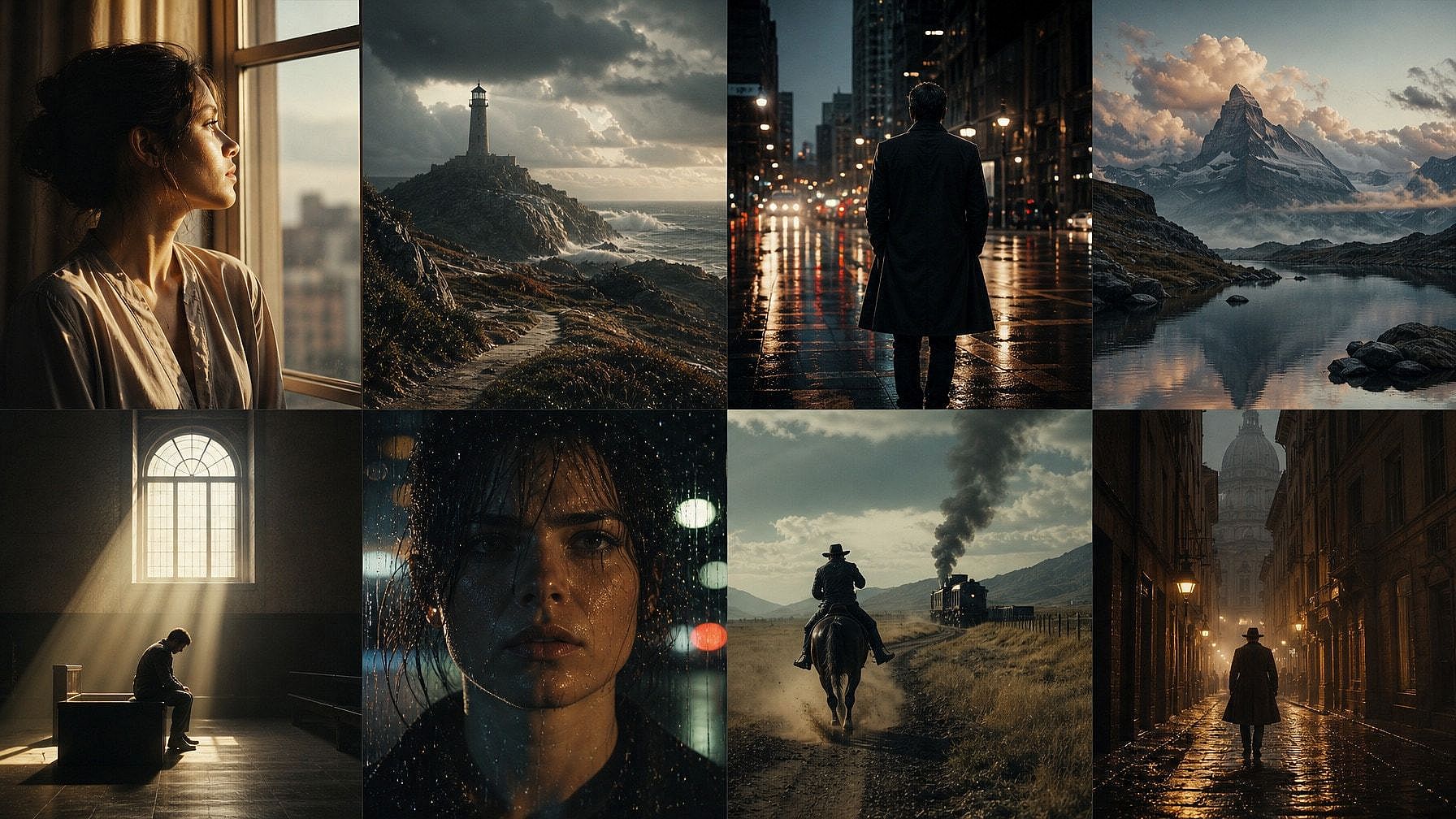
For AI filmmakers and music video creators
Sometimes the whole project starts from a single frame. A poster, a still, a character reference. OpenArt turns that image into a structured cinematic prompt that holds up across multiple shots and scenes.
Try it Now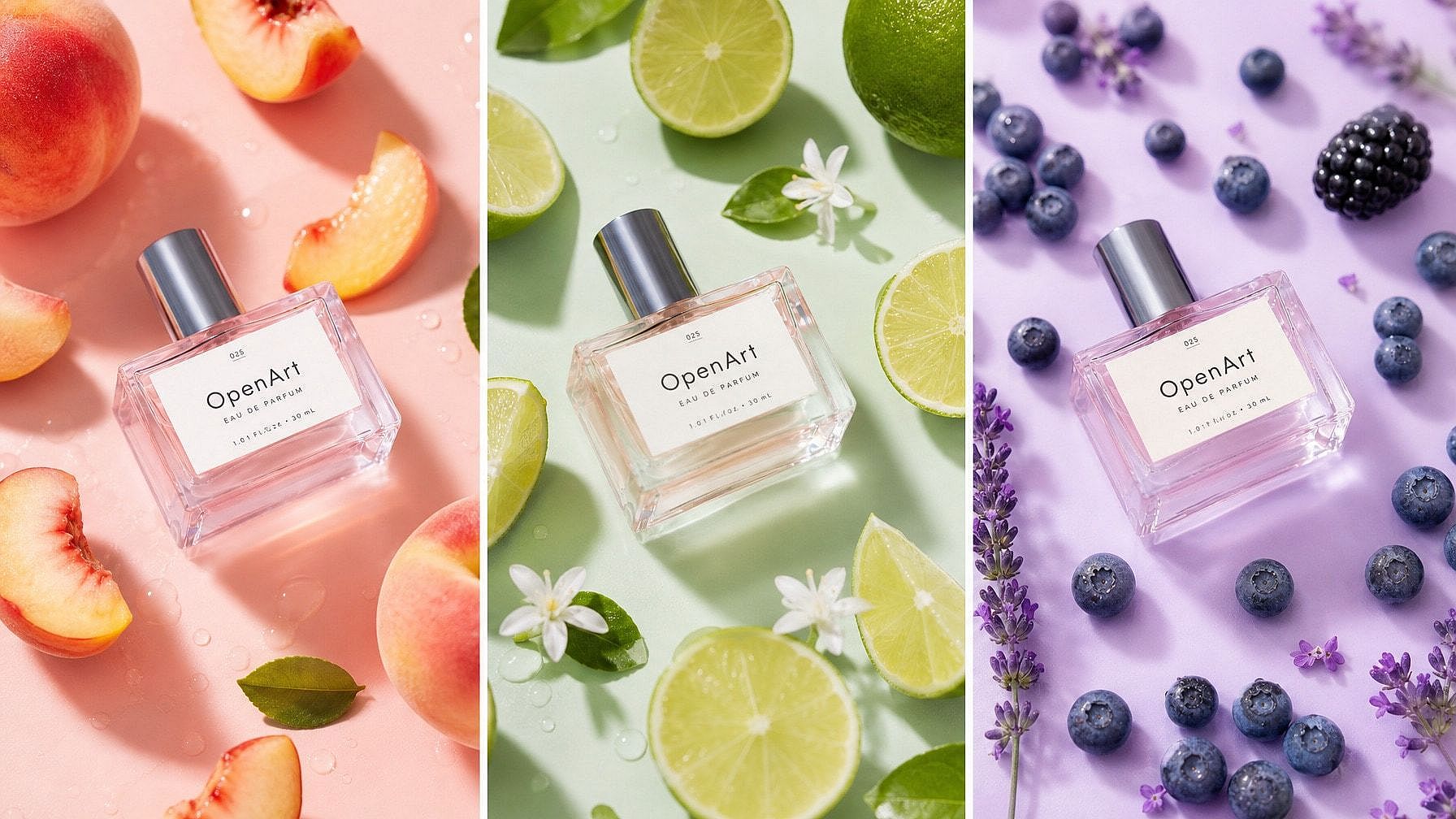
For marketers and content teams
One product image can become dozens of ad variations. Generate the prompt once, swap environments, angles, or styling, and create assets much faster.
Try it NowLoved by Creators Worldwide
See what our community has to say
I've tried many AI platforms… but OpenArt is still the best for character creation, image-to-video quality, and the variety of models available.
Jan C. Trustpilot
OpenArt offers an excellent array of AI tools… once you learn the features, the creative possibilities are amazing - and their support team is outstanding.
Tom G. Trustpilot
OpenArt is a very versatile AI platform with many image and video models, consistent character creation, and powerful editing tools.
Klant K. Trustpilot
Helpful AI tools all in one place - image and video generation, editing, and more… no need for multiple subscriptions.
Scorpy Trustpilot
Customer service is always quick and helpful… and the platform keeps getting better with new features and tools.
Richard M. Trustpilot
I've tried many AI platforms… but OpenArt is still the best for character creation, image-to-video quality, and the variety of models available.
Jan C. Trustpilot
OpenArt offers an excellent array of AI tools… once you learn the features, the creative possibilities are amazing - and their support team is outstanding.
Tom G. Trustpilot
OpenArt is a very versatile AI platform with many image and video models, consistent character creation, and powerful editing tools.
Klant K. Trustpilot
Helpful AI tools all in one place - image and video generation, editing, and more… no need for multiple subscriptions.
Scorpy Trustpilot
Customer service is always quick and helpful… and the platform keeps getting better with new features and tools.
Richard M. Trustpilot
I've tried many AI platforms… but OpenArt is still the best for character creation, image-to-video quality, and the variety of models available.
Jan C. Trustpilot
OpenArt offers an excellent array of AI tools… once you learn the features, the creative possibilities are amazing - and their support team is outstanding.
Tom G. Trustpilot
OpenArt is a very versatile AI platform with many image and video models, consistent character creation, and powerful editing tools.
Klant K. Trustpilot
Helpful AI tools all in one place - image and video generation, editing, and more… no need for multiple subscriptions.
Scorpy Trustpilot
Customer service is always quick and helpful… and the platform keeps getting better with new features and tools.
Richard M. Trustpilot
With so many AI platforms out there, OpenArt stood out as a stellar choice - I'd recommend it to any creator.
Jon S. Trustpilot
This platform includes everything you need for AI content creation - images, video, characters, audio, and multiple AI models in one place.
Mathew K. Trustpilot
OpenArt is pushing the boundaries of AI video creation… and it's clear the team is committed to improving the creator experience.
Iftikar Z. Trustpilot
I made my first AI music video with OpenArt… and their support team was the best help I've ever experienced.
Mark Trustpilot
I'm very happy with the support - my issue was resolved quickly and the team made the process easy.
Rasmus Trustpilot
With so many AI platforms out there, OpenArt stood out as a stellar choice - I'd recommend it to any creator.
Jon S. Trustpilot
This platform includes everything you need for AI content creation - images, video, characters, audio, and multiple AI models in one place.
Mathew K. Trustpilot
OpenArt is pushing the boundaries of AI video creation… and it's clear the team is committed to improving the creator experience.
Iftikar Z. Trustpilot
I made my first AI music video with OpenArt… and their support team was the best help I've ever experienced.
Mark Trustpilot
I'm very happy with the support - my issue was resolved quickly and the team made the process easy.
Rasmus Trustpilot
With so many AI platforms out there, OpenArt stood out as a stellar choice - I'd recommend it to any creator.
Jon S. Trustpilot
This platform includes everything you need for AI content creation - images, video, characters, audio, and multiple AI models in one place.
Mathew K. Trustpilot
OpenArt is pushing the boundaries of AI video creation… and it's clear the team is committed to improving the creator experience.
Iftikar Z. Trustpilot
I made my first AI music video with OpenArt… and their support team was the best help I've ever experienced.
Mark Trustpilot
I'm very happy with the support - my issue was resolved quickly and the team made the process easy.
Rasmus Trustpilot
Frequently Asked Questions
Image to prompt is a tool that turns an uploaded image into a detailed AI prompt describing the subject, lighting, composition, camera style, and overall look. OpenArt generates structured prompts designed for modern models like Flux, Seedream, Veo, Kling, and Nano Banana Pro.
The prompts work across most modern image and video models, including Nano Banana Pro, Seedream 5.0, Flux Pro, Flux Kontext, Imagen 4, GPT Image 2, Veo 3.1, Kling 3.0, Wan 3.0, and more.
Yes. You can edit any part of the prompt before sending it to an image or video model inside OpenArt.
There is no watermark on generated prompts. Free plans include rate limits, while paid plans unlock higher generation capacity.
Yes. The tool is included with all OpenArt accounts. Free users can generate prompts normally, while paid plans include higher limits and access to the full image, video, music, and character workflow.
For most photographic and illustrated references, the prompt captures the core lighting, framing, texture, mood, and cinematic style of the original image very well. Most creators only need small edits before generating variations.
The prompts are currently generated in English because most leading AI models are primarily trained on English prompt structures.
Get Insights from Experts Blog
Get the insights you need. Our experts share actionable hacks, break down the hottest topics, and provide essential how-to guides to help you build, optimize, and scale.
Read More
Create without limits
Join thousands of creators using OpenArt to generate stunning images, videos, and more — all in one platform.
Get Started for Free →