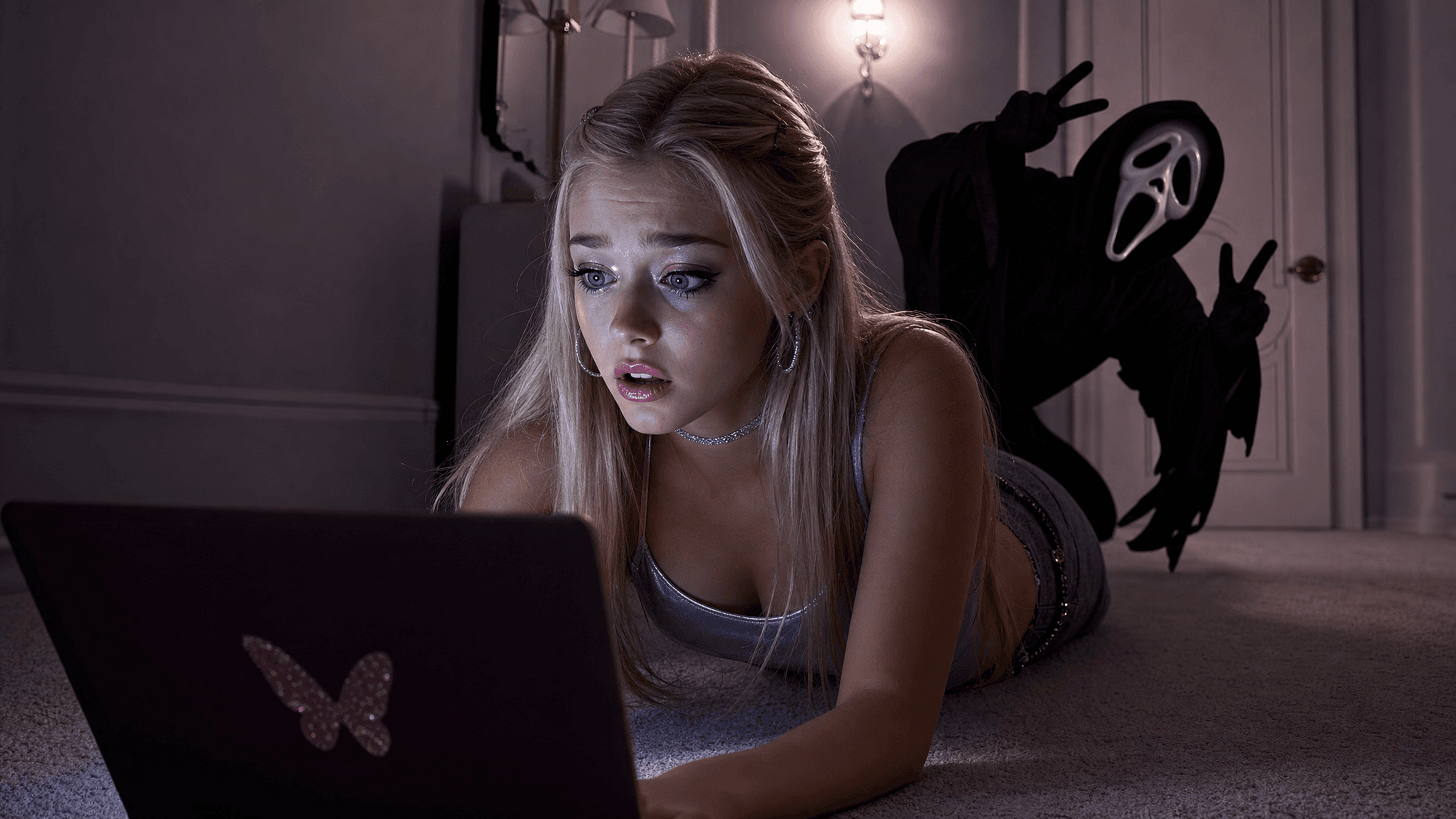
Add a Ghost to Your Photo
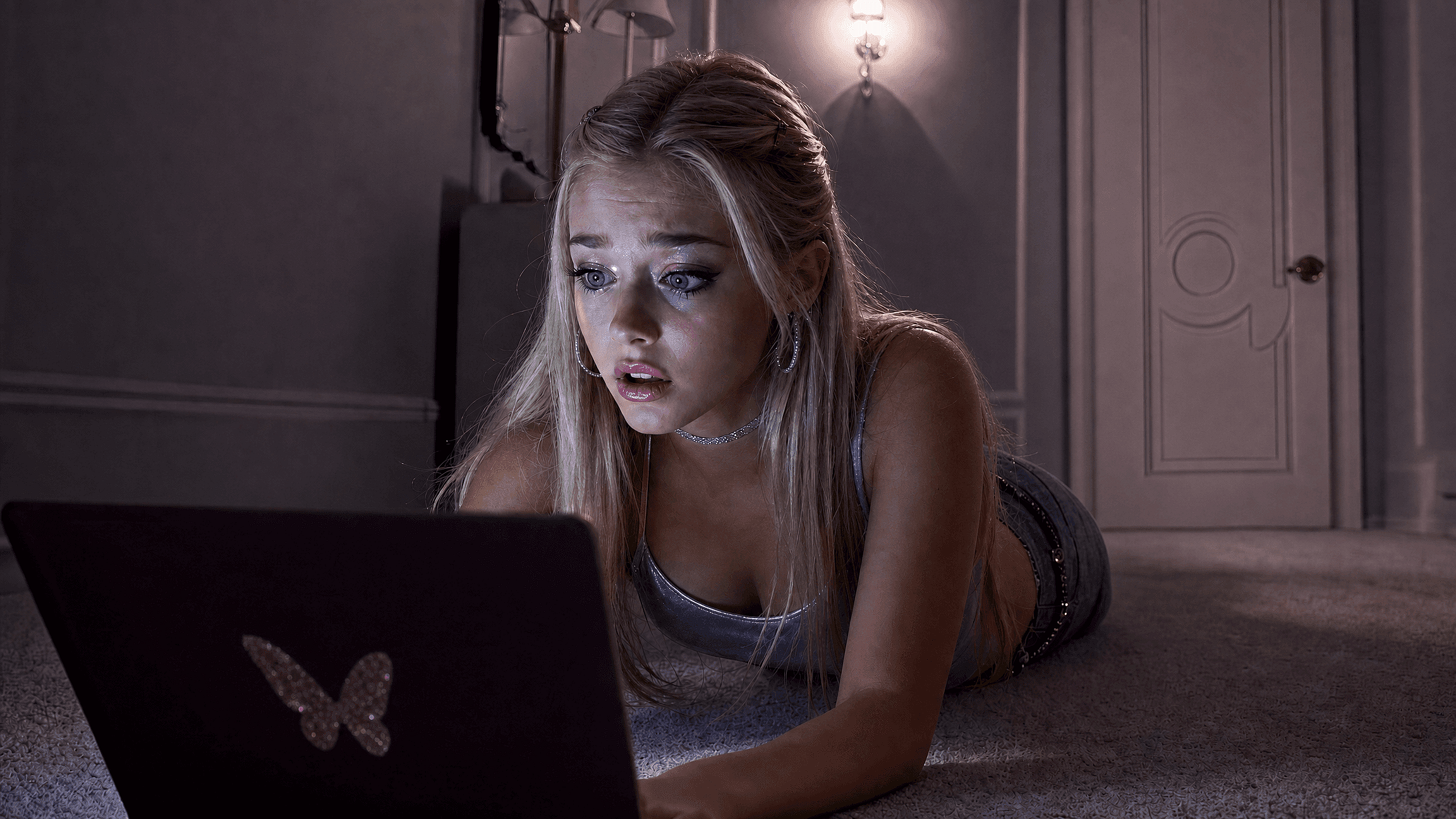
Add ghost to photo easily with OpenArt free AI tool. Create spooky, realistic ghost images in seconds. Perfect for Halloween or fun edits. Try it now!
 Add an image Or drag and drop here · JPEG, PNG, WEBP
How to Get Ghost Face AI Picture
Generate scary ghost face ai picture in three steps.
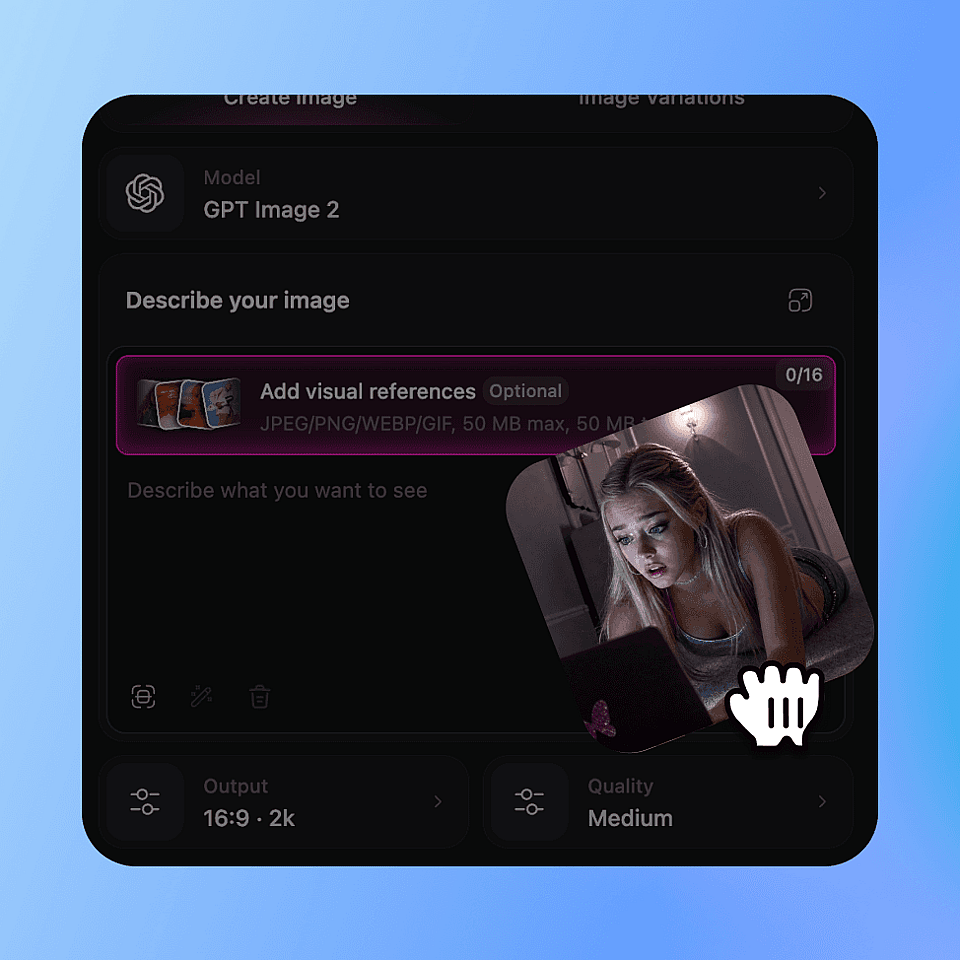
Upload your photo
Drag and drop any image. Works with portraits, landscapes, indoor and outdoor scenes.
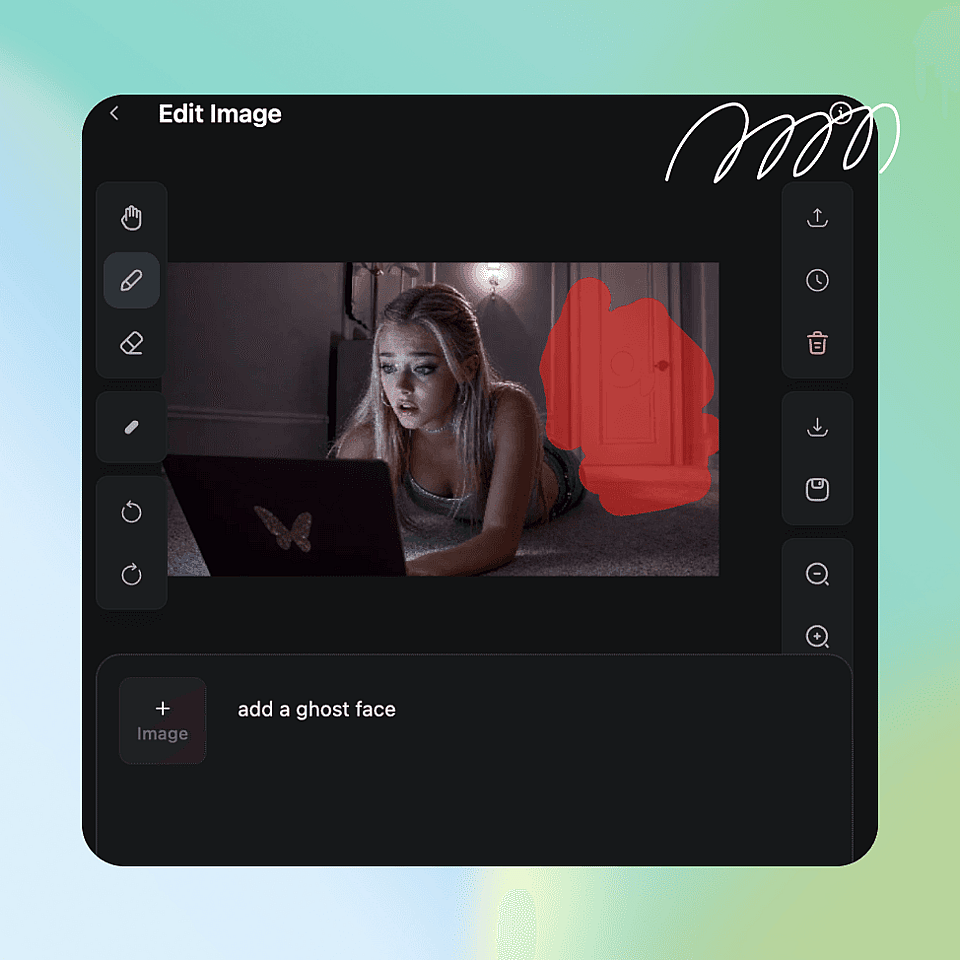
select the area and describe the ghost
Use the brush to mark where the ghost should appear, then type what you want: "translucent ghost woman in white dress," "shadowy figure in the corner."
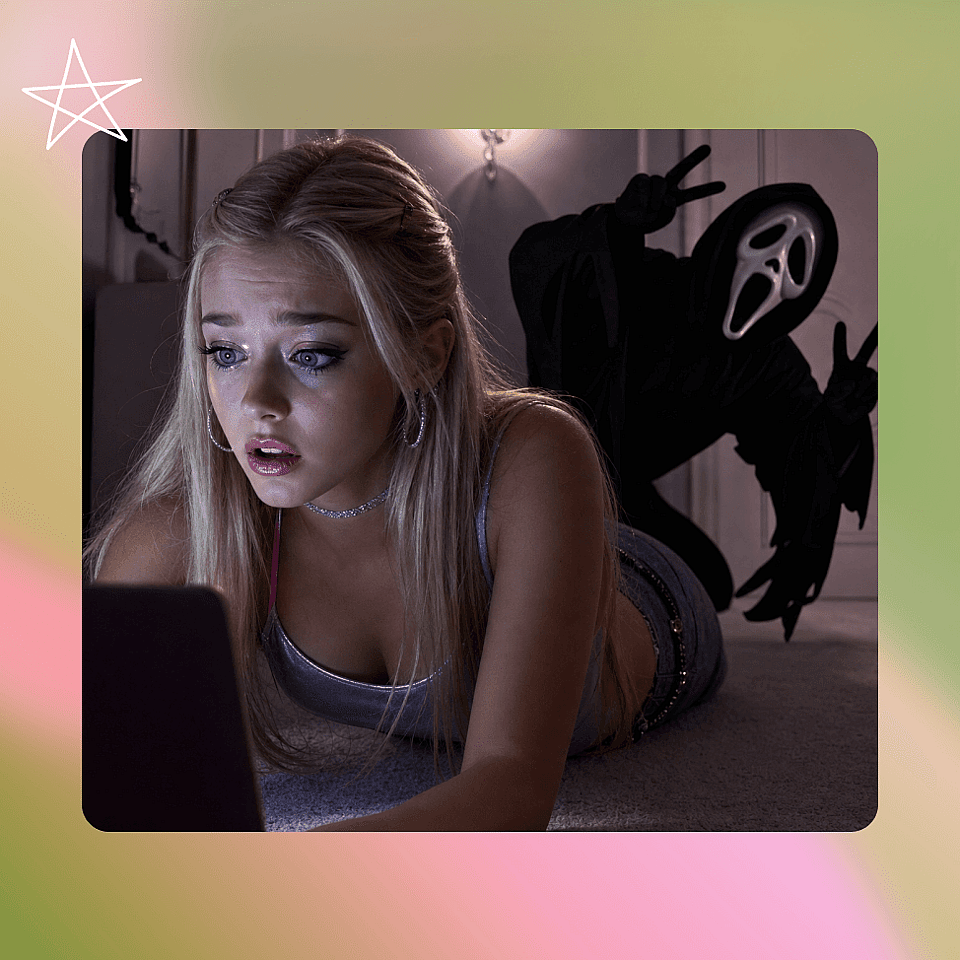
Generate and download
Get your result in seconds. Regenerate for variations, then download in full resolution.
Where This Ghost Effect Actually Gets Used
From Halloween cards to an AI ghost face picture for your profile, this ghost photo effect fits more than one occasion.
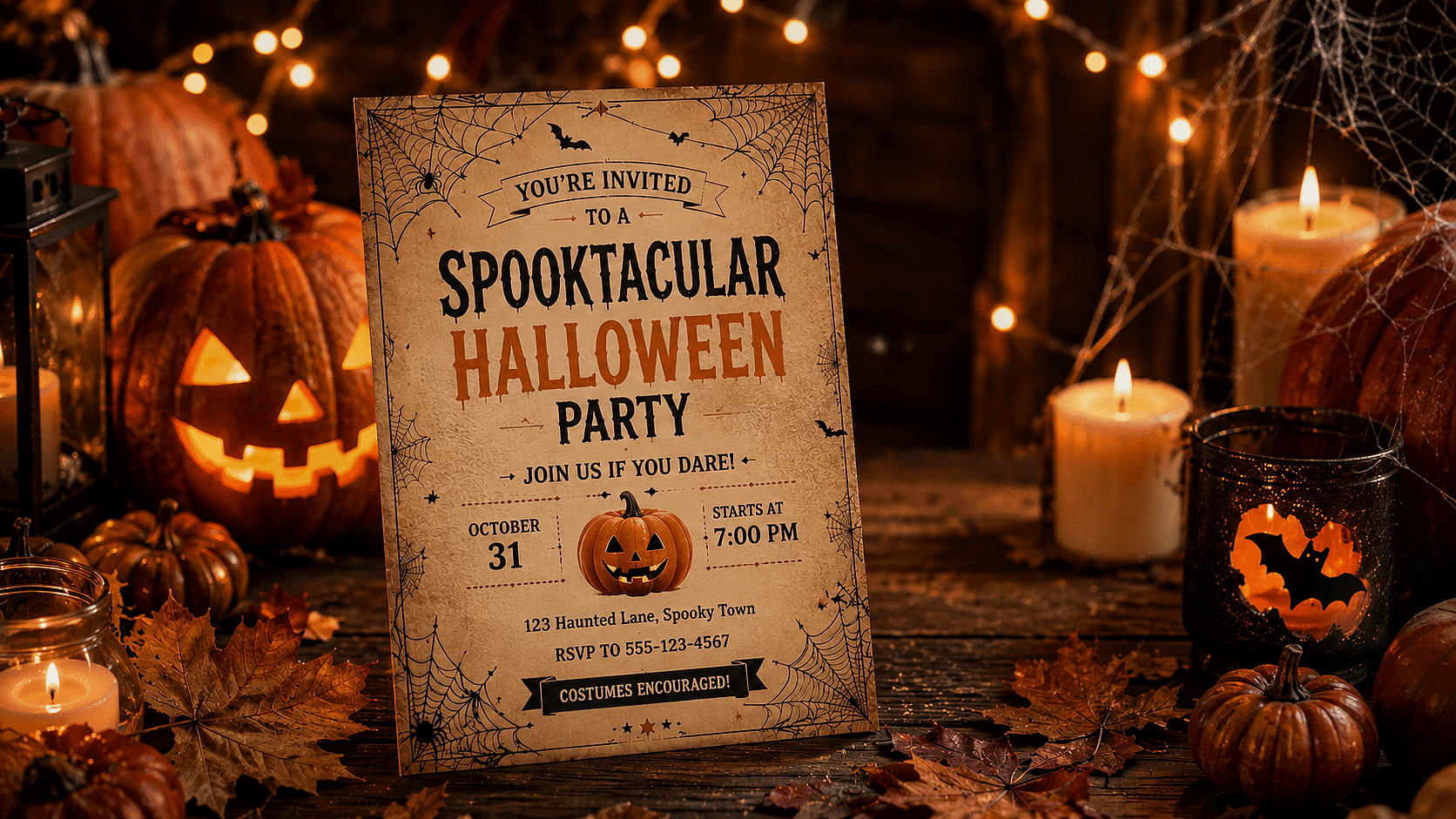
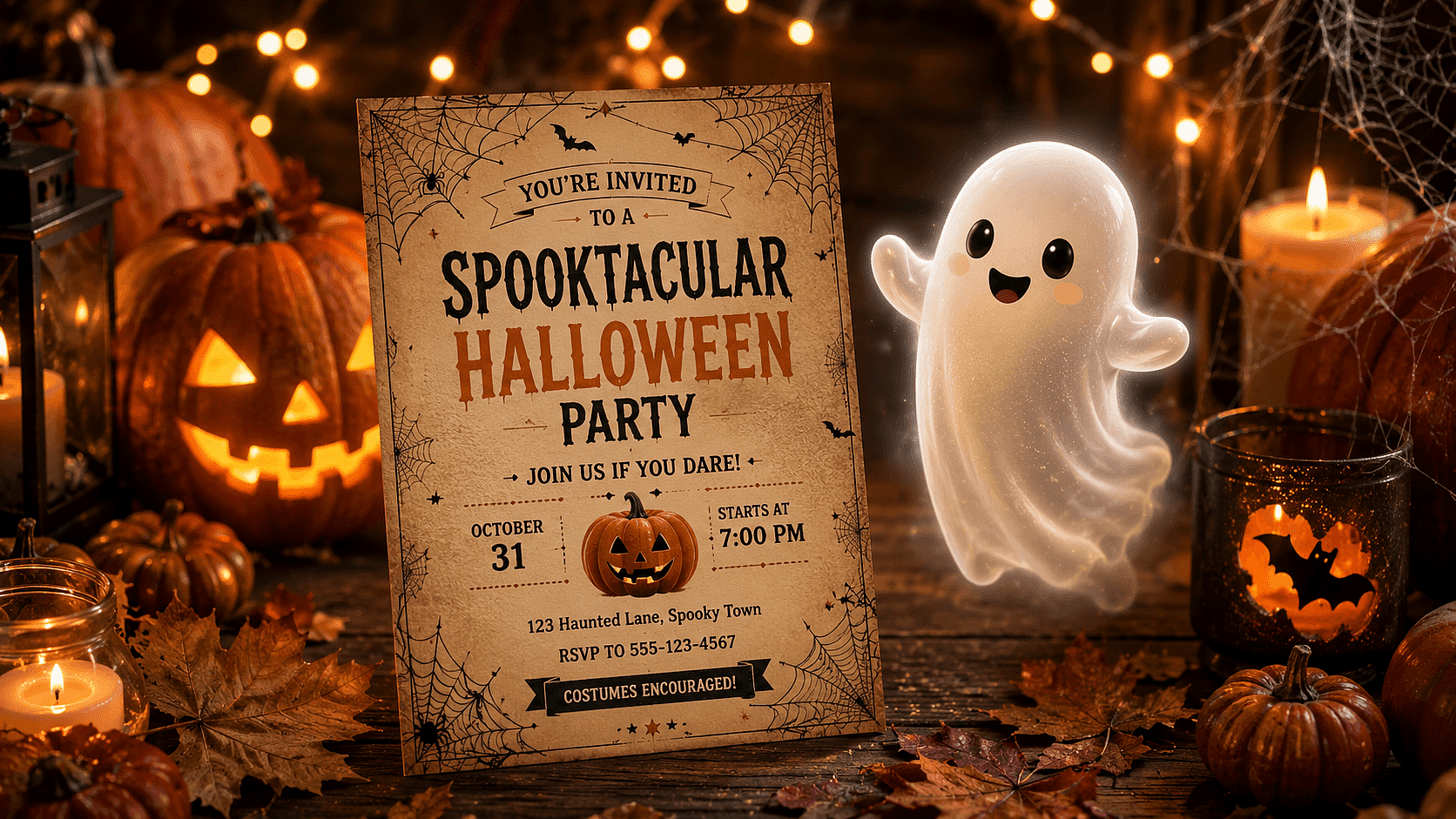
Halloween Cards & Invitations
Add a ghostly figure for a chilling touch that stands out from template designs.
Try it Now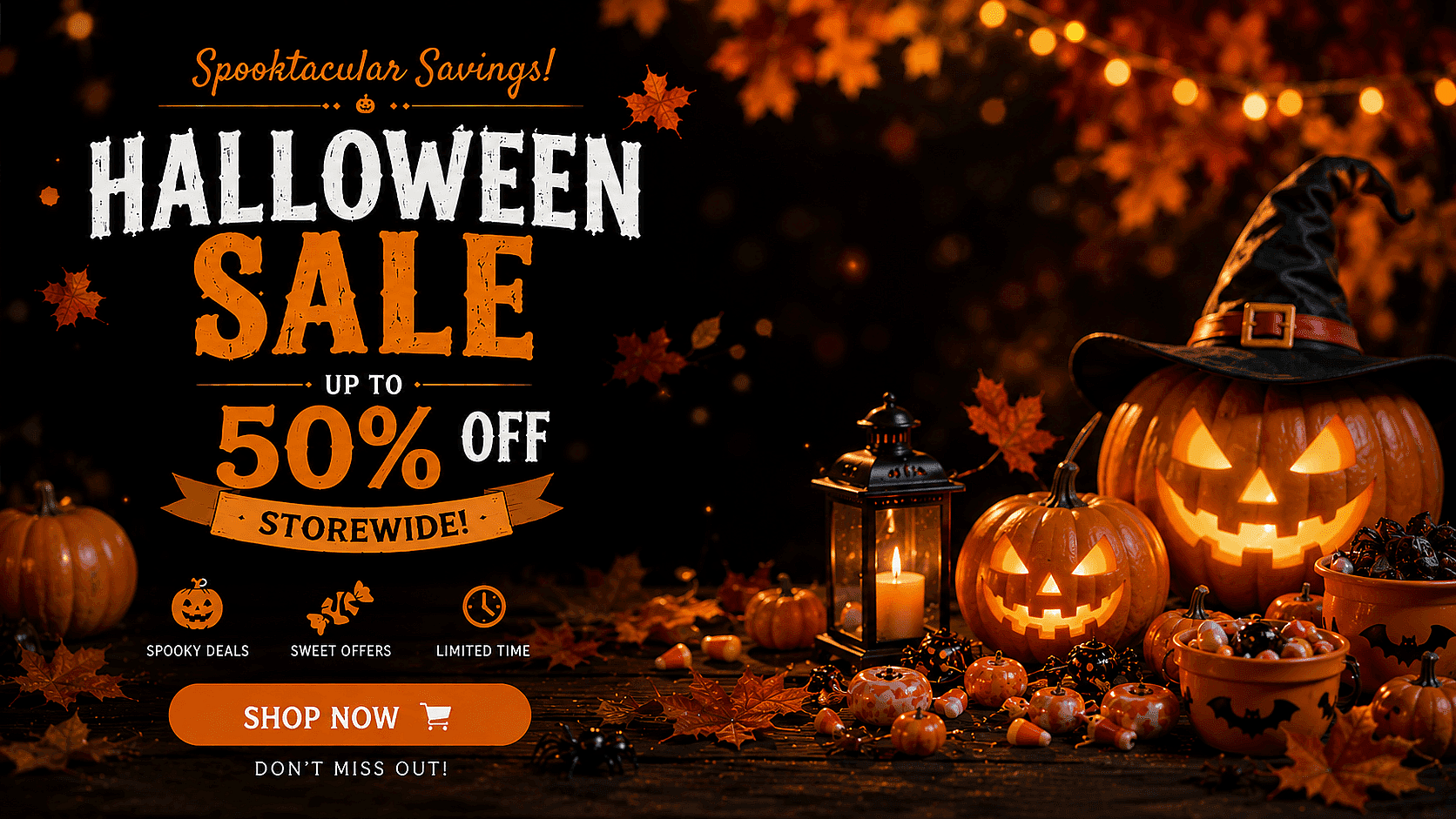
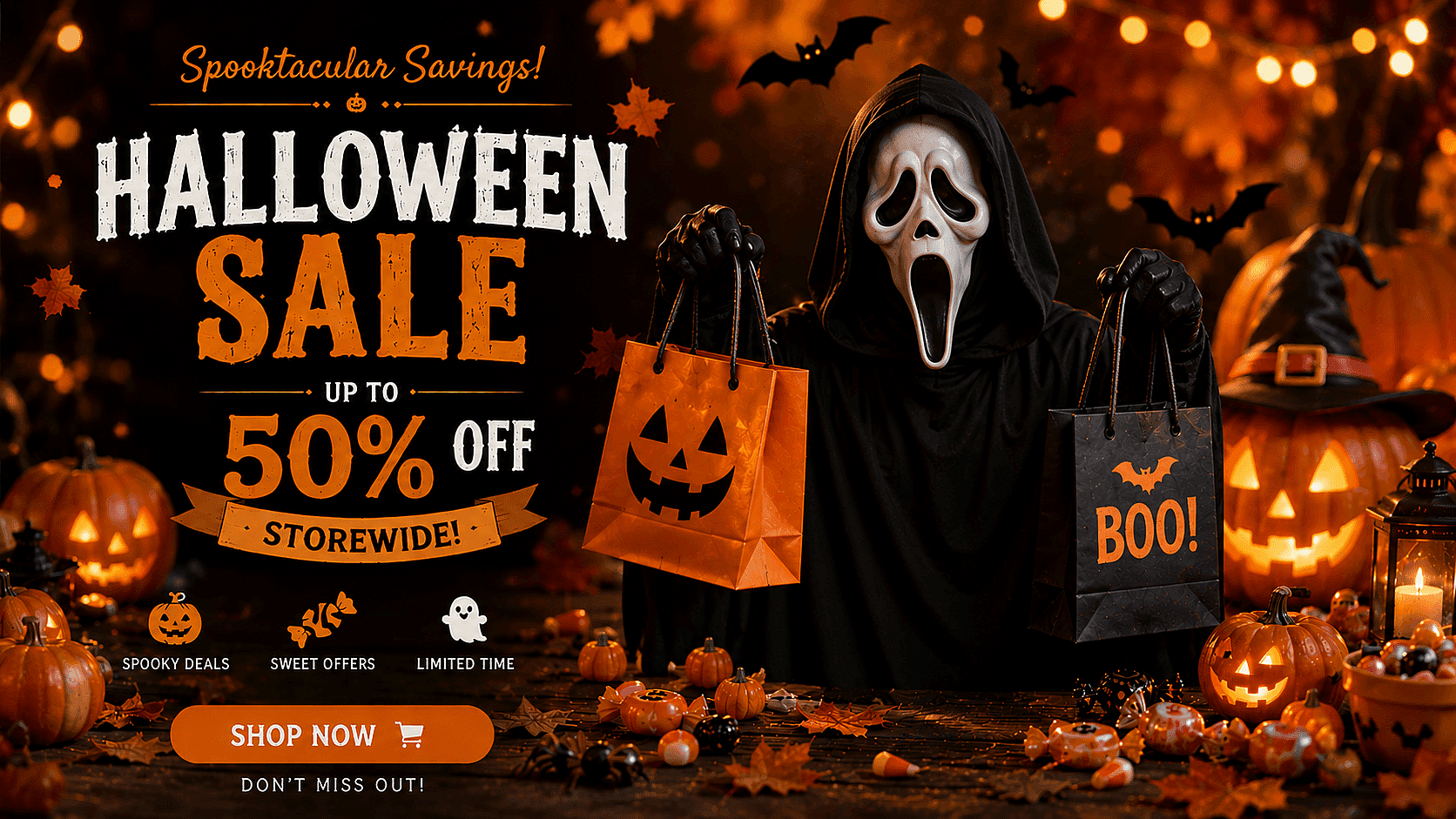
Seasonal Marketing
Use ghostly visuals in October promotions, email campaigns, or social posts without hiring a photo editor.
Try it Now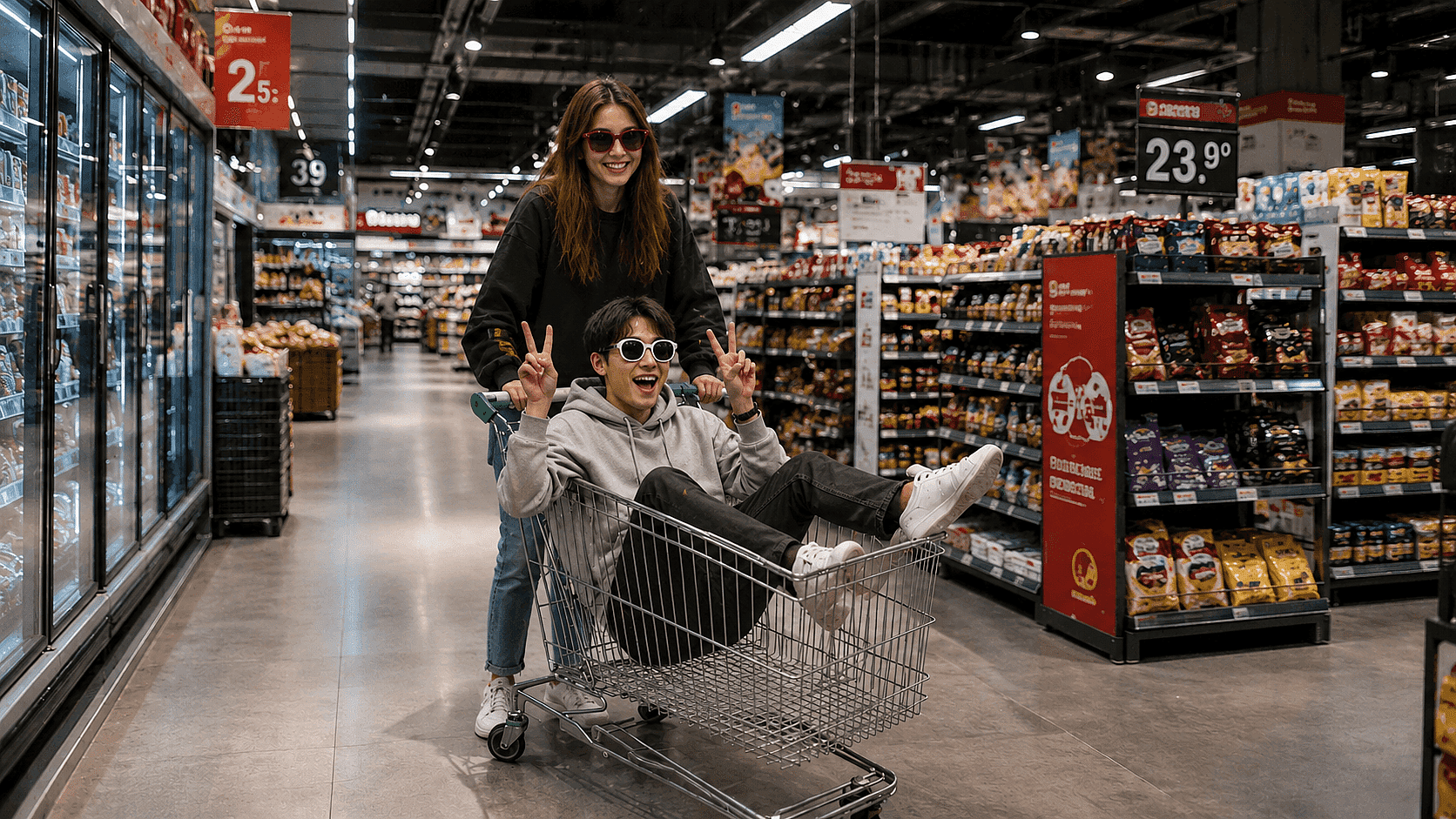
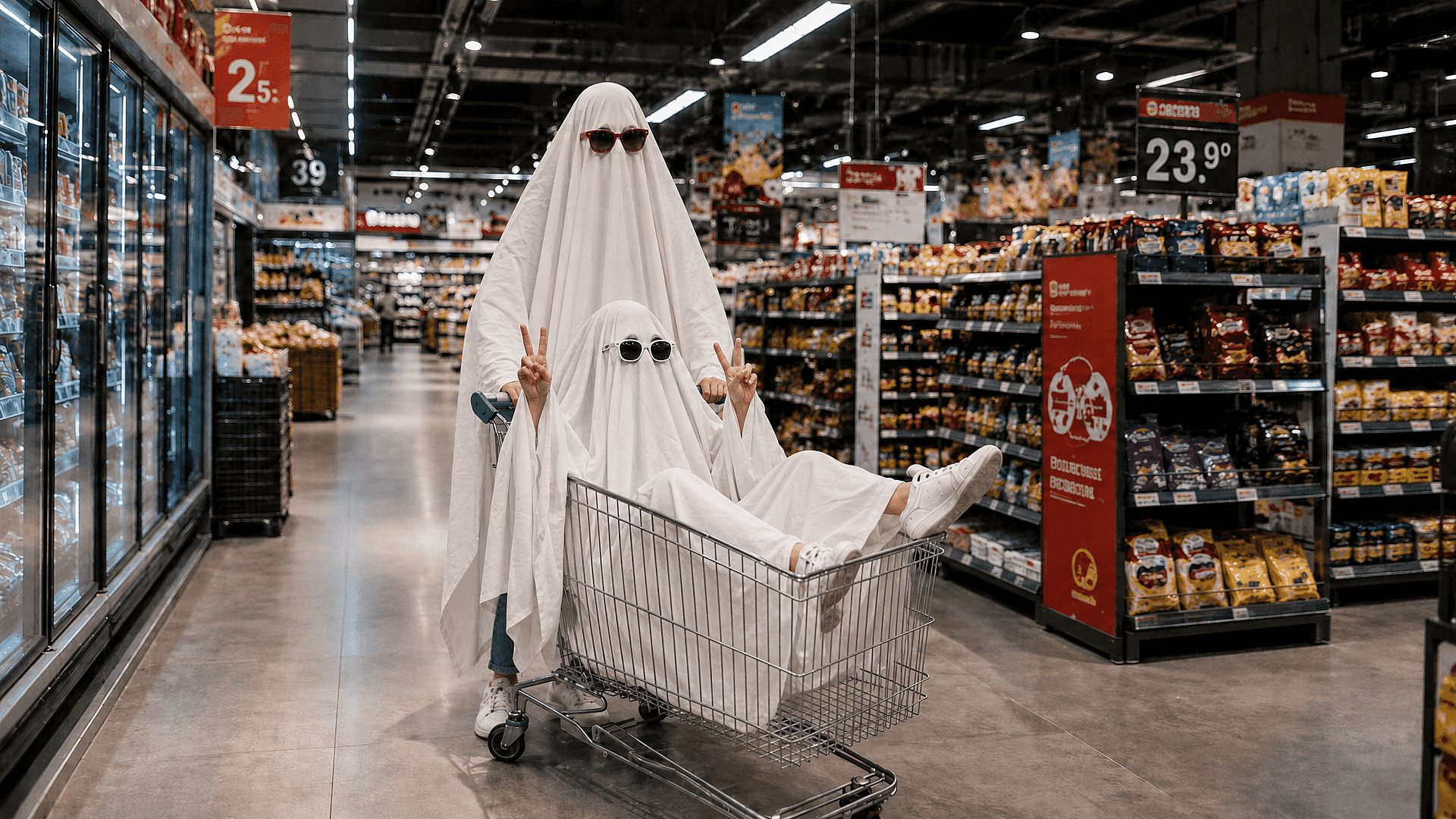
Spooky Profile Pictures
Turn a portrait into an AI ghost face picture for Halloween-themed avatars or profile photos.
Try it NowFrequently Asked Questions
Get Insights from Experts Blog
Get the insights you need. Our experts share actionable hacks, break down the hottest topics, and provide essential how-to guides to help you create, optimize, and scale.
Read More