HD Photo Converter
Got an old, blurry, or low-res photo you wish looked sharper? Upload it to OpenArt's HD photo converter and turn it into a crisp, high-definition image in seconds. The AI rebuilds detail in faces, textures, and backgrounds, giving you a clean upgrade without that overprocessed, plastic look.
 Add an image Or drag and drop here · JPEG, PNG, WEBP
 Why Use an HD Photo Converter



Sharper, Higher-Resolution Output
Take any photo and bump it up to true HD, clean, detailed, and ready for prints, posts, big screens, or anything in between.



Real Detail, Not Bigger Pixels
The AI rebuilds detail instead of just stretching what's already there. Hair, skin, fabric, leaves, and tiny features come out sharp, not blurry, smeared, or fake-looking.
Works on Old, Blurry, or Tiny Photos
Phone shots, screenshots, scanned prints, low-quality social saves, feed it almost any image and it brings the detail back to life.
Community Creations
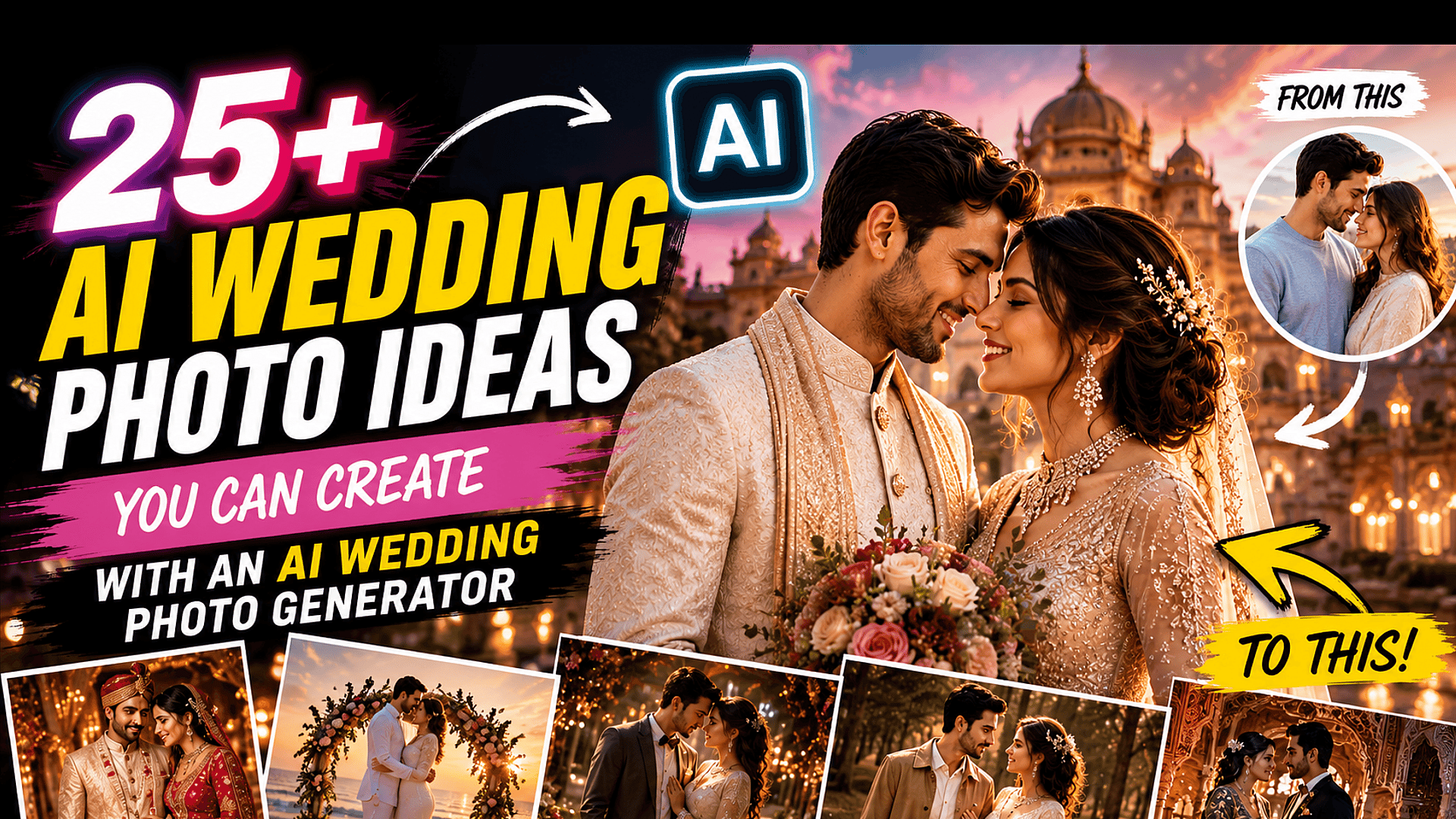
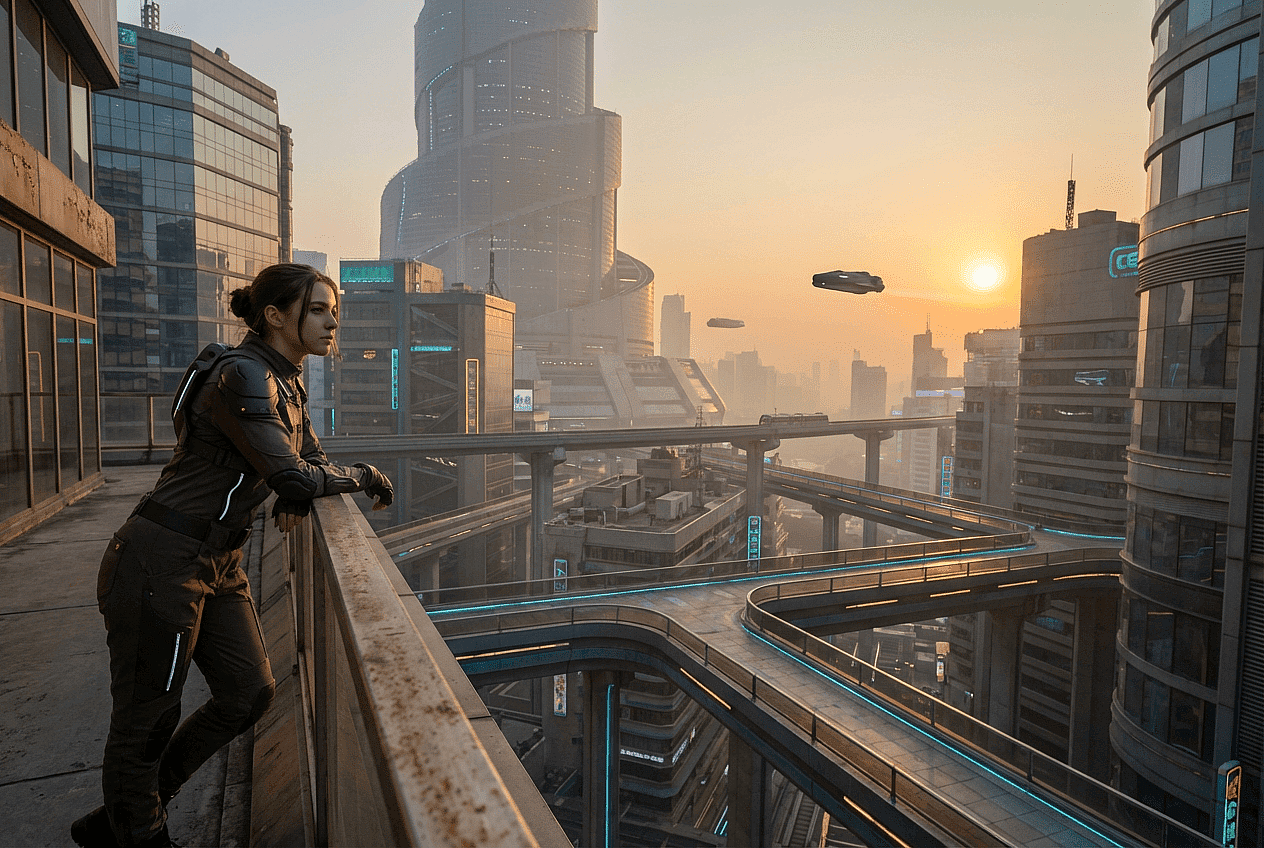
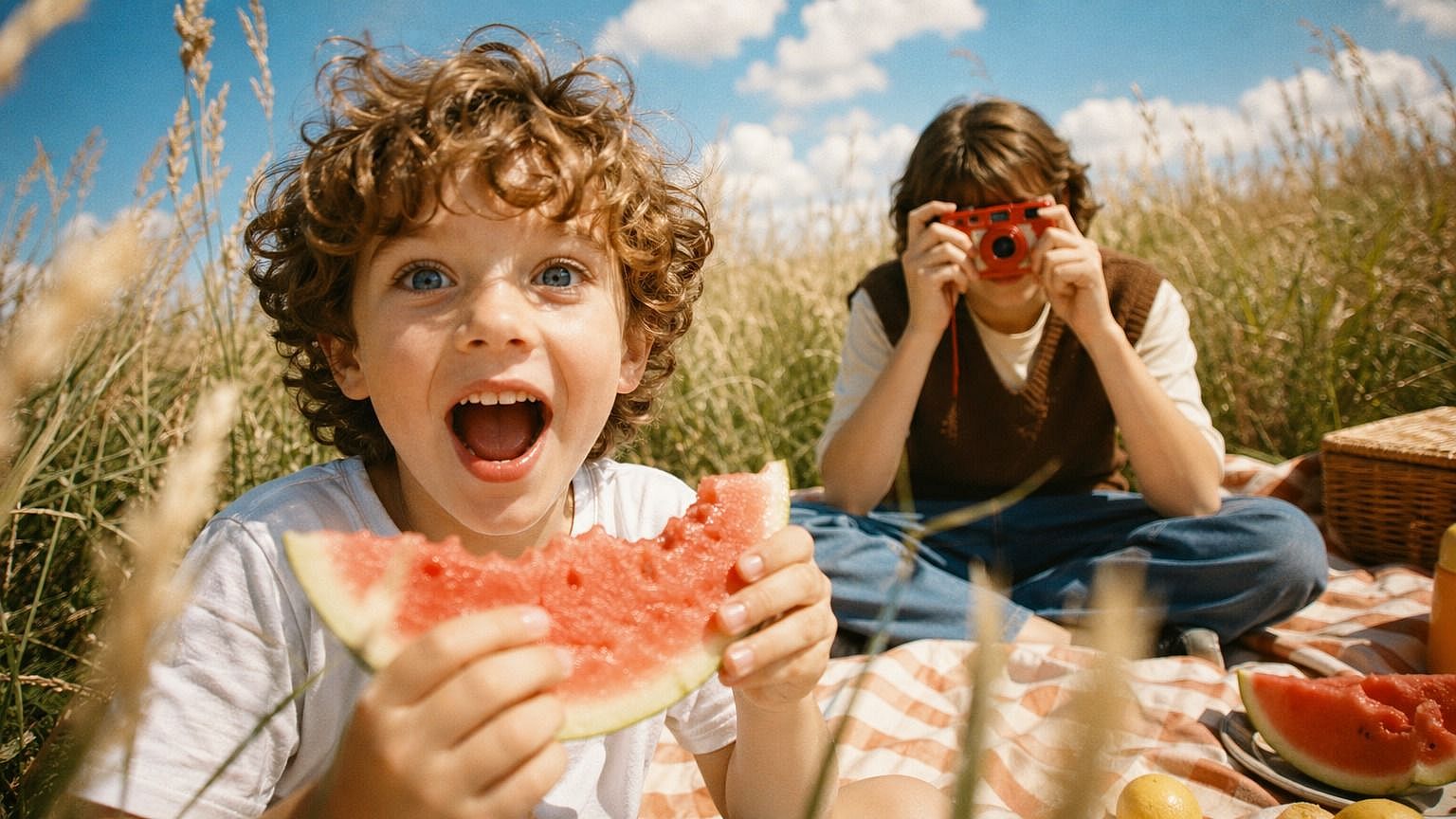
See what people are doing with OpenArt's HD photo converter. From reviving faded family photos to making product shots and screenshots screen-ready, explore how a quick upscale can completely change the feel of an image.





















Key Features of HD Photo Converter
OpenArt's AI image editor uses advanced models like GPT Image 2.0, Nano Banana Pro, and Recraft V4 to deliver clean, high-quality output. That means the model isn't just guessing pixel colors, it's reconstructing genuine detail based on what should be there.

High-Definition Output from Any Source
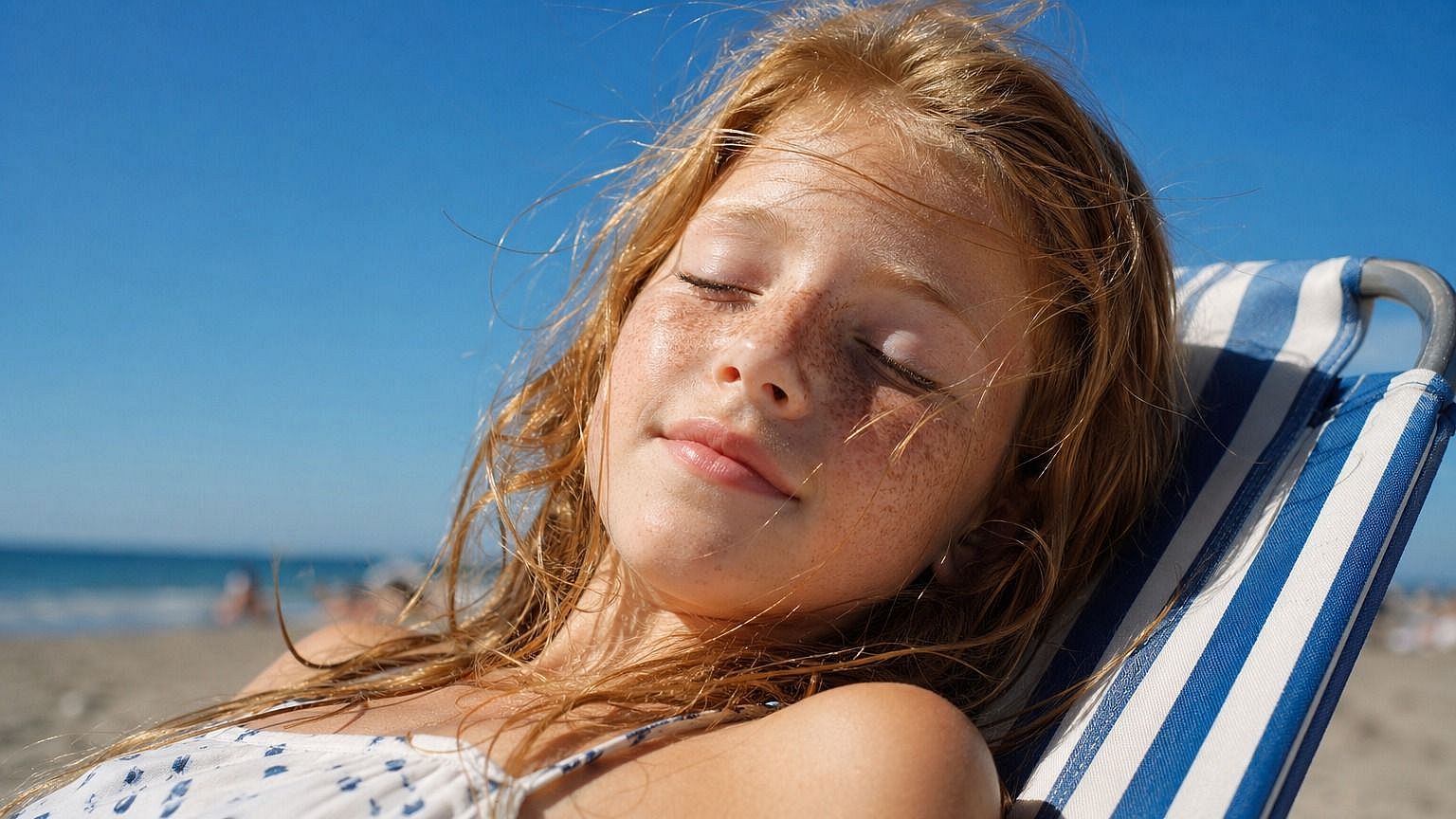
Whether you're starting with a tiny phone snap, a heavily compressed social save, or a scanned print, the converter pulls it up to a clean, post-ready HD image. The AI takes in the whole image, recognizing what it's seeing, and rebuilds detail to match. So you don't need a perfect source; you just need a source.
Real Detail Reconstruction
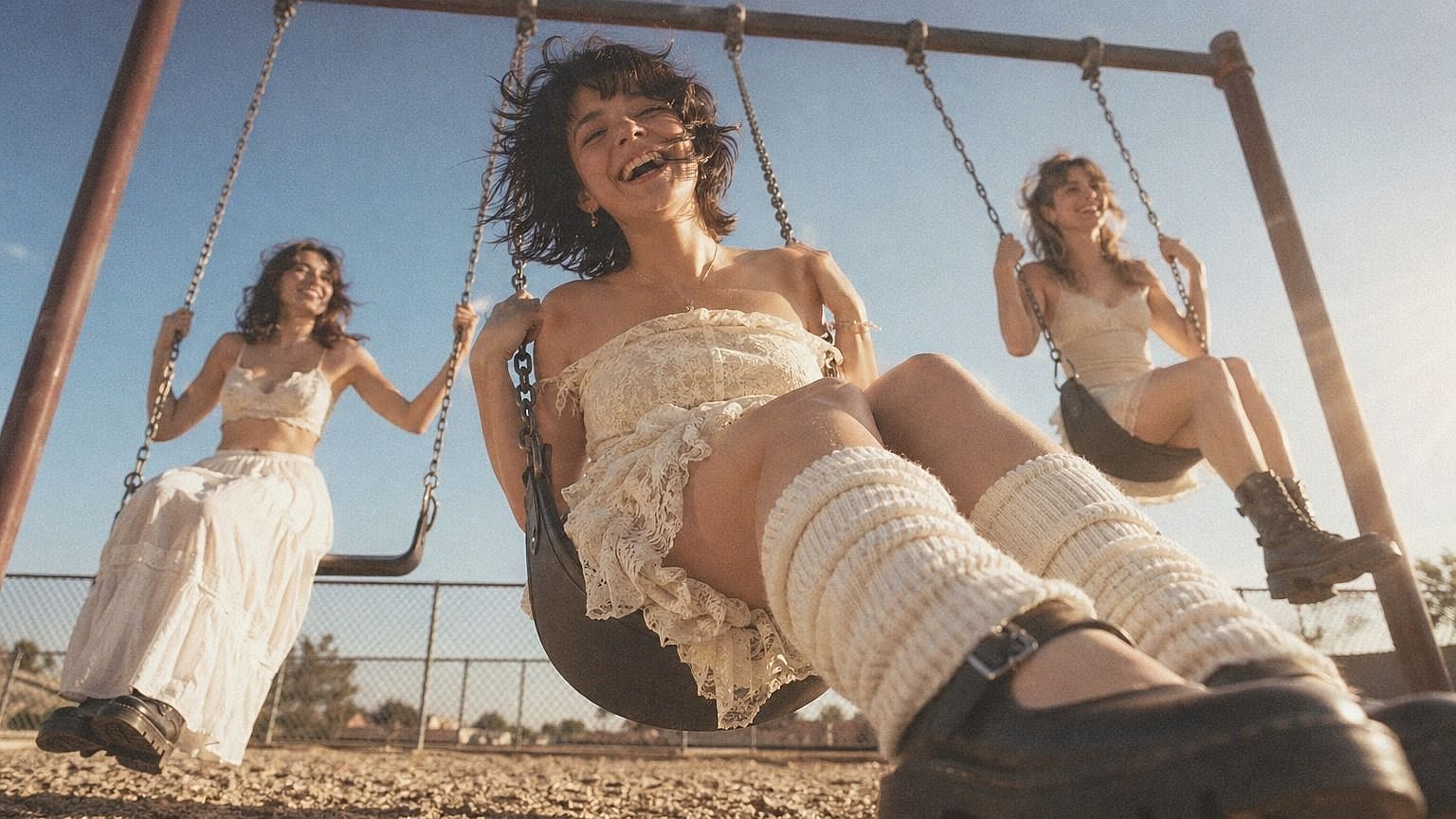
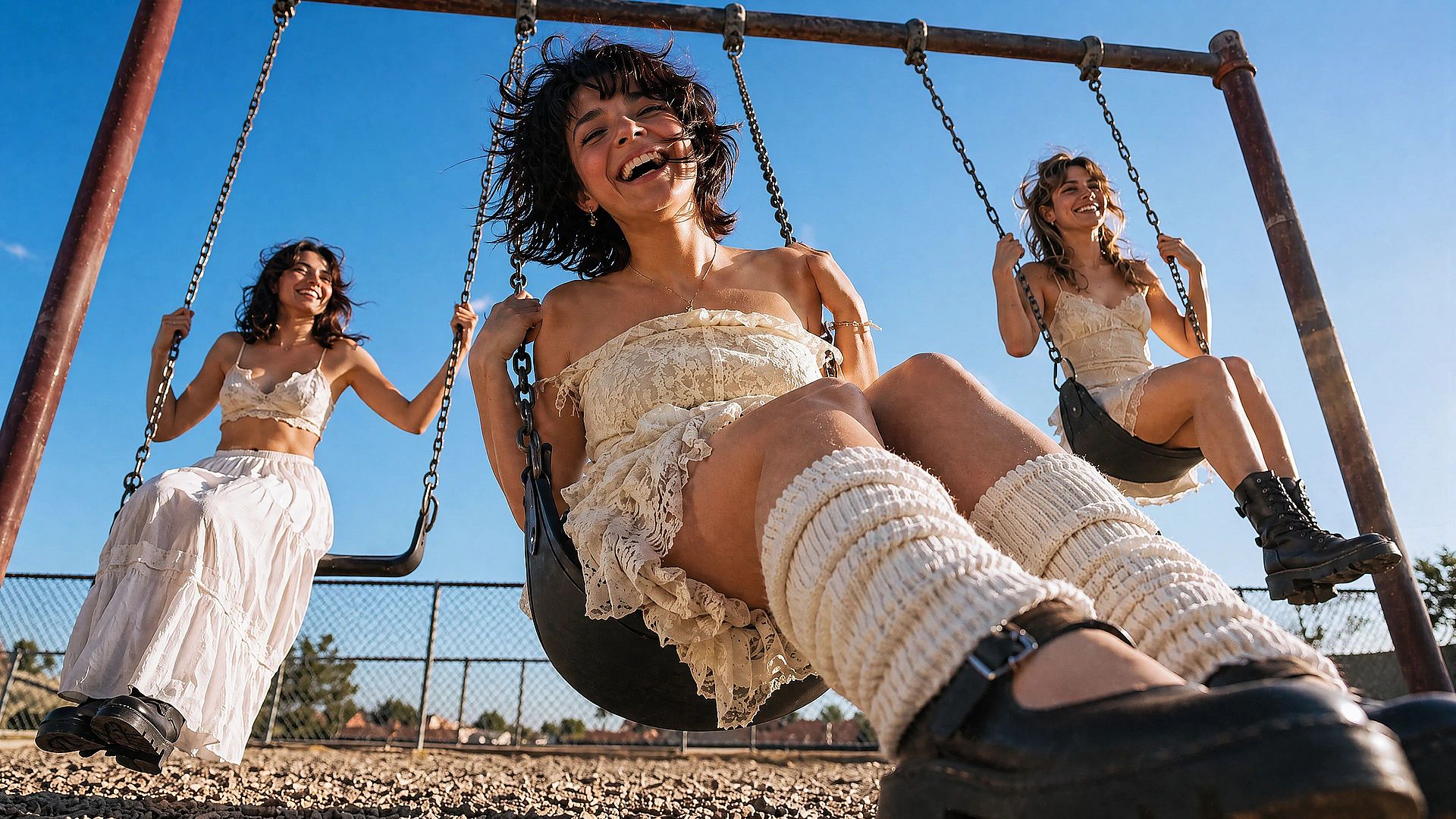
A regular resize just makes a small image bigger and blurrier. This is different. The AI rebuilds actual texture and structure, so hair strands stay separate, fabric weaves stay visible, and skin keeps real pores instead of going waxy. The result holds up at full zoom, not just at thumbnail size.
Cleans Up Blur, Noise, and Compression
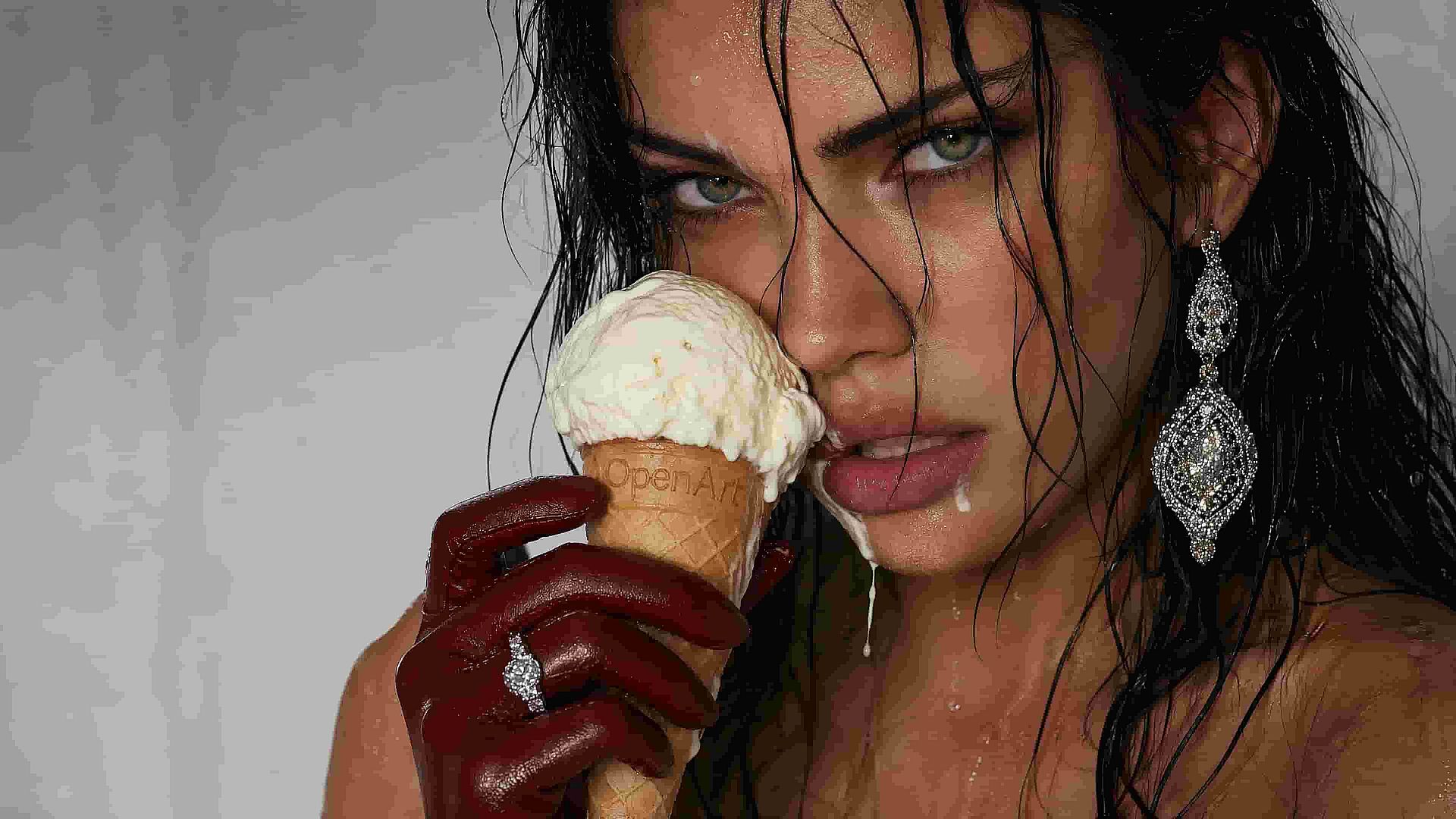
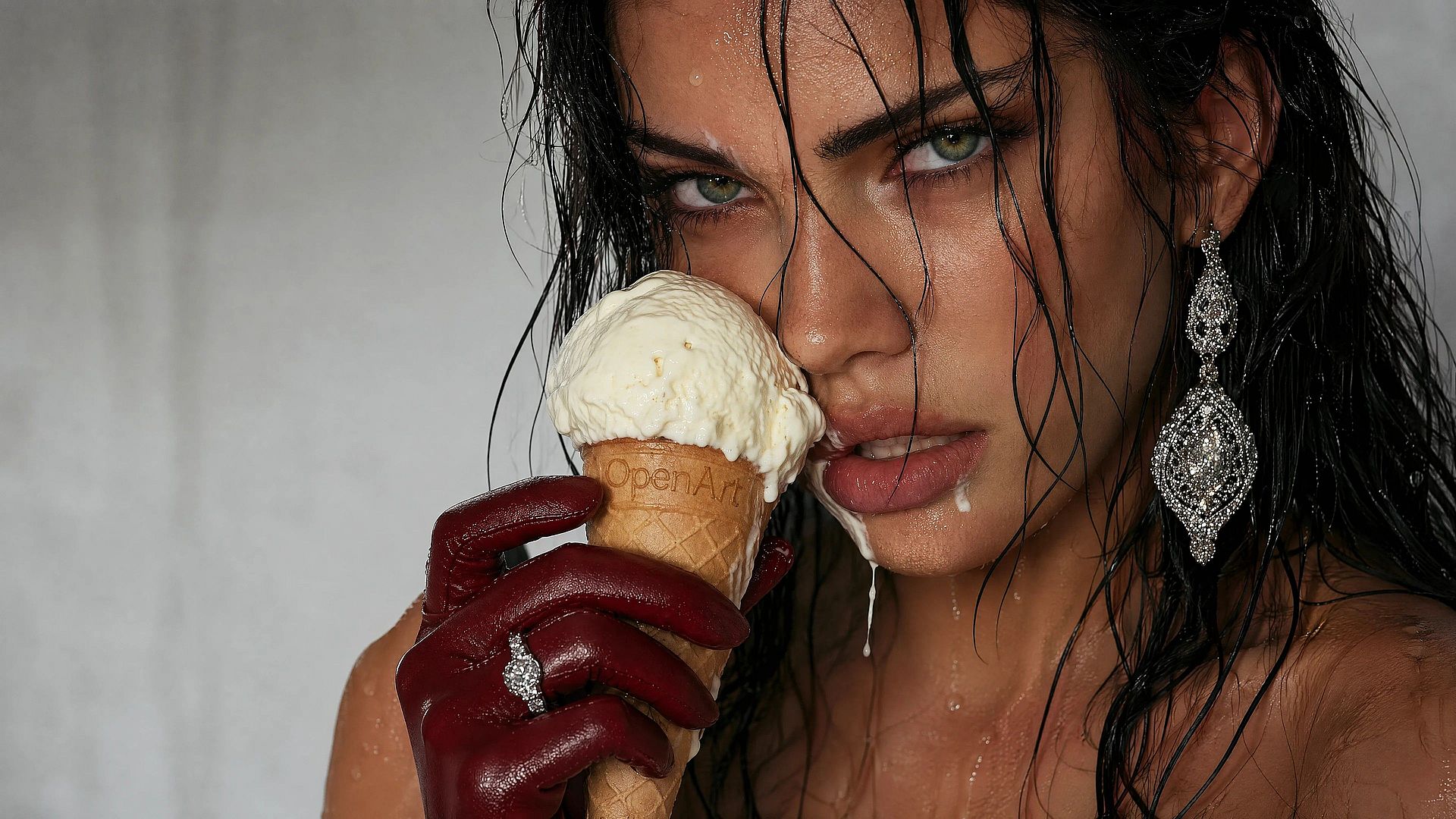
Old phone shots speckled with noise, screenshots compressed to mush, motion-blurred candids, low-res scans of printed photos; the converter handles all of them. It separates real detail from grain and compression artifacts, sharpening what should be sharp and leaving smooth areas smooth instead of grainy.

Built into a Full Editing Workflow
The HD converter sits inside OpenArt's wider image editor, so once your photo is upscaled you can keep going in the same window. Smooth out skin with the Vellum enhancer, fix faces, change the background, expand the canvas, or remove distracting objects, no jumping between five different apps to finish a single image.
How to Use the HD Photo Converter
Get an HD version of your photo in three steps.
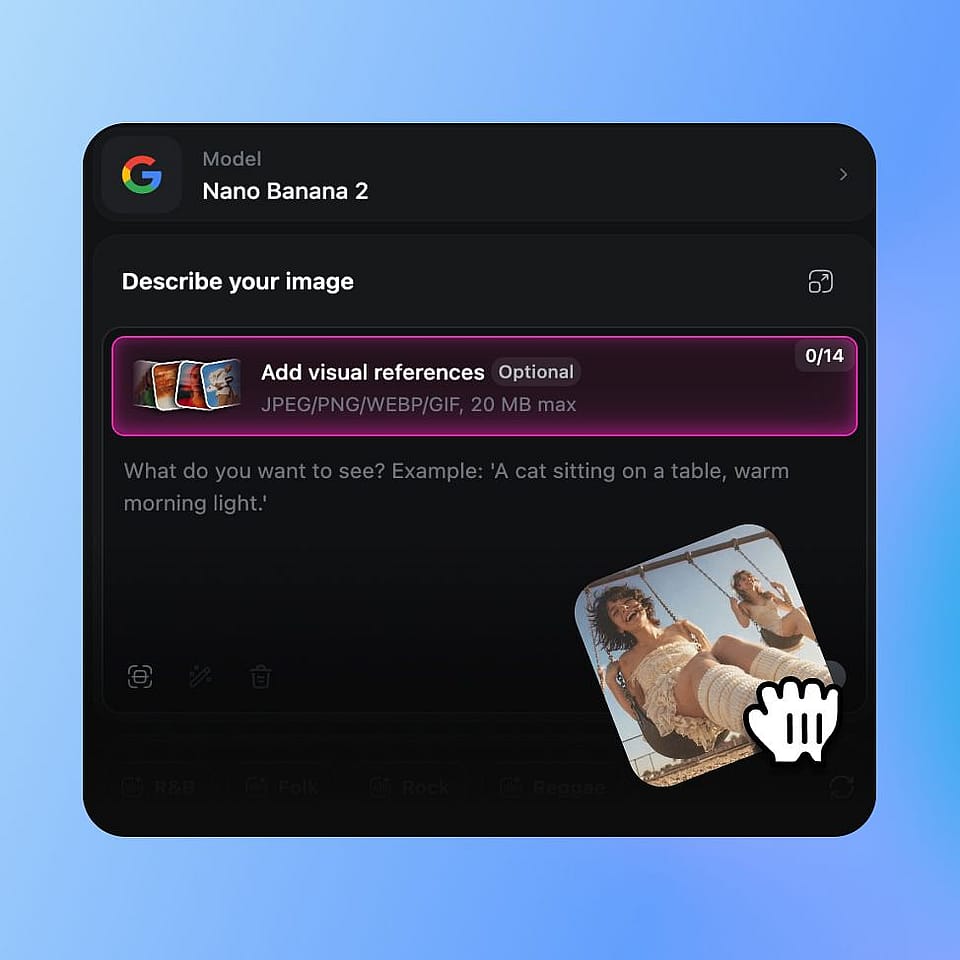
Upload Your Photo
Open OpenArt's image tools and upload the photo you want to convert. JPEG, PNG, and WEBP all work — drop one in from your phone, computer, or cloud drive.
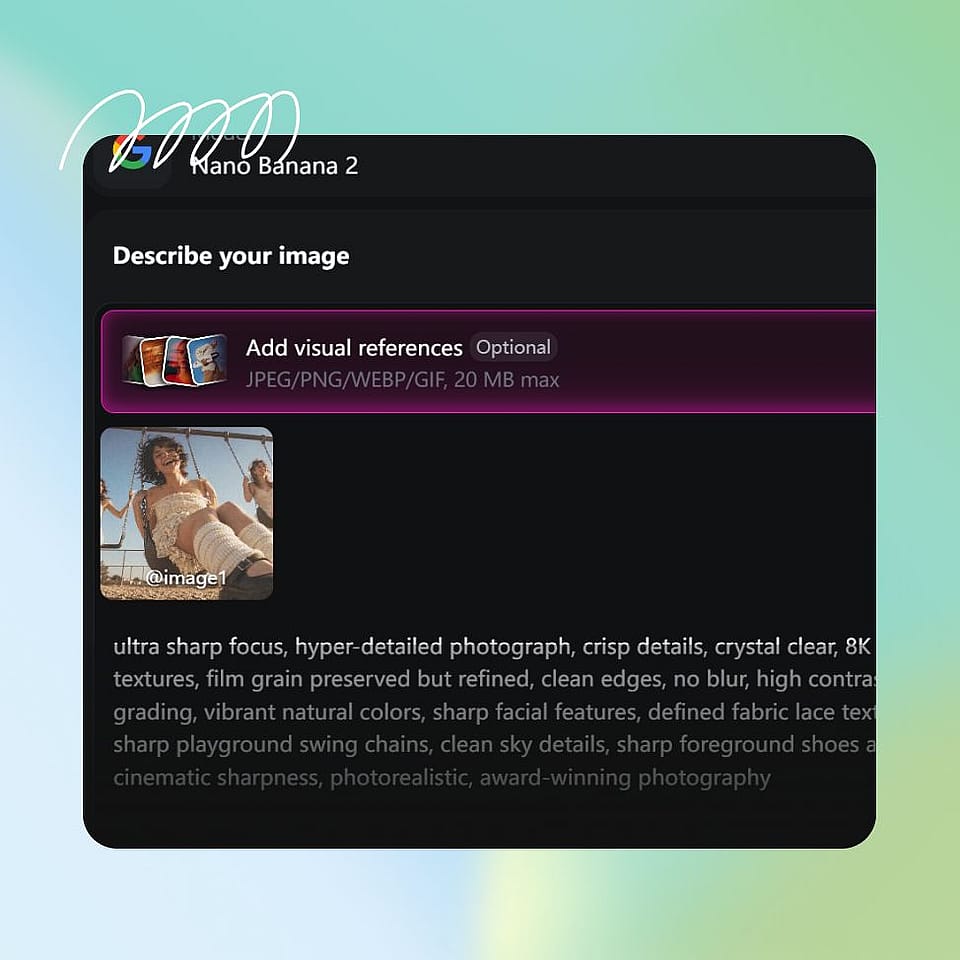
Choose Your Output Settings
Set your target output and any enhancement preferences for the conversion. Stick with the defaults for a quick HD version, or fine-tune for sharper or softer results.
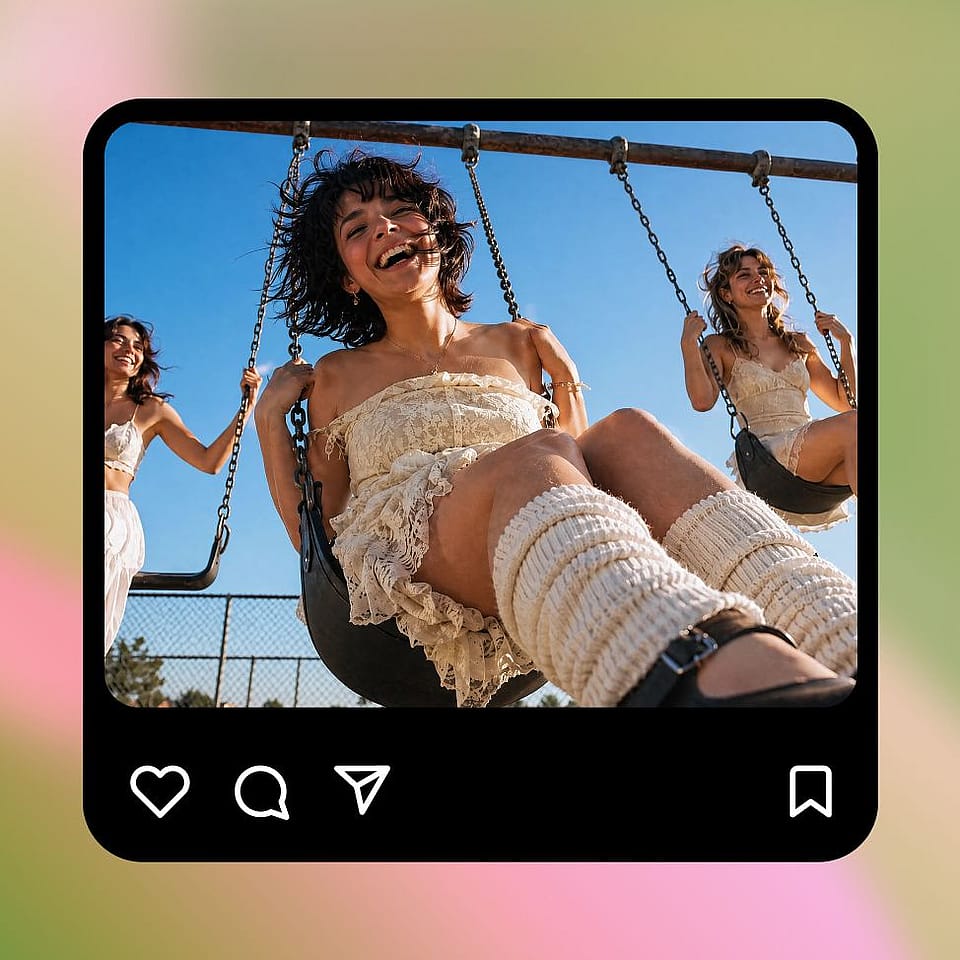
Generate and Download
Run the conversion, preview the result, and download your HD version. If you want it sharper, softer, or cleaner, tweak your settings and run it again — it only takes a few seconds.
Built for Bringing Photos Back to Their Best
Turn low-res, blurry, or aging photos into clean HD images you can actually use, for memories, content, prints, or product pages.
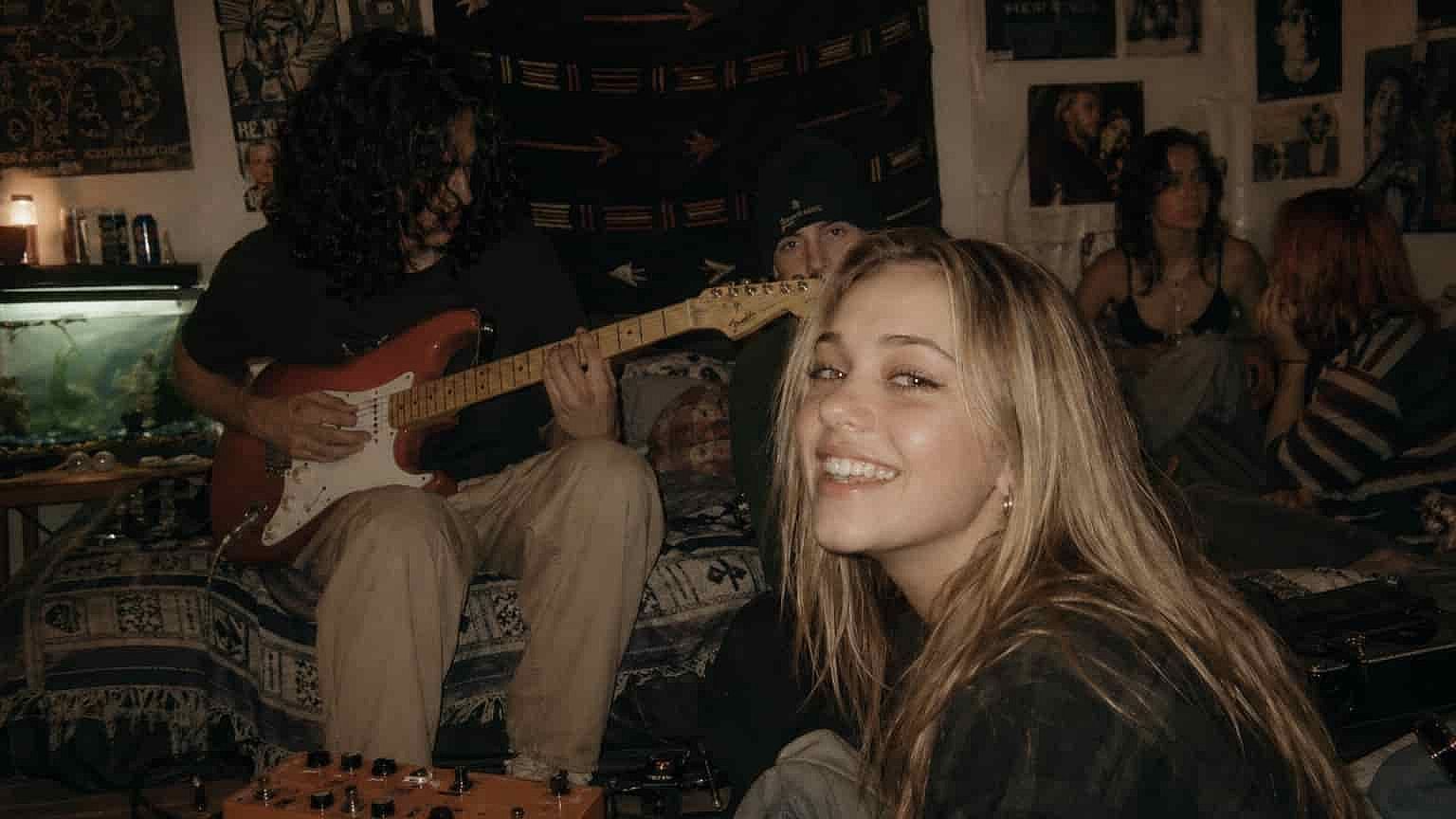
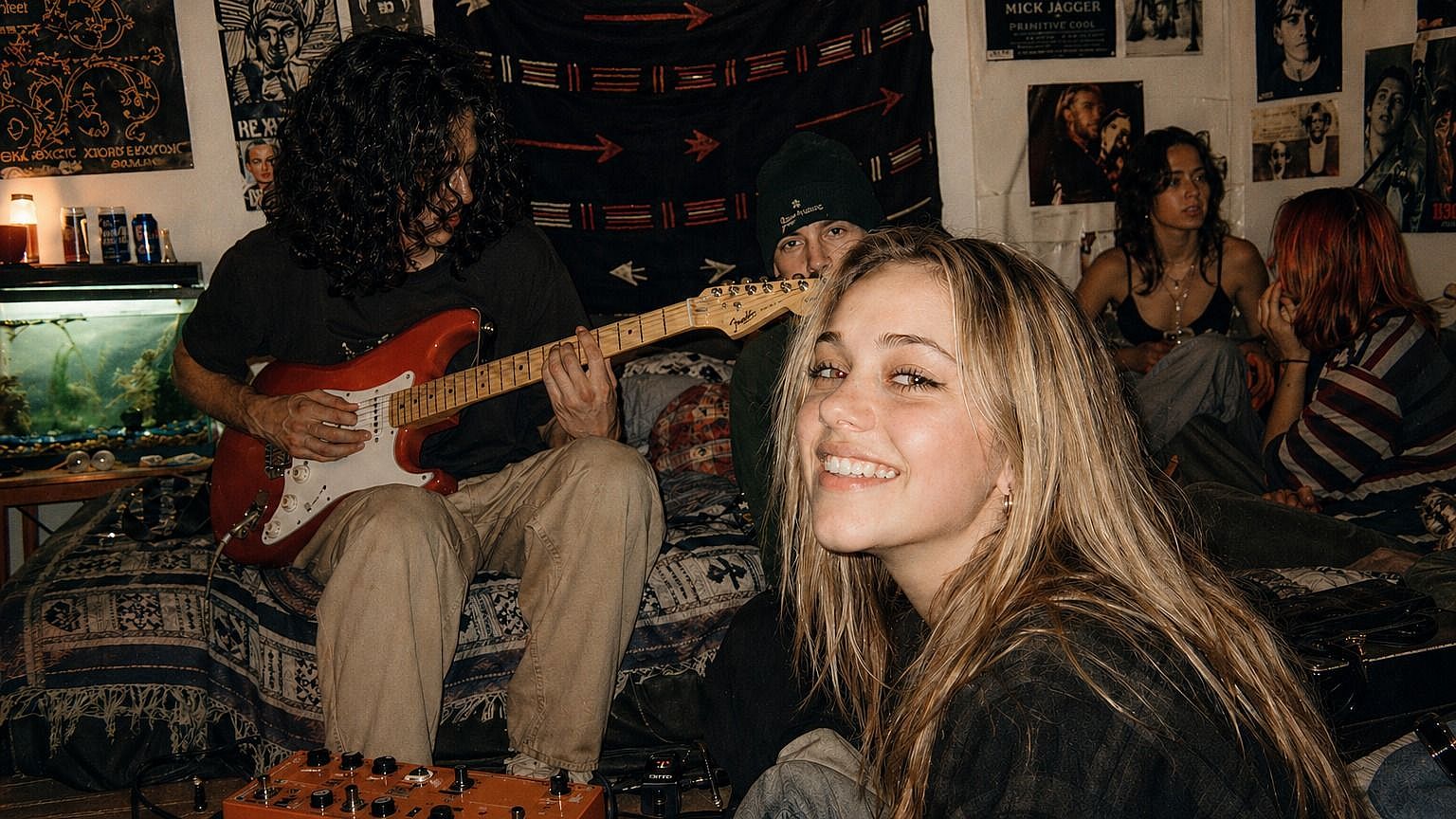
Restoring Old Family Photos
Got faded prints, scanned albums, or photos pulled off ancient phones? Upload them and watch faces, clothing, and backgrounds come back into focus. Shots that used to feel a bit "lost" to time get brought up to a quality that holds up on modern screens, ready to reprint, frame, or share in the family group chat.
Try it Now
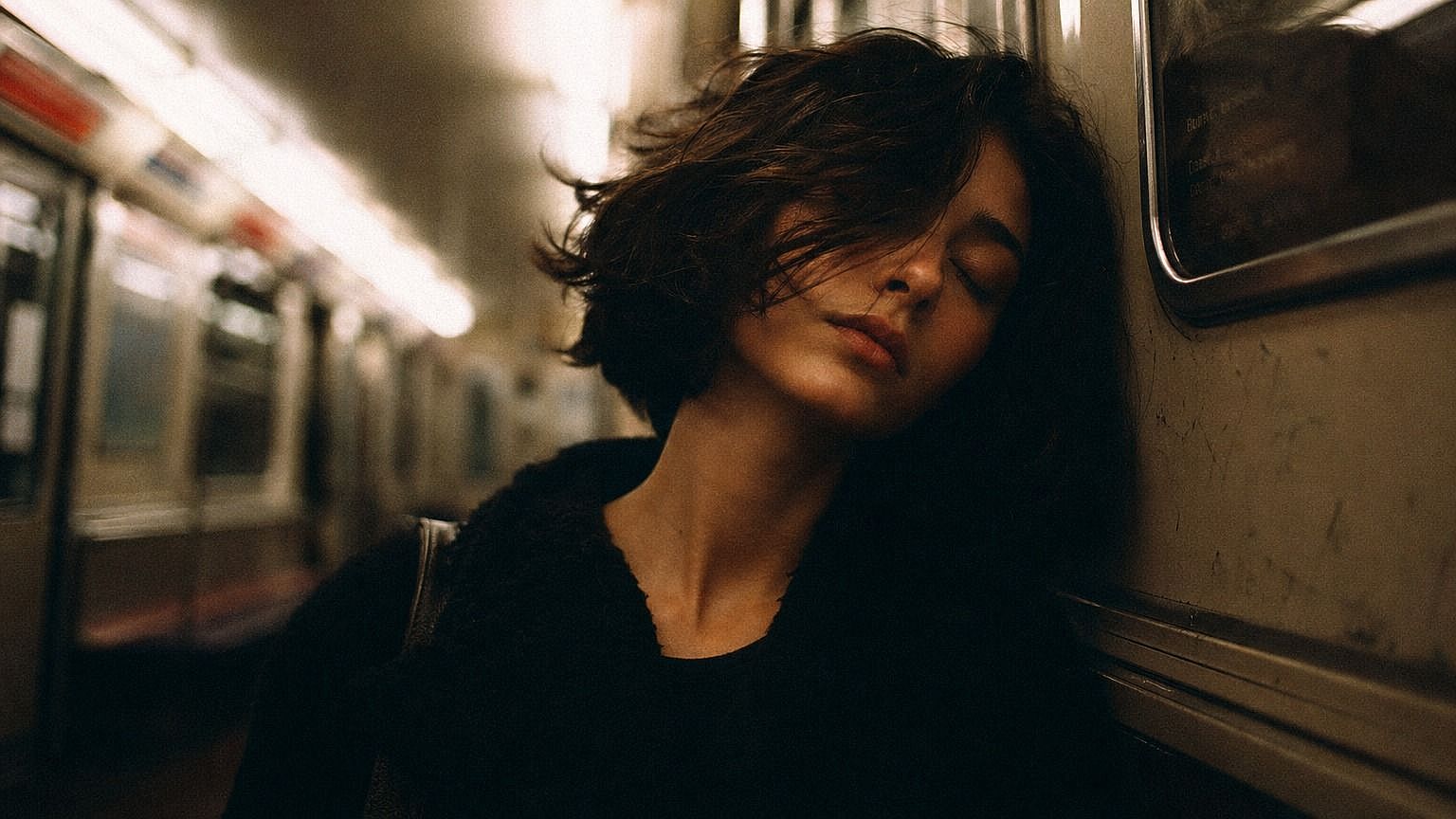
Sharpening Phone Shots and Screenshots
Phone photos can lose a lot when they're zoomed, cropped, or sent through apps that compress them. The converter pulls them back to a crisp, post-ready quality. Same for screenshots and saved web images , instead of going pixelated when you blow them up, they come out clean enough to use in posts, slide decks, or thumbnails.
Try it Now
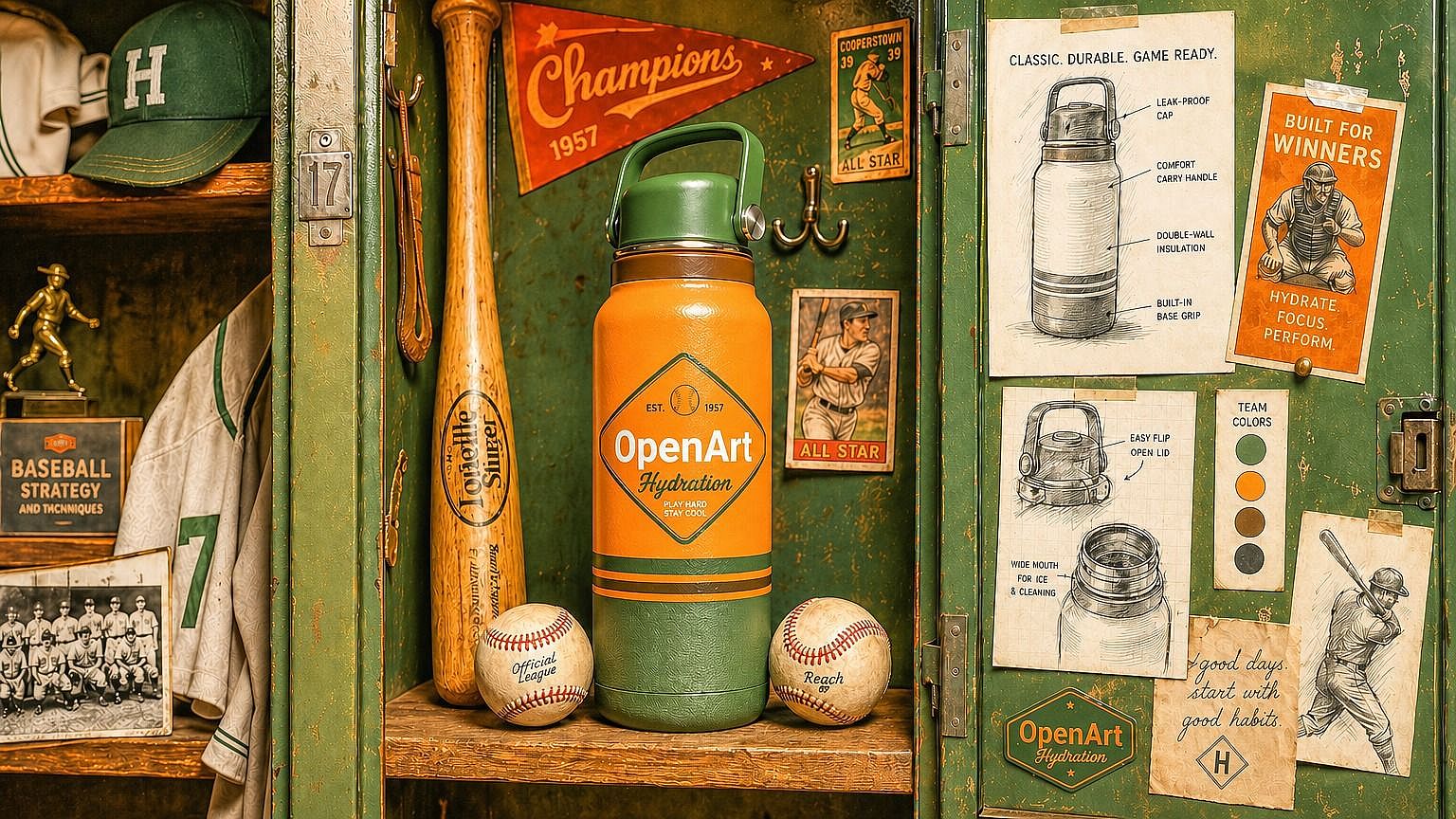
E-commerce and Product Photos
Tiny product shots, cropped supplier images, and low-res catalog photos hurt conversions and make a store look less polished than it should. Upscale them to HD (up to 4K) and you get listings that look professional even when you didn't have the original high-res file. Especially handy for resellers, dropshippers, and small shops working with whatever images they've got.
Try it Now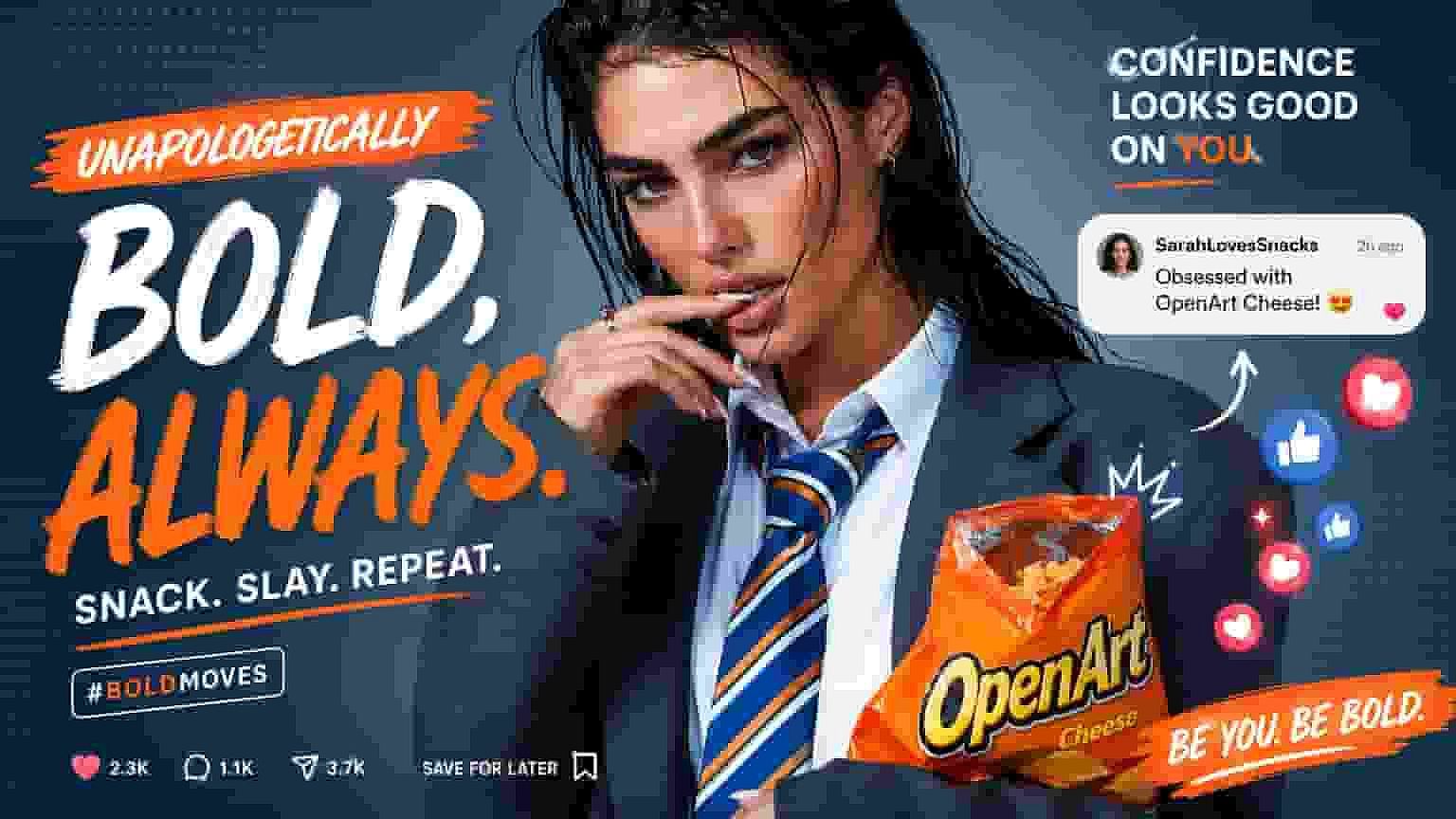
Content Creators and Social Media
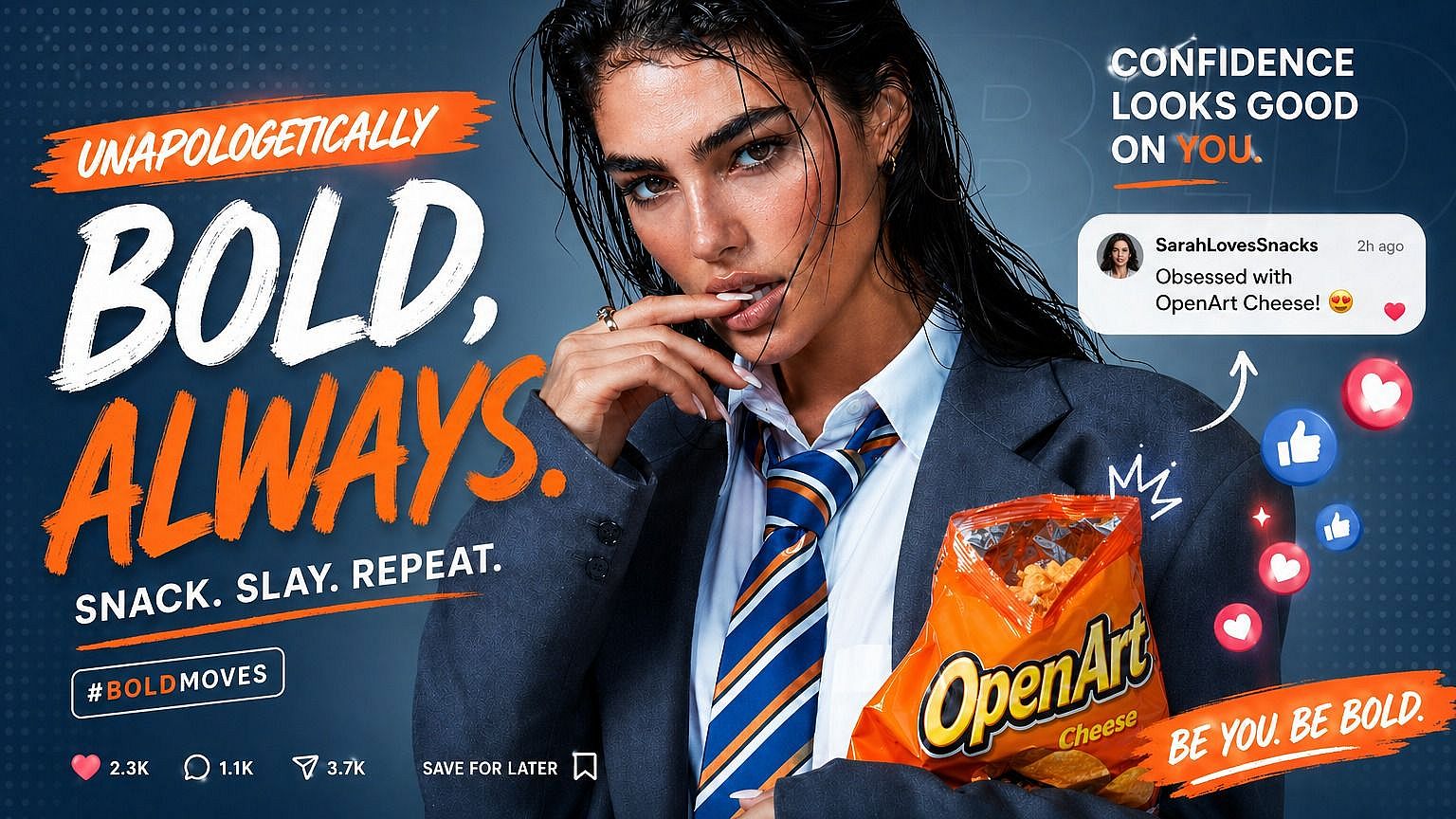
Thumbnails, banners, and reposts often start life as small or compressed images. With the HD converter you can take a rough reference and get something sharp enough to feature in a video, repurpose into a carousel, or run as a thumbnail. Less time hunting for higher-res sources, more time making content.
Try it NowFrequently Asked Questions
Get Insights from Experts Blog
Get the insights you need. Our experts share actionable hacks, break down the hottest topics, and provide essential how-to guides to help you create, optimize, and scale.
Read More