Resolution Increaser
Make any image bigger and sharper without losing detail. Upload your photo, pick how you want it scaled, and OpenArt's AI rebuilds it at a higher resolution. This is not a resizer that stretches pixels, it adds real detail across edges, textures, and faces, so your image holds up when you zoom in or print it large.
 Add an image Or drag and drop here · JPEG, PNG, WEBP
 Why Use OpenArt’s Resolution Increaser



Bigger Without the Blur
Upload any image and the AI rebuilds it at a higher resolution. It fills in detail across edges, textures, and fine areas. The result holds up when you crop, zoom, or print larger, instead of going soft.



Pick How Far the AI Goes
Choose Precise to stay faithful to the original, Refined for a cleaner balanced result, or Creative when you want the AI to add more detail. The mode decides how much the image can change as it scales up.
Keep Skin and Faces Natural
Turn on skin enhancement and faces come out sharp and believable, not smoothed into plastic. Portraits keep real texture while everything else gets cleaner.
How to Increase Image Resolution
Increasing resolution just takes three steps.
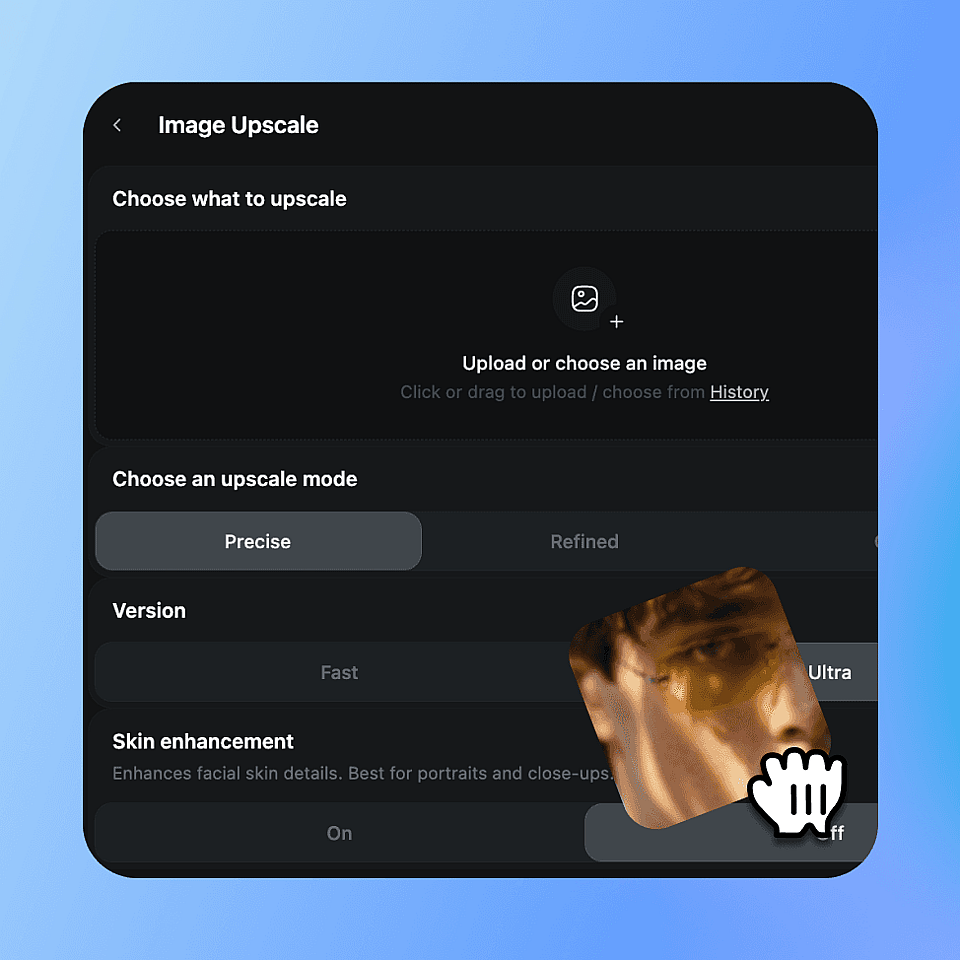
Upload Your Image
Open OpenArt’s Image Upscaler and drop in the photo you want to scale up. Works with JPEG, PNG, and WEBP.
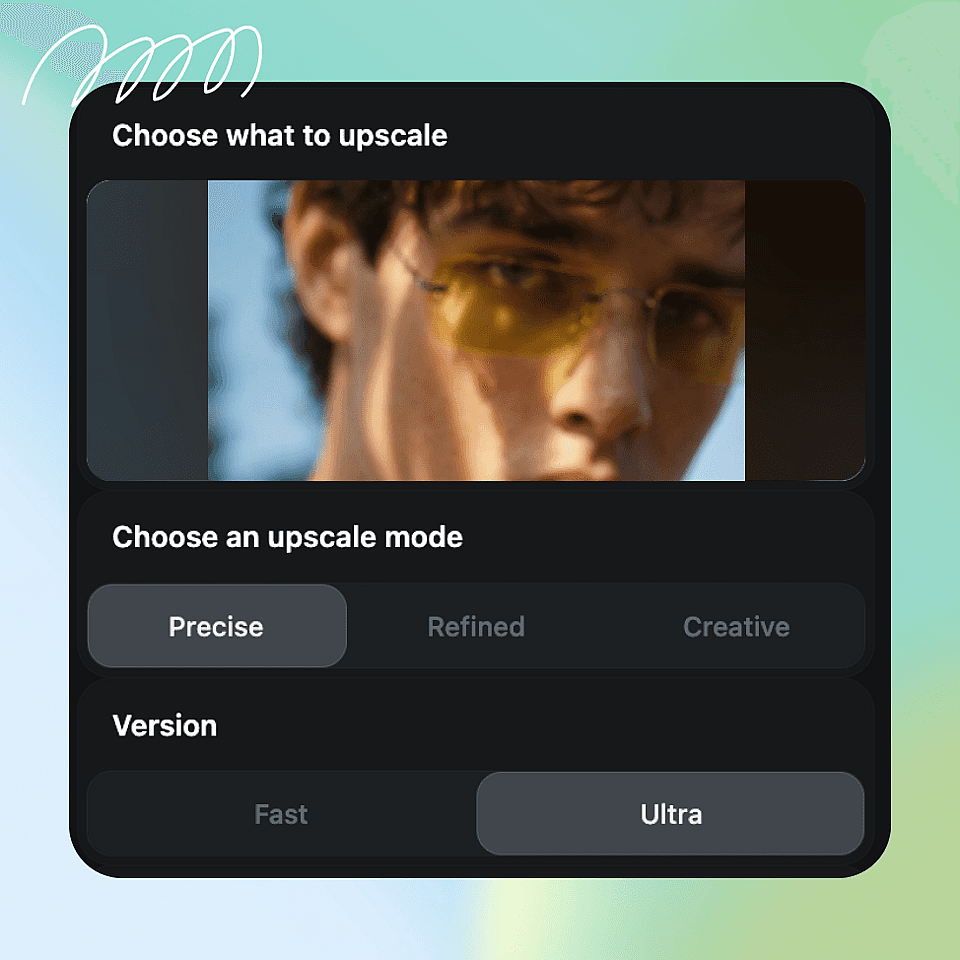
Choose Your Output Settings
Choose an upscale mode (Precise, Refined, or Creative), set Fast or Ultra quality, and toggle skin enhancement if there are faces in the shot.
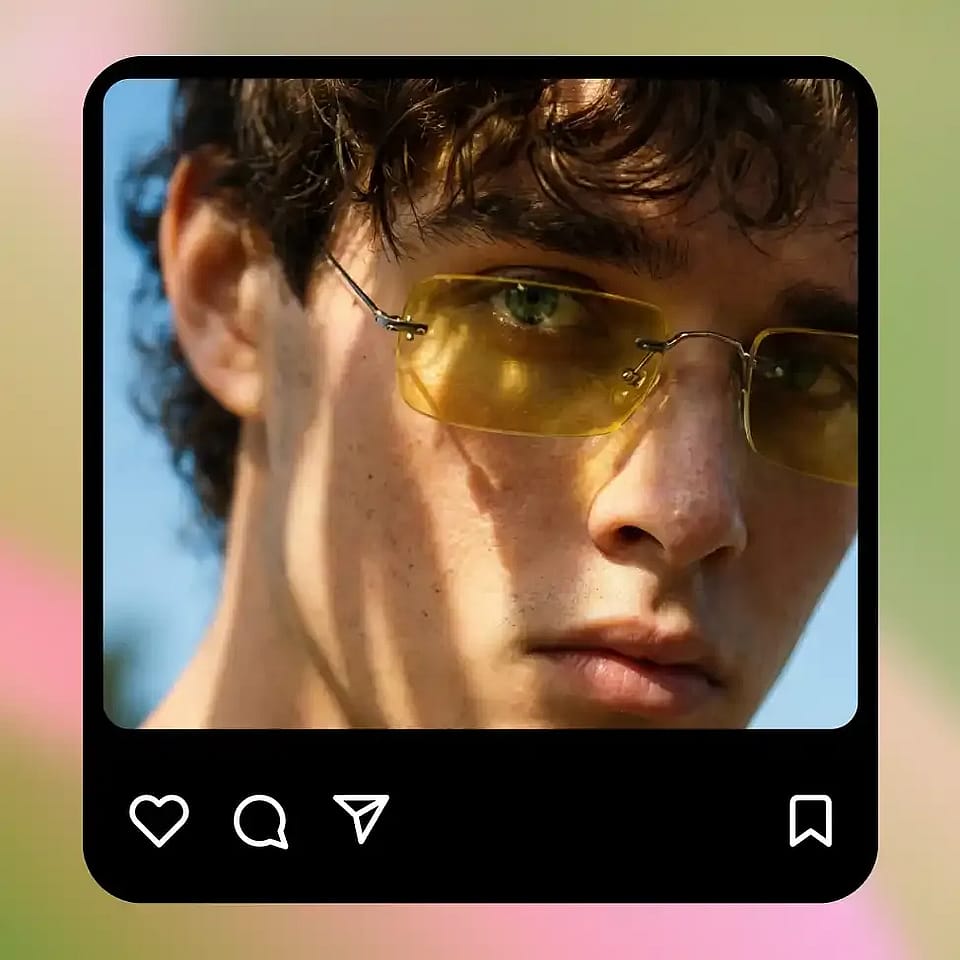
Generate and Download
Run it, review the result, and download your higher-resolution image. Compare it to the original and push the mode further if you want more detail.
Increase the Resolution of Any Image
Wherever an image is too small or too soft, the AI resolution increaser brings it up to a usable size.
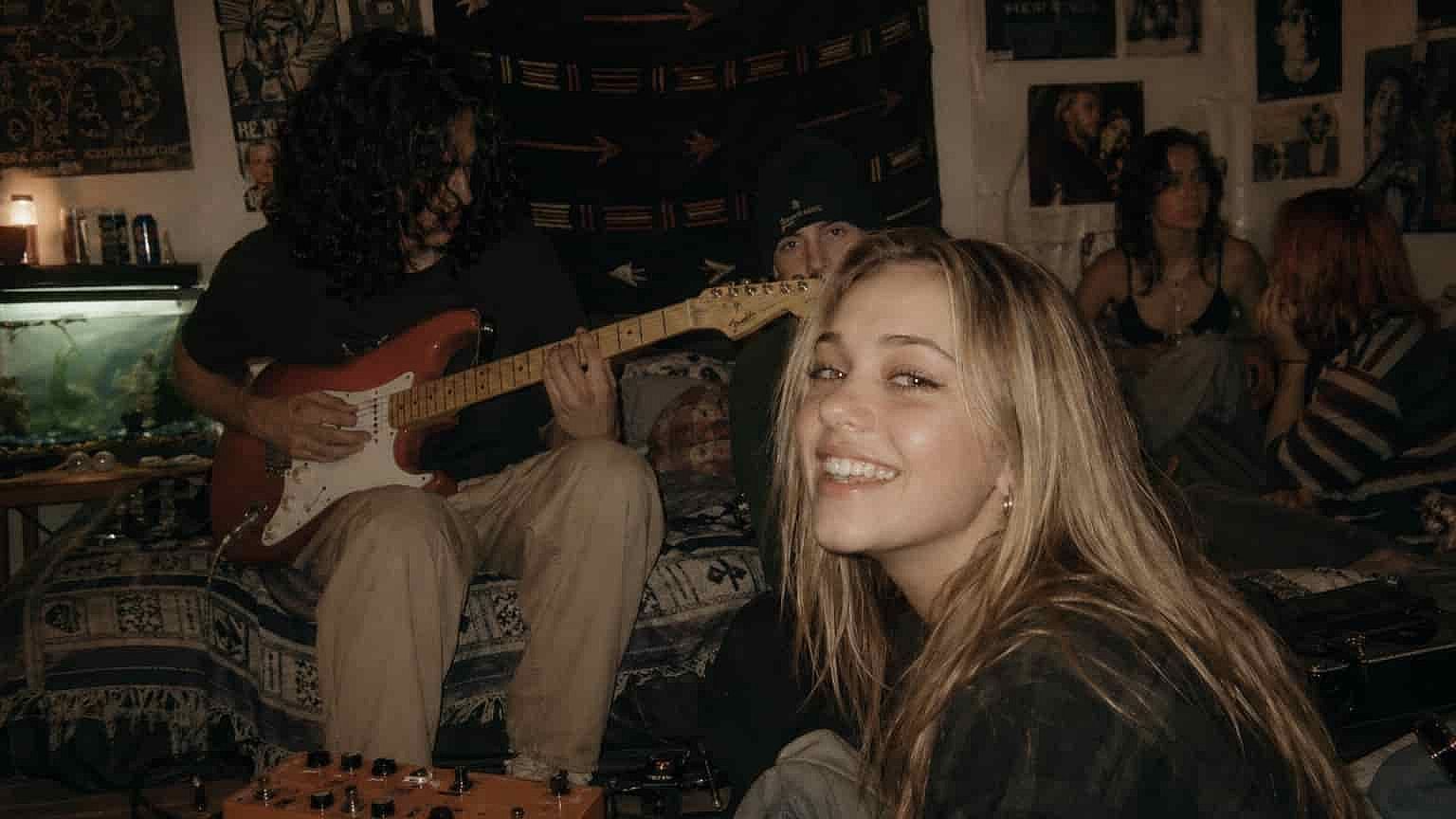
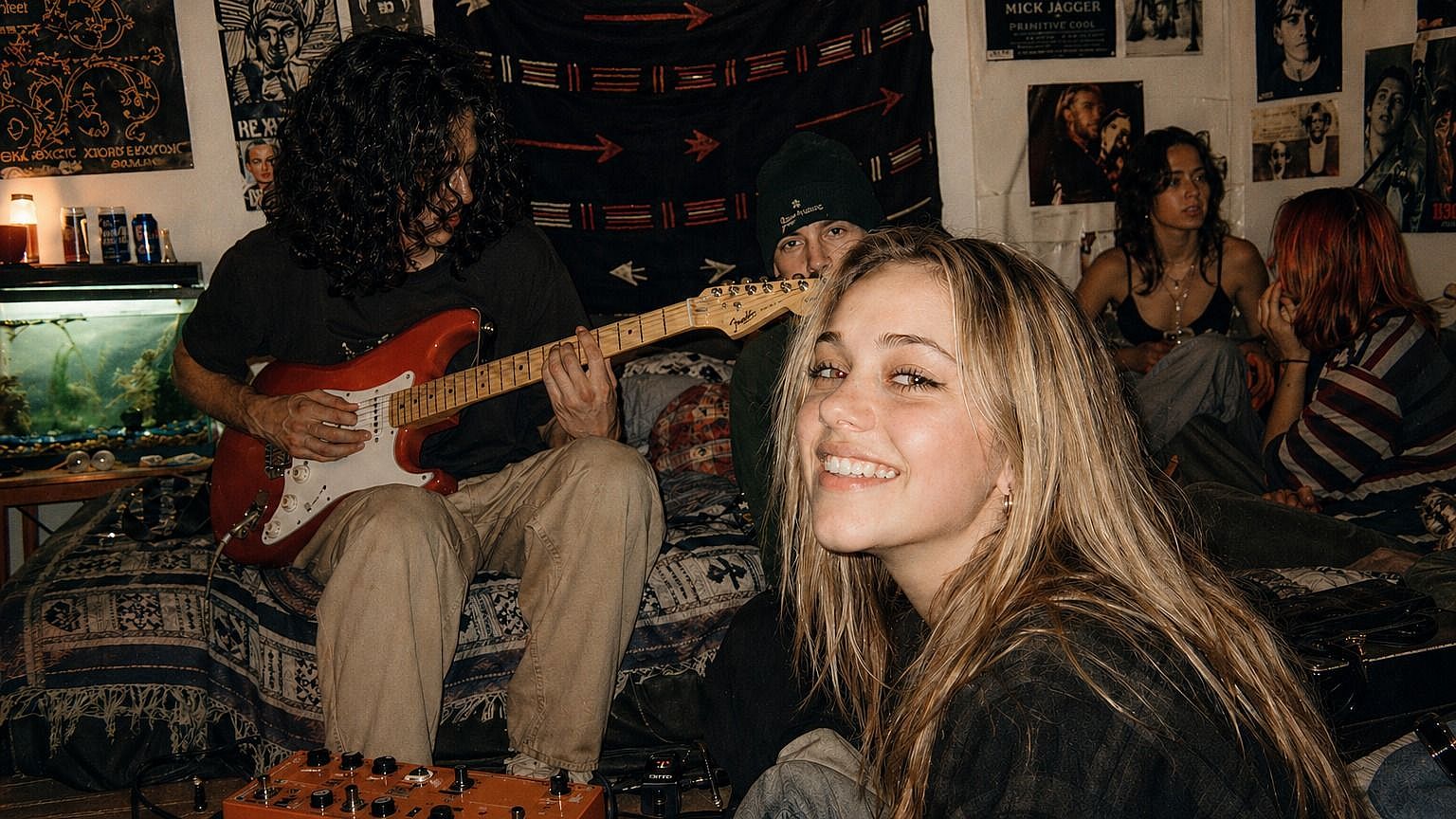
Old and Low-Res Photos
Bring older or low-resolution shots up to a size you can crop, print, or frame. The AI adds detail while keeping the photo looking real, so you spend less time rescuing files or reshooting.
Try it Now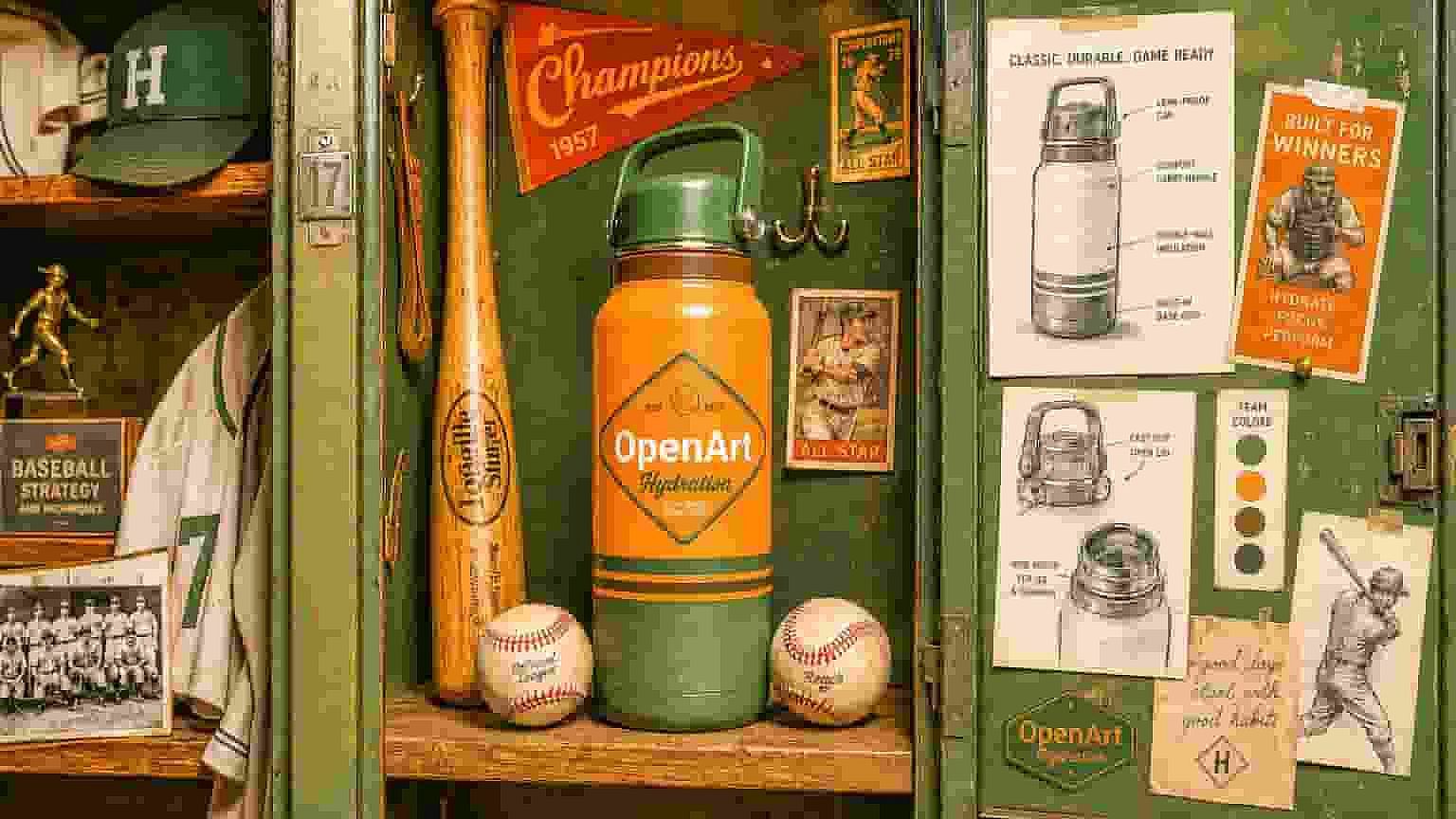
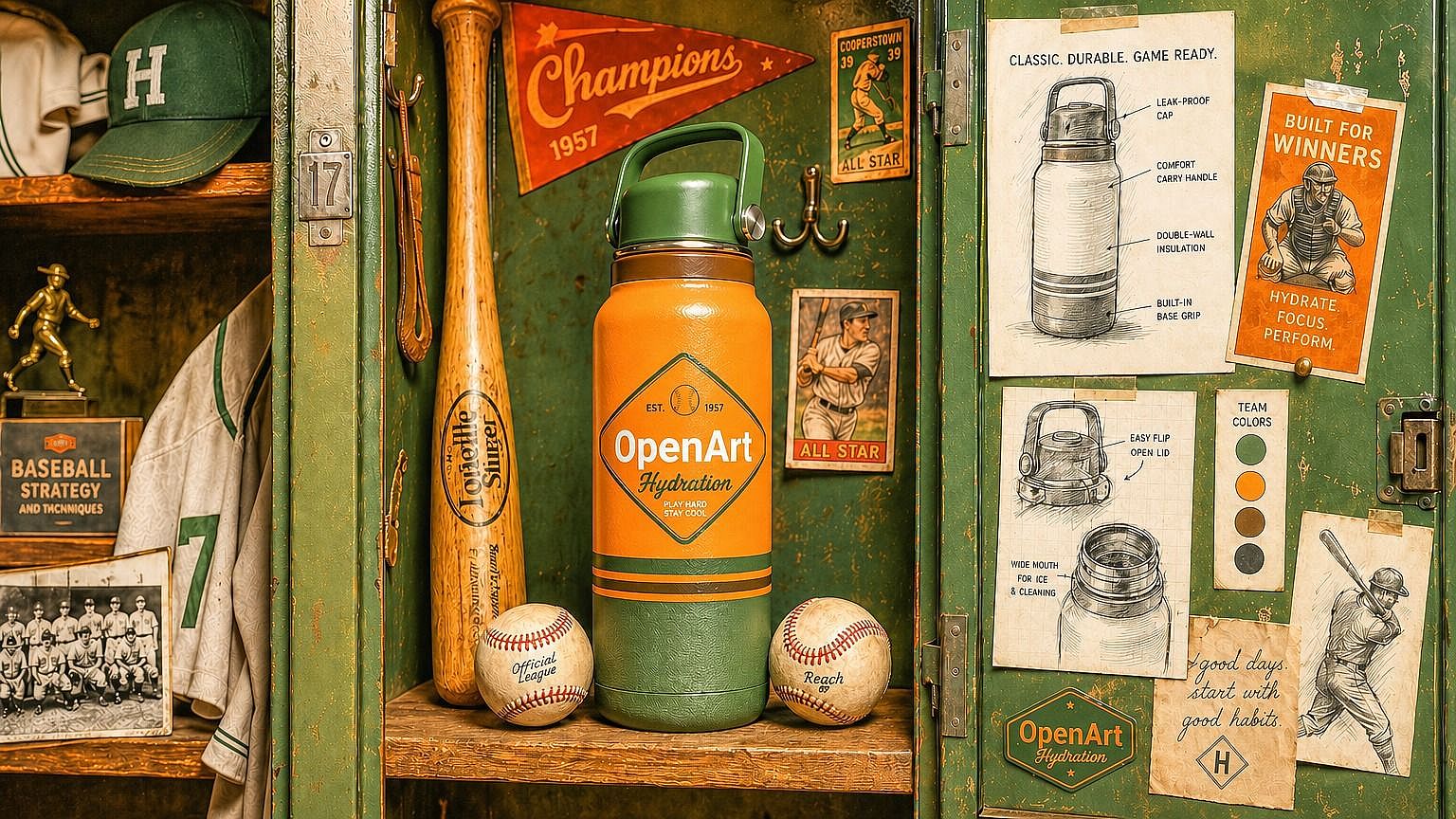
Product Photos and Listings
Product shots and graphics often need to be larger and sharper for listings, banners, or print. Increase the resolution and download a clean result that looks professional at any size.
Try it Now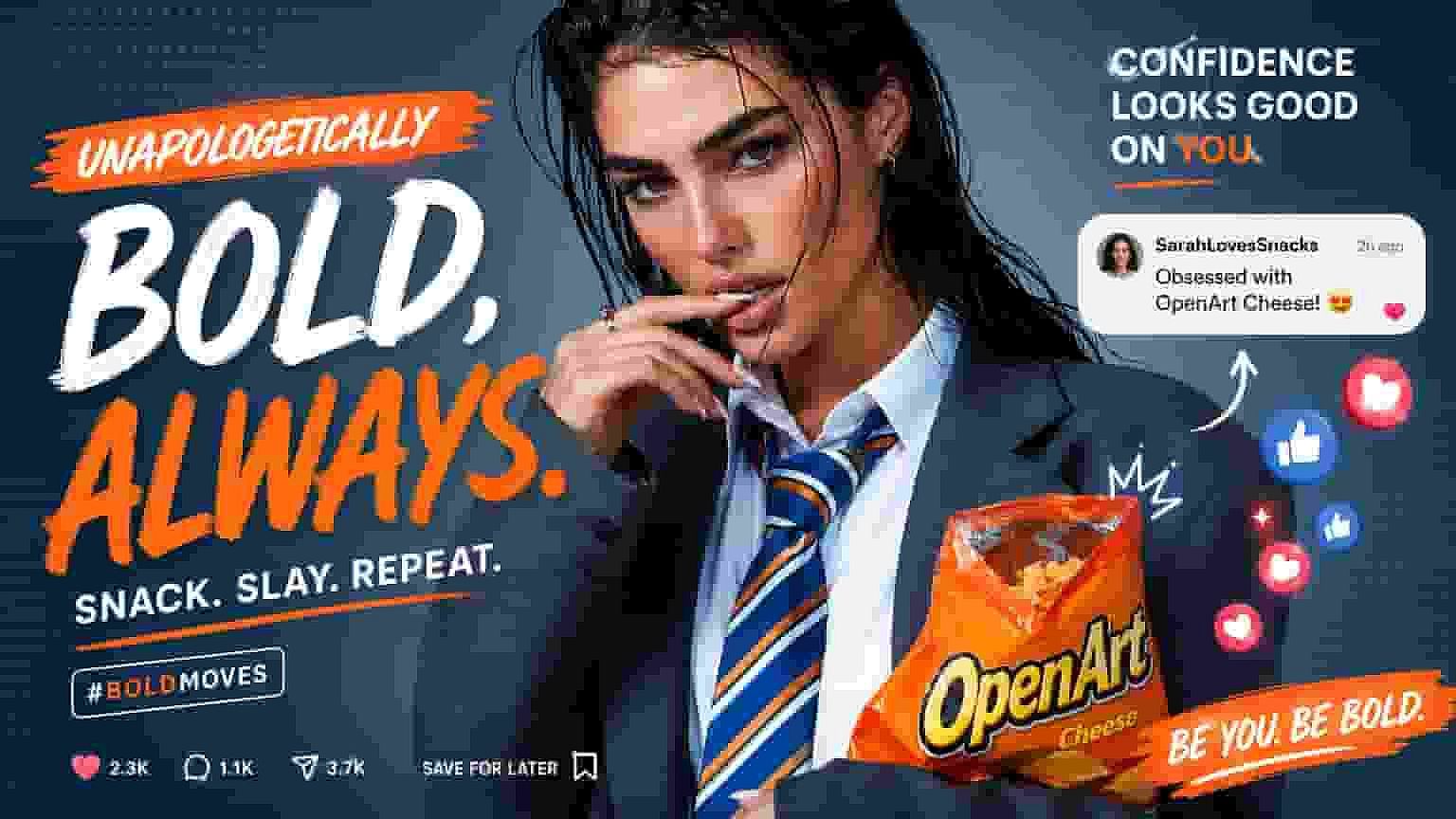
Social Posts and Thumbnails
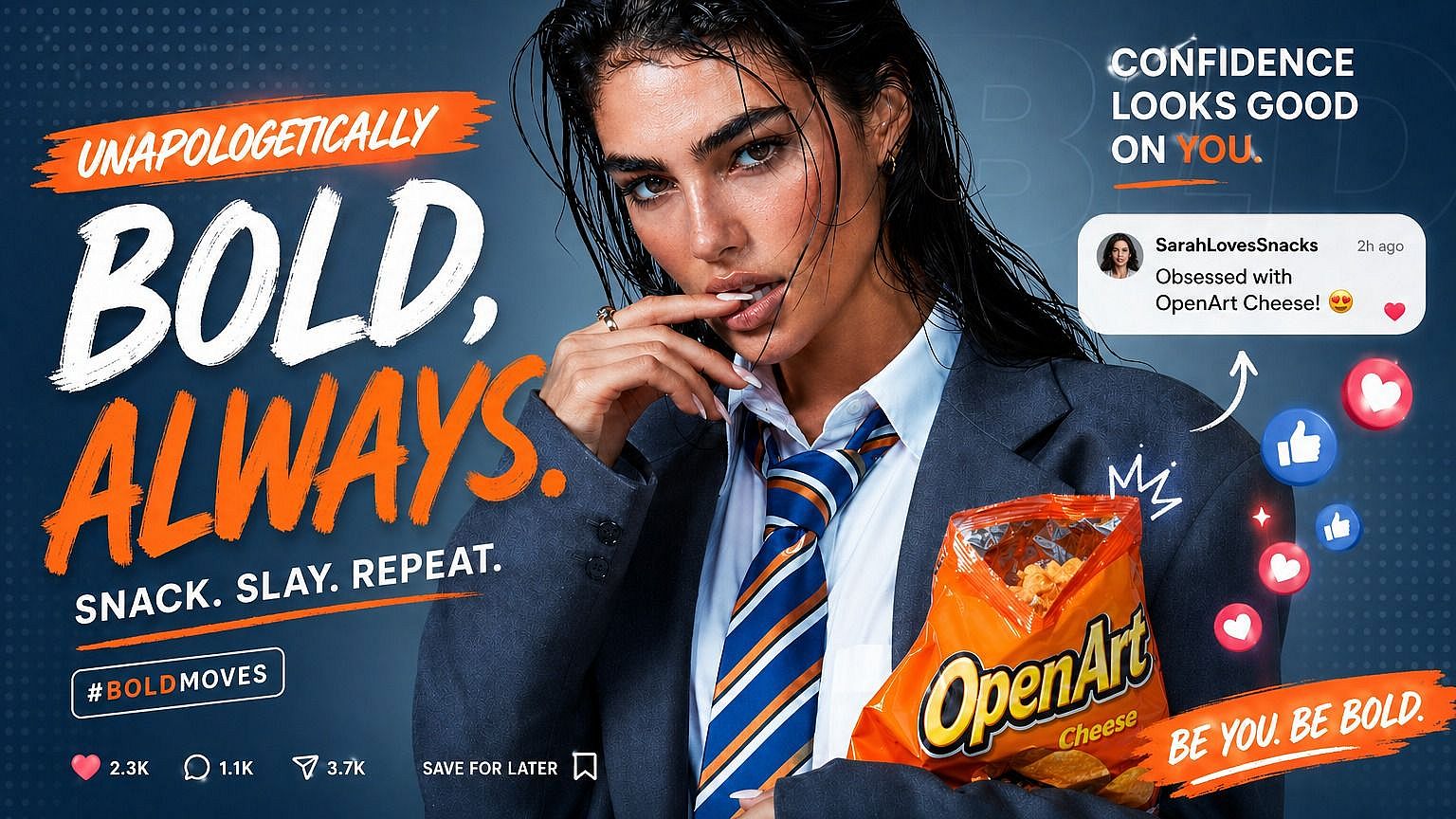
Reposted images, screenshots, and thumbnails often come out blurry. Scale them up to a crisp version that looks sharp on every screen and stands out in the feed. For YouTube specifically, the YouTube Thumbnail Maker lets you create and upscale thumbnails in one place before you export.
Try it Now
Client and Design Assets
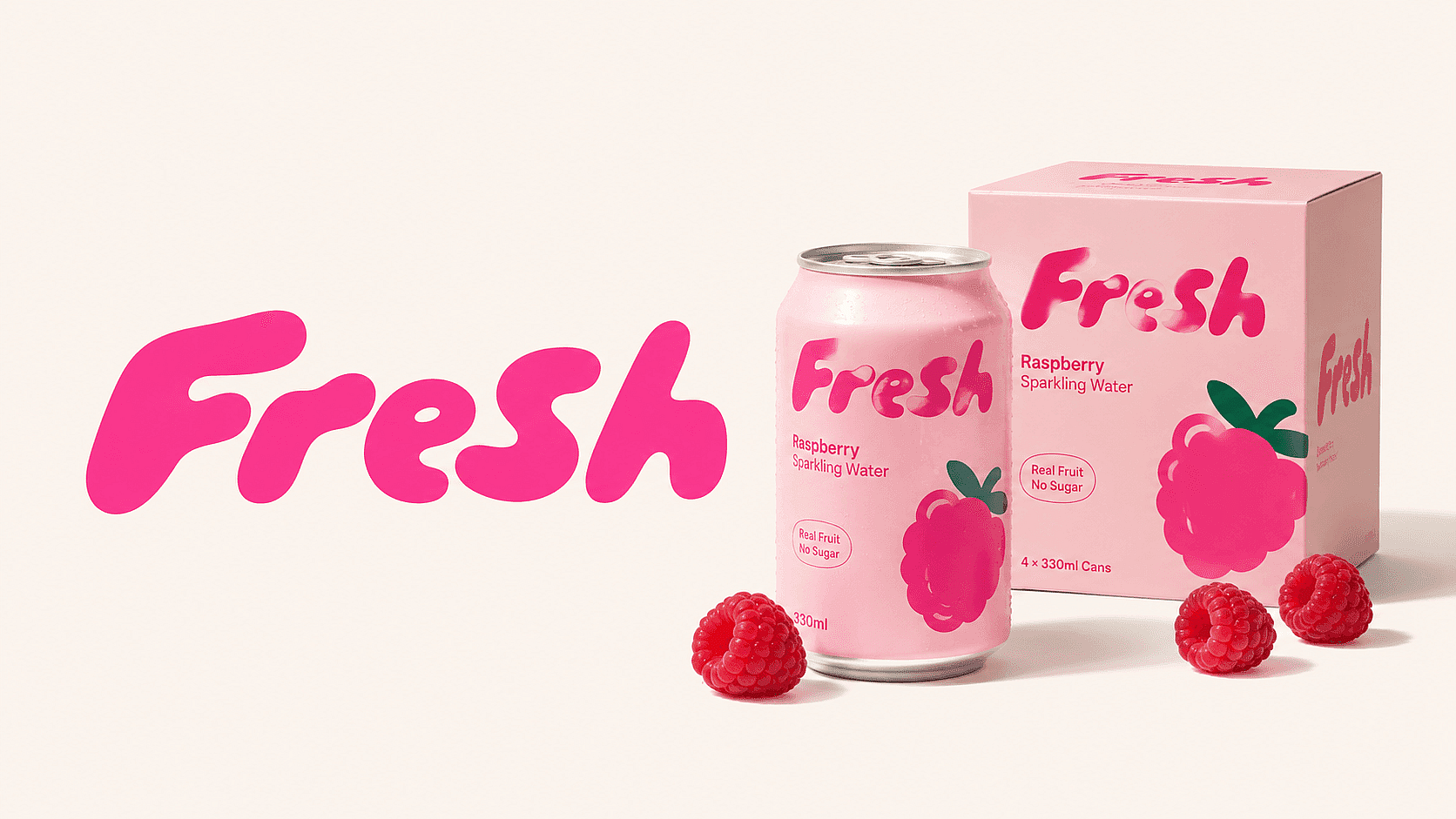
Logos, reference images, and handoffs rarely arrive at the right size. Increase their resolution so they hold up in layouts, mockups, and large-format work without looking soft.
Try it Now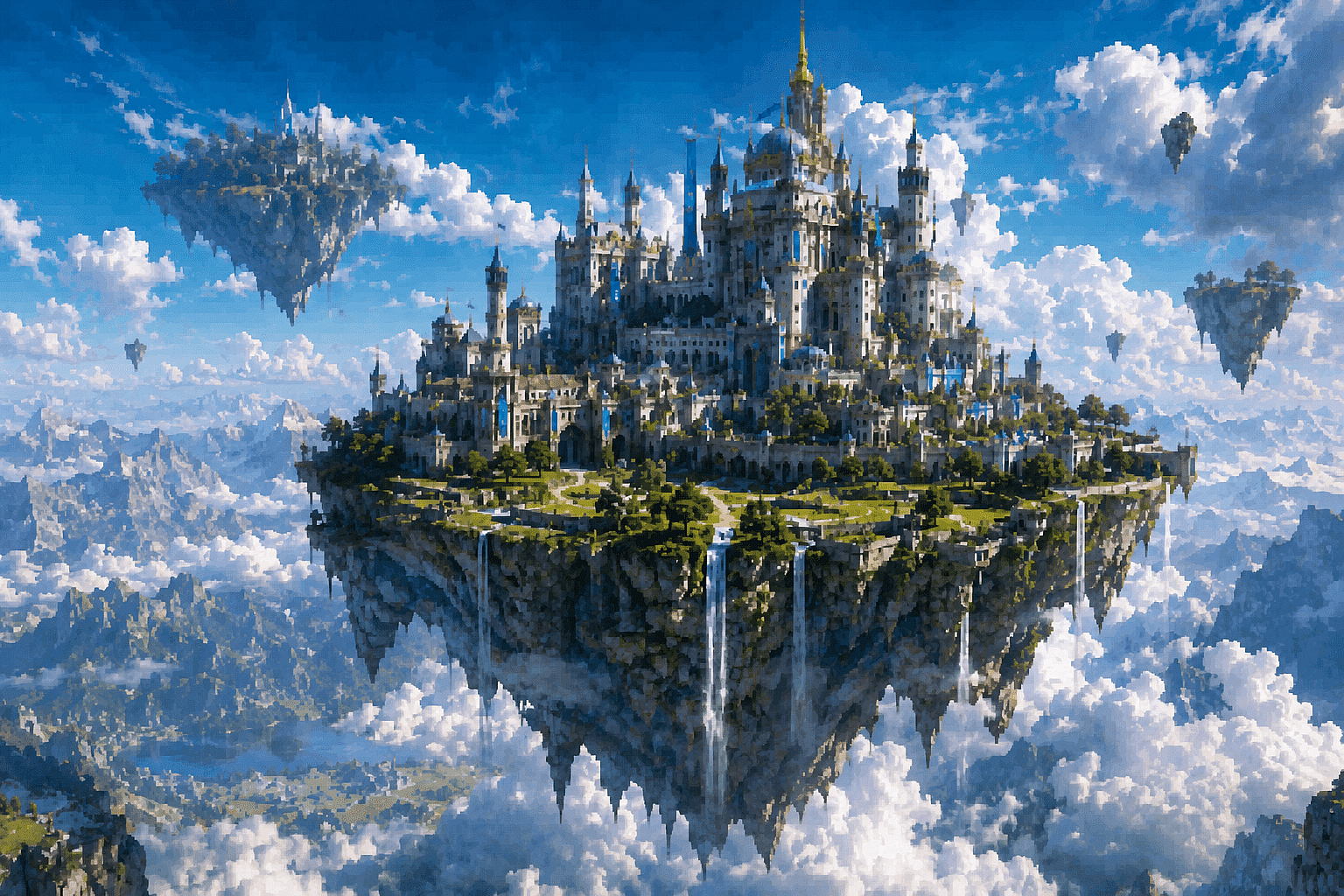
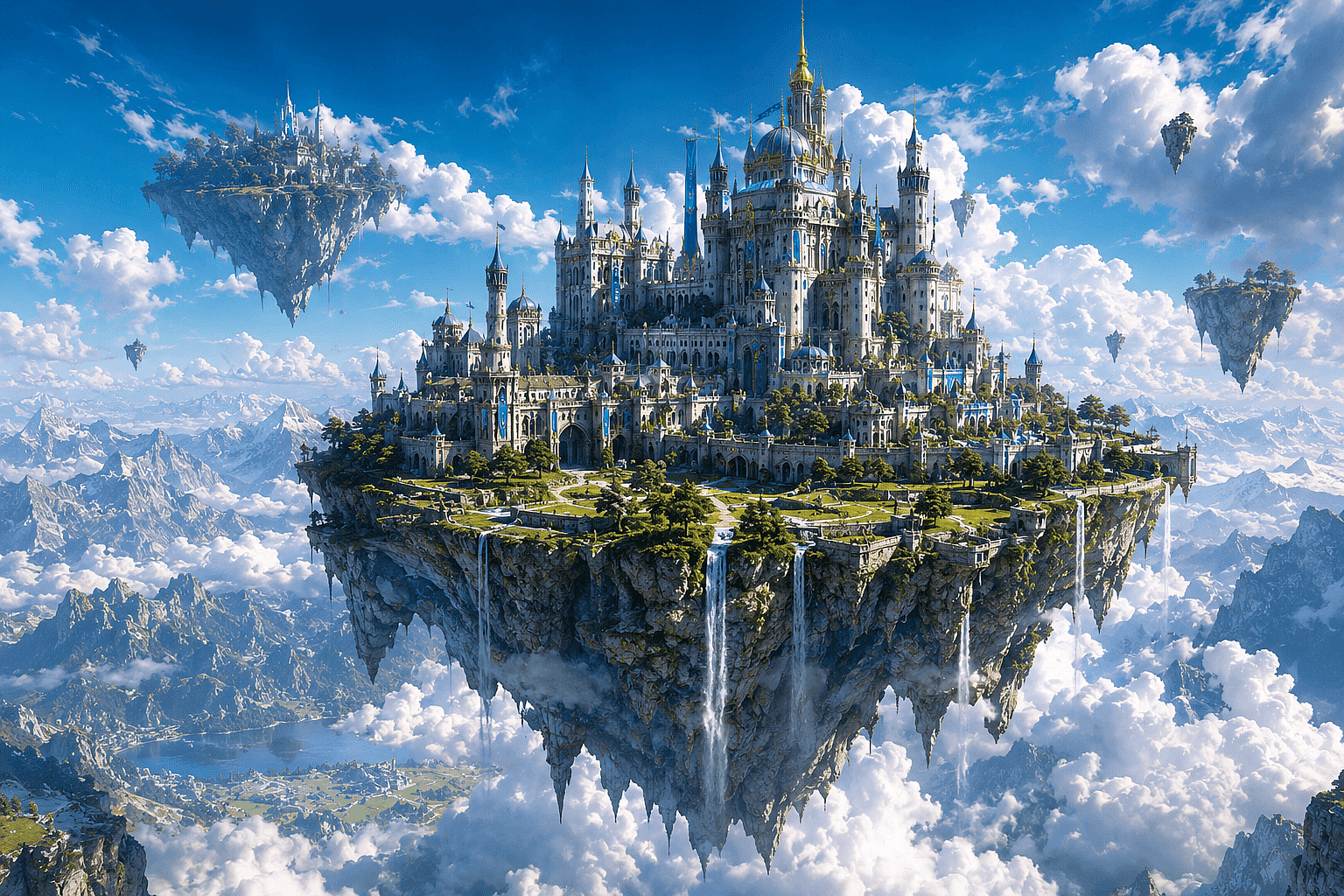
AI Art and Generated Images
Generated an image you love but it came out small? Increase its resolution so it is ready for print-on-demand, large display, or a portfolio. Create the next one directly in the AI Image Generator and upscale it without leaving OpenArt.
Try it NowLoved by Creators Worldwide
See what our community has to say
I've tried many AI platforms… but OpenArt is still the best for character creation, image-to-video quality, and the variety of models available.
OpenArt offers an excellent array of AI tools… once you learn the features, the creative possibilities are amazing - and their support team is outstanding.
OpenArt is a very versatile AI platform with many image and video models, consistent character creation, and powerful editing tools.
Helpful AI tools all in one place - image and video generation, editing, and more… no need for multiple subscriptions.
Customer service is always quick and helpful… and the platform keeps getting better with new features and tools.
I've tried many AI platforms… but OpenArt is still the best for character creation, image-to-video quality, and the variety of models available.
OpenArt offers an excellent array of AI tools… once you learn the features, the creative possibilities are amazing - and their support team is outstanding.
OpenArt is a very versatile AI platform with many image and video models, consistent character creation, and powerful editing tools.
Helpful AI tools all in one place - image and video generation, editing, and more… no need for multiple subscriptions.
Customer service is always quick and helpful… and the platform keeps getting better with new features and tools.
I've tried many AI platforms… but OpenArt is still the best for character creation, image-to-video quality, and the variety of models available.
OpenArt offers an excellent array of AI tools… once you learn the features, the creative possibilities are amazing - and their support team is outstanding.
OpenArt is a very versatile AI platform with many image and video models, consistent character creation, and powerful editing tools.
Helpful AI tools all in one place - image and video generation, editing, and more… no need for multiple subscriptions.
Customer service is always quick and helpful… and the platform keeps getting better with new features and tools.
With so many AI platforms out there, OpenArt stood out as a stellar choice - I'd recommend it to any creator.
This platform includes everything you need for AI content creation - images, video, characters, audio, and multiple AI models in one place.
OpenArt is pushing the boundaries of AI video creation… and it's clear the team is committed to improving the creator experience.
I made my first AI music video with OpenArt… and their support team was the best help I've ever experienced.
I'm very happy with the support - my issue was resolved quickly and the team made the process easy.
With so many AI platforms out there, OpenArt stood out as a stellar choice - I'd recommend it to any creator.
This platform includes everything you need for AI content creation - images, video, characters, audio, and multiple AI models in one place.
OpenArt is pushing the boundaries of AI video creation… and it's clear the team is committed to improving the creator experience.
I made my first AI music video with OpenArt… and their support team was the best help I've ever experienced.
I'm very happy with the support - my issue was resolved quickly and the team made the process easy.
With so many AI platforms out there, OpenArt stood out as a stellar choice - I'd recommend it to any creator.
This platform includes everything you need for AI content creation - images, video, characters, audio, and multiple AI models in one place.
OpenArt is pushing the boundaries of AI video creation… and it's clear the team is committed to improving the creator experience.
I made my first AI music video with OpenArt… and their support team was the best help I've ever experienced.
I'm very happy with the support - my issue was resolved quickly and the team made the process easy.
Frequently Asked Questions
Get Insights from Experts Blog
Get the insights you need. Our experts share actionable hacks, break down the hottest topics, and provide essential how-to guides to help you build, optimize, and scale.
Read More