

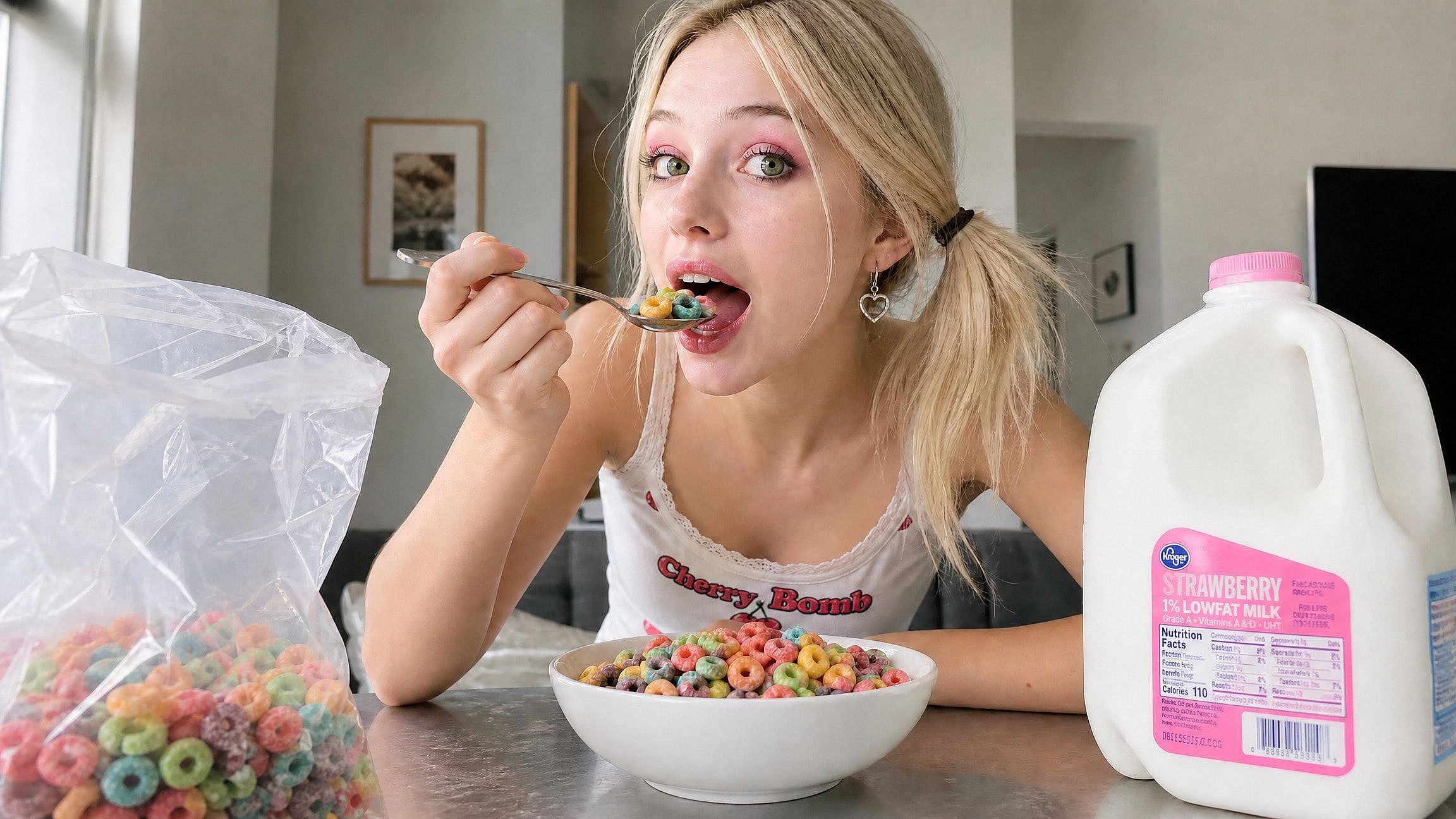
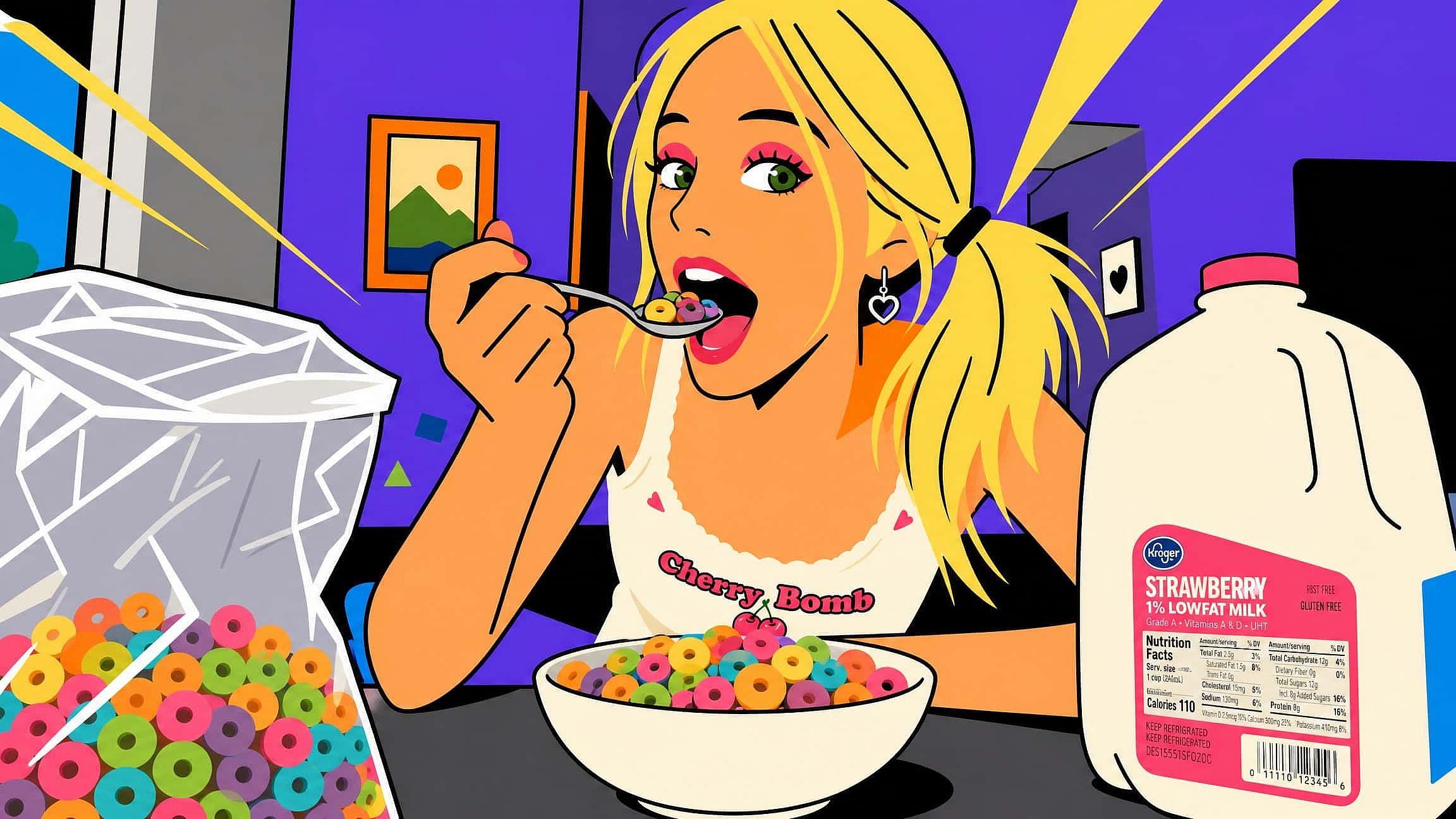
AI Image to Image
Turn any picture into something new with OpenArt's AI image to image generator. Upload a photo, describe the transformation by chat, and get results that keep your composition while changing the style, mood, or details.
 Add an image Or drag and drop here · JPEG, PNG, WEBP
 How to Use AI Image to Image on OpenArt
Transforming a picture takes one upload, one prompt, and one slider. The core flow runs through OpenArt's Image Variations tool.
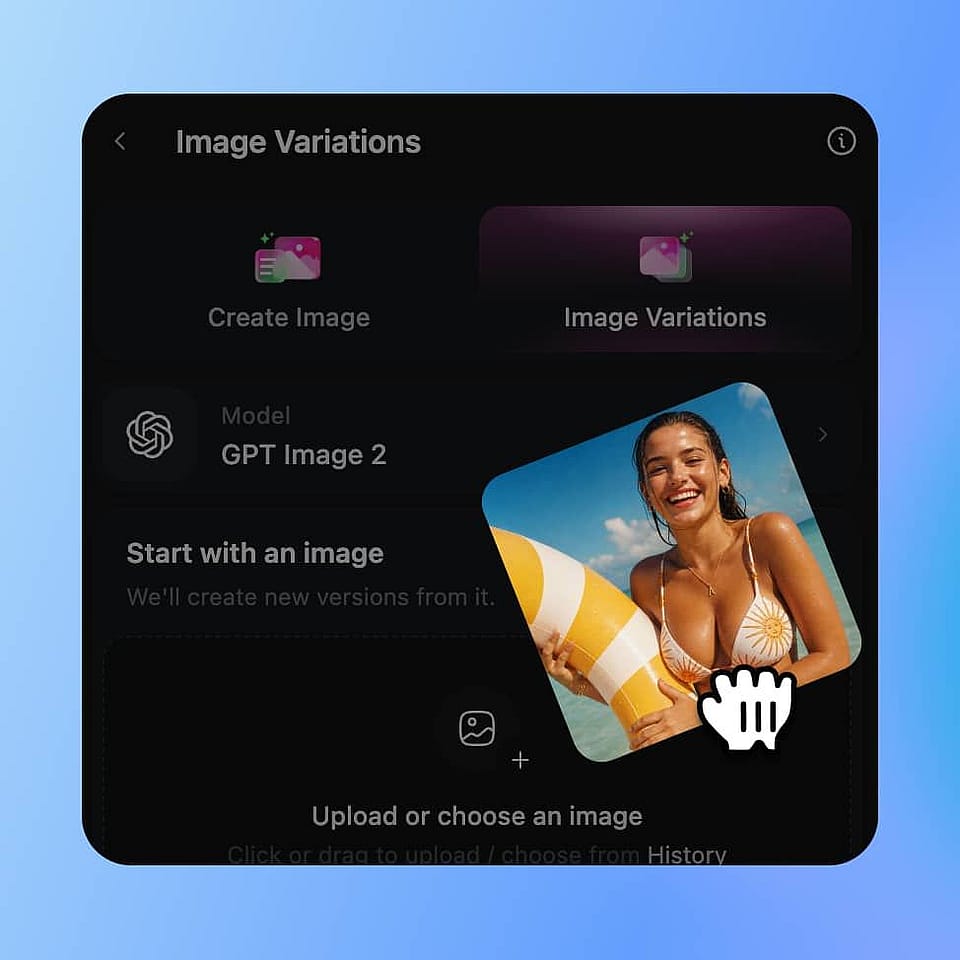
Upload Your Starting Image
Open Image Variations and drop in the photo, artwork, or sketch you want to transform. Clear, well-lit images with a resolution close to your target output give the best results.
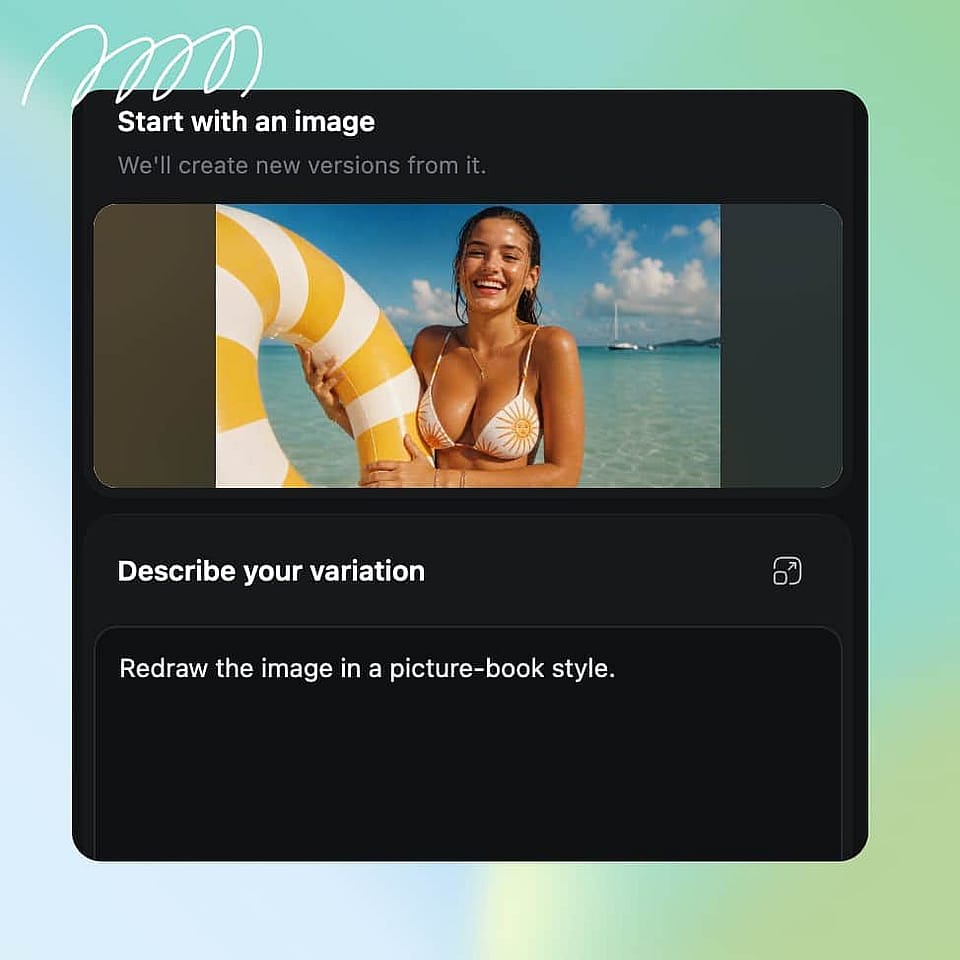
Describe the Transformation
Write a text prompt covering the style, mood, colors, or elements you want changed. Be specific: "watercolor illustration, soft pastel palette, storybook style" beats "make it artistic."
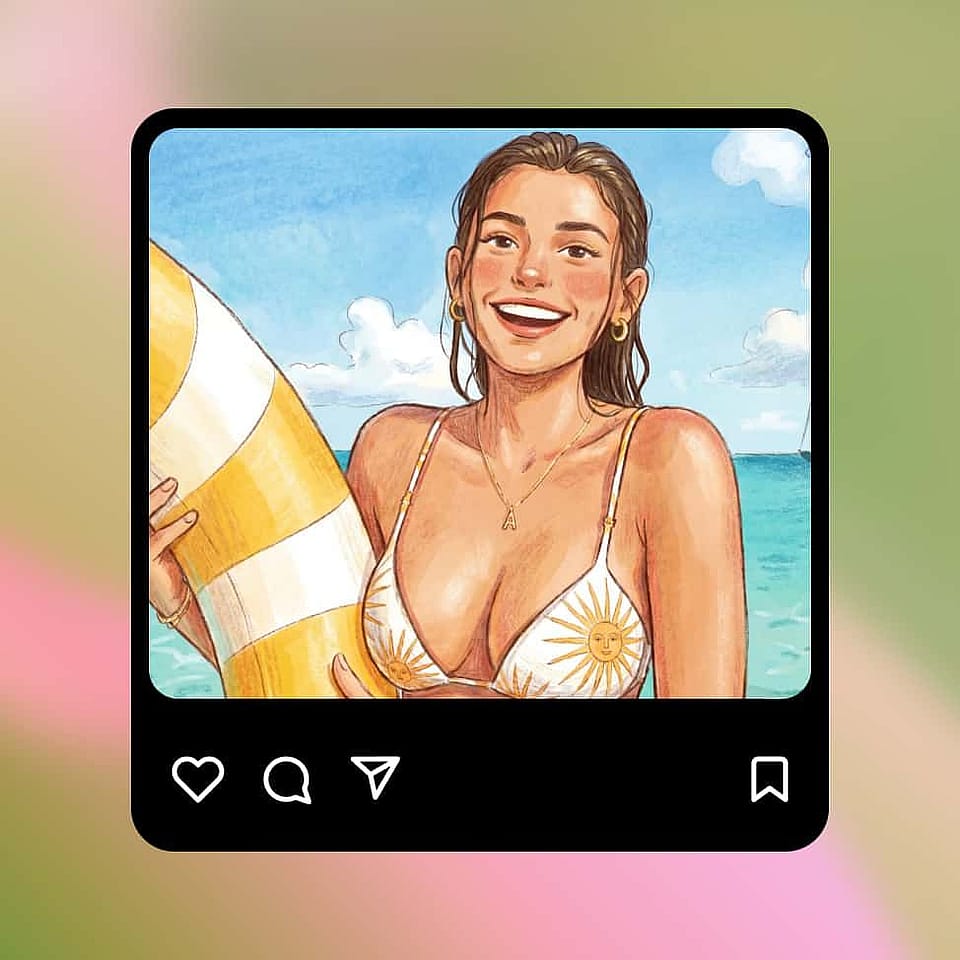
Set the Creativity Level and Generate
Move the creativity slider toward "closer to original" for a faithful restyle or toward "more different" for a bigger leap, then generate up to 8 variations and pick your favorite.
Transform Any Image While Keeping What Matters
Restyle photos, sketches, and illustrations while preserving the original composition, subject, and identity. From subtle edits to dramatic artistic transformations, OpenArt lets you create consistent results with powerful AI editing tools.
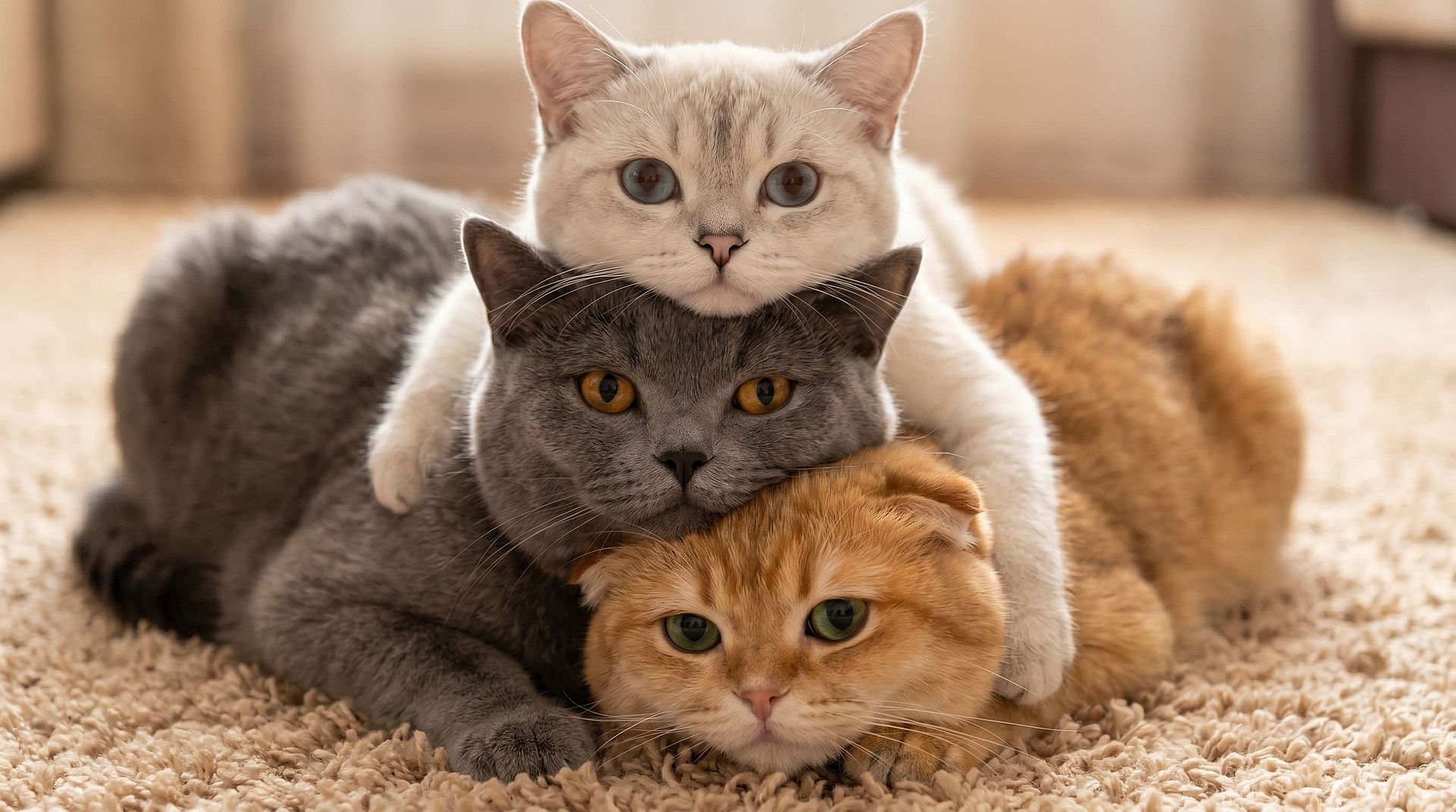
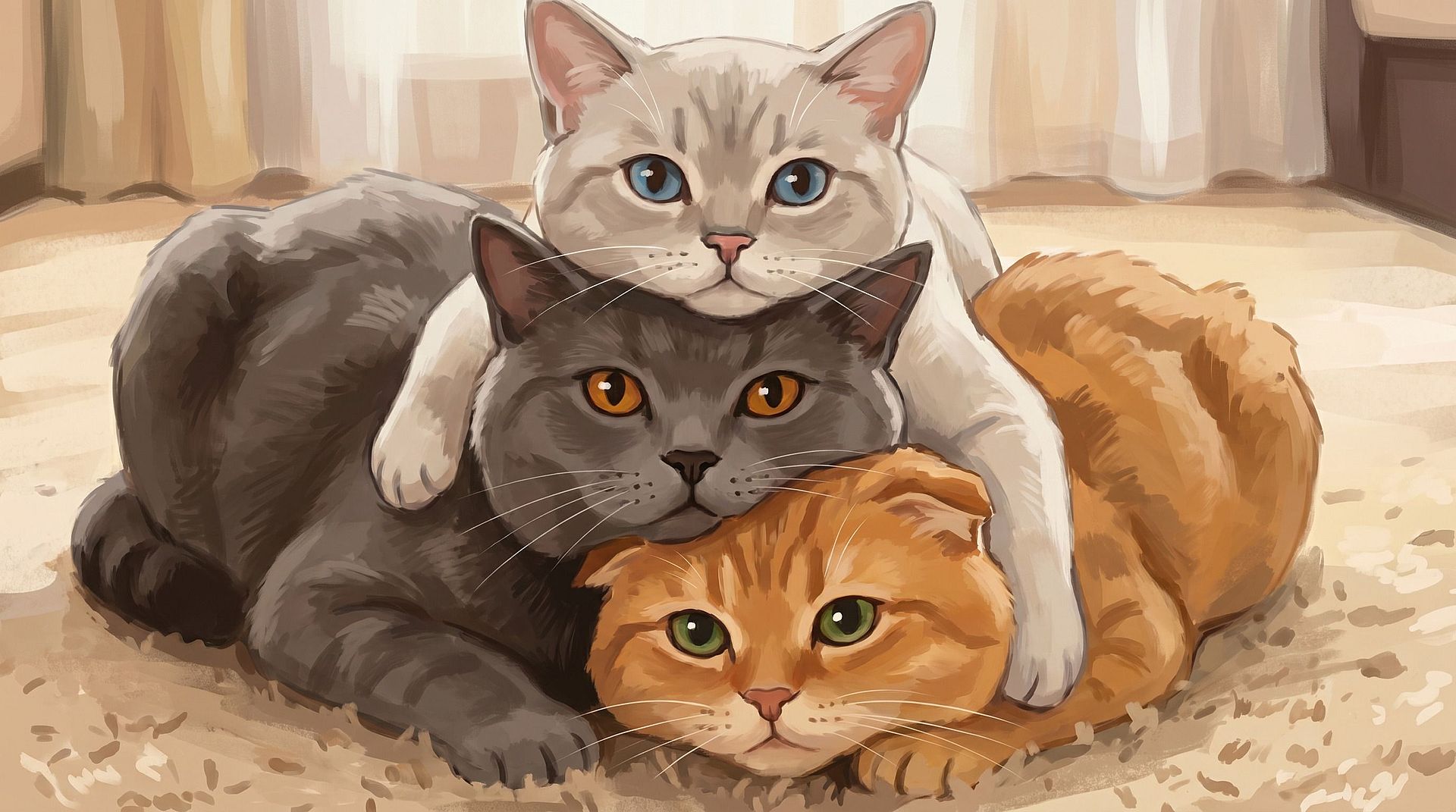
Restyle Photos Without Losing Structure
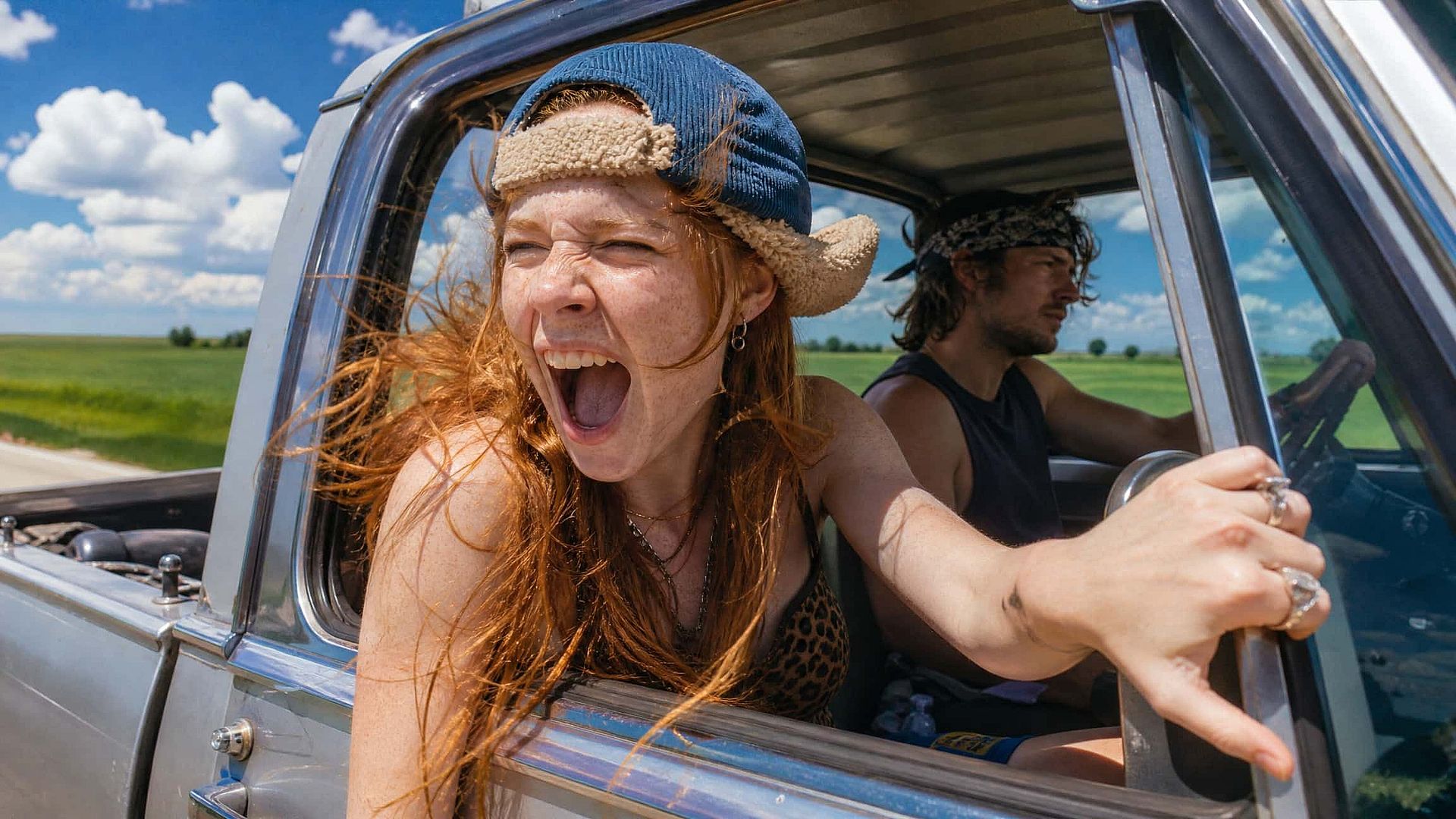
The AI image generator can change any photo while preserving its composition, framing, and likeness. Turn a portrait into an anime character, a street shot into a cyberpunk scene, or a pet photo into painted artwork. The subject and layout carry over, so the result still reads as your image in a new style. You can also combine this workflow with AI Style Transfer, Image to Cartoon AI, or the Studio Ghibli Filter to create stylized profile pictures, fan art, and printable portraits.
Try it Now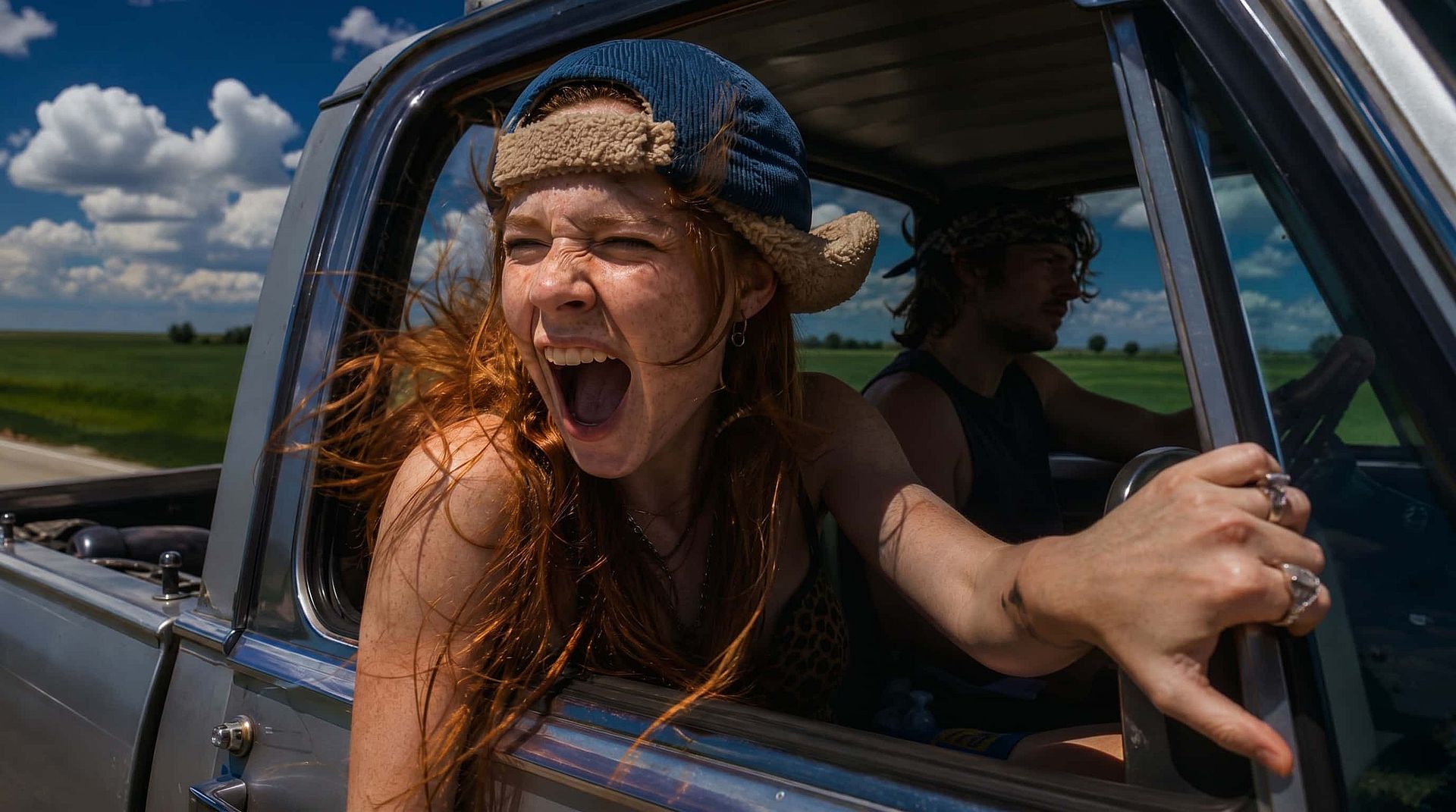
Control the Strength of Change
The creativity slider works like the strength setting in classic image-to-image workflows: keep it low for subtle shifts to color, lighting, and texture, or push it higher for a full reinterpretation. You can also upload a reference image alongside your prompt so new generations inherit its look, or let Image to Prompt automatically generate a prompt from any uploaded image. It is the fastest way to say, "Make me something like this, but different."
Try it Now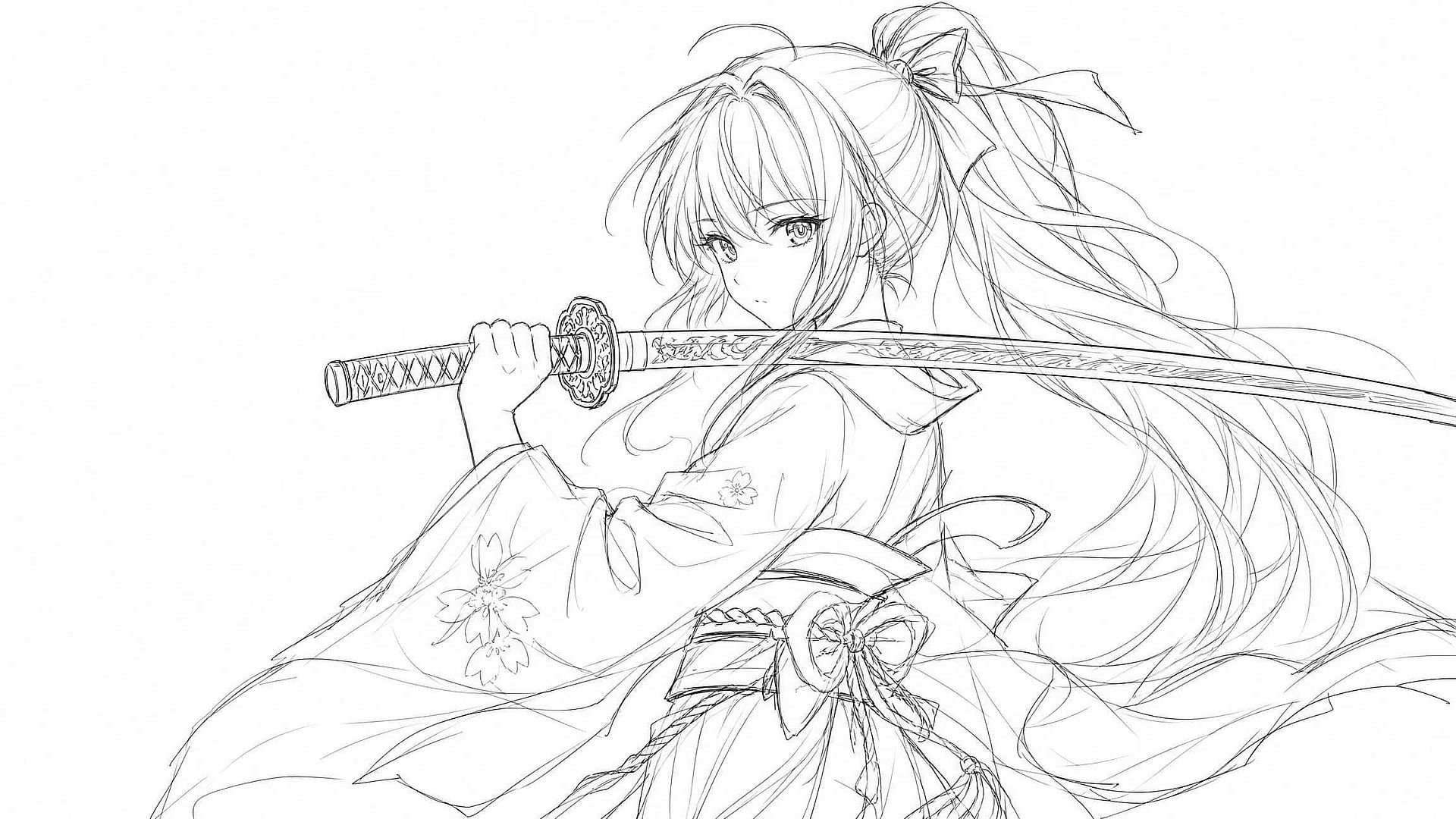
Turn Sketches Into Finished Images
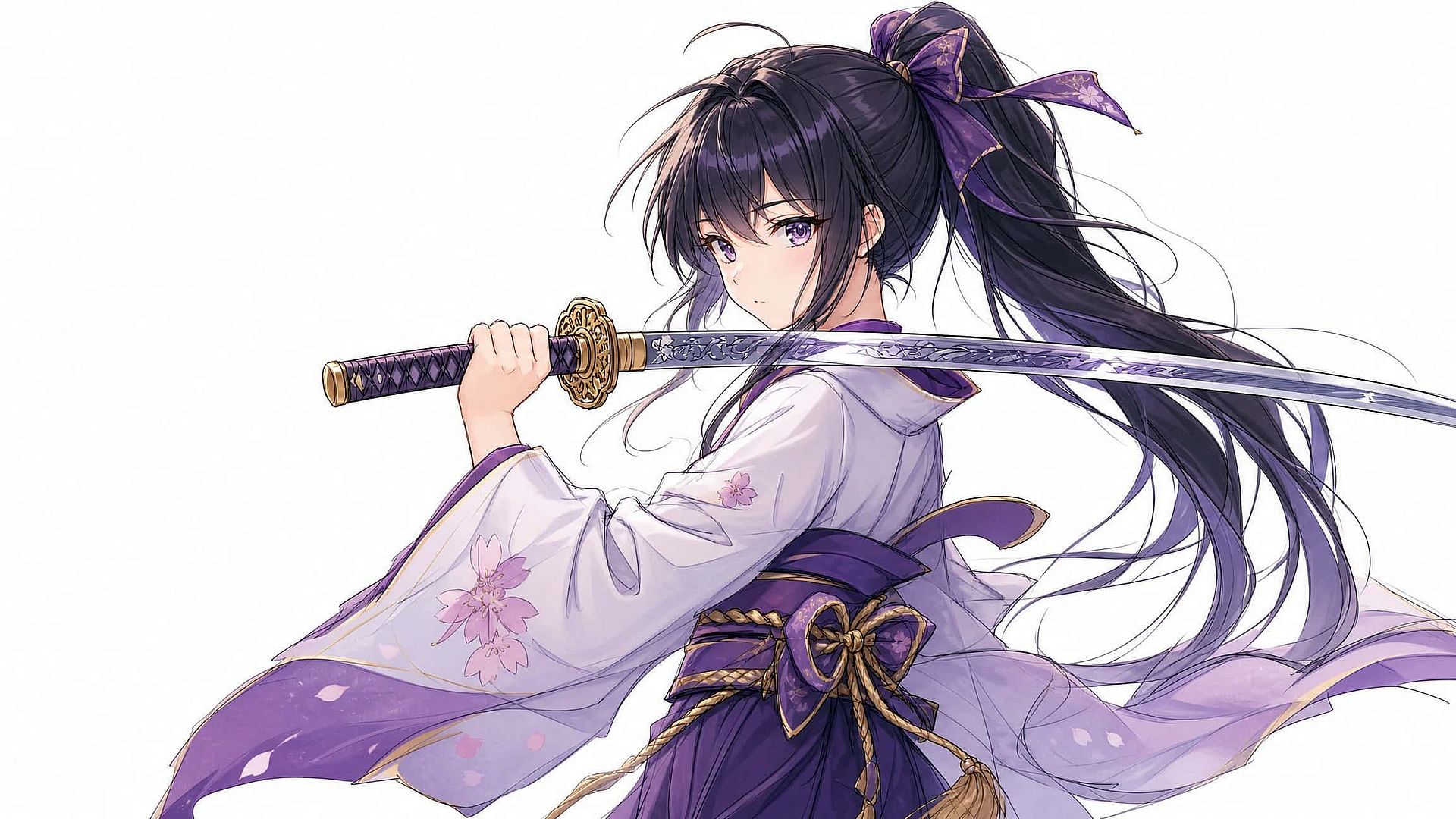
Upload line art, a rough drawing, or an early render and describe the finished piece you have in mind. The AI colorizes and details your sketch into polished art, and explores up to eight directions at once for fast iteration. Game artists, illustrators, and designers use it to develop characters, environments, and moods far faster than manual redraws, and it works in reverse to simplify a photo into stylized line work.
Try it Now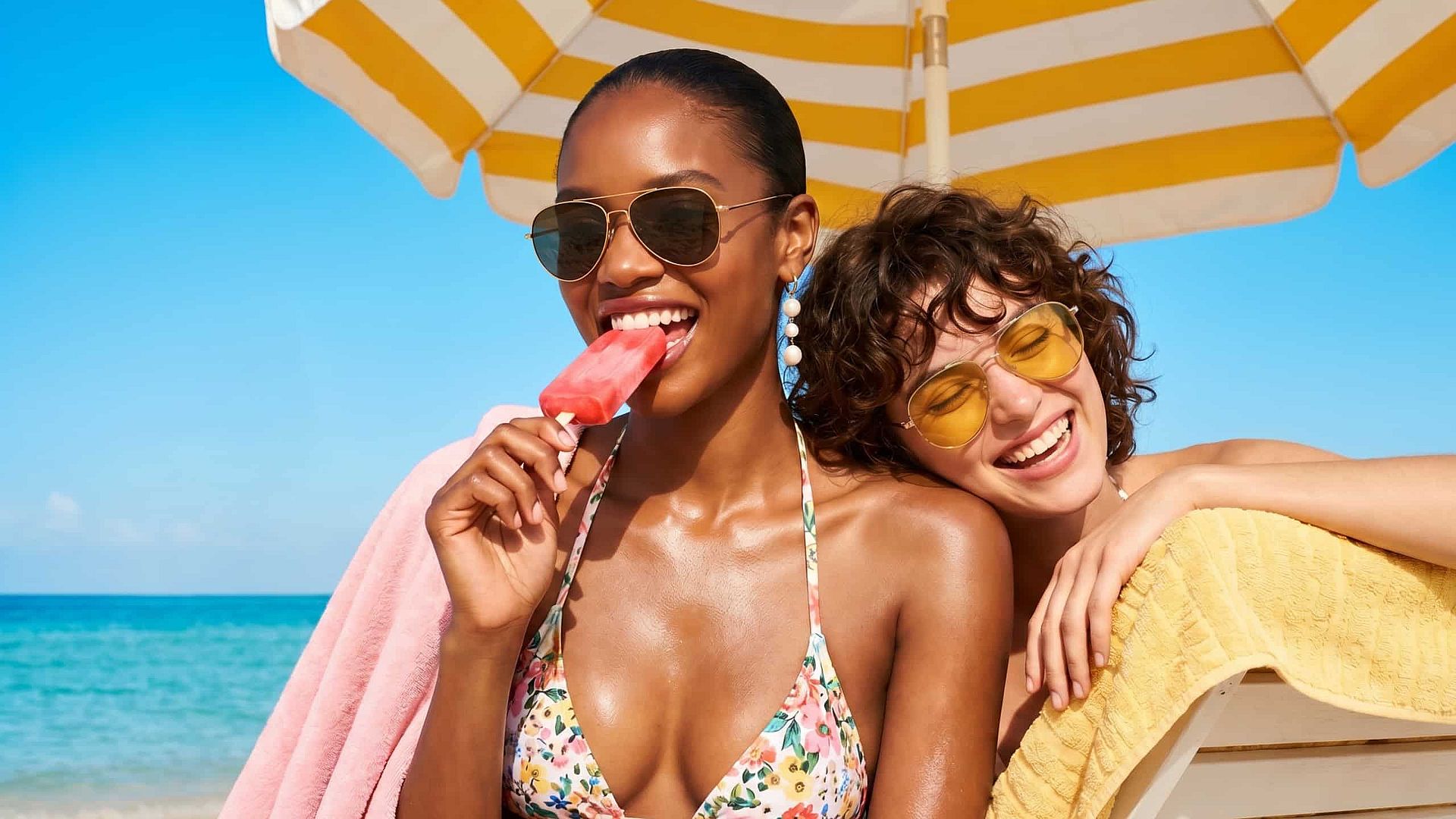
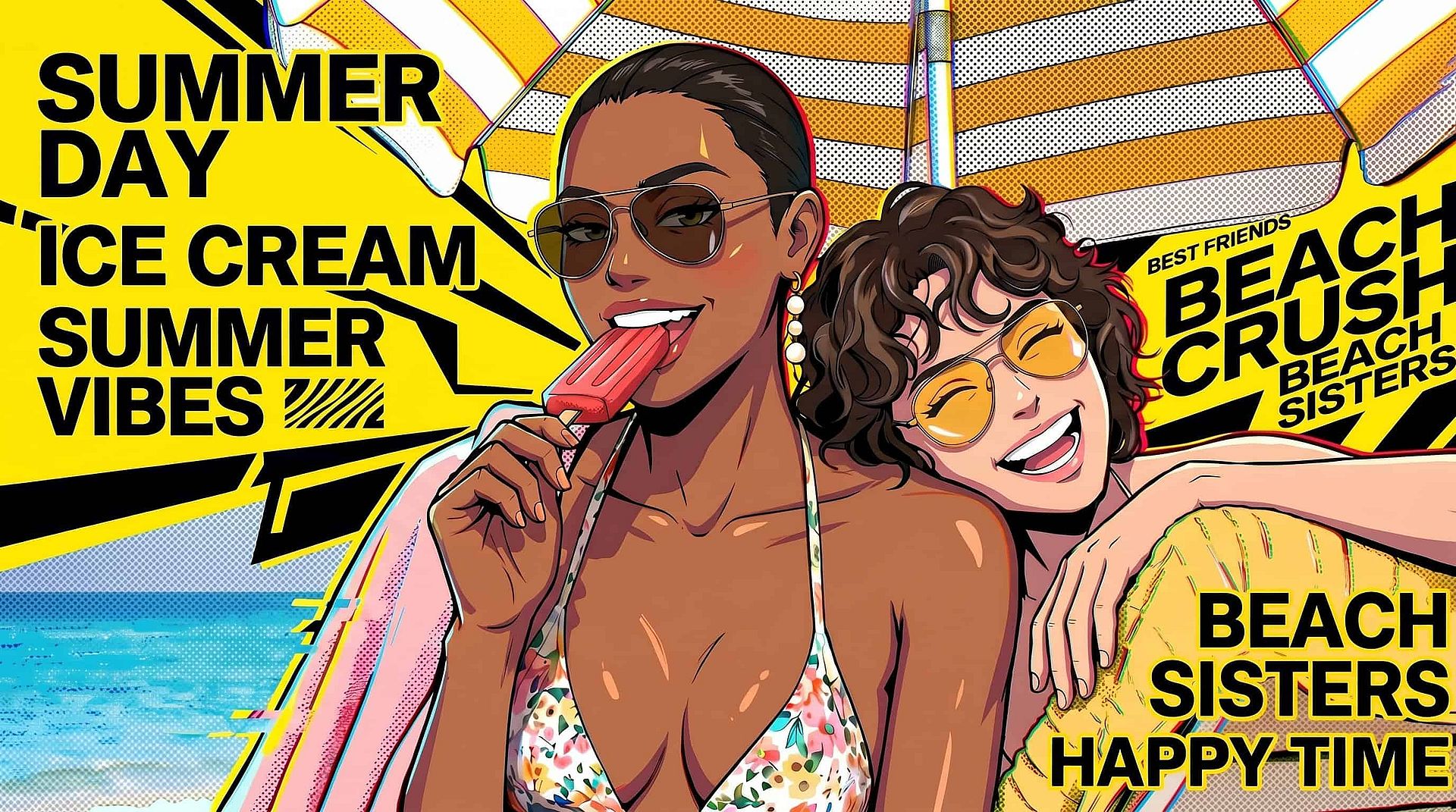
Fresh Content From Old Photos
Give a single image or your entire camera roll a second life. Restyle one product shot across seasonal themes, backgrounds, and lighting to turn a single asset into a complete campaign. Pair it with Background Changer, or AI Photo Editor to create consistent, on-brand visuals for social media, marketing, and e-commerce.
Try it NowFrequently Asked Questions
Get Insights from Experts Blog
Get the insights you need. Our experts share actionable hacks, break down the hottest topics, and provide essential how-to guides to help you create, optimize, and scale.
Read More
Create without limits
Join thousands of creators using OpenArt to generate stunning images, videos, and more — all in one platform.
Get Started for Free →