

AI Super Resolution
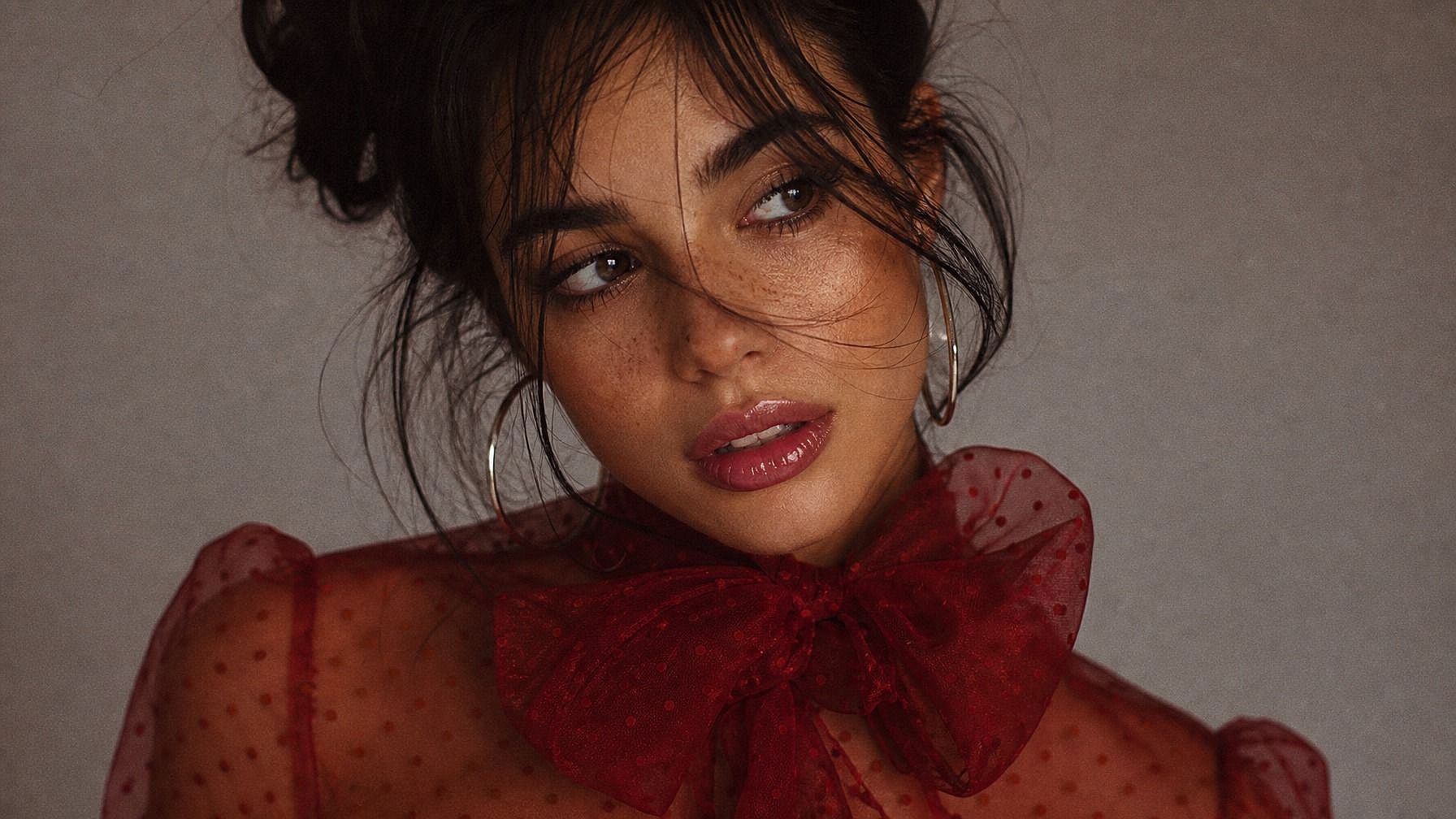
Turn low-res images into sharp, high-quality photos with AI super resolution. Upload any image, pick a mode, and get a sharper, higher-quality image online in seconds, no software, no technical skills required.
 Add an image Or drag and drop here · JPEG, PNG, WEBP
 How to Use AI Super Resolution Online
Upscale any image in three quick steps with OpenArt's online super resolution tool.
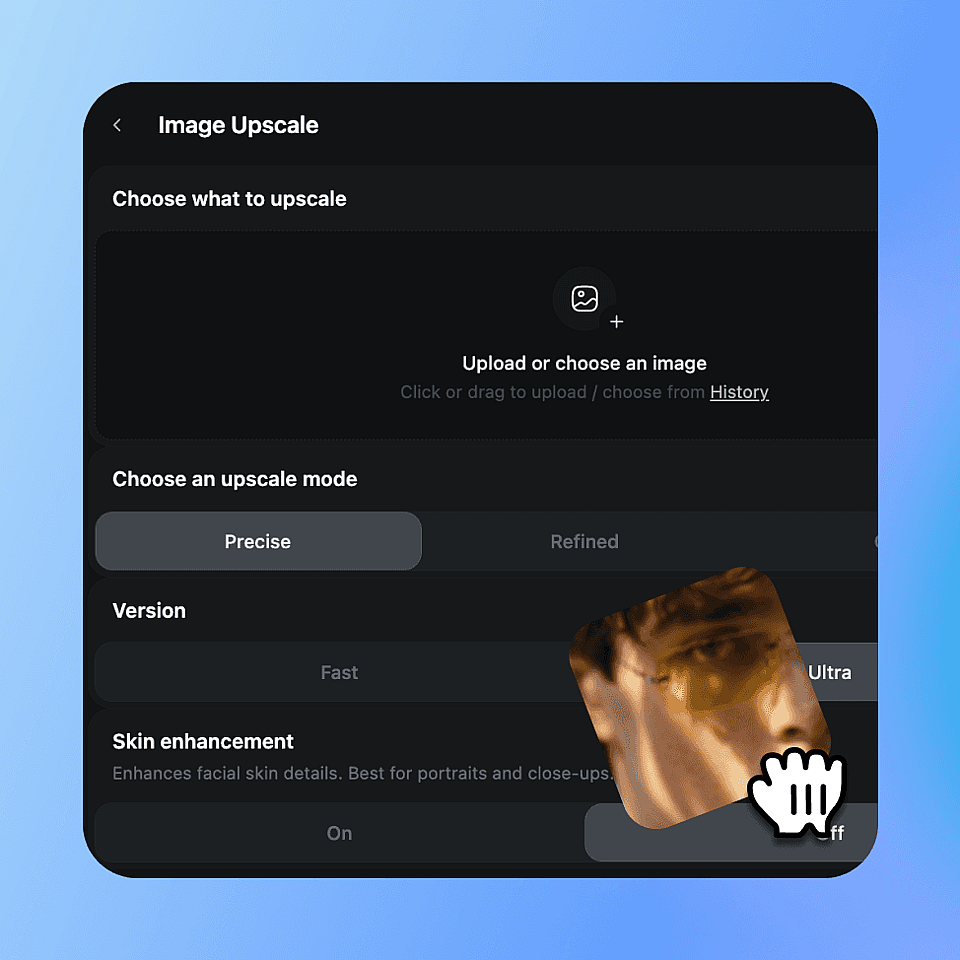
Upload your image
Drop in any photo or image file, portraits, product shots, AI-generated art, scanned photos, anything.
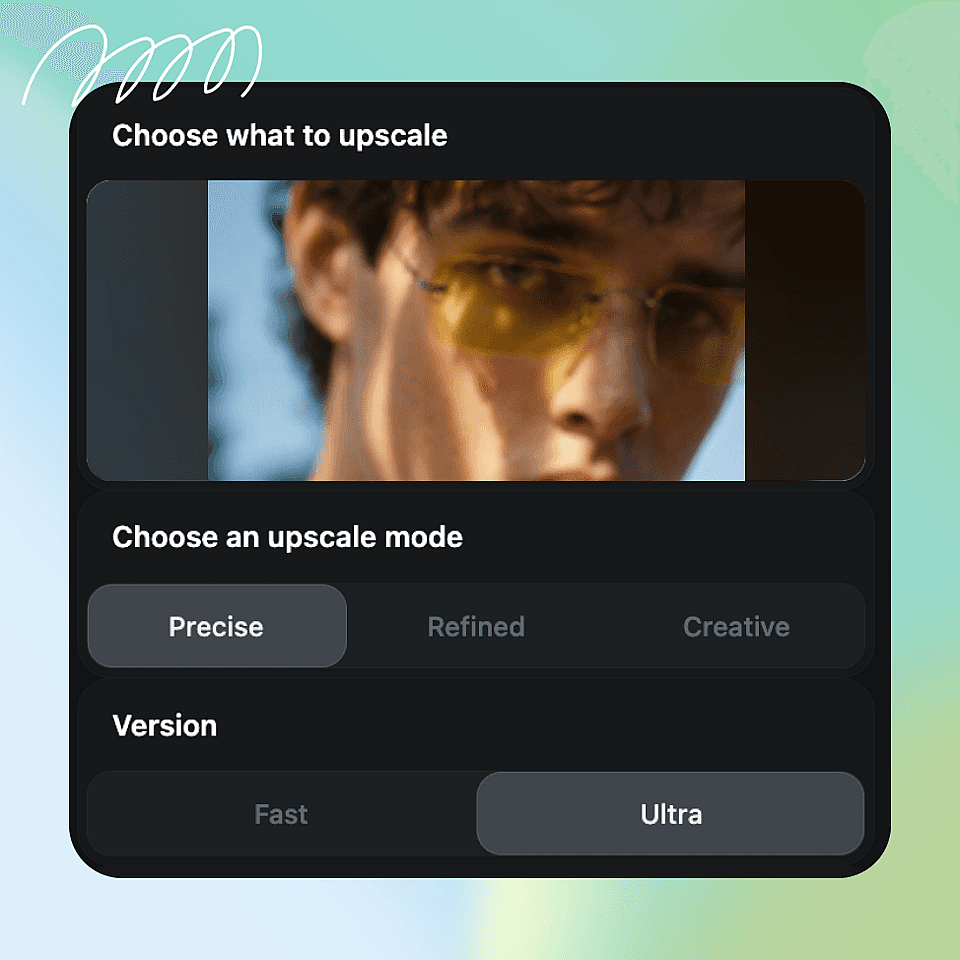
Choose Your Upscale Mode
Select Precise, Refined, or Creative mode. Use Precise to preserve the original image, Refined for subtle AI enhancement, or Creative for stronger detail reconstruction and artistic improvement.
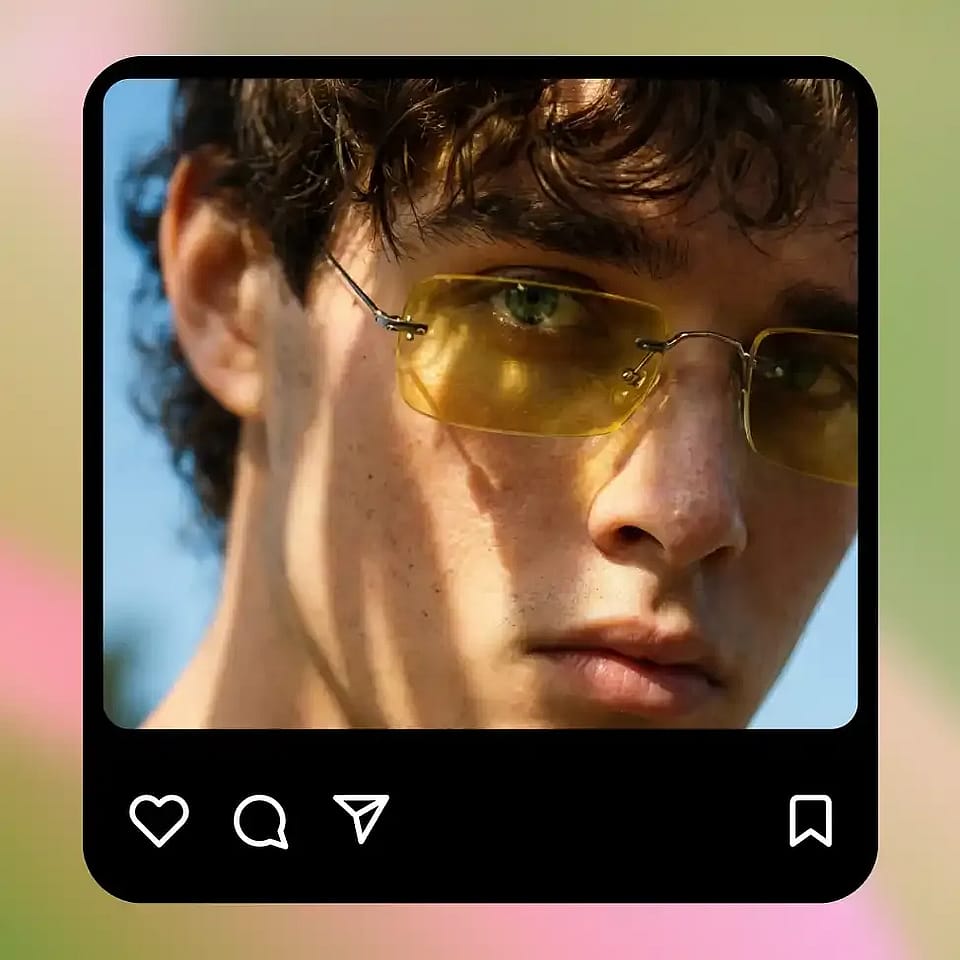
Upscale & Download
Hit generate, preview the upscaled result, and download. Adjust the mode and try again if you want a different output.
What You Can Do with AI Super Resolution
Powered by advanced AI super resolution models, OpenArt gives you precise control over how your image is enhanced, from output resolution to texture detail.
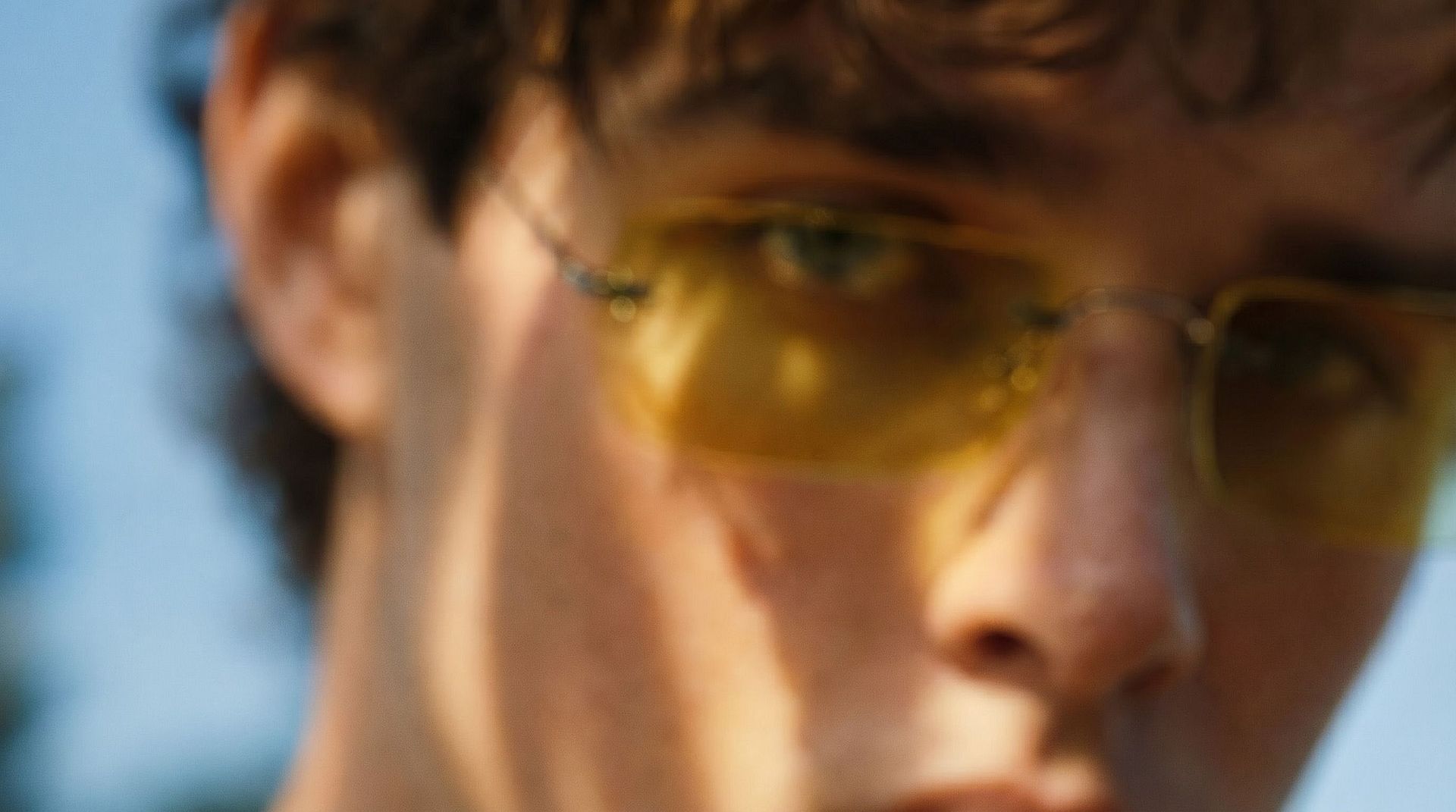
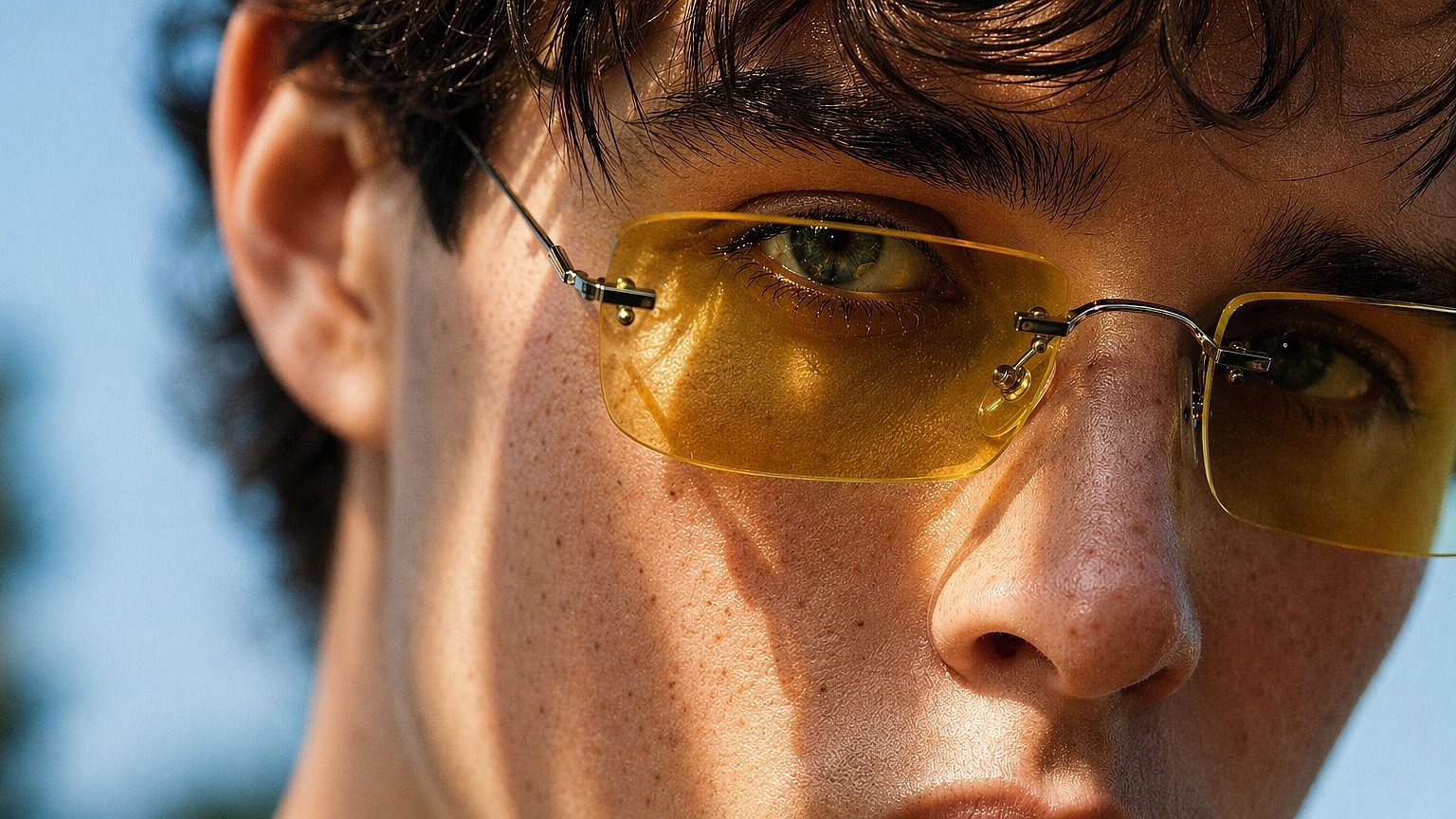
Enhance AI-Generated Images
Upscale AI artwork to print-ready or high-display resolution. Get more out of every generation without re-running the model. Or start fresh with OpenArt's AI image generator.
Try it Now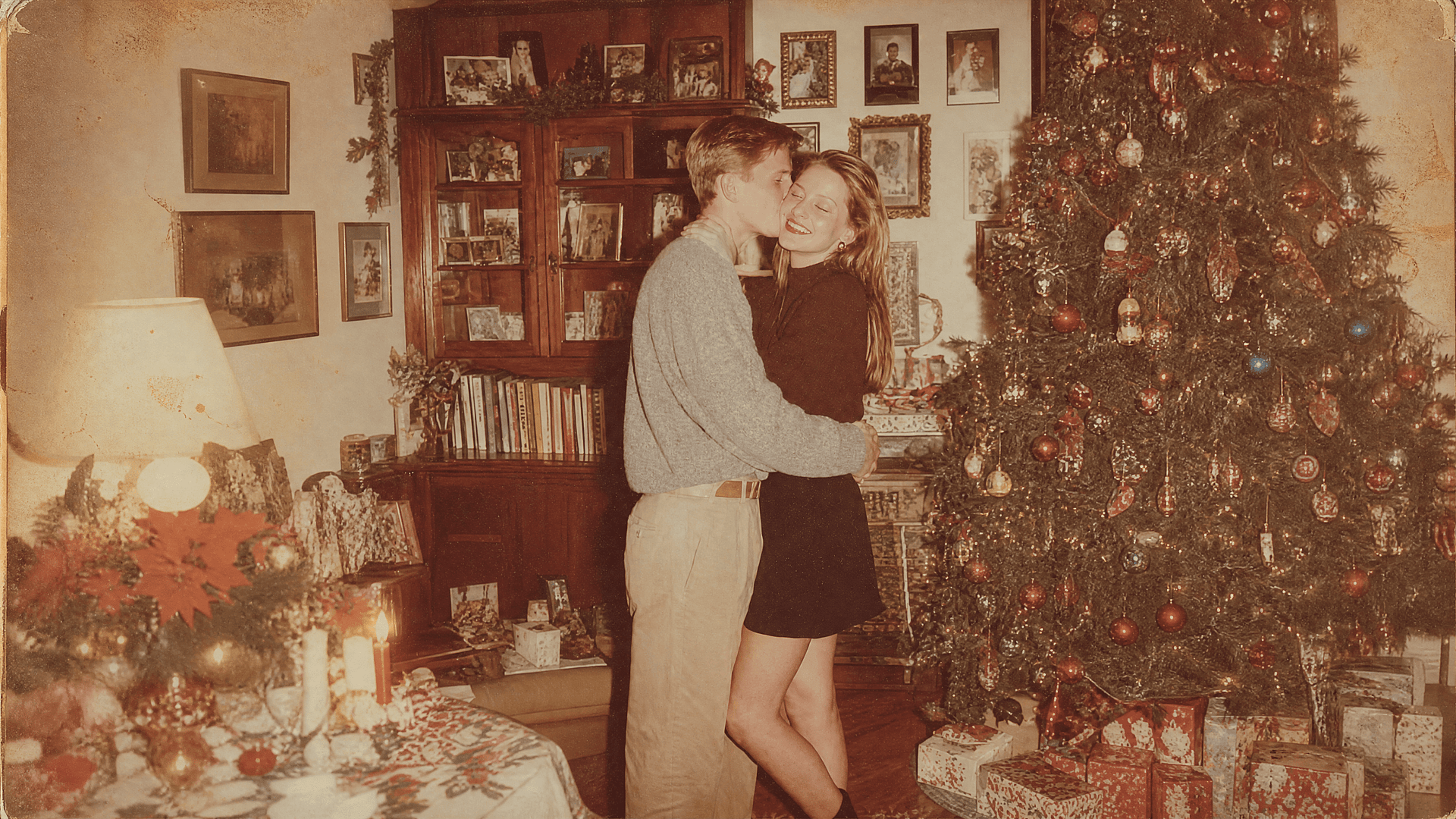
Restore Old and Low-Resolution Photos
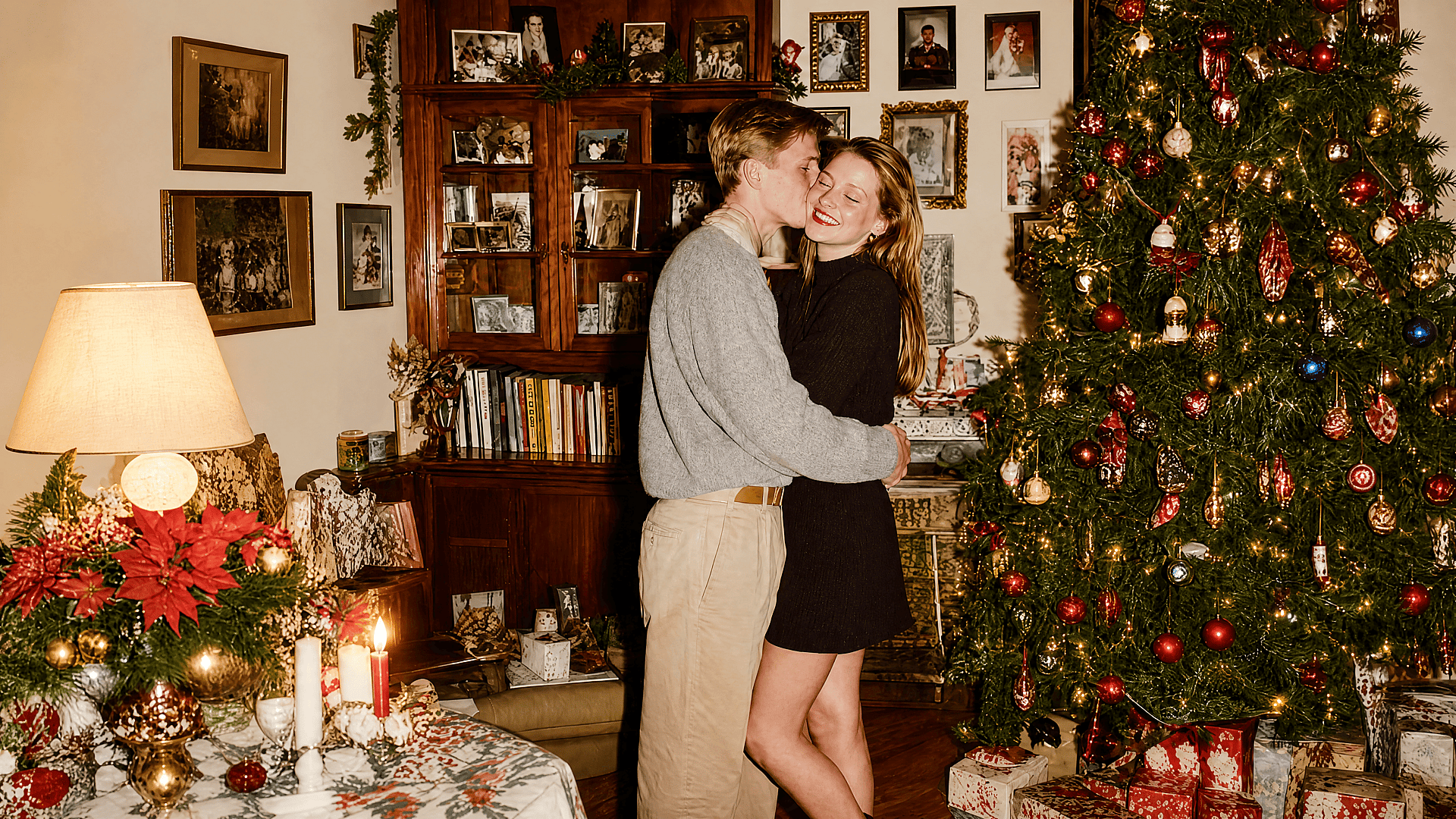
Revive blurry scans, compressed JPEGs, or old family photos. The super resolution AI recovers lost detail and sharpens edges without making the image look over-processed.
Try it Now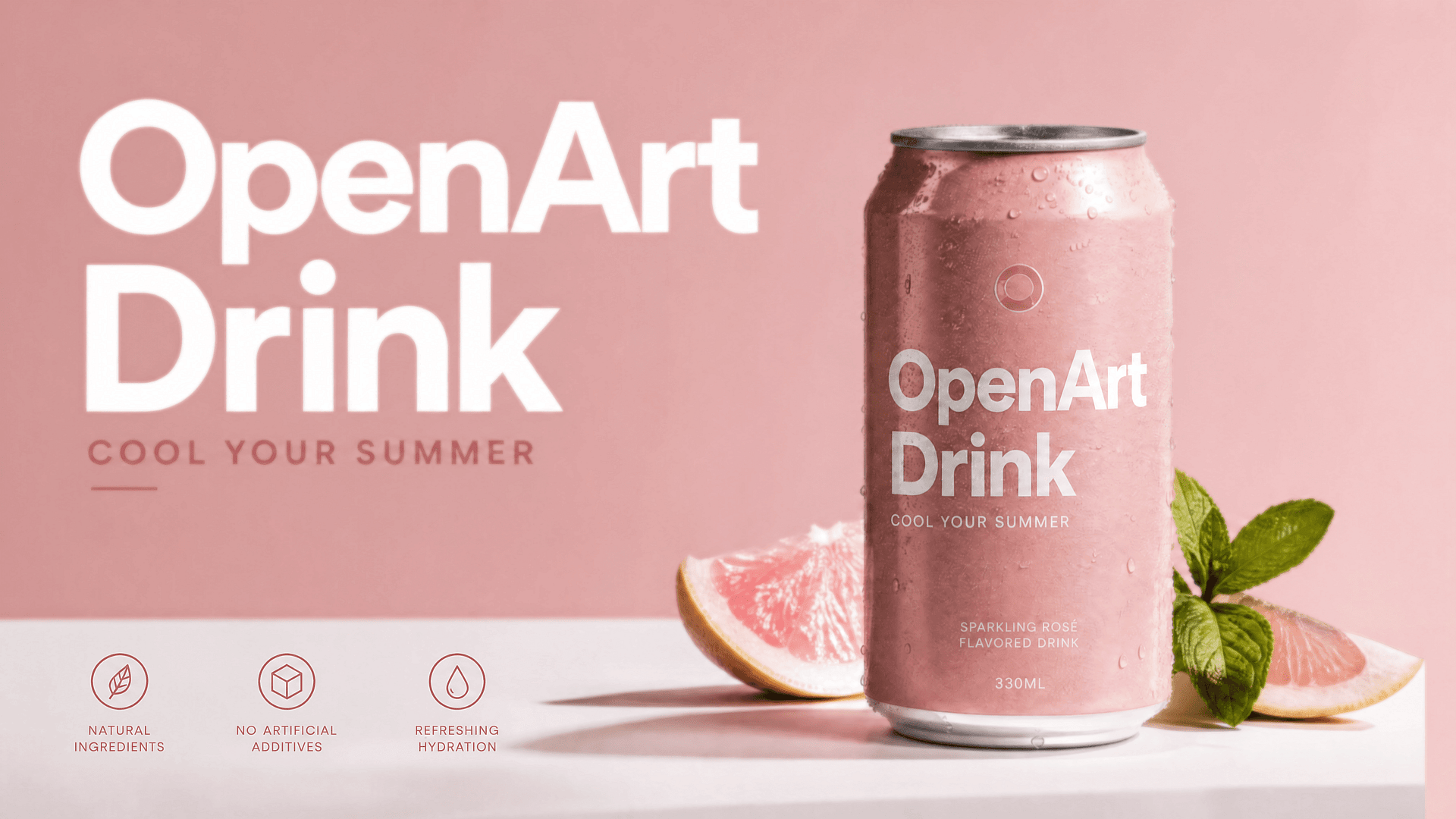
Sharpen Product and E-Commerce Photos
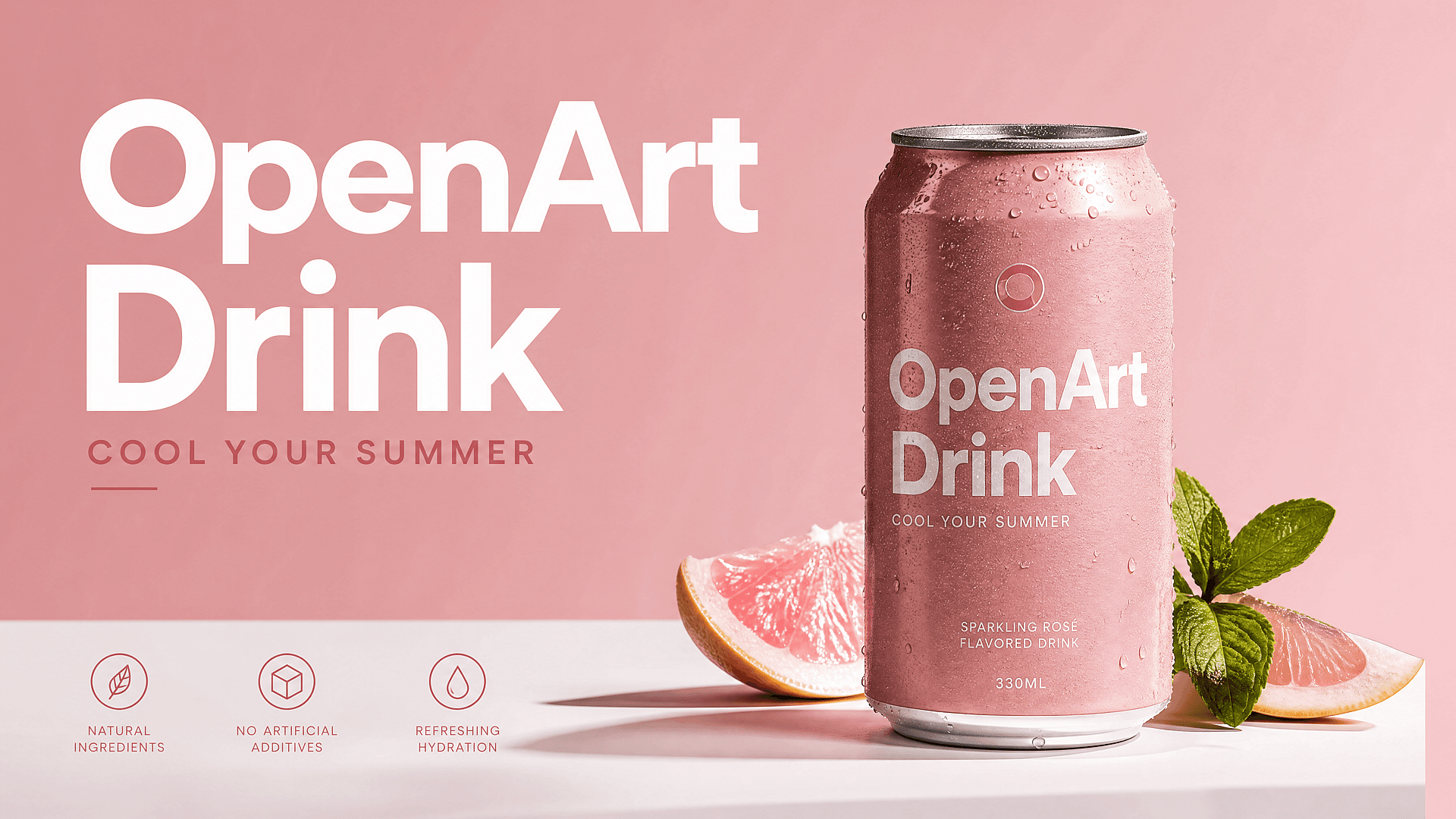
Clean up product shots for marketplace listings, ads, and landing pages. Higher resolution images look more professional and perform better.
Try it Now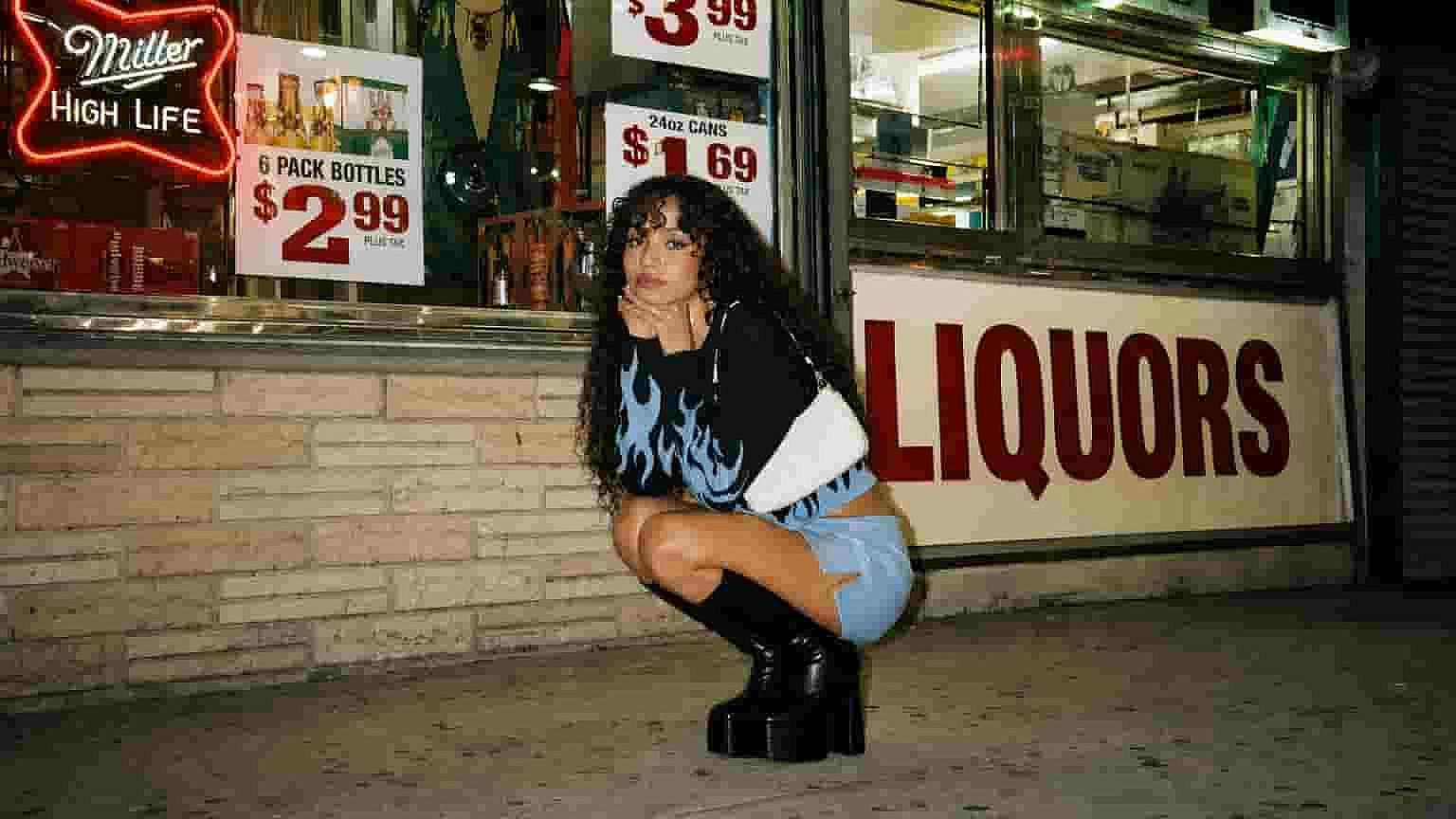
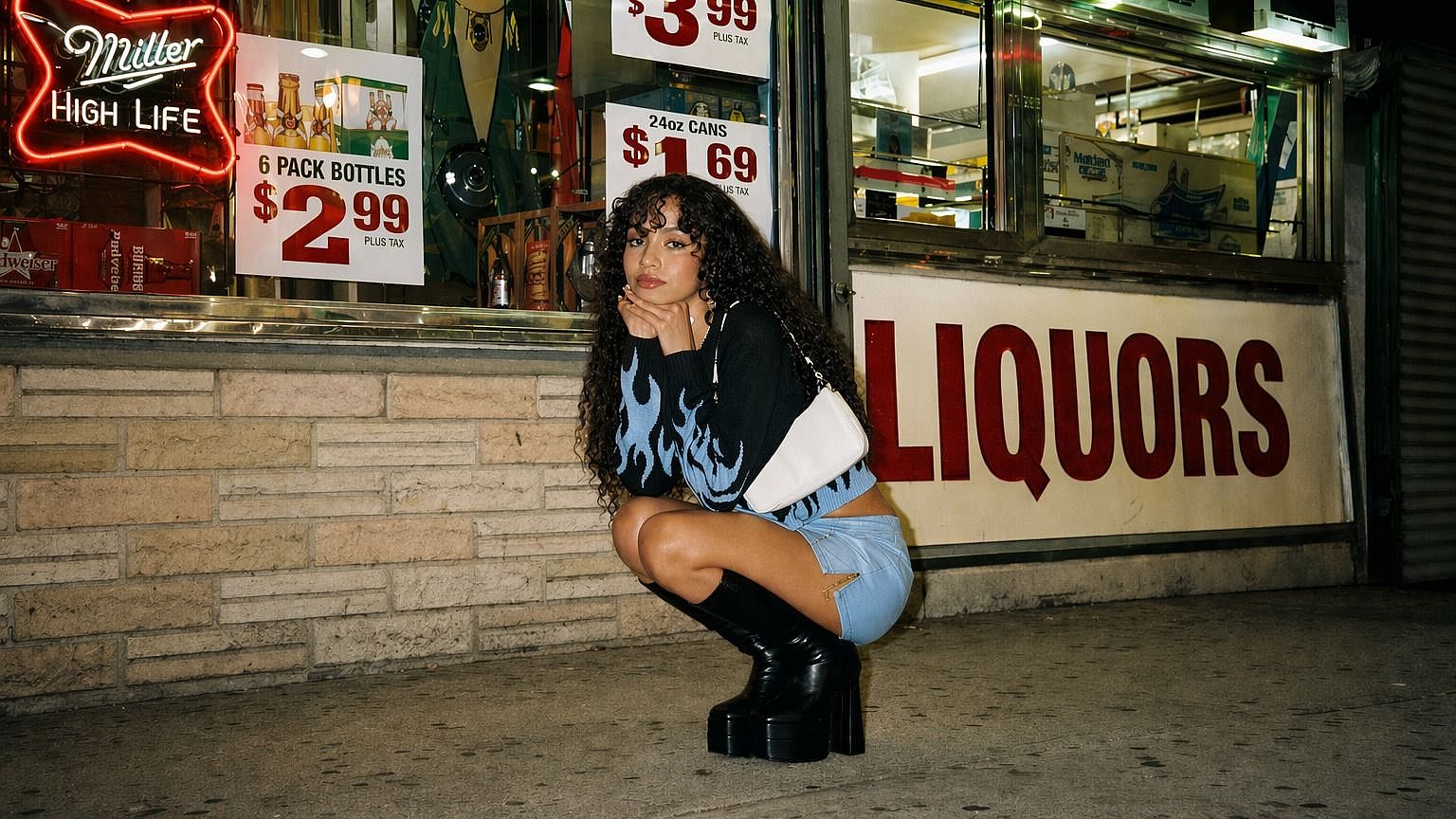
Upscale Image to High Resolution
Choose an upscale mode and adjust the enhancement level when available. Precise mode stays faithful to the original; Refined adds subtle texture and polish; Creative lets AI reconstruct more detail for a sharper, more enhanced result.
Try it Now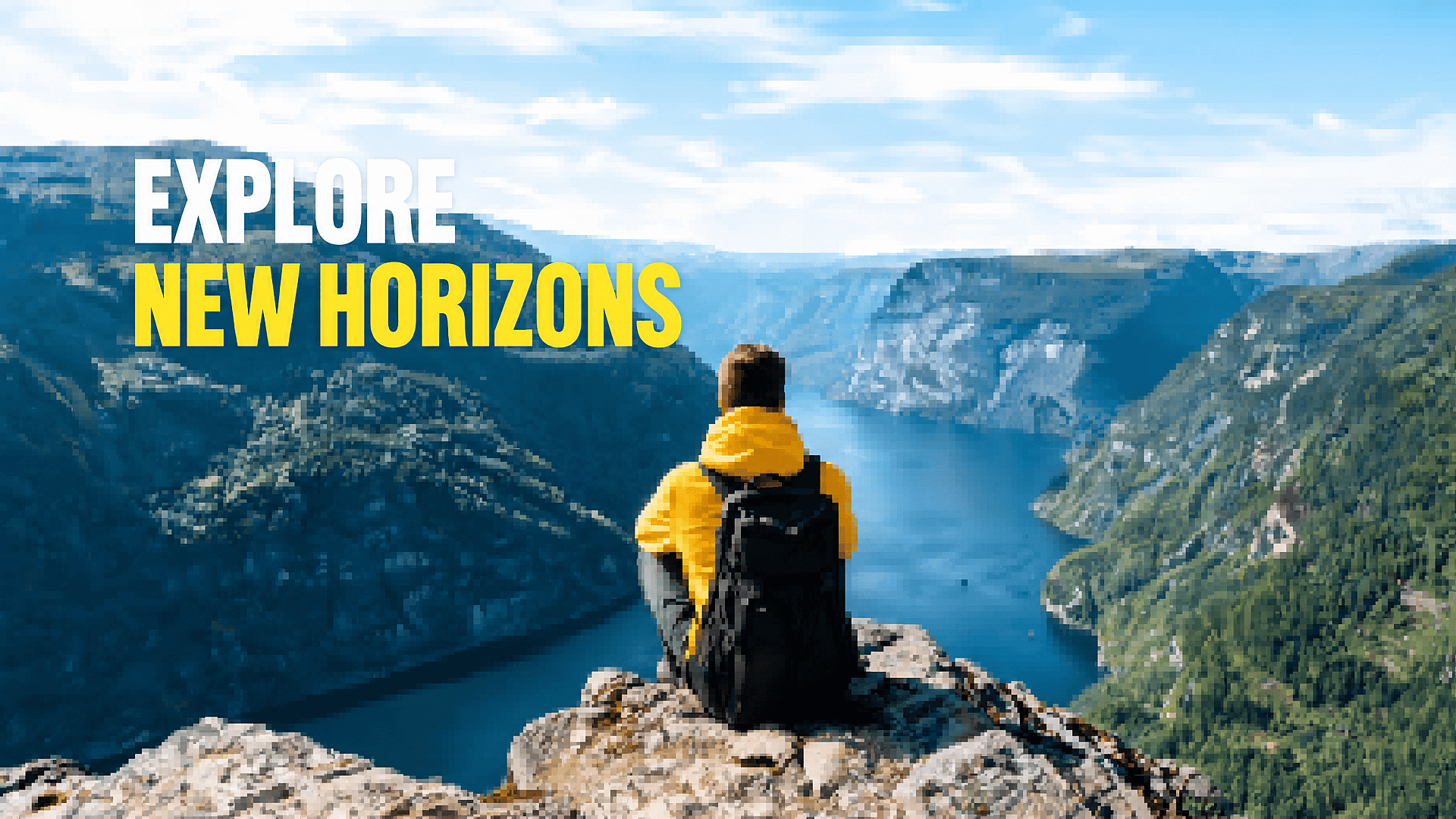
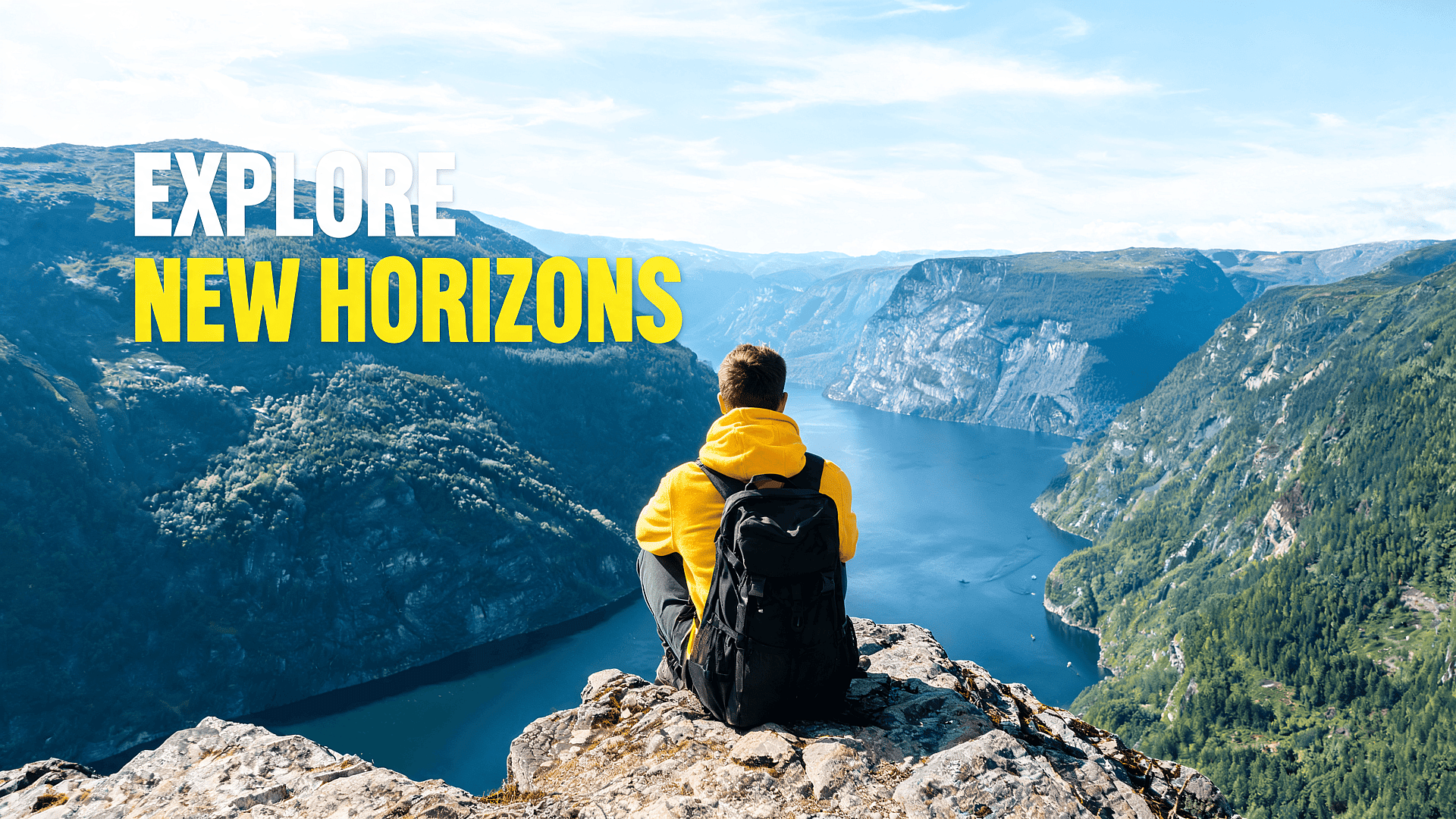
Social Posts, Thumbnails, And Banners
Blurry visuals get ignored fast. Upscale images for YouTube thumbnails, TikTok covers, Instagram posts, Pinterest pins, X banners, and blog hero images. A sharper image helps the main subject stand out on mobile, especially when the original file was cropped or downloaded from another source.
Try it NowBest Settings for Different Image Types
For Portraits
Use Precise mode first to preserve the person's identity. Turn on skin enhancement for portraits and close-ups, it's only available in Precise mode. If the result still looks soft, try Refined next. The goal is sharper output without changing how someone looks or making skin appear artificial.
For Product Photos
Use Precise for clean product edges and packaging details. If the original image is noisy or compressed, try Refined to clean it up. Avoid too much creative enhancement if the product must stay accurate. Always check the final output at full size before publishing.
For AI Art
Use Creative when the image can benefit from added detail, richer texture, and stronger line work. AI-generated art usually handles creative upscaling well because the output does not need to match a real-world reference exactly. If the result feels overdone, step back to Refined.
For Old Photos
Start with Precise or Refined. Old photos need clarity, but they also need respect. Too much creative detail can make faces or backgrounds feel invented. If the result looks too changed, reduce the creative setting and run it again.
For Logos And Text
Use Precise. AI upscalers can improve edges, but small text and logos need careful review. Creative mode can reinterpret fine lines or letterforms in ways that look wrong. Always check the final file at full size before using it in brand or client work.
For Screenshots And UI Captures
Use Precise. Screenshots rely on sharp edges, readable text, and pixel-accurate layouts. Creative mode can blur interface elements or reinterpret small icons in ways that look wrong. If the screenshot includes fine text or UI components, review the output at full size before use.
Frequently Asked Questions
Loved by Creators Worldwide
See what our community has to say
I've tried many AI platforms… but OpenArt is still the best for character creation, image-to-video quality, and the variety of models available.
OpenArt offers an excellent array of AI tools… once you learn the features, the creative possibilities are amazing - and their support team is outstanding.
OpenArt is a very versatile AI platform with many image and video models, consistent character creation, and powerful editing tools.
Helpful AI tools all in one place - image and video generation, editing, and more… no need for multiple subscriptions.
Customer service is always quick and helpful… and the platform keeps getting better with new features and tools.
I've tried many AI platforms… but OpenArt is still the best for character creation, image-to-video quality, and the variety of models available.
OpenArt offers an excellent array of AI tools… once you learn the features, the creative possibilities are amazing - and their support team is outstanding.
OpenArt is a very versatile AI platform with many image and video models, consistent character creation, and powerful editing tools.
Helpful AI tools all in one place - image and video generation, editing, and more… no need for multiple subscriptions.
Customer service is always quick and helpful… and the platform keeps getting better with new features and tools.
I've tried many AI platforms… but OpenArt is still the best for character creation, image-to-video quality, and the variety of models available.
OpenArt offers an excellent array of AI tools… once you learn the features, the creative possibilities are amazing - and their support team is outstanding.
OpenArt is a very versatile AI platform with many image and video models, consistent character creation, and powerful editing tools.
Helpful AI tools all in one place - image and video generation, editing, and more… no need for multiple subscriptions.
Customer service is always quick and helpful… and the platform keeps getting better with new features and tools.
With so many AI platforms out there, OpenArt stood out as a stellar choice - I'd recommend it to any creator.
This platform includes everything you need for AI content creation - images, video, characters, audio, and multiple AI models in one place.
OpenArt is pushing the boundaries of AI video creation… and it's clear the team is committed to improving the creator experience.
I made my first AI music video with OpenArt… and their support team was the best help I've ever experienced.
I'm very happy with the support - my issue was resolved quickly and the team made the process easy.
With so many AI platforms out there, OpenArt stood out as a stellar choice - I'd recommend it to any creator.
This platform includes everything you need for AI content creation - images, video, characters, audio, and multiple AI models in one place.
OpenArt is pushing the boundaries of AI video creation… and it's clear the team is committed to improving the creator experience.
I made my first AI music video with OpenArt… and their support team was the best help I've ever experienced.
I'm very happy with the support - my issue was resolved quickly and the team made the process easy.
With so many AI platforms out there, OpenArt stood out as a stellar choice - I'd recommend it to any creator.
This platform includes everything you need for AI content creation - images, video, characters, audio, and multiple AI models in one place.
OpenArt is pushing the boundaries of AI video creation… and it's clear the team is committed to improving the creator experience.
I made my first AI music video with OpenArt… and their support team was the best help I've ever experienced.
I'm very happy with the support - my issue was resolved quickly and the team made the process easy.
Get Insights from Experts Blog
Get the insights you need. Our experts share actionable hacks, break down the hottest topics, and provide essential how-to guides to help you build, optimize, and scale.
Read More
Create without limits
Join thousands of creators using OpenArt to generate stunning images, videos, and more — all in one platform.
Get Started for Free →