

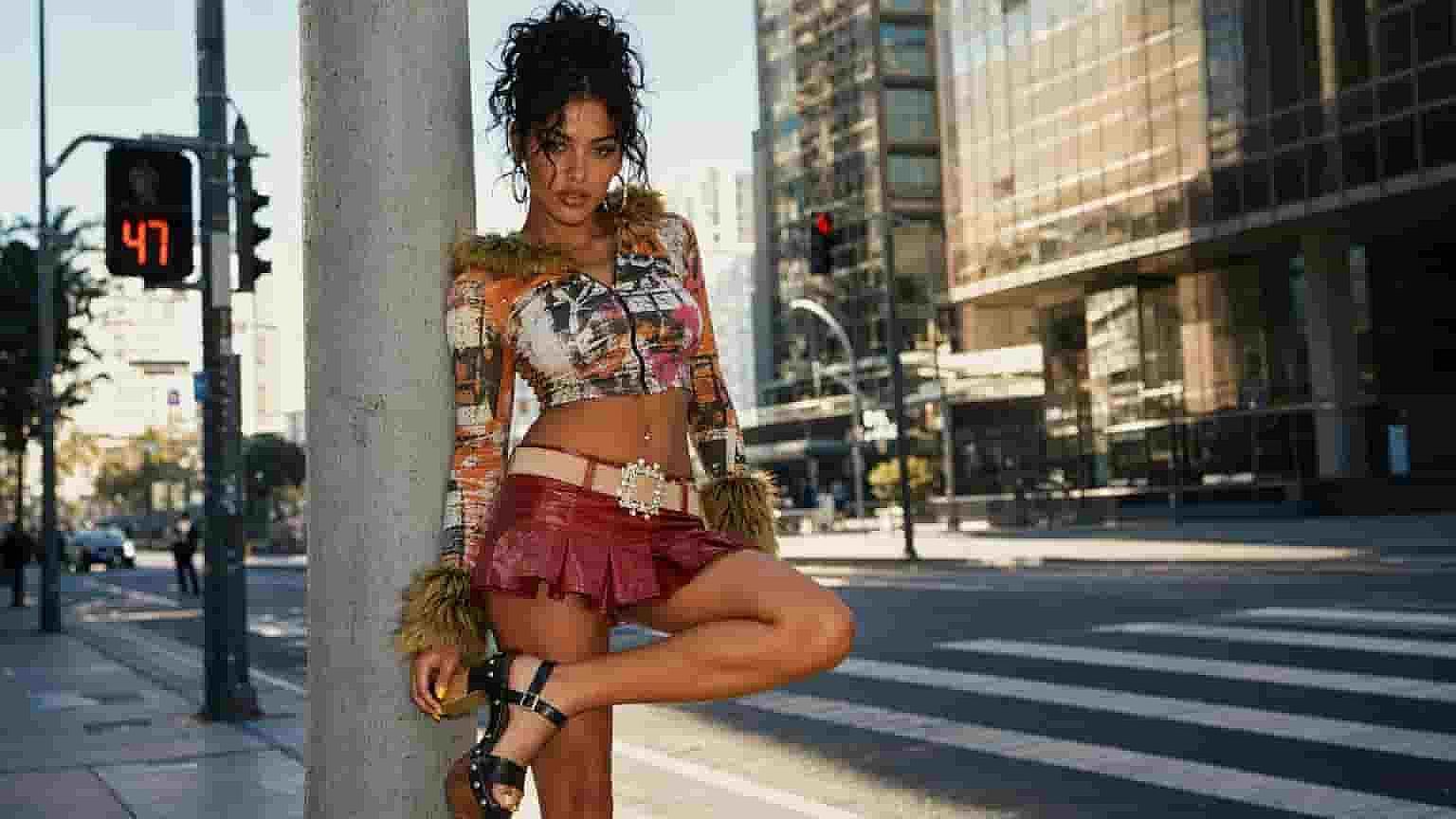
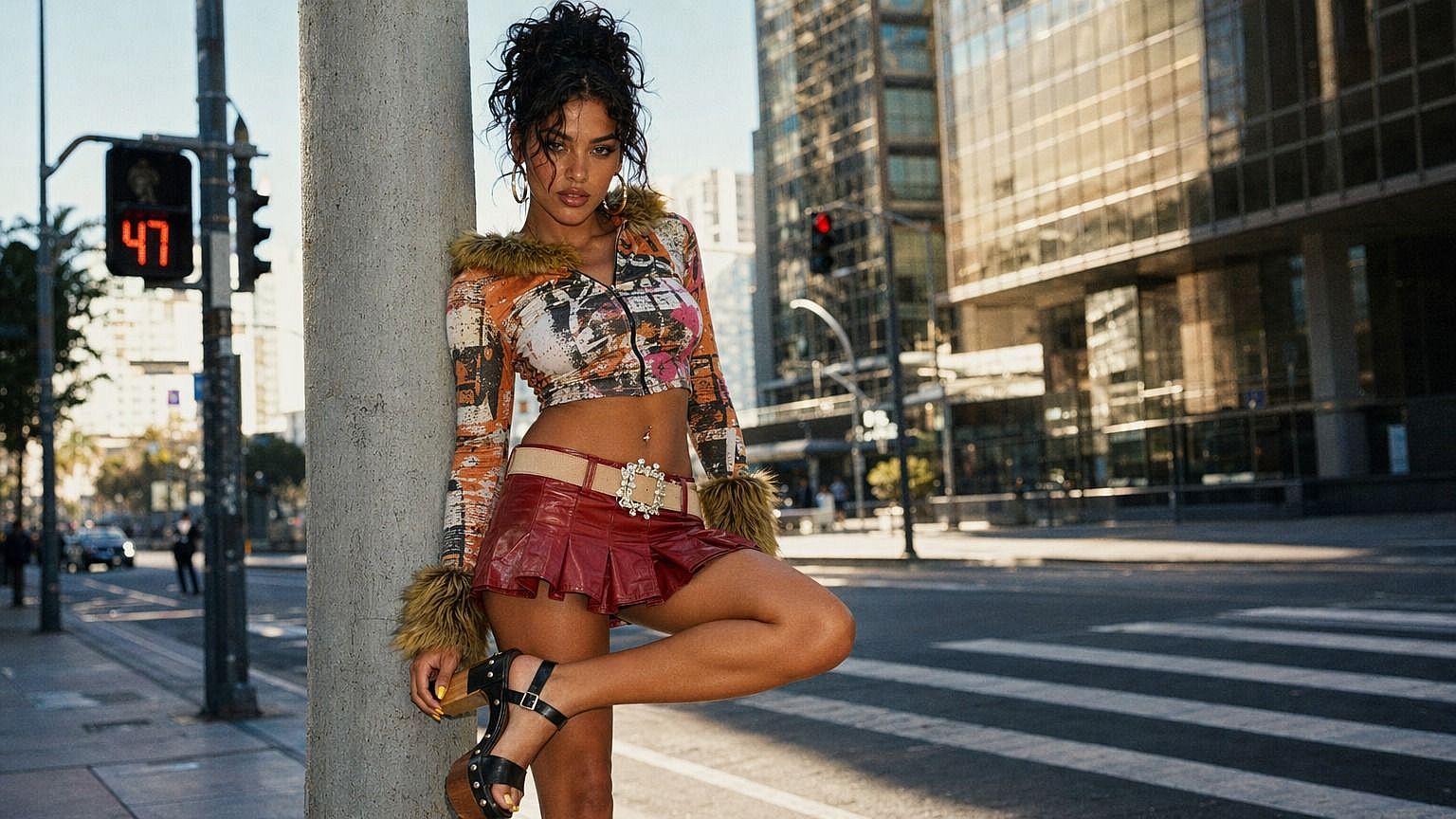
AI Image Sharpener
Enhance your photos with our ultimate image sharpener. Achieve crystal clear images effortlessly and make every detail pop. Try our image sharpener now for stunning results.
 Add an image Or drag and drop here · JPEG, PNG, WEBP
 How to Use the AI Image Sharpener
Sharpening an image takes three steps.
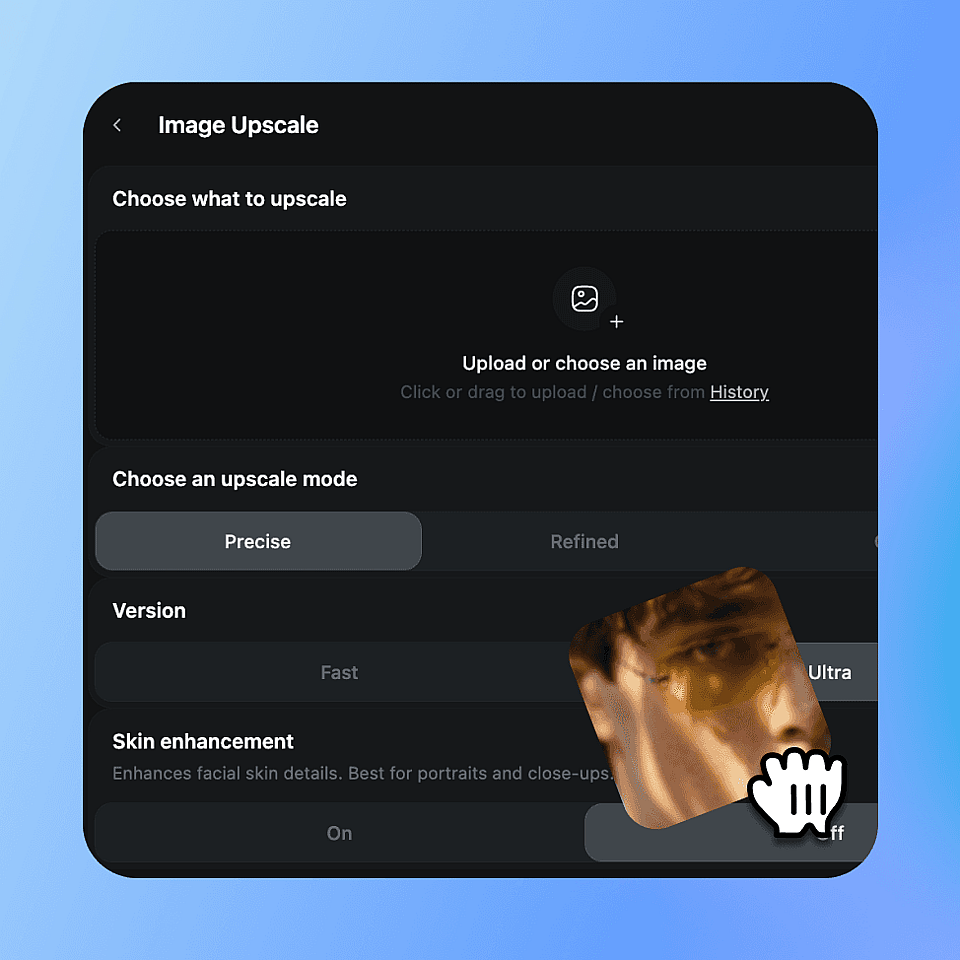
Upload your image
Choose the photo you want to sharpen and drop it in.
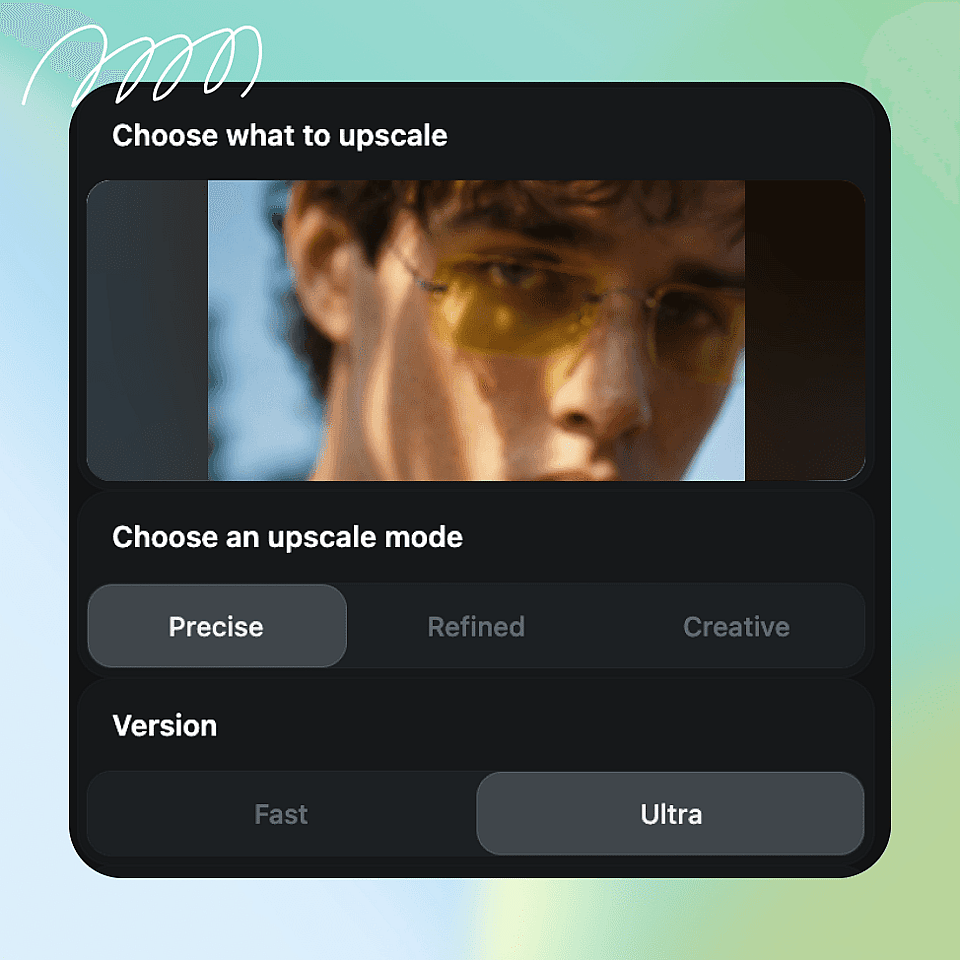
Choose your settings
Pick a sharpening strength, and toggle skin enhancement if you need it.
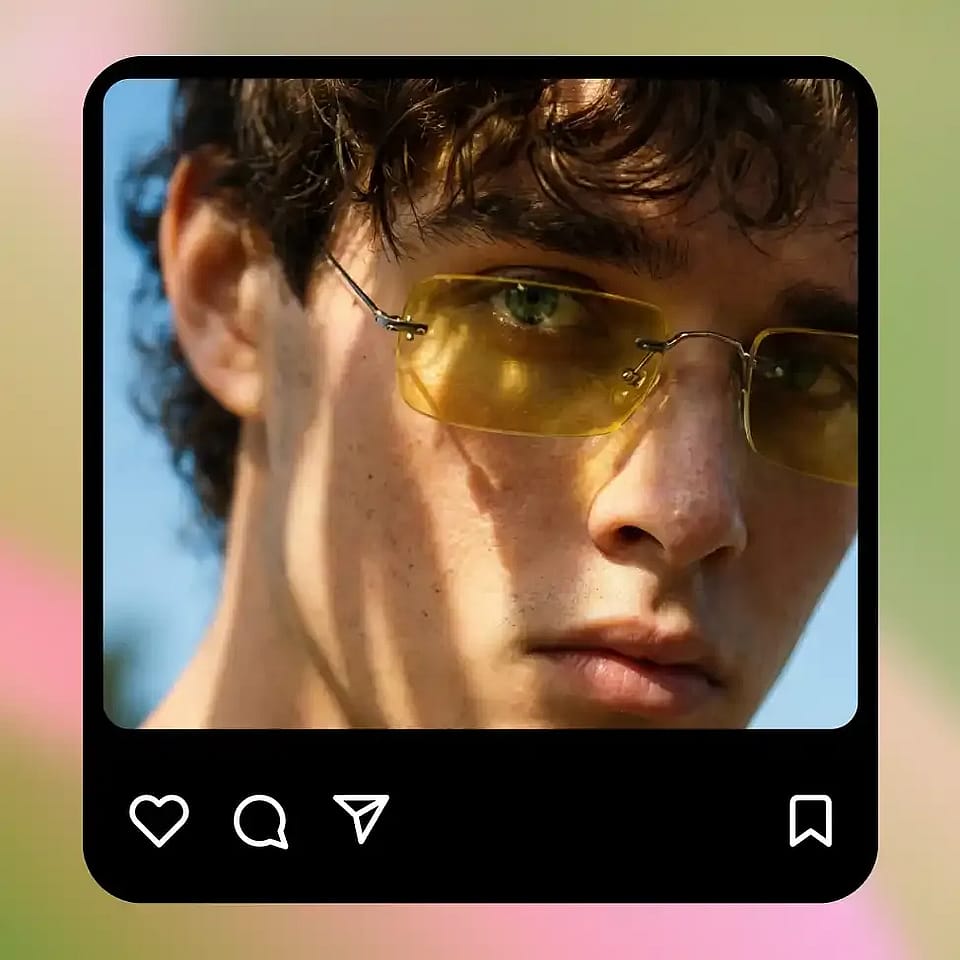
Upscale and download
Run it, review the result, and download your sharpened image.
Perfect for Any Use Case, Our AI Sharpener Delivers Crisp Results
OpenArt's AI Image Sharpener runs on leading image models, so every sharpened photo looks clean and natural rather than over-processed. You control how far the AI goes.
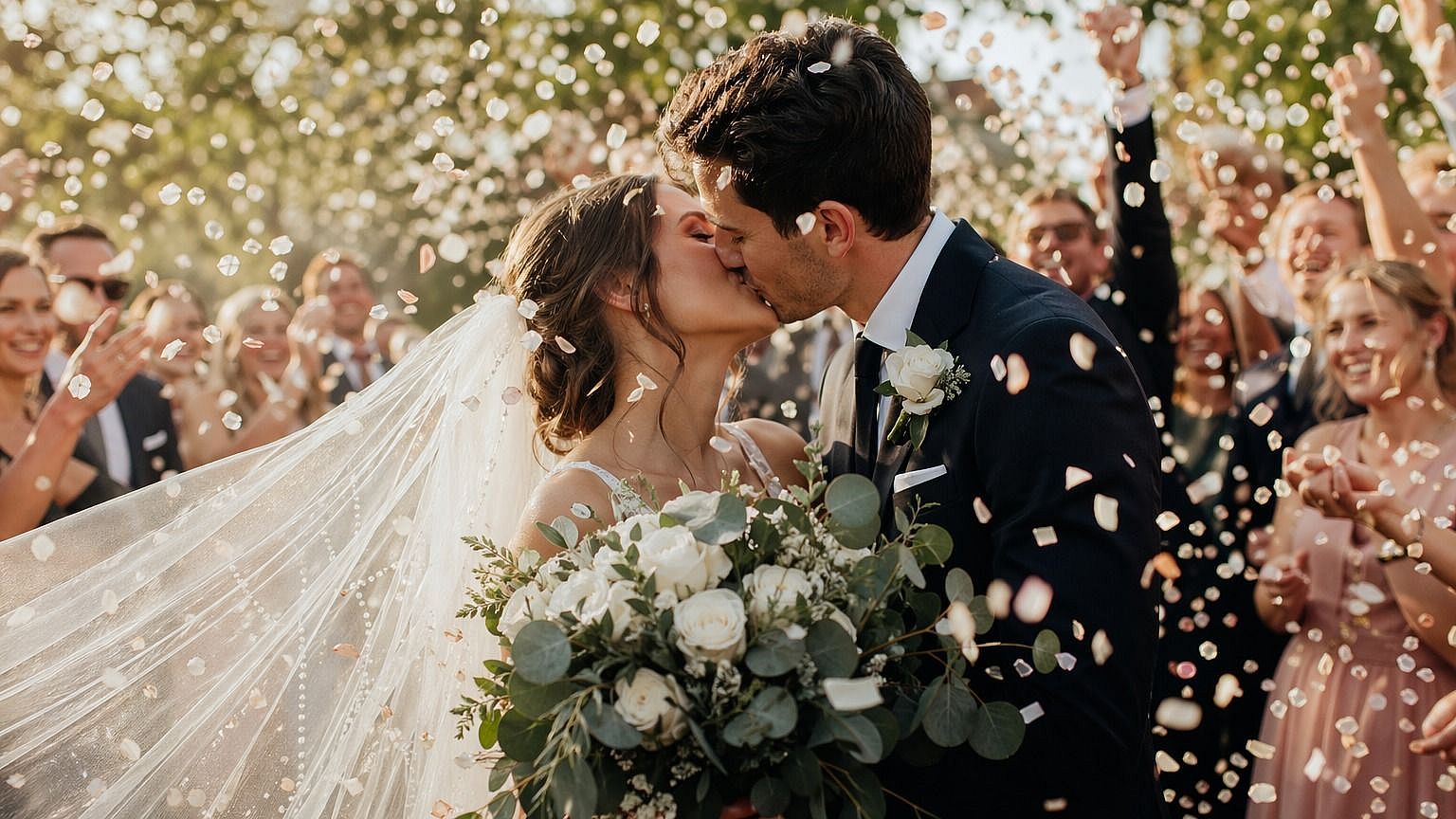
Enhance Blurry Photos
Transform your blurry photos into crisp, clear images with our advanced image sharpener, perfect for preserving precious memories and enhancing professional visuals.
Try it Now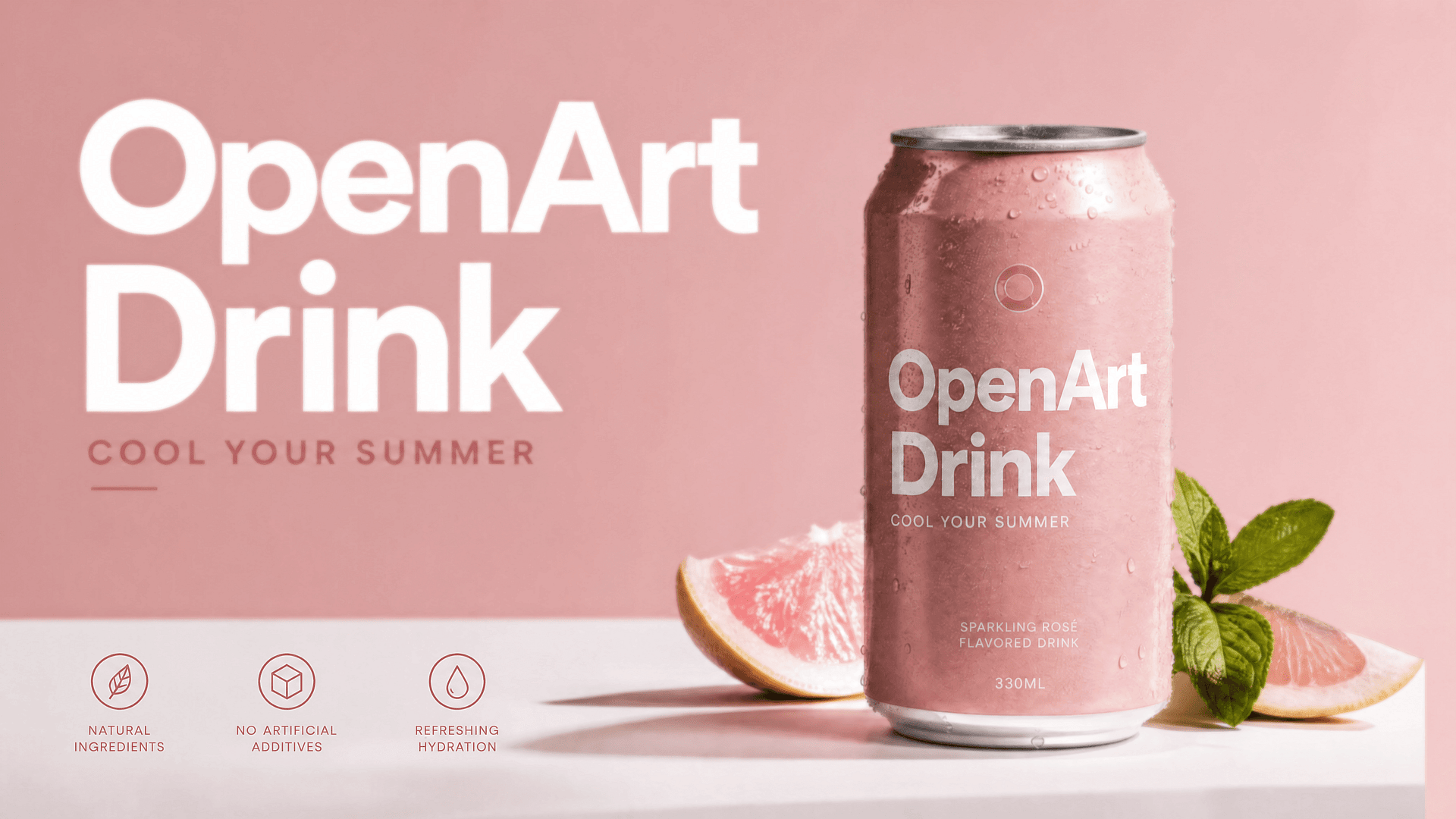
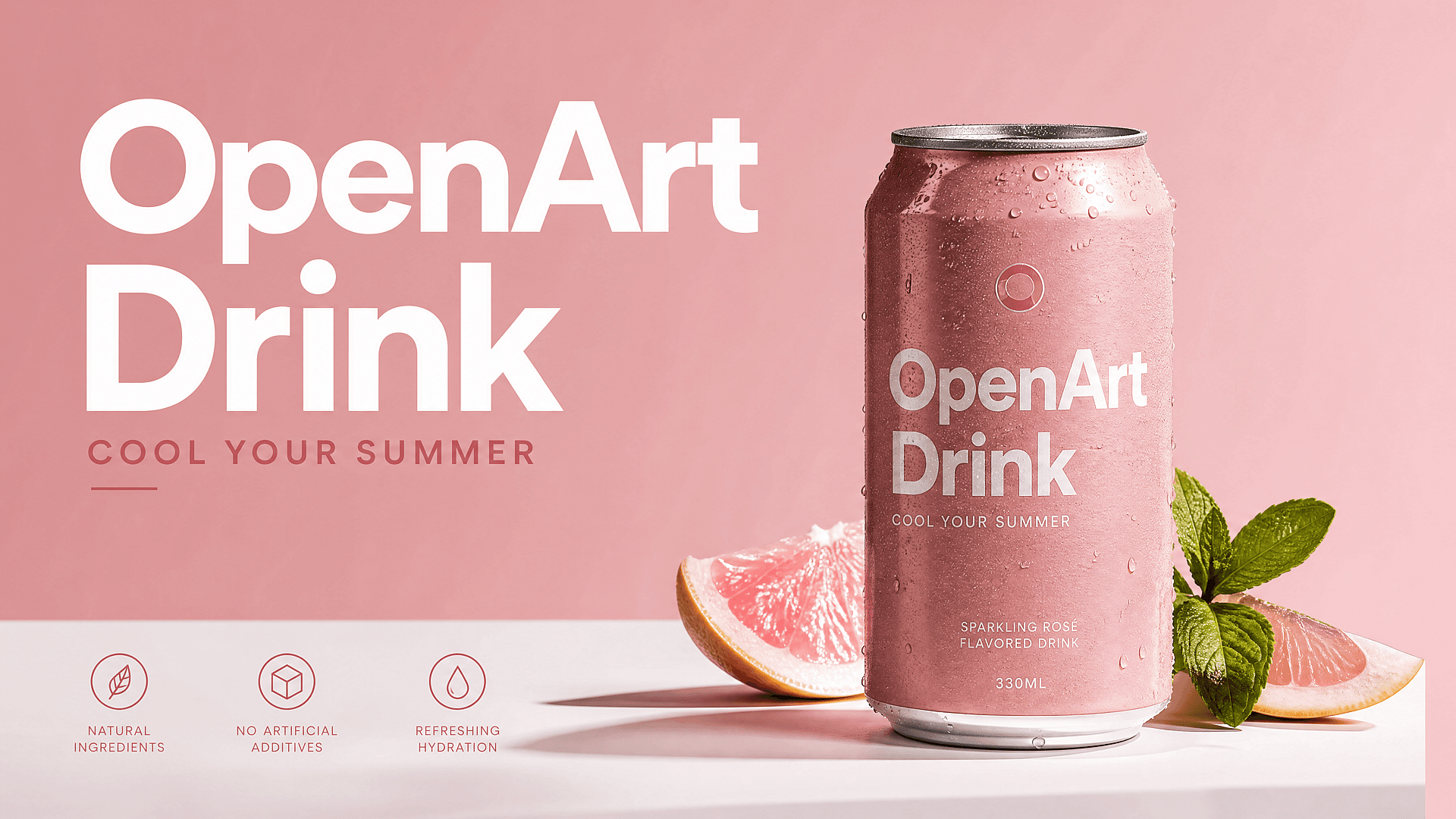
Sharpen Product Photos
Make product shots crisp and detailed for e-commerce listings, so customers can see quality and texture clearly.
Try it Now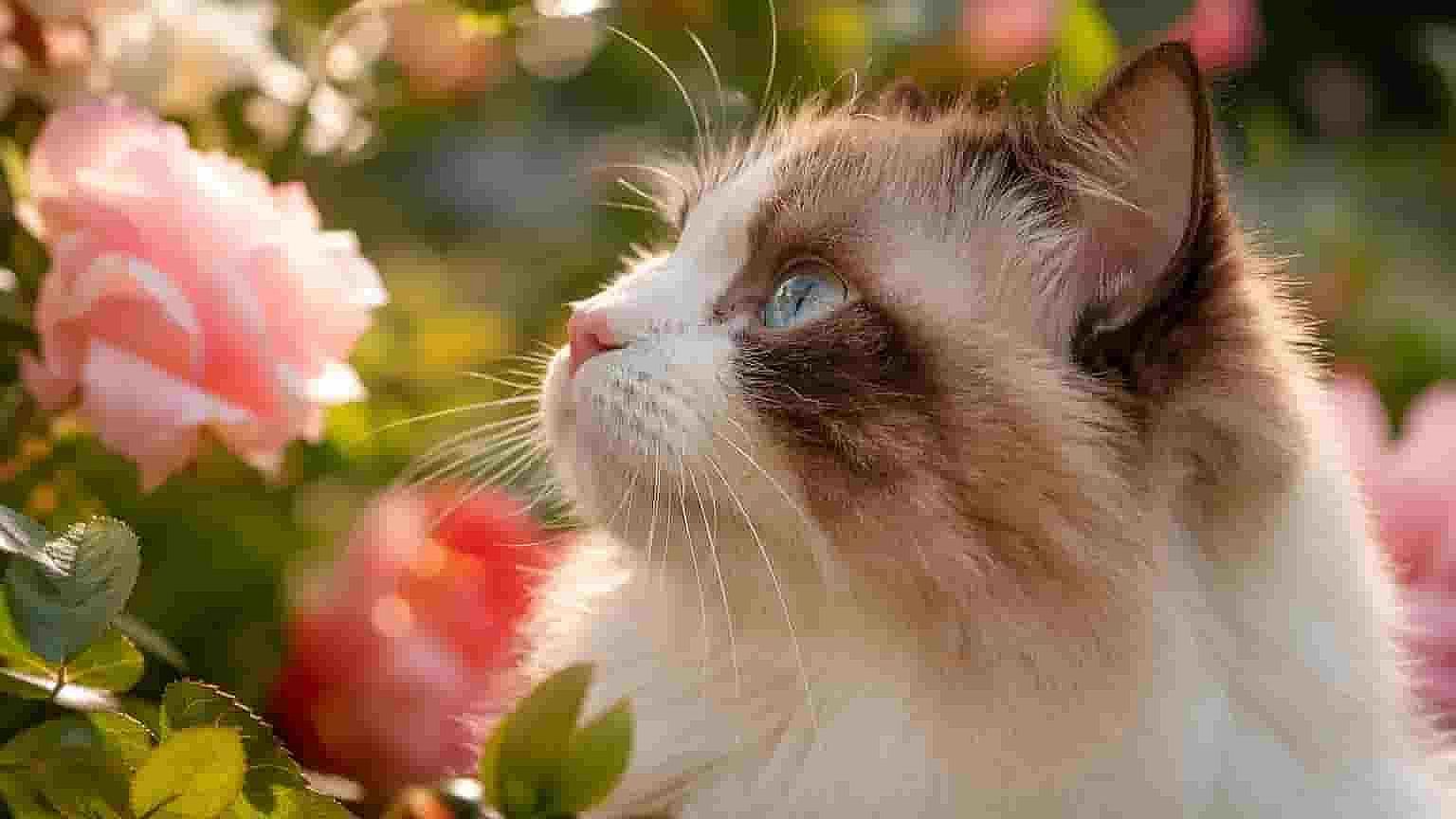
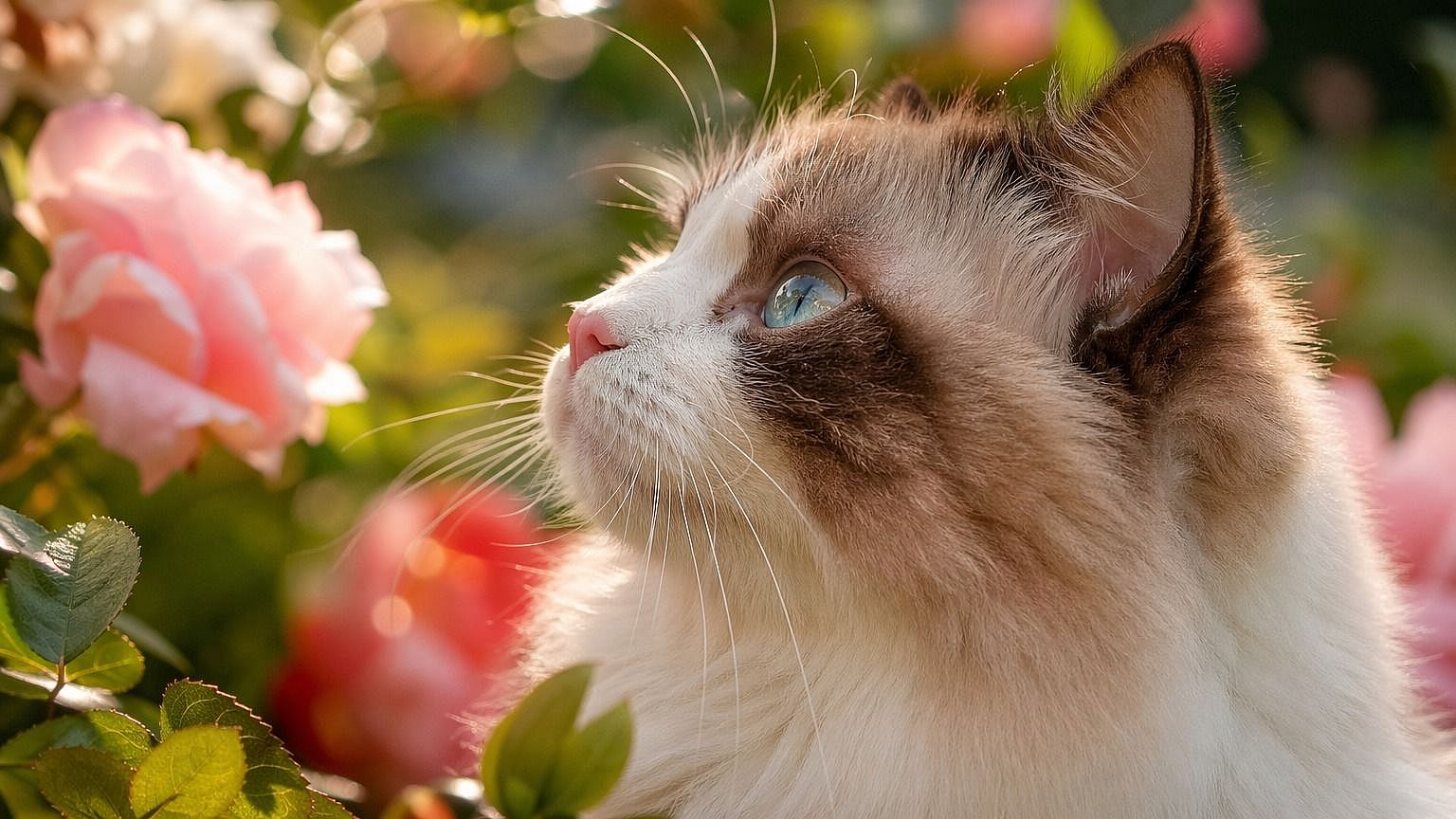
Prepare Photos for Print
Sharpen images before printing to keep edges clean and details visible at larger sizes.
Try it Now
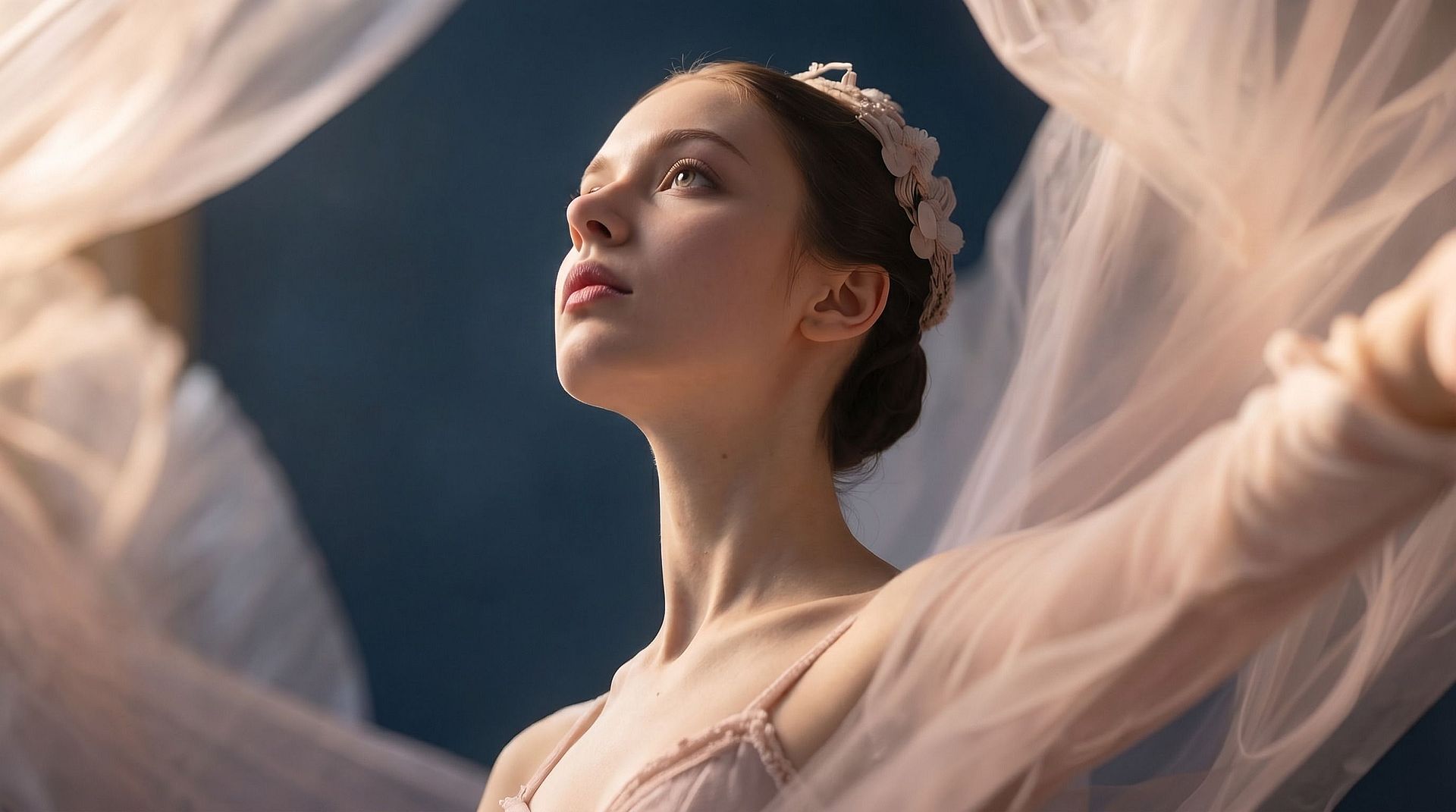
Restore Image Clarity
Bring back lost detail and sharpness in soft or low-quality photos, so they look clean and professional again.
Try it NowFrequently Asked Questions
Get Insights from Experts Blog
Get the insights you need. Our experts share actionable hacks, break down the hottest topics, and provide essential how-to guides to help you build, optimize, and scale.
Read More
Create without limits
Join thousands of creators using OpenArt to generate stunning images, videos, and more — all in one platform.
Get Started for Free →