AI Hair Color Changer
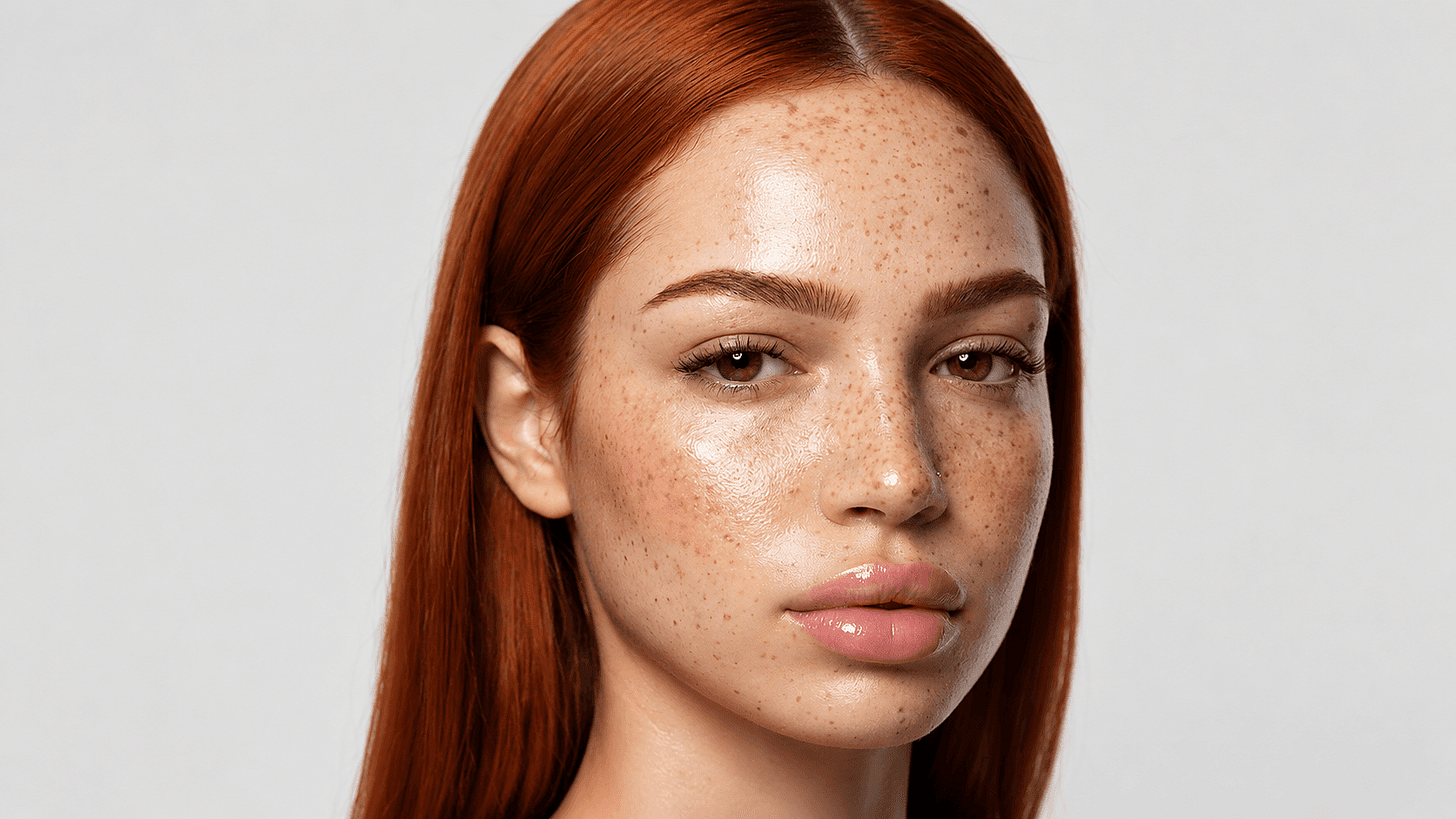
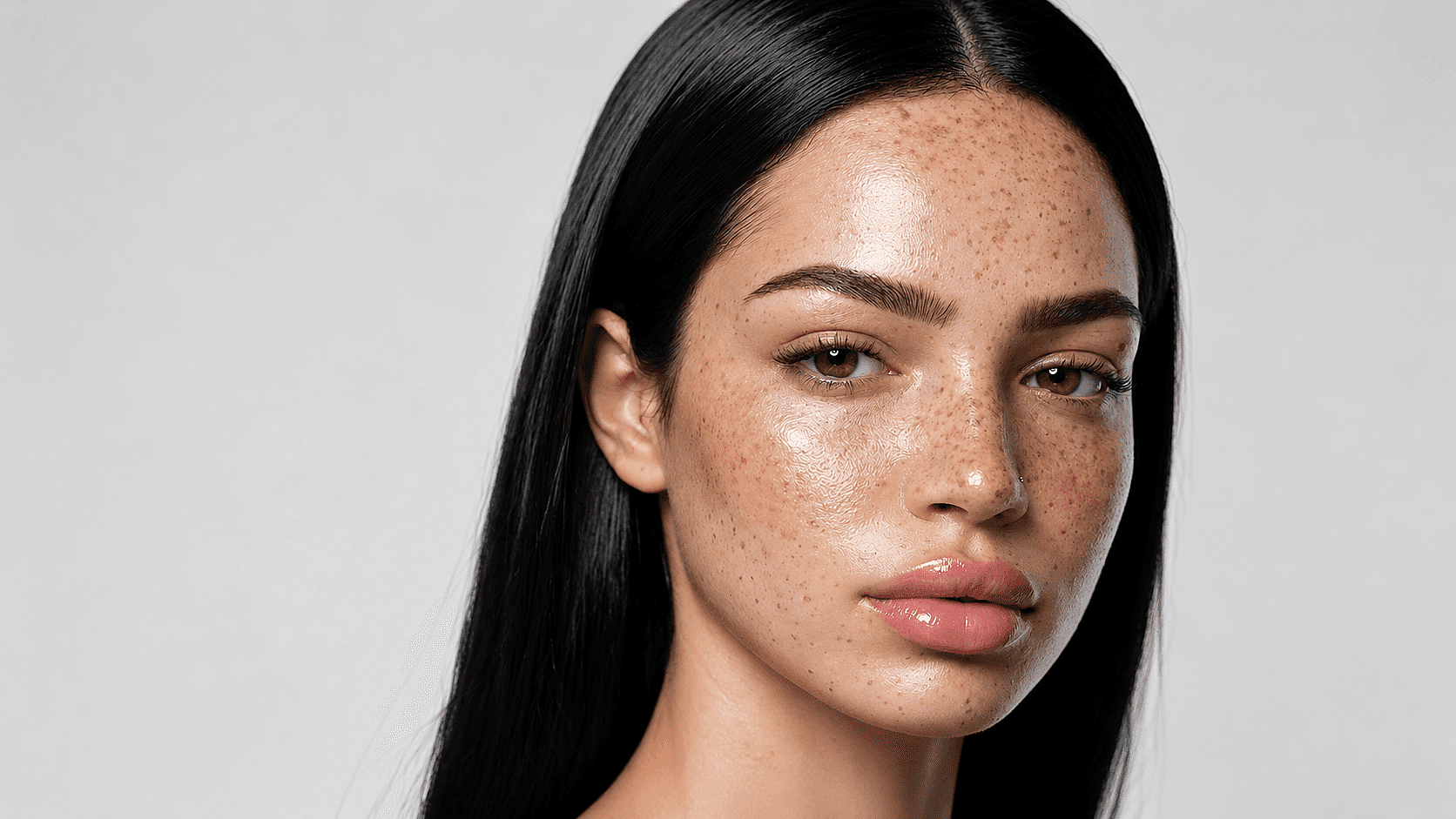
See yourself in any hair color before you commit. Upload a photo, describe the shade you want, and preview the change in seconds, free and online.
 Add an image Or drag and drop here · JPEG, PNG, WEBP
 How to Change Hair Color on a Photo
Three steps to a salon-grade preview.
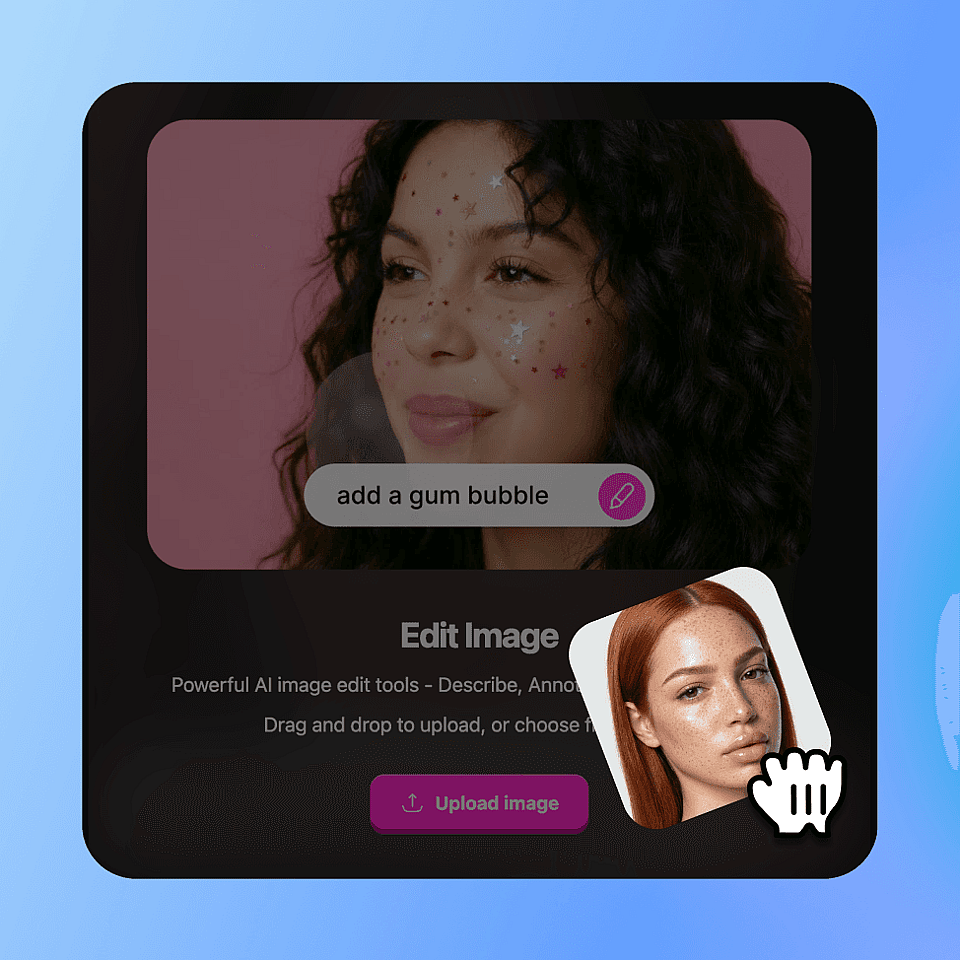
Upload Your Selfie
Drop in a clear, front-facing or three-quarter photo as JPG, PNG, or HEIC. Good lighting helps.
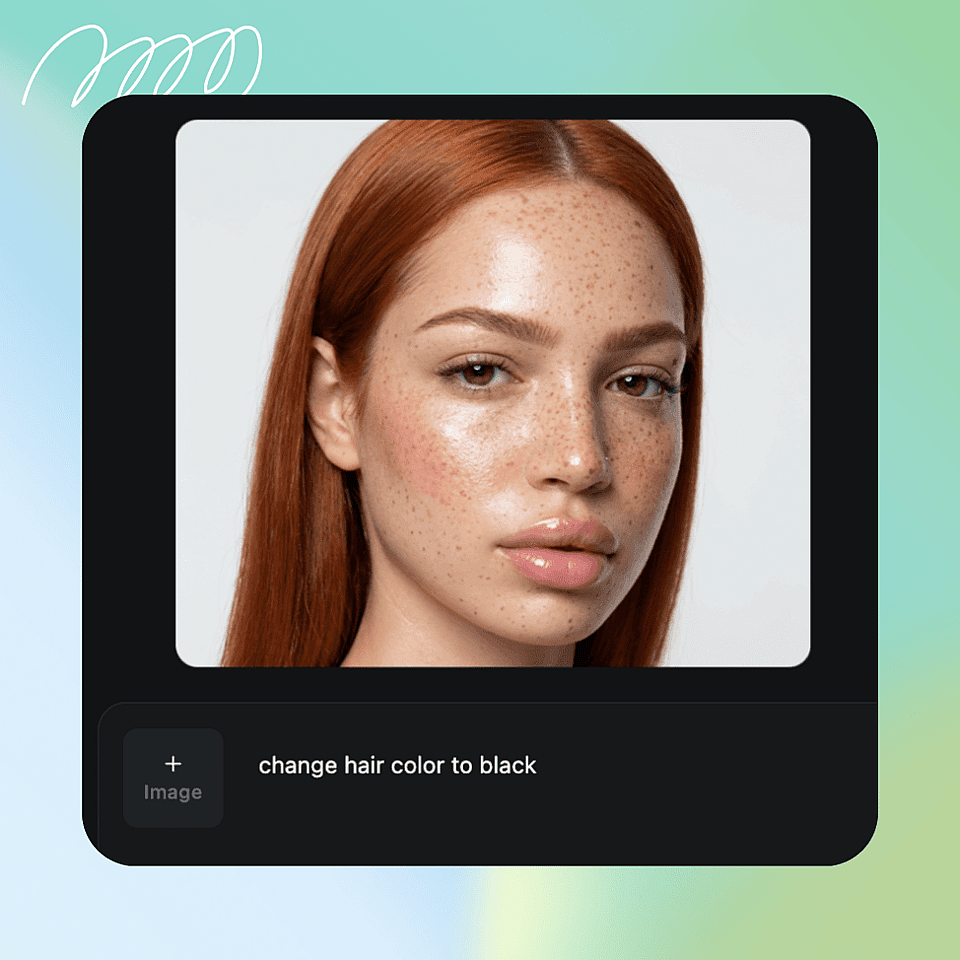
Describe the Hair Color You Want
Enter the shade you're after, from natural tones like ash blonde to bold colors like pastel pink.
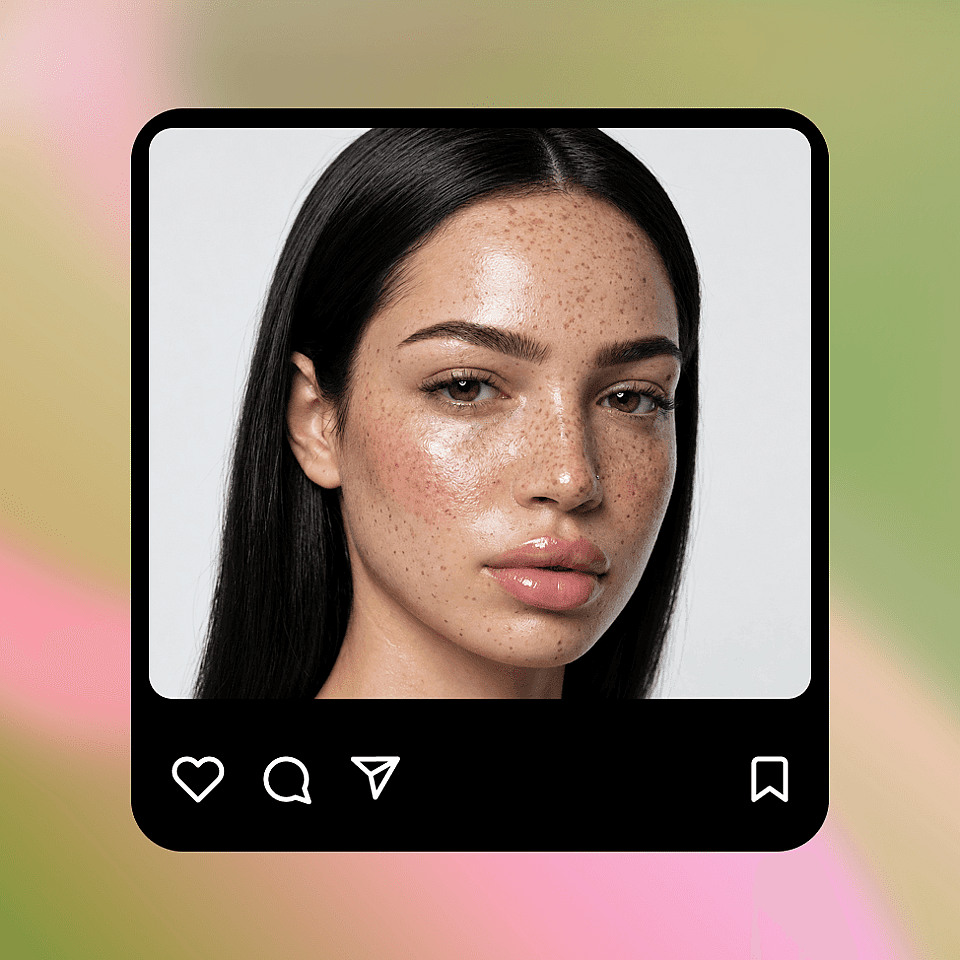
Generate and Download
Get your result in seconds and download it, or try another shade right away.
Built for Anyone Curious About a New Look
From curious teens to working stylists, the tool fits any hair-color decision.
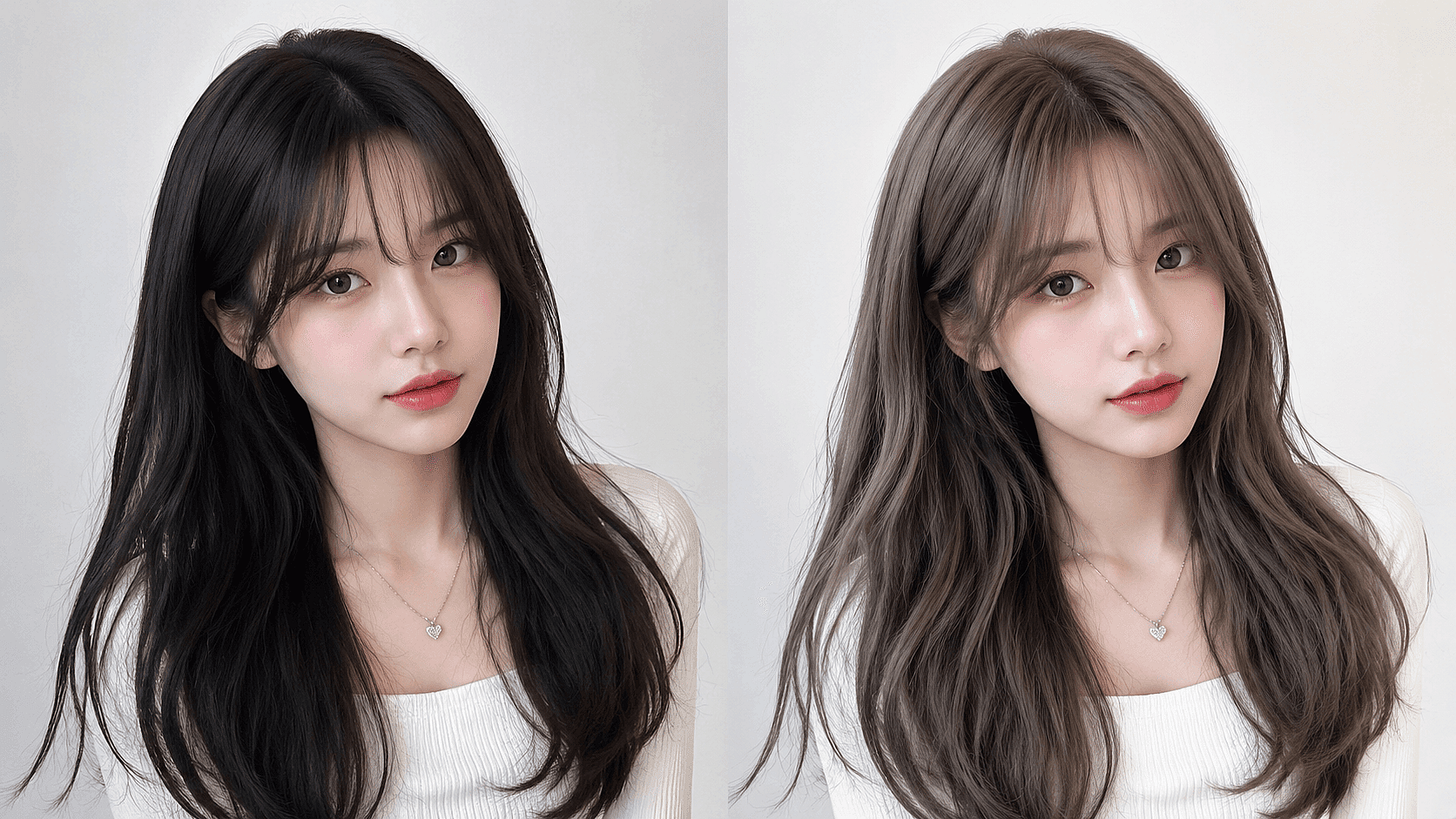
Pre-Salon Previews
Show your stylist exactly what you want with a photoreal mockup. Cuts down the "I wanted ash, not honey" miscommunication.
Try it Now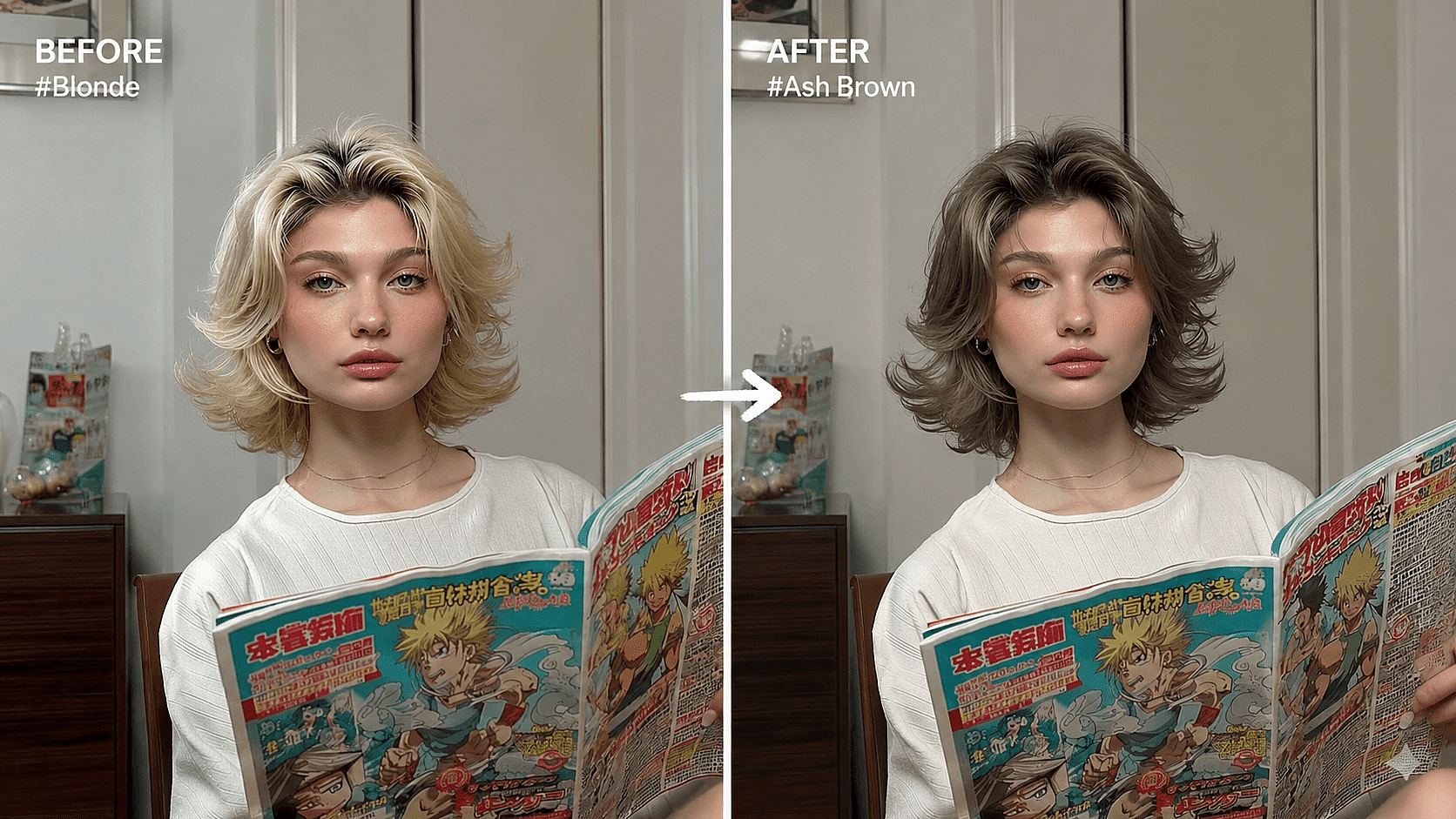
Social Media Creation
Create before-and-after posts, color transformation reels, or styled photos for your feed without touching your real hair.
Try it Now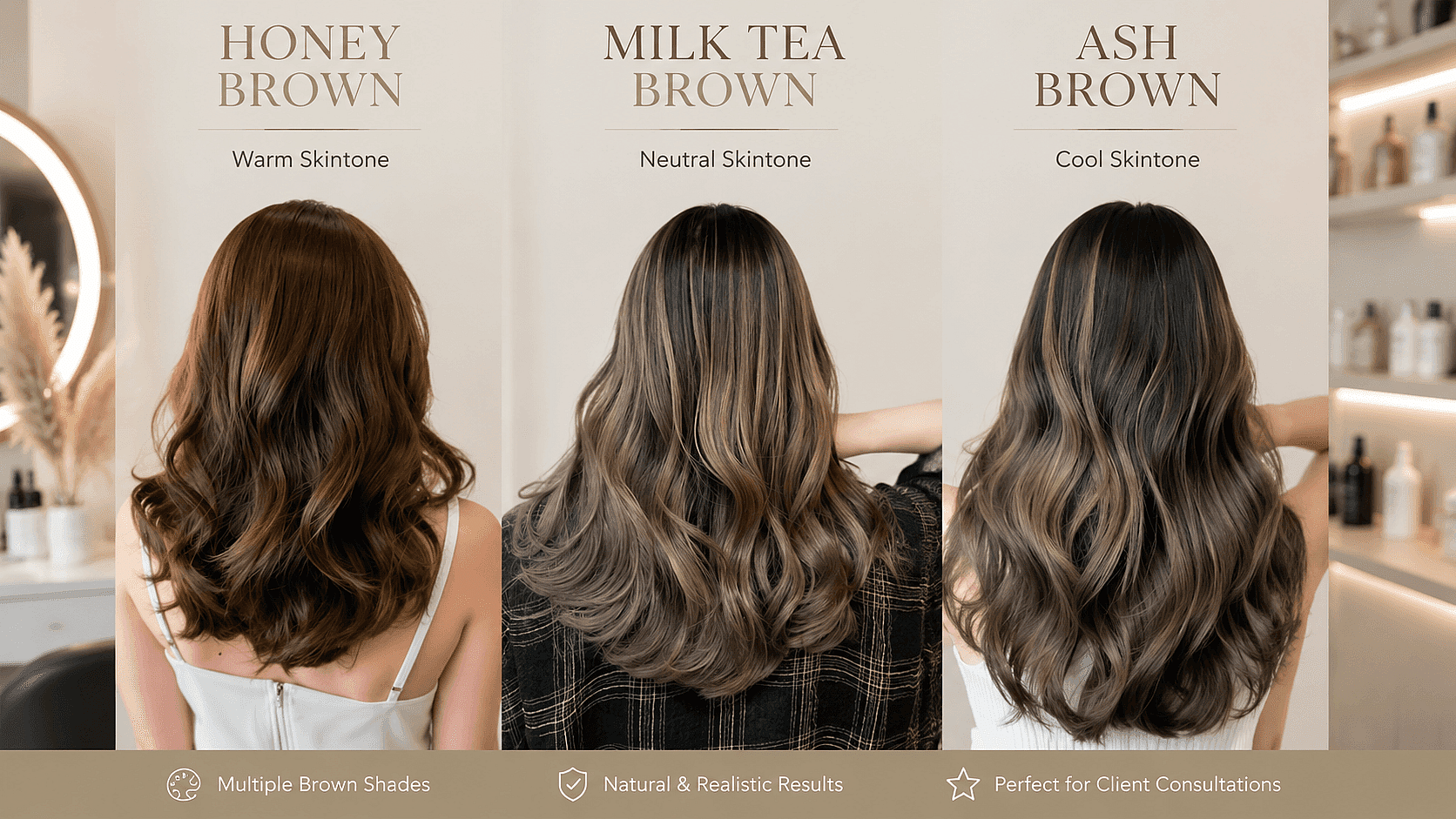
Hair and Beauty Businesses
Salons, stylists, and hair color brands can show clients or customers a realistic preview of shades before a service or purchase.
Try it NowFrequently Asked Questions
Get Insights from Experts Blog
Get the insights you need. Our experts share actionable hacks, break down the hottest topics, and provide essential how-to guides to help you build, optimize, and scale.
Read More