

Kling 4.0 – Make 30-Second AI Videos in 4K
COMING SOON on OpenArt. The Kling 4.0 AI video generator makes videos up to 30 seconds long in up to 4K, follows up to 10 keyframes you set, and gives your characters voices in 9 different languages.
Key Features of Kling 4.0 AI Video Model
Make a full 30-second video in one go
Kling 4.0 makes videos up to 30 seconds long from a single prompt. Kling 3.0 stopped at 15 seconds. That extra time fits a whole story, like an ad that opens on a problem, shows the product, and ends on your logo. The characters, voices, and look stay the same from the first second to the last.
Try it NowSet up to 10 keyframes across your video
Kling 4.0 AI video generator lets you upload up to 10 keyframes, which are pictures of the moments your video must show. Use 2 keyframes to set the first and last shot, or use all 10 to plan the whole video shot by shot. Kling 4.0 fills in the motion between them. Your character and setting stay the same from one keyframe to the next.
Try it NowUse up to 15 references in one video
Kling 4.0 takes up to 15 references at once, including up to 10 pictures, up to 5 video clips, and voice samples. A face photo sets how your character looks, a clip sets how they move, and a voice sample sets how they sound. Save that person in OpenArt Characters to use them again in your next video.
Try it NowGive your characters voices in 9 languages
Kling 4.0 makes spoken dialogues in English, Spanish, Portuguese, French, German, Hindi, Chinese, Japanese, and Korean. You can also ask for an American, British, or Indian accent, or a Chinese dialect like Cantonese. The voices sound like real people from that place. You can make a version of your video for a new country without hiring a voice actor.
Try it NowHow to Use Kling 4.0 on OpenArt
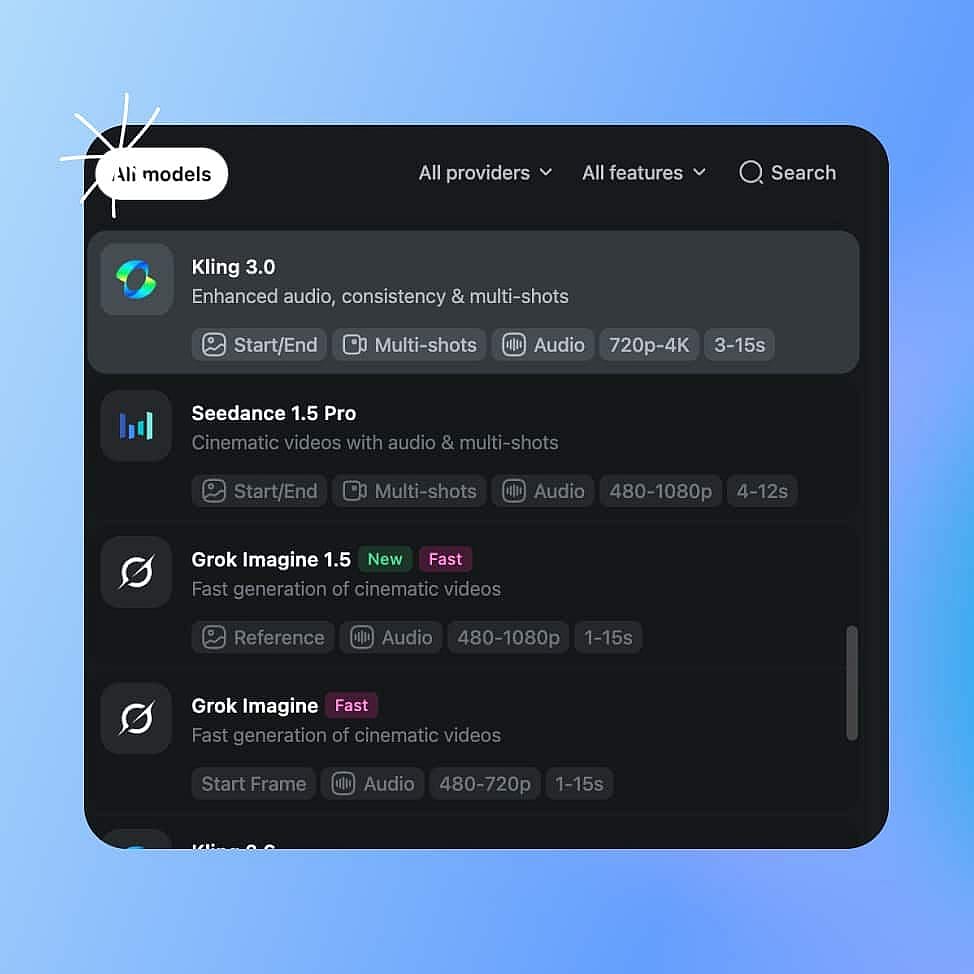
Choose Kling 4.0
Open OpenArt's AI video generator and pick Kling 4.0 from the model menu. Pick Kling 4.0 Flash instead for lower-cost videos up to 20 seconds.
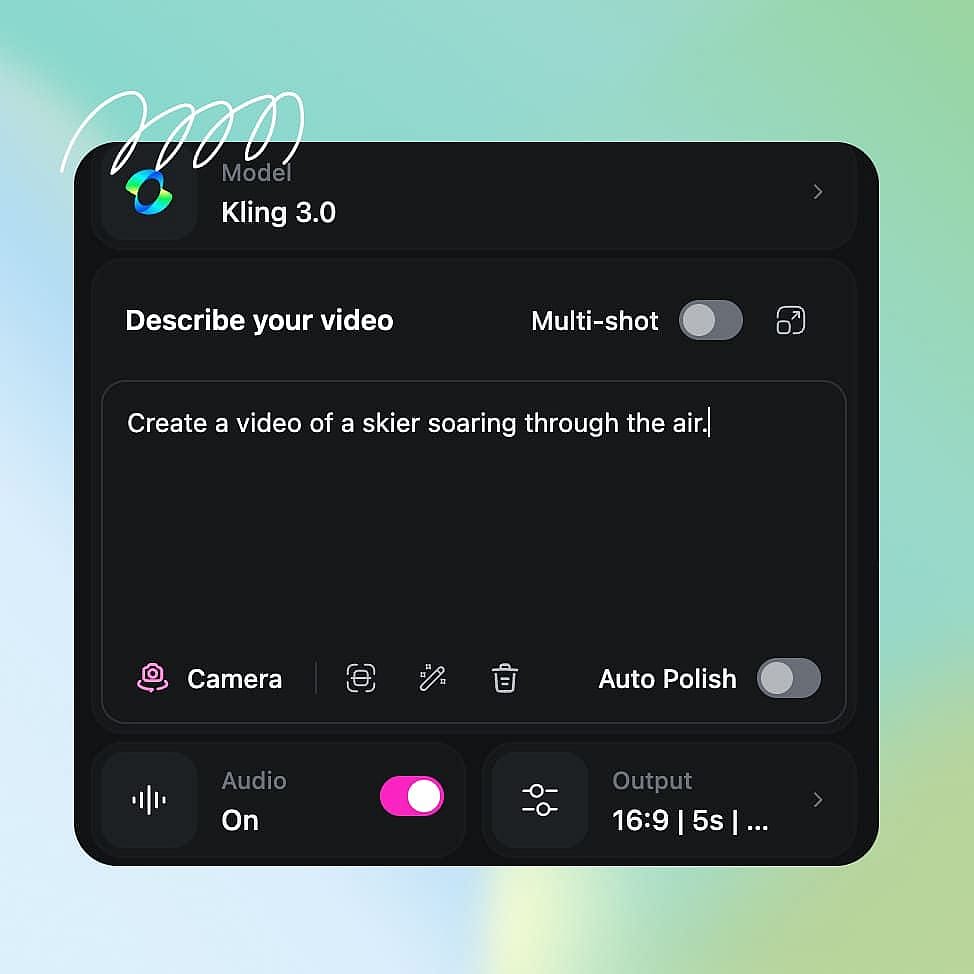
Prompt and add references
Type your prompt, upload pictures, video clips, or a voice sample as references, or add up to 10 keyframes for the moments your video must show.
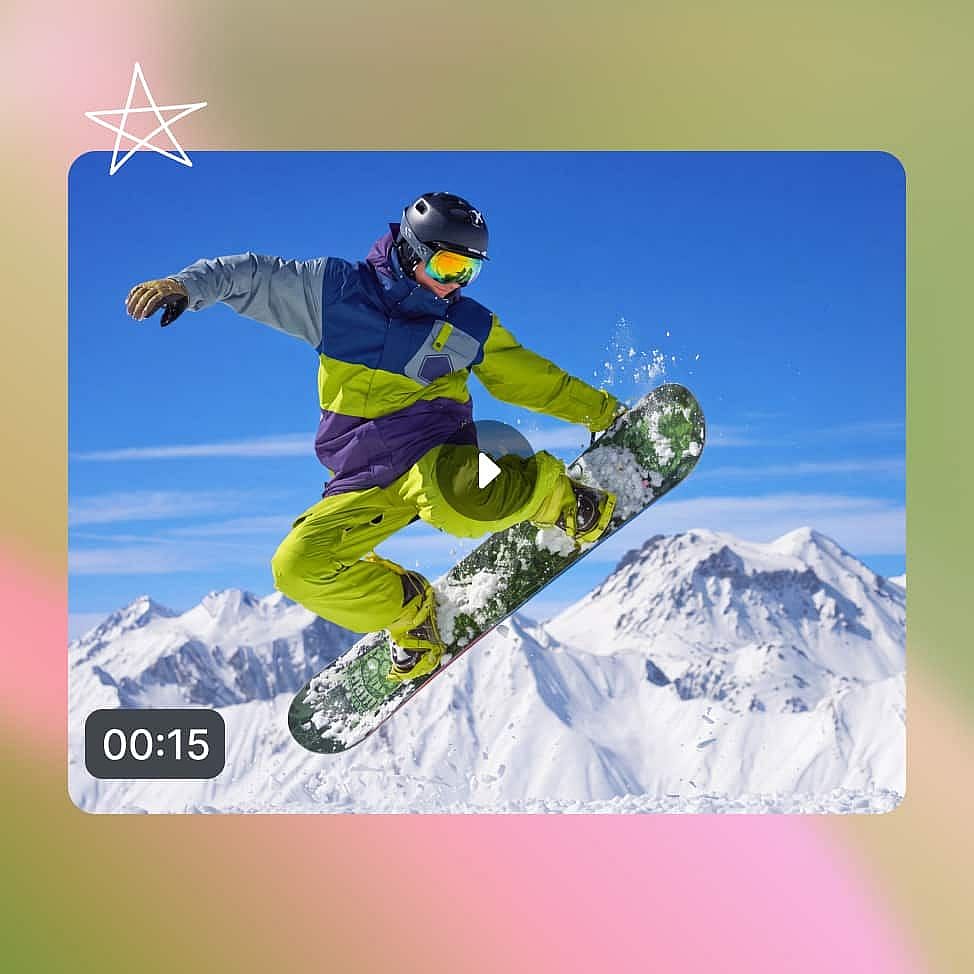
Configure and generate
Choose a length from 3 to 30 seconds, a resolution from 720p to 4K HDR, and your aspect ratio, then generate and download.
Best Use Cases of Kling 4.0
Short drama and animation studios
Short drama studios need the same character to look and sound the same in every episode. Kling 4.0 fits a full scene into one 30-second video, and a saved face and voice carry into the next one. When one moment in a scene looks wrong, edit just that moment. The rest of the episode stays exactly as it was.
Try it NowAd teams making product and brand videos
Ad teams can upload a video ad that already performs well and have Kling 4.0 copy its pace and camera moves with a new product. The product name and price show up as clear text inside the video. The same ad can then speak Spanish or Hindi for a new market. One winning ad idea turns into many versions to test.
Try it NowMusicians making music videos
Musicians can upload their own photos, a style picture, and the song as references. Kling 4.0 makes music video clips where the artist appears in every shot and the look stays the same. Keyframes let you line up the biggest moments with the chorus. You can fix any shot you do not like without making the whole clip again.
Try it NowSocial media creators posting every week
Social media creators post often and rarely have a crew or a set. Upload one photo of yourself and a video you like, and Kling 4.0 makes a new clip with you in it. Kling 4.0 Flash keeps the cost low when you need a lot of videos in one week. You can post more often without booking a single shoot.
Try it NowTips for Best Results
Give each moment a time in your prompt
Kling 4.0 follows timing you write into the prompt. Write something like "0 to 5 seconds: close-up of a coffee cup. 5 to 12 seconds: she picks it up and smiles," and each moment shows up where you want it.
Place keyframes where the story changes
Start with 2 keyframes for the first and last shot. Add more only at the moments where something changes, like a character opening a door or a product coming out of the box.
Give each reference one job
Use a picture for how someone looks, a video clip for how they move, and a voice sample for how they sound. References that each point at a clear job give Kling 4.0 a clear target to match.
Write the exact line and the accent
Put the spoken words in quotes and name how they should sound, such as: she says "Welcome back" in English with a British accent. Kling 4.0 matches the voice to what you ask for.
Loved by Creators
I've tried many AI platforms... but OpenArt is still the best for character creation, image-to-video quality, and the variety of models available.
OpenArt offers an excellent array of AI tools... once you learn the features, the creative possibilities are amazing - and their support team is outstanding.
OpenArt is a very versatile AI platform with many image and video models, consistent character creation, and powerful editing tools.
Helpful AI tools all in one place - image and video generation, editing, and more... no need for multiple subscriptions.
Customer service is always quick and helpful... and the platform keeps getting better with new features and tools.
I've tried many AI platforms... but OpenArt is still the best for character creation, image-to-video quality, and the variety of models available.
OpenArt offers an excellent array of AI tools... once you learn the features, the creative possibilities are amazing - and their support team is outstanding.
OpenArt is a very versatile AI platform with many image and video models, consistent character creation, and powerful editing tools.
Helpful AI tools all in one place - image and video generation, editing, and more... no need for multiple subscriptions.
Customer service is always quick and helpful... and the platform keeps getting better with new features and tools.
I've tried many AI platforms... but OpenArt is still the best for character creation, image-to-video quality, and the variety of models available.
OpenArt offers an excellent array of AI tools... once you learn the features, the creative possibilities are amazing - and their support team is outstanding.
OpenArt is a very versatile AI platform with many image and video models, consistent character creation, and powerful editing tools.
Helpful AI tools all in one place - image and video generation, editing, and more... no need for multiple subscriptions.
Customer service is always quick and helpful... and the platform keeps getting better with new features and tools.
With so many AI platforms out there, OpenArt stood out as a stellar choice - I'd recommend it to any creator.
This platform includes everything you need for AI content creation - images, video, characters, audio, and multiple AI models in one place.
OpenArt is pushing the boundaries of AI video creation... and it's clear the team is committed to improving the creator experience.
I made my first AI music video with OpenArt... and their support team was the best help I've ever experienced.
I'm very happy with the support - my issue was resolved quickly and the team made the process easy.
With so many AI platforms out there, OpenArt stood out as a stellar choice - I'd recommend it to any creator.
This platform includes everything you need for AI content creation - images, video, characters, audio, and multiple AI models in one place.
OpenArt is pushing the boundaries of AI video creation... and it's clear the team is committed to improving the creator experience.
I made my first AI music video with OpenArt... and their support team was the best help I've ever experienced.
I'm very happy with the support - my issue was resolved quickly and the team made the process easy.
With so many AI platforms out there, OpenArt stood out as a stellar choice - I'd recommend it to any creator.
This platform includes everything you need for AI content creation - images, video, characters, audio, and multiple AI models in one place.
OpenArt is pushing the boundaries of AI video creation... and it's clear the team is committed to improving the creator experience.
I made my first AI music video with OpenArt... and their support team was the best help I've ever experienced.
I'm very happy with the support - my issue was resolved quickly and the team made the process easy.