

Limited-time offer! Unlock a year of limitless creativity with annual plans at UP TO 27% OFF.

View Plan ›

URL to Video

URL to Video turns any web link into a video on OpenArt. Paste a blog post, a product page, or a video URL, then describe the video you want to make or the change you want. Works in both Chat Mode and OpenArt Director.

Try URL to Video

Benefits of URL to Video Generator Tool

Any link works

URL to Video takes any web page to create a new video, from a blog post to an Amazon listing to a YouTube video.


Your words decide

You type what you want the video to be, and URL to Video builds the video around your instruction.
Works on your own video

URL to Video can also change and edit a video you upload, using something from the link you pasted as context.

Key Features of URL to Video Generator

Turn any web page into a video

URL to Video reads the page you paste and builds a video from what is on it. Give URL to Video a blog post and ask for a short explainer. Give URL to Video a product page and ask for an ad. You decide what the video shows and how it looks.

Guide a new video with a link

URL to Video can use a link as a reference for something new. Paste a video or a page whose look you like, then describe your own subject. URL to Video makes a fresh video in that direction. Showing an example is faster than describing a style in words.

Put a linked product in your video

URL to Video can change a video you already have. Upload your video, paste a product listing, and ask for the product in your video to be swapped for the linked one. Your shot stays the same and the product changes. Your first video then works for the next item you sell.

Get different videos from one link

URL to Video gives one link as many videos as you have ideas for. Paste your landing page and ask for a calm, premium ad. Paste the same page again and ask for a fast, playful one. Each instruction makes its own video, so you can test which one works.

How to Use URL to Video Creator

URL to Video works the same way in both Chat Mode and OpenArt Director.
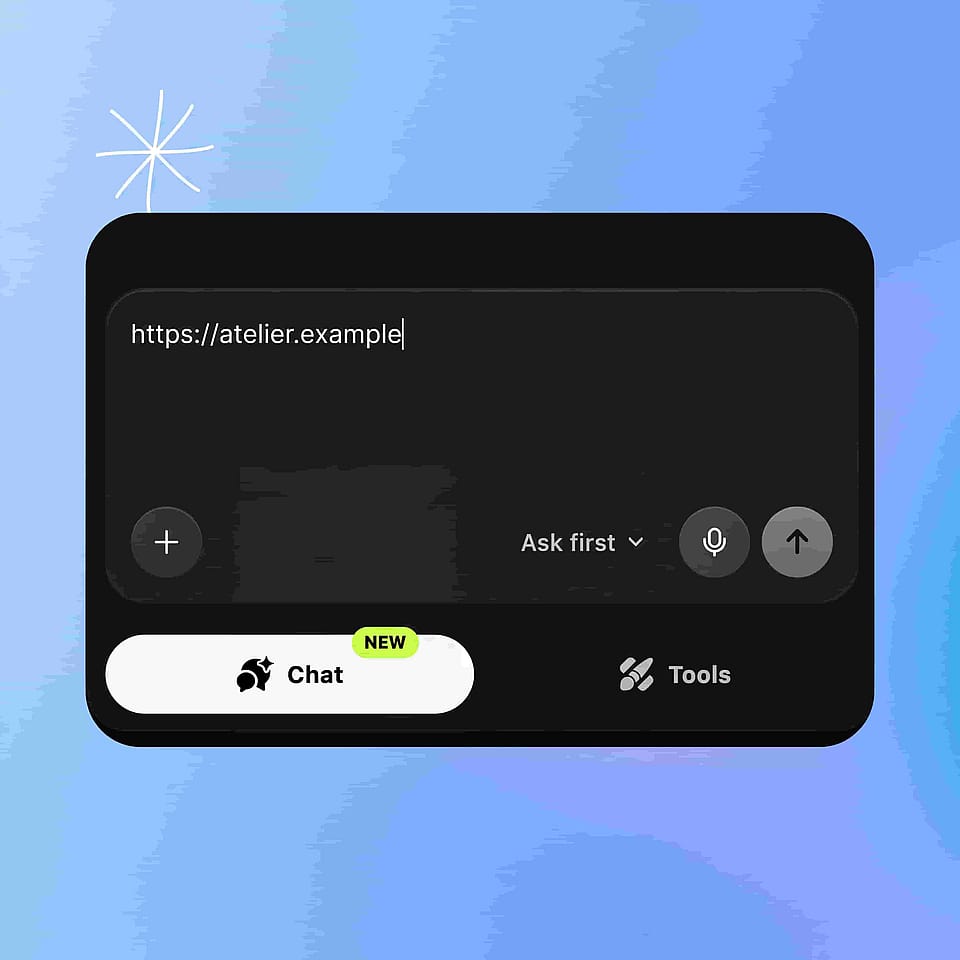
Paste your link
Step 01

Paste your link

Open Chat Mode or OpenArt Director and paste the URL into the message box. Add your own video too if you want URL to Video to change it.
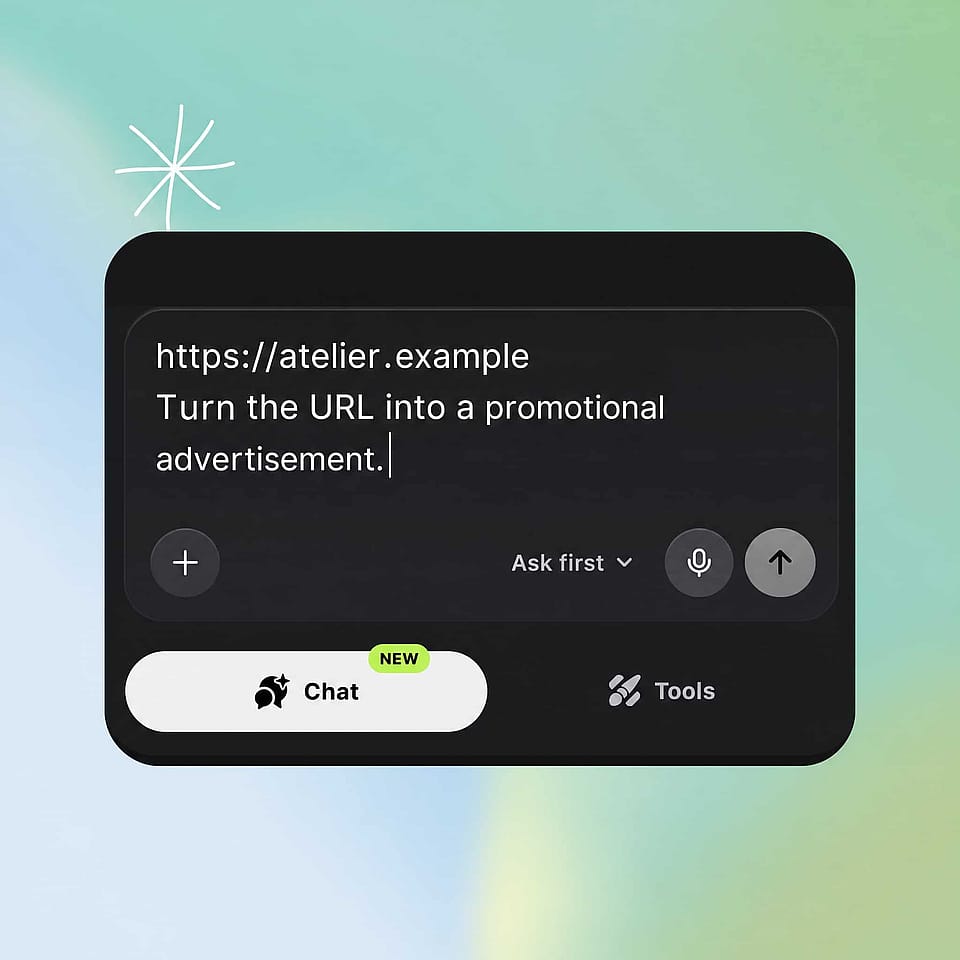
Describe what you want
Step 02

Describe what you want

Type the video you want made, or the change you want to the video you uploaded.
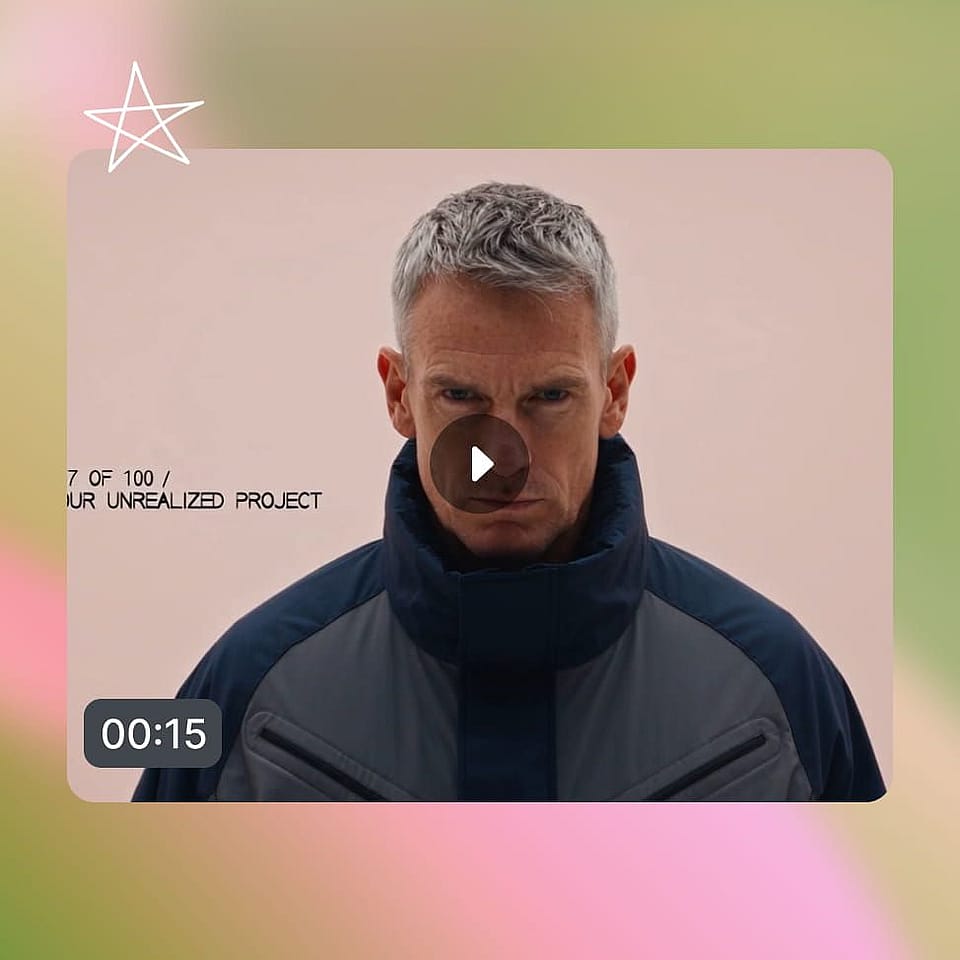
Review and download
Step 03

Review and download

Look at the video, then adjust your instruction and make another version.

Best Uses for URL to Video Maker

Sell products you already list online

Small business owners and online sellers use URL to Video to make video from the listings they already run. Paste the product page and ask for an ad. When you add a new item, paste its link along with your old video and ask for the product to be swapped. Your first video then covers the next product too.

Try it Now

Turn your published writing into video

Content and SEO teams use URL to Video to give their blog posts a second format. Paste the post and ask for a short explainer for social. Paste the same post again with a different angle for a different audience. Writing you already published becomes video without starting a new brief.

Try it Now

Build campaign videos from your own pages

Marketers and agencies use URL to Video to make video from the campaign pages they already built. Paste the landing page and describe the ad the campaign needs. Ask for a second version with a different tone and compare the two. Your page and your instruction carry the campaign into video.

Try it Now

Make something from a link you liked

Creators use URL to Video to build on the pages and videos they save. Paste an article about a topic you care about and ask for a playful video. Paste a video whose look you like and describe your own version. A link you found becomes a starting point you can use.

Try it Now

Frequently Asked Questions

URL to Video is an OpenArt feature that turns a web link into a video. You paste any URL, such as a blog post, a product page, or a YouTube video, then describe the video you want. URL to Video works in Chat Mode and OpenArt Director.
URL to Video takes any web URL. Blog posts, news articles, product pages including Amazon listings, YouTube videos, other video links, and ordinary web pages all work. Those page types are examples rather than a fixed list, so a page that does not appear here is still worth pasting.
Yes. Upload your video, paste a link, and describe the change. The clearest example is a product swap: paste an Amazon listing alongside your video and ask URL to Video to replace the product in your video with the linked one.
No. You write one instruction describing the video you want, in your own words. Something like "turn this blog into a short explainer for beginners" is enough for URL to Video to work from.
OpenArt's free trial gives you 40 credits over seven days, with no credit card needed and no watermark on what you make. Free credits continue daily after the trial ends.
URL to Video works from two things: the link and your instruction. The link gives OpenArt the content, and your instruction says what to do with it. You can ask URL to Video to turn the page into a video, use the page as a reference for a new video, or change a video you upload.
Yes. Paste the YouTube URL into URL to Video and describe what you want. You can ask for a video built from what the YouTube video covers, or use the YouTube link as a reference for a new video about your own subject.
Yes. URL to Video builds the video from your instruction, so one link can produce very different videos. Paste a landing page and ask for a calm, premium ad, then paste the same page again and ask for a fast and playful one.
URL to Video is available in Chat Mode and in OpenArt Director. In both, you paste the link into the message box and type what you want. Director is sometimes called Director mode, and both names mean the same place.
URL to Video starts from something that already exists, so you write less. Paste the product page and OpenArt already has the product. Your instruction then only has to cover what the video should do with it. Internal SEO Targets (strip before publishing) Primary keyword: url to video (1,900 volume, KD 13) Secondary keywords: * url to video converter (1,091, KD 21) * convert url to video (126, KD 10) * link to video generator (90, KD 32) * url to video ai (70, KD 21) * website to video (58, KD 22) * blog to video (50, KD 4) * url to video generator (40, KD 22) * url to video free (40, KD 11) * url to video maker (30, KD 11) Long-tail queries answered: * how does url to video work * what kinds of links work with url to video * can I turn a YouTube link into a video * do I need to write a script for url to video * can I try url to video for free Keywords deliberately skipped: "link to video" (5,287) and "youtube link to video" (1,230) both return navigational intent, so the volume is not available to this page. Higgsfield's twelve-variant long-tail farm (recipe to video, real estate to video, tweet to video) was checked in Gauge and returned no usable volume. In-body internal links used: * https://openart.ai/ai-video-generator/ (deep-dive intro) * https://openart.ai/features/chat-mode/ (How-To intro, FAQ) * https://openart.ai/features/director/ (How-To intro, FAQ) Internal Notes (strip before publishing) Source of every capability claim: the URL to Video entry in openart-video-tools.md, which was written from the September 15, 2026 product marketing doc. The doc's positioning was deliberately ignored per Sameer's instruction on September 21, 2026, because it is launch-framed rather than keyword-led. This page is evergreen: no "new", "introducing", or launch framing anywhere. Never add to this page: automatic script writing, voiceover or narration, captions or subtitles, avatars or presenters, translation inside this flow, Brand Kit inside this flow, batch conversion of multiple URLs, aspect-ratio resizing, or any duration, resolution, credit cost or plan figure. Every competitor URL-to-video page leads with that whole list, so it is the easiest thing to absorb by accident. Two lines that need a product check before publishing: 1. The deep-dive intro says URL to Video runs on the same video models as the AI video generator and names Seedance 2.5, Wan 3.0, Veo 3.1 and Kling Omni. The template calls for a model name-drop in this position, but the product doc does not confirm which models serve URL to Video specifically. Confirm or cut the model names. 2. The "Can I try URL to Video for free?" answer uses OpenArt's standard free trial terms (40 credits over seven days, no card, no watermark, daily free credits after). Plan access for URL to Video was listed as "to be supplied" in the product doc. Confirm URL to Video is included in the free trial, or replace the answer. Chat Mode page is unchanged. Chat Mode also reads a pasted URL, and its "Paste a link and get ads" block, "Make ads from a product page" use case and link FAQ all stay as they are. Sameer's call, September 21, 2026: Chat Mode is a different way to use OpenArt, and this page is the SEO-optimized one. Differentiator to protect in any rewrite: using a link to change a video the user already has. Higgsfield, HeyGen and Creatify are all one-directional, URL in and new video out. Product replacement from a listing into the user's own footage is unclaimed across the category, which is why it holds a full feature block and a use case here.

Create without limits

Join thousands of creators using OpenArt to generate stunning images, videos, and more — all in one platform.

Get Started for Free →




