AI Video to Video Generator
Change the look of footage you already have with OpenArt's AI Video to Video generator. Restyle a clip, add VFX, swap its background, or replace a character while the original motion and timing stay exactly the same.
Key Benefits of AI Video to Video Maker




Keep Your Original Motion
OpenArt restyles your footage while holding onto the movement, timing, and structure of the original clip. Your subject moves the same way it always did, so the new version stays believable instead of drifting or warping.




Change the Look, Not the Take
Turn live footage into anime, apply a Ghibli or Pixar style, or shift the whole mood of a scene without filming anything new. You transform the visual style of a clip you already have rather than starting over from scratch.

Skip the Reshoot
Adapt one clip into several looks for a campaign without booking a crew, a location, or new talent. This cuts production time and cost while keeping every version consistent with the original.
Key Features of AI Video to Video Generator
Restyle Any Clip While Keeping Motion
Restyle Video applies a new visual style to footage you upload while preserving every movement in the original. Choose from presets including anime, LEGO, Ghibli, Pixar, Rick and Morty, retro, claymation, and cyberpunk, or describe a look of your own. The motion, pacing, and timing stay the same, so only the style changes.
Replace Backgrounds and Relight Scenes
Replace Background tool swaps the setting behind your subject for a new environment without touching the action in front of it. Relight Video adjusts the lighting of a scene so a clip shot in flat light can look warm, moody, or cinematic. Together, these features in our AI video generator let you reset the whole atmosphere.
Swap Characters Without Reshooting
Replace Character changes a specific person or figure in your clip, or pulls a character straight from the OpenArt Characters library into the shot. The replacement follows the original motion, so the new character moves exactly as the footage did.
Motion Sync, Lip Sync, and Add Sound
Motion Sync copies the movements and gestures from one video onto a new one, so you can carry a performance across clips. Lip Sync matches a video's mouth movements to dialogue you provide, and Add Sound Effect layers in sounds you describe in a prompt. These tools finish a restyled clip so the picture and the audio line up.
How to Use the AI Video to Video Generator
Make video variations from an existing clip in three steps.
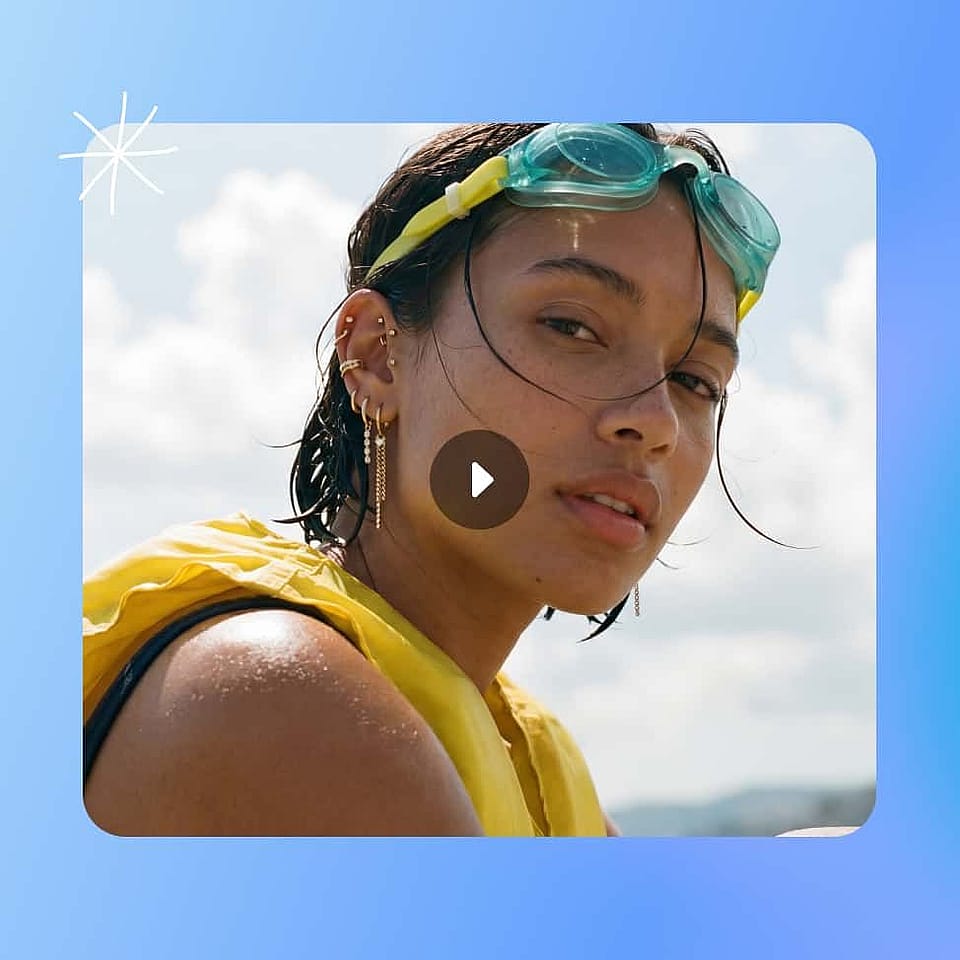
Upload Your Video
Open the Restyle Video tool inside OpenArt's AI Video to Video generator and upload the clip you want to transform. A clear, steady source video gives the model the most detail and produces the cleanest result.
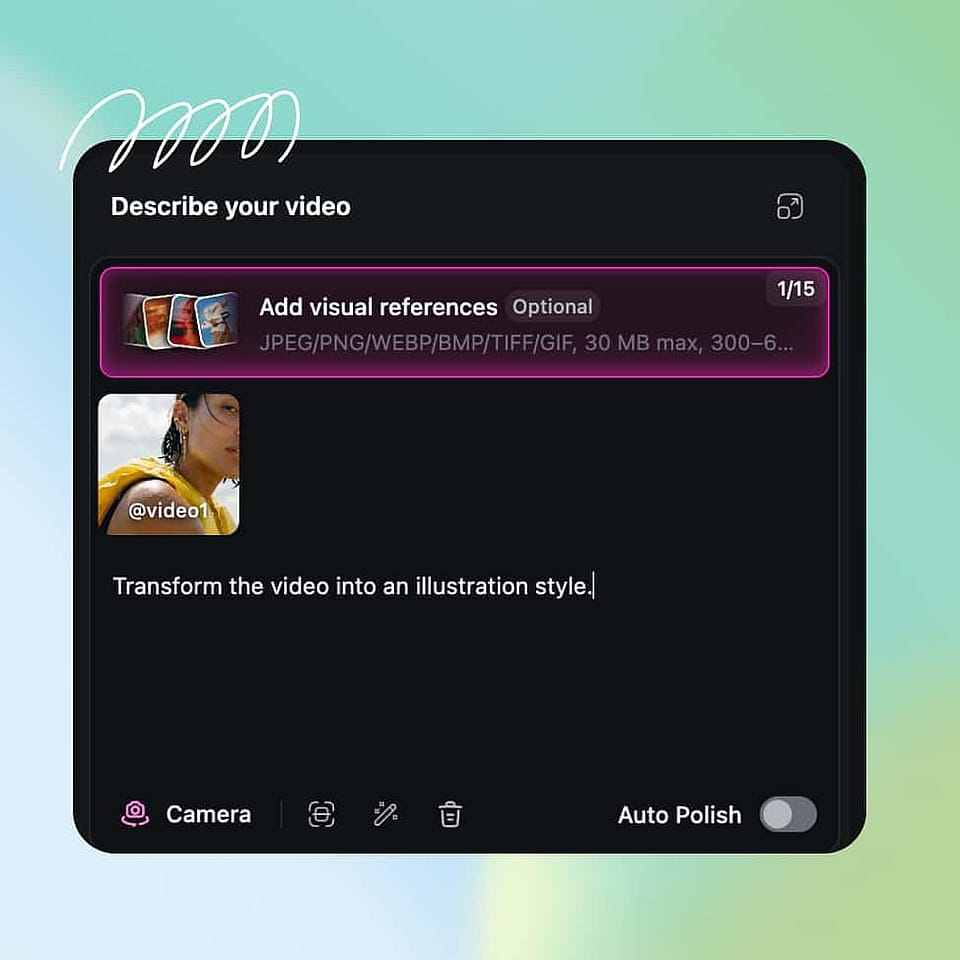
Describe Your New Changes
Choose a preset such as anime, Ghibli, Pixar, or cyberpunk, or write a short prompt describing the look you want. Set your output options, including resolution and export quality, before you generate.
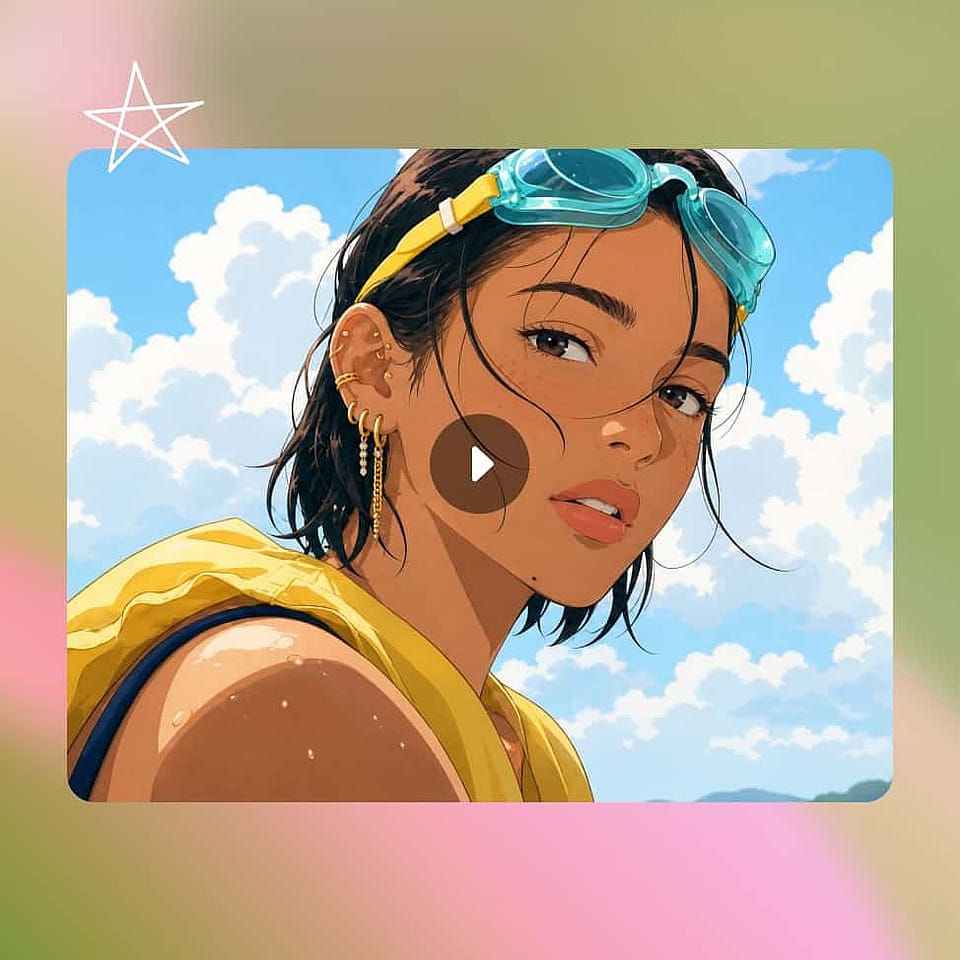
Generate And Download
Generate the restyled clip and check that the new look holds across the whole video. Adjust the style or prompt if you want a different result, then upscale the final version and export it for your platform.
Best Uses of the AI Video to Video Generator
The AI Video to Video generator fits a wide range of creators and teams.
Restyle Footage for Social Campaigns
Content creators can take one clip and turn it into several styled versions for TikTok, Reels, and Shorts. A single take becomes anime, retro, or cyberpunk variations that each feel made for the platform, which keeps a feed fresh without new filming. You can post more often while shooting far less.
Try it NowGive Brand Videos a New Look
Agencies and brand teams can adapt existing brand footage into new visual directions for different audiences or seasons. Because the motion and product stay intact, the restyled clips stay on-brand while the look evolves. This makes it practical to refresh a campaign without a new production budget.
Try it NowConvert Live Footage Into Anime or Cartoon
Fans and creators can turn real video into anime, cartoon, or illustrated styles while keeping the original performance. The AI restyles the frames and preserves the movement, so a live clip becomes a stylized scene that still feels natural. Converting between live action and animation is the most requested video to video use case.
Try it NowRefresh Old Footage Without Reshooting
Any team sitting on a library of older clips can relight, restyle, or rebuild the background to make that footage usable again. Instead of filming replacements, you update the look of what you already own. Pair it with OpenArt's AI Image to Video generator when you need new motion from still photos to fill the gaps.
Try it NowFrequently Asked Questions
Get Insights from Experts Blog
Get the insights you need. Our experts share actionable hacks, break down the hottest topics, and provide essential how-to guides to help you create, optimize, and scale.
Read More