

AI Music Generator
Skip the stock music hunt. Type a prompt describing the genre, instruments, or vibe you're after — or drop in an image to set the mood — and OpenArt builds an original track from scratch. From 30-second loops for short-form to full 3-minute compositions, every output is shaped by your creative direction and powered by Google Lyria 3.




Generate Original Tracks Instantly
Go from a single line of text to a finished song in seconds. Pick Quick Clip for a tight 30-second loop or Full Song for compositions running up to ~3 minutes — both produced as fresh, original audio shaped entirely by your prompt.



Match Style, Mood, and Energy
Dial in genre, era, instrumentation, vocal tone, and dynamics, or stay broad and let the model interpret your prompt. Whether you're chasing a glitchy lo-fi loop, a sweeping cinematic build, or a punchy pop hook, the controls scale with how much direction you want to give.

Ready-to-Use Music Output
Skip the round-trip through external editors and licensing portals. Tracks are produced inside OpenArt at delivery quality, ready to download and pair with the images, characters, and videos you've already made on the platform.
Key Features of AI Music Generator
Music generation on OpenArt runs on Google Lyria 3 — a model that composes from scratch rather than remixing samples, and that responds to both written and visual cues. The result is audio that takes shape around what you describe instead of pulling from a fixed library of pre-made samples.
Instant Image-to-Music Generation
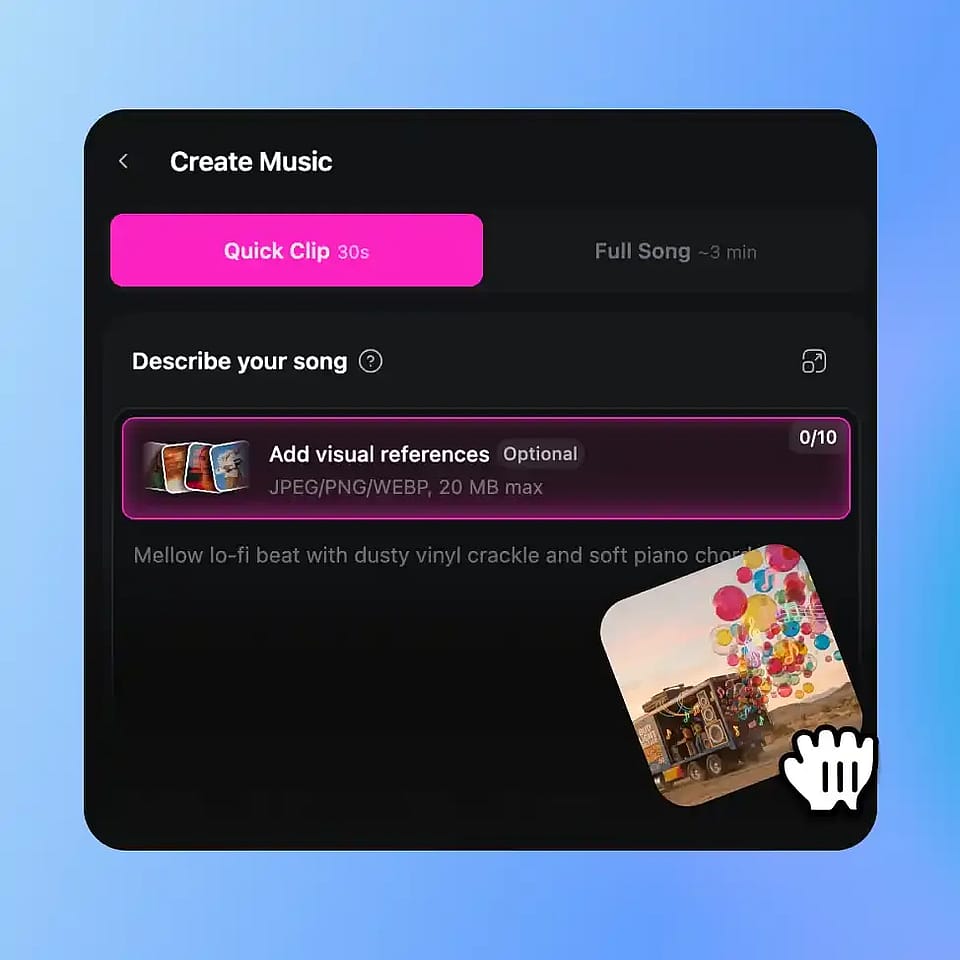
Already made an image, character, or world on OpenArt? Use it as a reference and the model composes around its atmosphere — pulling cues from palette, subject matter, lighting, and overall energy to inform instrumentation choices and pacing. A neon-lit cyberpunk alley might pull synth bass and industrial percussion; a sunlit meadow might lean into airy strings and gentle piano. You can attach up to 10 visual references (JPEG, PNG, or WEBP, 20MB max each), pair them with a text prompt for tighter control, or let the visuals do the talking on their own.
Any Style, Mood, or Energy
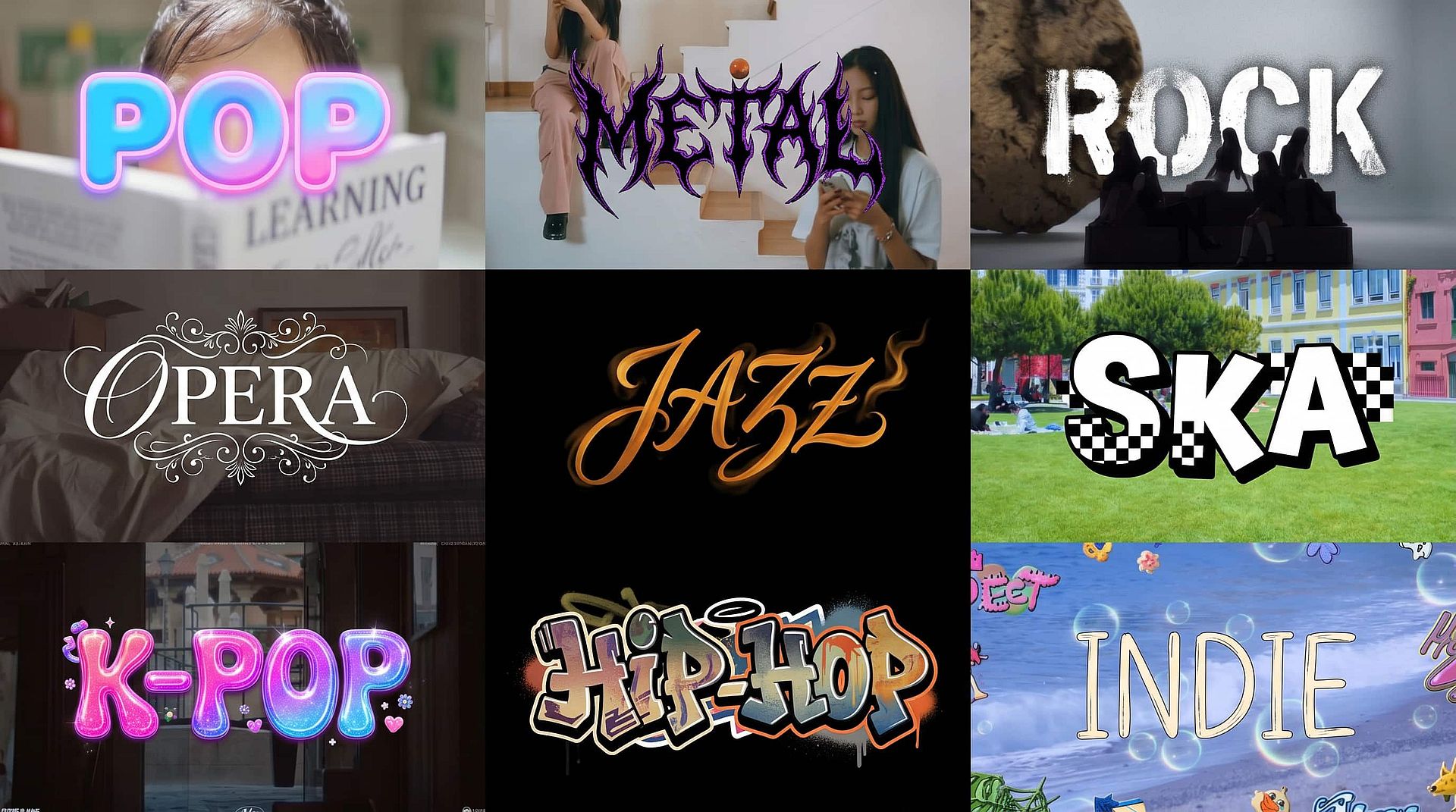
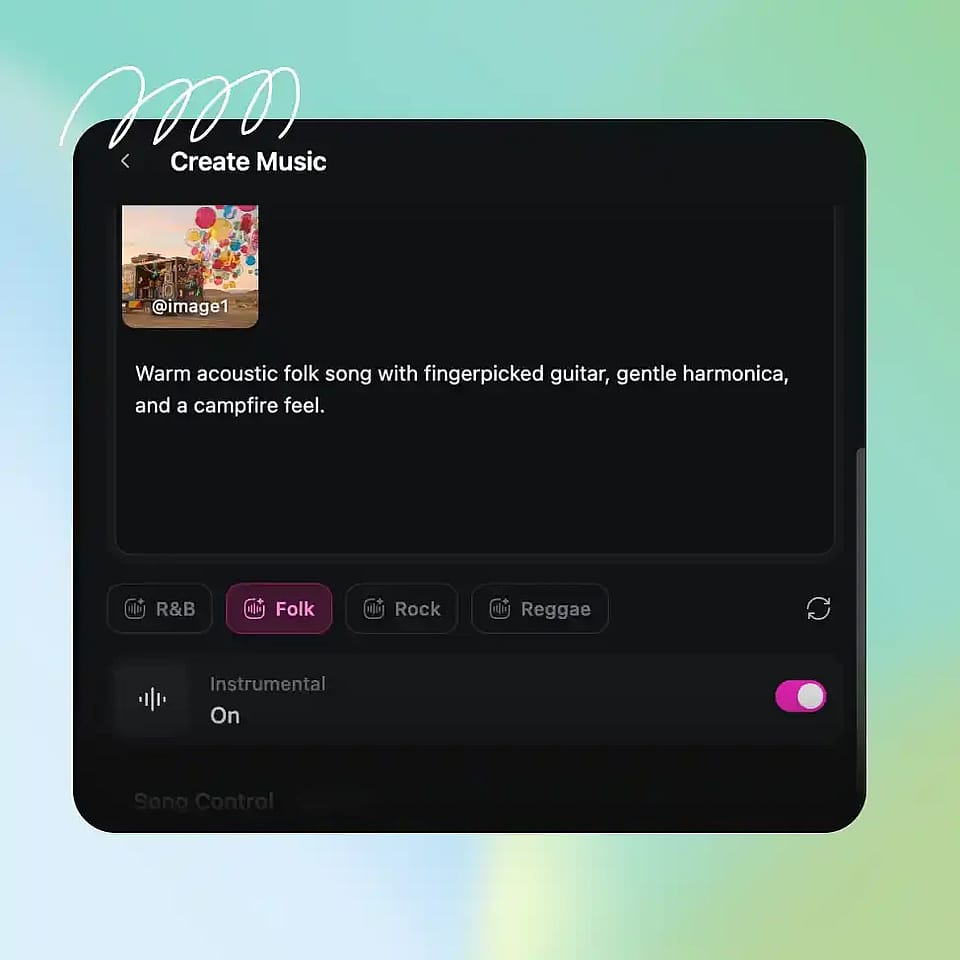
There's no fixed menu of presets boxing you in. Lo-fi, folk, ambient, rock, cinematic, dramatic, dance, hip-hop, classical — describe what you want and the model adjusts instrumentation, tempo, and dynamics accordingly. Quick-start chips for R&B, Lo-fi, Folk, and Cinematic sit below the prompt for fast seeding, and you can hand-set BPM, Intensity, Key (root note plus Major or Minor), and — in Full Song mode — Duration when you need precision. Leave the song controls on Auto and the model fills in what fits your prompt; switch any of them off and you get a slider or picker to set the value yourself.
Text Prompt Control
Write your prompt the way you'd brief a producer. A short line like "moody jazz piano with brushed drums" gets you somewhere quickly; a richer prompt like "1970s Motown soul with three-piece brass and a gospel-tinged tenor lead" gets you somewhere specific. You can also dictate vocals — toggle Instrumental on or off, set vocal gender and tone, prefix your own words with "Lyrics:" or hand the AI a theme and let it write the lyrics for you. Backing vocals go in round brackets, the same way you'd notate them on a chart.
Ready-to-Use Music Output
Every generation lands as polished audio you can download immediately and use across the rest of your project. There's no separate export, no second app for mixing, no licensing layer to navigate. Because the music is built next to the visuals it's scoring, the whole pipeline — image, video, soundtrack — stays in one tab.
How to Use the AI Music Generator
Three steps from prompt to playable track.
Describe Your Track
Write a prompt covering genre, instruments, mood, or vocal style — or tap a genre chip (R&B, Lo-fi, Folk, Cinematic) to get started. You can also attach up to 10 visual references for extra atmosphere.
Choose Your Mode and Settings
Select Quick Clip (30s) or Full Song (~3 min), then toggle Instrumental if needed. Optionally fine-tune BPM, Intensity, and Key under Song Control.
Generate and Download
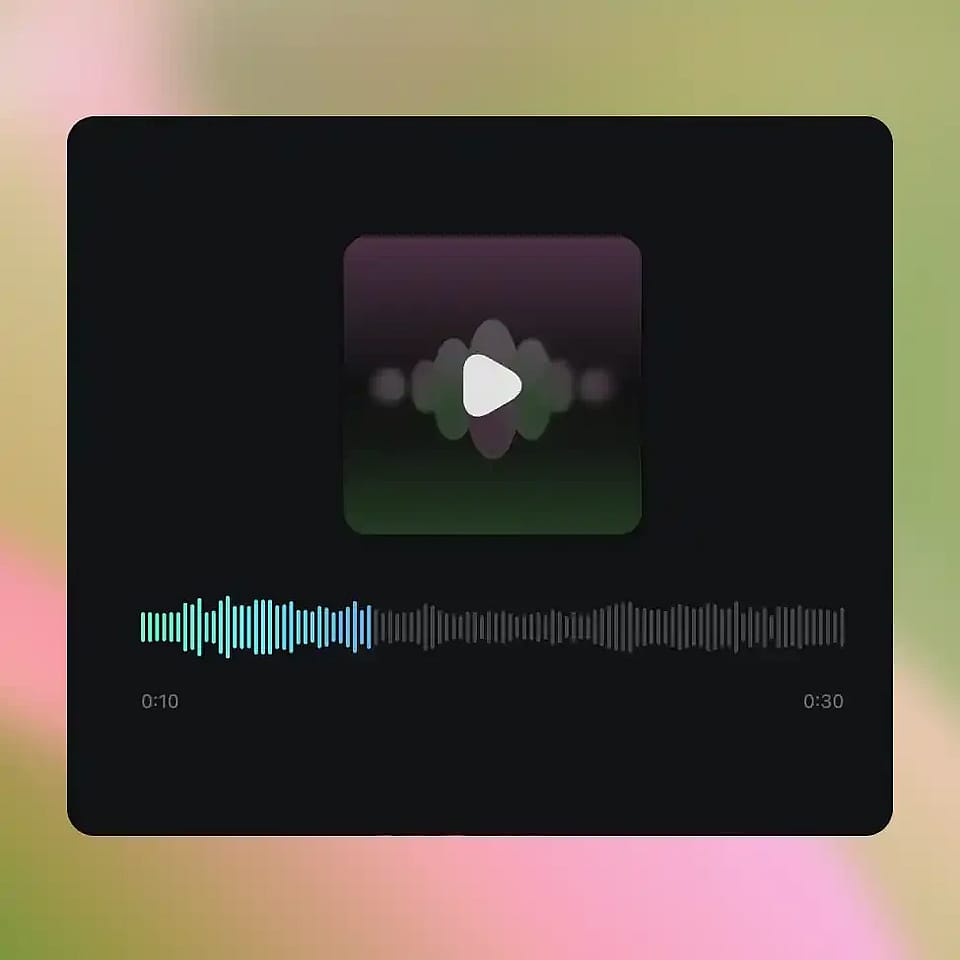
Hit Generate, listen to your track, and download it ready for your project, social sharing, or any use!
AI Music Generator – Original Soundtracks Across Every Genre and Every Occasion
Score whatever you're building, from a 15-second clip to a 3-minute track, without ever opening a second app.
Content Creators and Video Producers
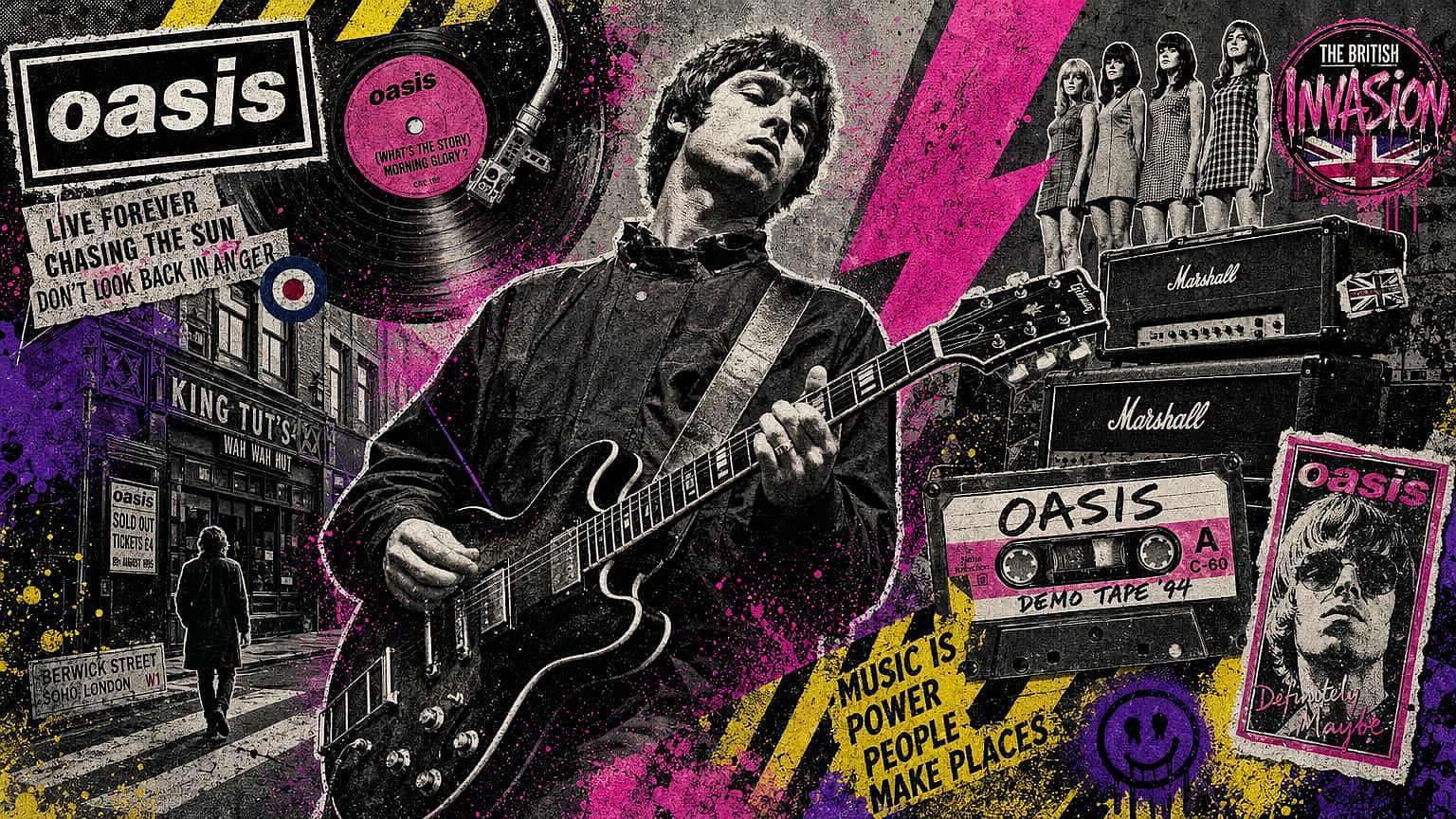
Sourcing music is usually the bottleneck in a video workflow — every track in the stock catalog feels either over-licensed or just slightly off. Generating one to spec changes that: prompt the genre, pacing, and emotional arc you need, and the model produces something that actually fits the cut. For series content, you can keep the prompt structure consistent across episodes so your scoring carries a recognizable identity. Less time browsing libraries, more time editing.
Try it Now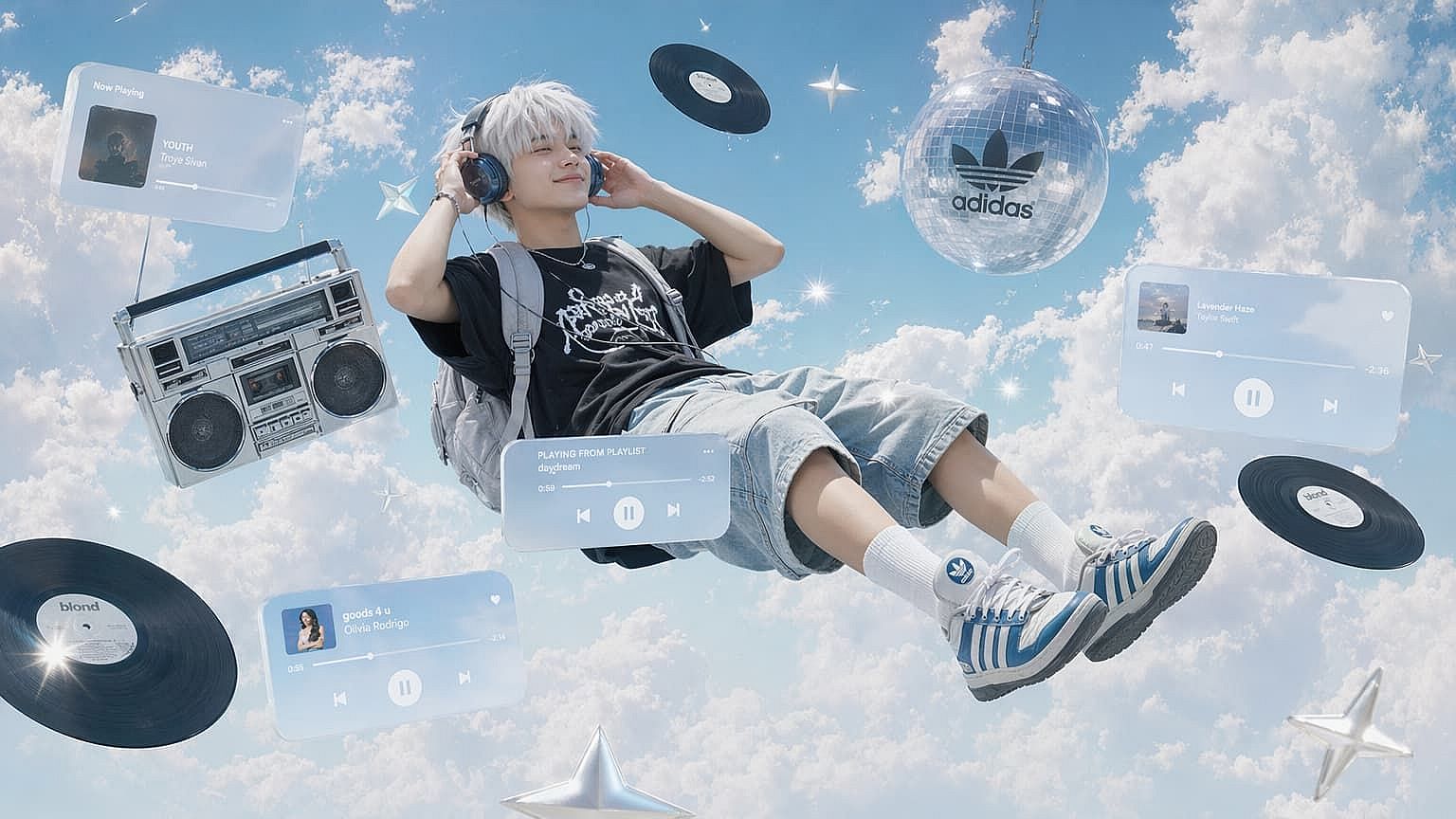
Visual Artists and Photographers
A still image only goes so far on its own — pairing it with audio gives viewers a more immersive way to sit with the work. Generate a track that reflects the atmosphere of a portrait, landscape, or experimental piece, and you turn a single artwork into something closer to a short film. It's especially useful for portfolio drops, gallery presentations, or social posts where you want the work to hold attention longer.
Try it Now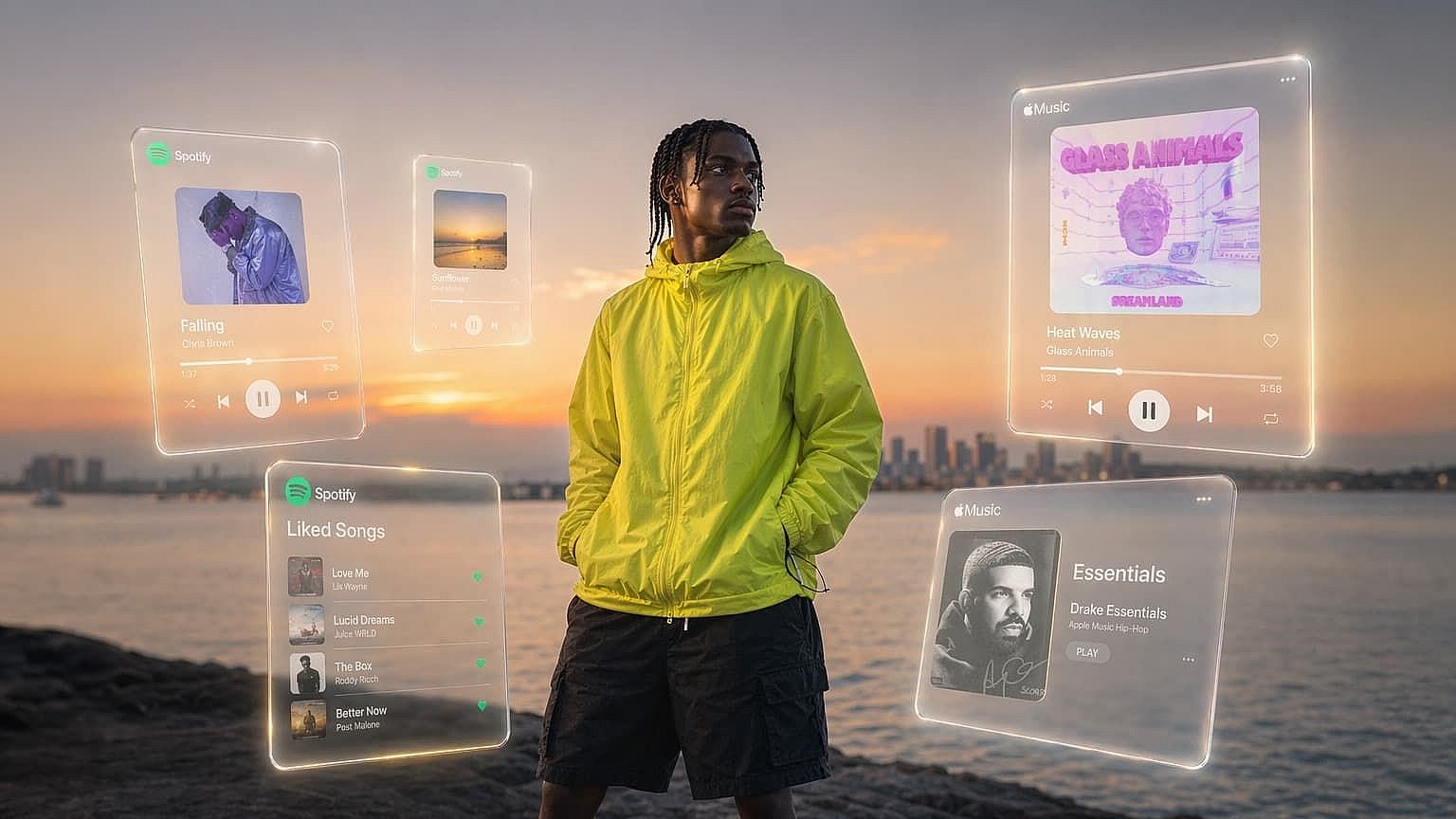
Social Media Creators
Hooking a viewer in the first second is half the battle, and pulling from the same overused trending sound as everyone else doesn't help. Generating original 30-second clips lets you score reels and shorts with audio nobody else has — sometimes that's a punchy hook with a custom lyric, sometimes it's a lo-fi loop tuned to your brand. Either way, the audio reads as part of your identity instead of borrowed.
Try it Now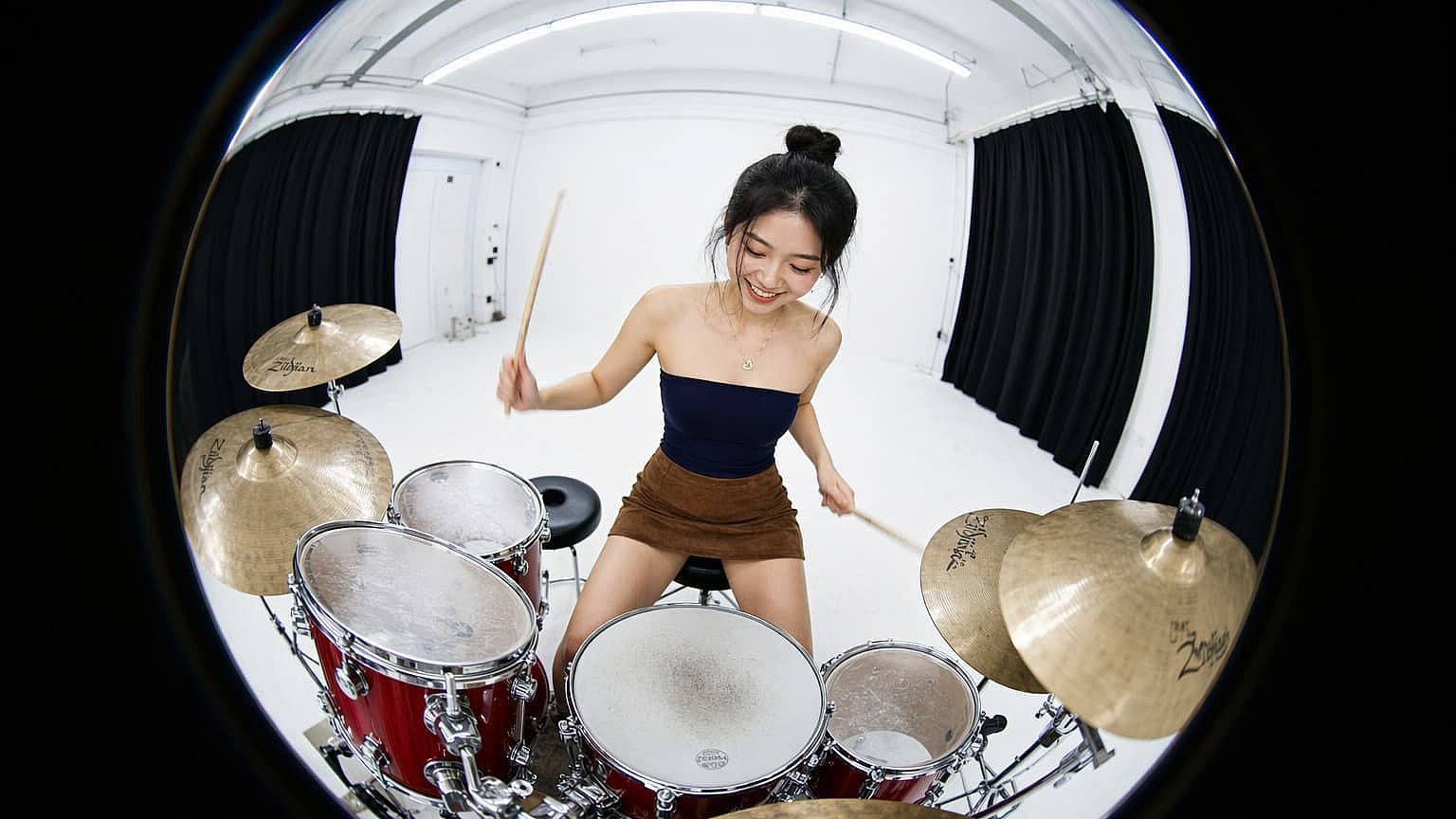
Filmmakers and Game Designers
Prototyping a scene, level, or short film usually means placeholder tracks that don't quite land. Generate a Full Song instead and you have ~3 minutes of original audio sitting under your concept — close enough to final that you can use it for pitches, vertical slices, or even shipped builds. As the project evolves, regenerate around new prompts and keep the score in step with the visuals.
Try it NowFrequently Asked Questions
Get Insights from Experts Blog
Get the insights you need. Our experts share actionable hacks, break down the hottest topics, and provide essential how-to guides to help you build, optimize, and scale.
Read More
Create without limits
Join thousands of creators using OpenArt to generate stunning images, videos, and more — all in one platform.
Get Started for Free →