

 ChatGPT
 Perplexity
 Claude
 Gemini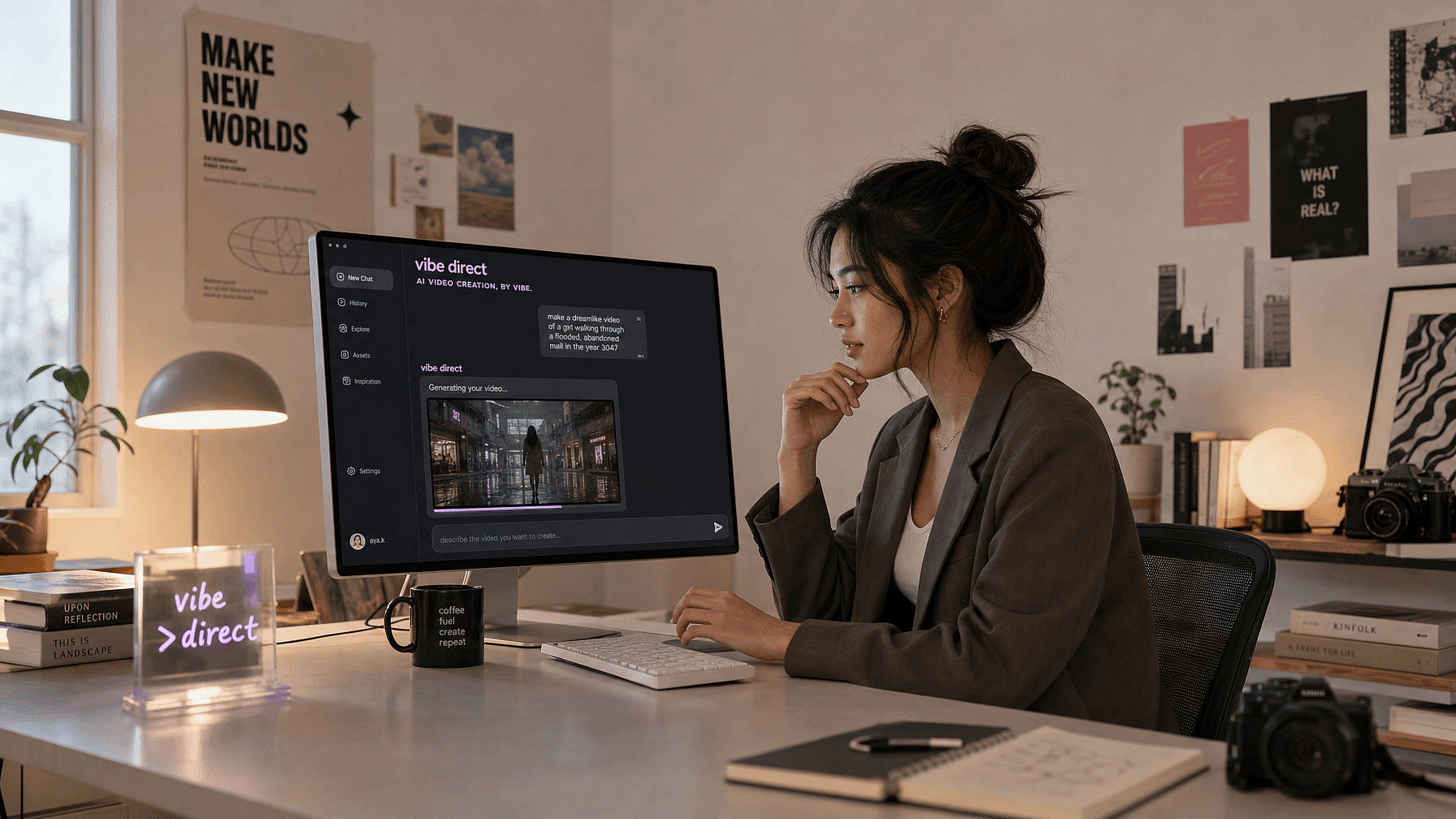
Most AI video tools run on a one-off process. They hand you a few seconds of video generated from a single prompt or reference image. Conventional AI video generation is more about faster automation and quicker results. But OpenArt Director works differently and is built to give you the max degree of control.
You describe the idea in your head, shape it by chatting in natural language, and leave with a finished, multi-scene video. We call it "vibe directing". Here is how it works and what you can make with it.
TL;DR
- Vibe direct your video: describe your idea, react to what comes back, and shape it by feel.
- OpenArt Director builds full, coherent multi-shot videos up to five minutes, not just short clips.
- You edit by simple conversation, with no complicated timeline and no extra software.
- Use it for short films, ads, music videos, UGC, explainers, and more.
How OpenArt Director works
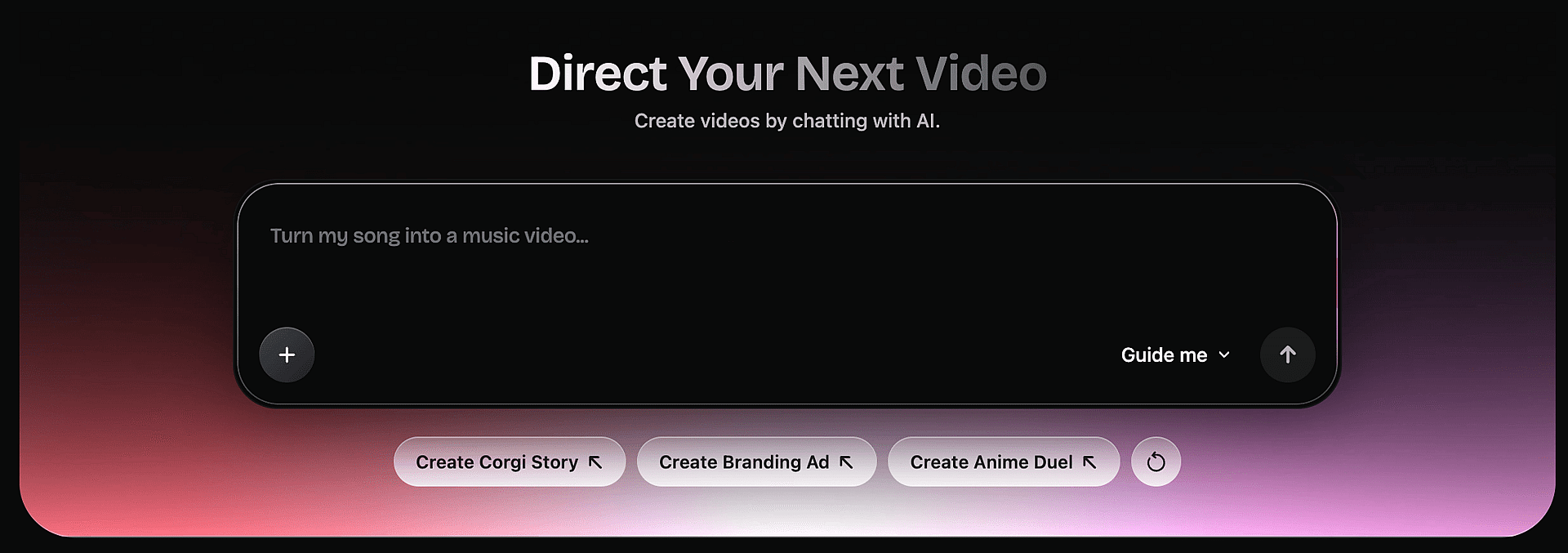
Director turns a single idea into a finished video in three broad steps. You stay the director the whole way, and the tool acts as your production crew.
1. Describe your idea
Start at the prompt box and type the idea you want to bring to life. Add a little more to guide it if you like: an image of a scene or a person you want to see, a soundtrack, a voice, or even a video.
You can also tag a character or world you saved earlier in your OpenArt library, or pull up a random prompt when you just want to experiment.
2. Take the director's seat
From here you shape the direction by chatting, the way a real director would. Perfect the characters, the story, the environment and scenery, and the scenes at each step.
You can answer a few quick questions about resolution, aspect ratio, and tone, or let Director run with the best settings automatically and get straight to work.
3. See it come to life
Director thinks through your video step by step, then builds it out. You review the storyboard scene by scene and watch the finished cut.
Do not like a single frame, or the whole thing? Just say what to change and Director redoes exactly that, nothing more. You keep shaping it by feel until it matches what you pictured.
How Director is different from text-to-video and image-to-video generators
If you have used a text-to-video or image-to-video tool, OpenArt Director will feel pleasantly different. Those tools generate a single short clip, usually a few seconds long, from one prompt or one still image. Anything longer means stitching clips together and fixing them in other software.
Director starts at the idea level, not just the videos, and helps you refine the script itself through an AI assistant called Ori. It develops the story, builds the characters, and keeps faces, voices, environments, and products consistent across every scene. Instead of a few seconds, you get a coherent video up to five minutes long.
You also edit by chatting. There is no timeline to learn and no separate app to open. You describe the change and Director makes it. Text-to-video hands you a clip. Director hands you a finished production.
What you can make with Director
These are just some of the things you can vibe direct. Each one could fill its own guide, so here is the quick tour of how Director's features serve each.
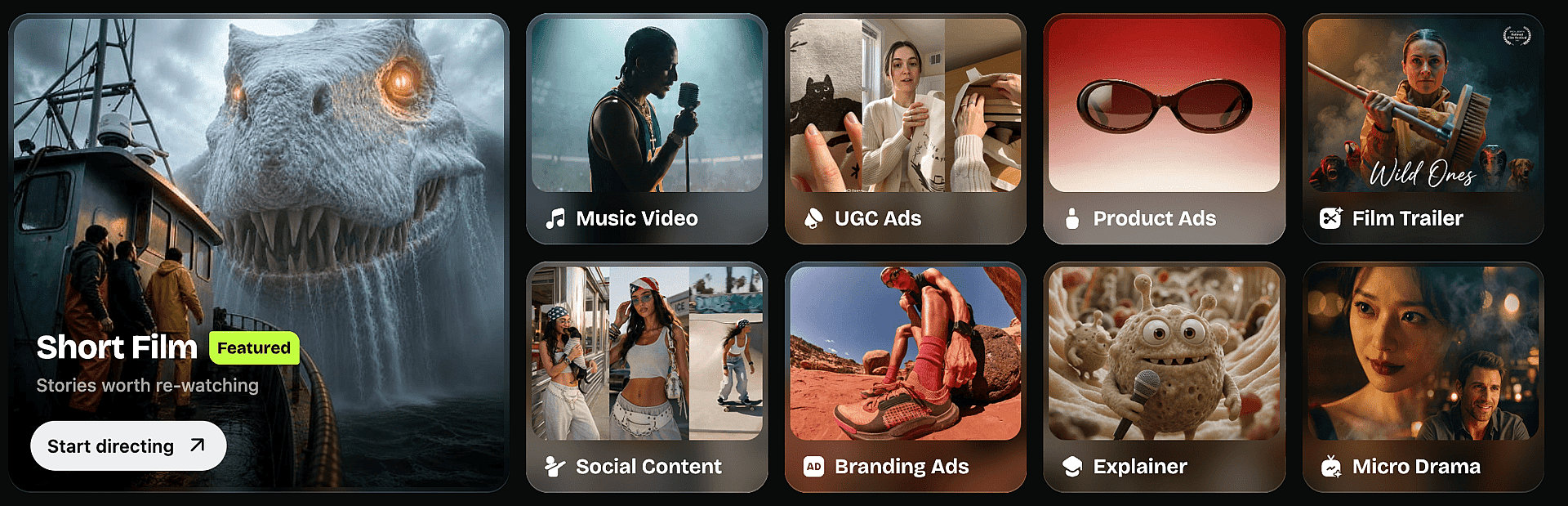
Short films
The up-to-five-minute coherent output lets a full story hold together from the first frame to the last, with no stitching and no plot drift. Build the world, cast the characters, and direct each scene by feel. Faces, voices, and settings stay steady throughout, so even a slow, quiet story reads as one piece.
Music videos
Upload your track and direct the visuals to match its mood and beat. Your characters and settings stay consistent shot to shot, so you can build a full visual story around the song without losing continuity. Go literal or go abstract. The same directing tools work either way.
UGC ads
Drop in a character to front the content, then direct them to deliver your message in a natural, feed-ready way. Chat to generate scenes on the fly, or use the structured editor for precise control. Spinning up many authentic-feeling variations takes minutes, not a shoot.
Product ads
Upload your product images once and Director keeps it identical in every shot. Direct the lighting, angles, and mood until the spot looks premium. With no shoot to book, you can test several versions and run the one that converts.
Film trailers
Upload your footage or build scenes from scratch, then direct the pacing and tone to match your story. Your hero character and visual style stay identical across every cut, so the trailer reads as one polished piece. Try a few versions fast to find the feel that lands.
Social content
Direct short, scroll-stopping clips for any feed, then adapt them to each platform's aspect ratio in a sentence. Your look and characters stay consistent across a whole series, so your channel feels intentional. Keep a steady posting rhythm without ever picking up a camera.
Branding ads
Upload your logo, fonts, and colors once, and every spot stays on brand automatically. Direct the story and tone so the brand feels like itself in every frame. Build a campaign of related ads that share one identity, not a stack of loose clips.
Explainers
Direct each step so the message stays simple and visual. Your presenter, product, and branding hold steady from the first second to the last. The long-form coherence keeps even a detailed walkthrough clear and easy to follow.
Micro-dramas
Direct episodic, vertical stories built for binge-watching. Each character keeps the same face, voice, and personality across every beat, so the cliffhangers and payoffs land. The up-to-five-minute output carries a full episode without stitching clips together.
Whatever the format, you direct it the same way. Describe it, shape it by feel, and leave with a finished piece.
Start vibe directing
There's a director in all of us, and the only thing missing was the crew and the tools. Now you have both.
So here is the only question that matters: what's the video that's been playing in your head? Describe it, shape it by vibe, and watch it become real. Start vibe directing at OpenArt.