AI Comic Generator
Turn text prompts, scripts, or photos into comic style art, manga, webtoon, or classic panels, with character consistency across every page.
How to Create a Comic With OpenArt
Three steps, start to finish. No experience needed.
Set up your character
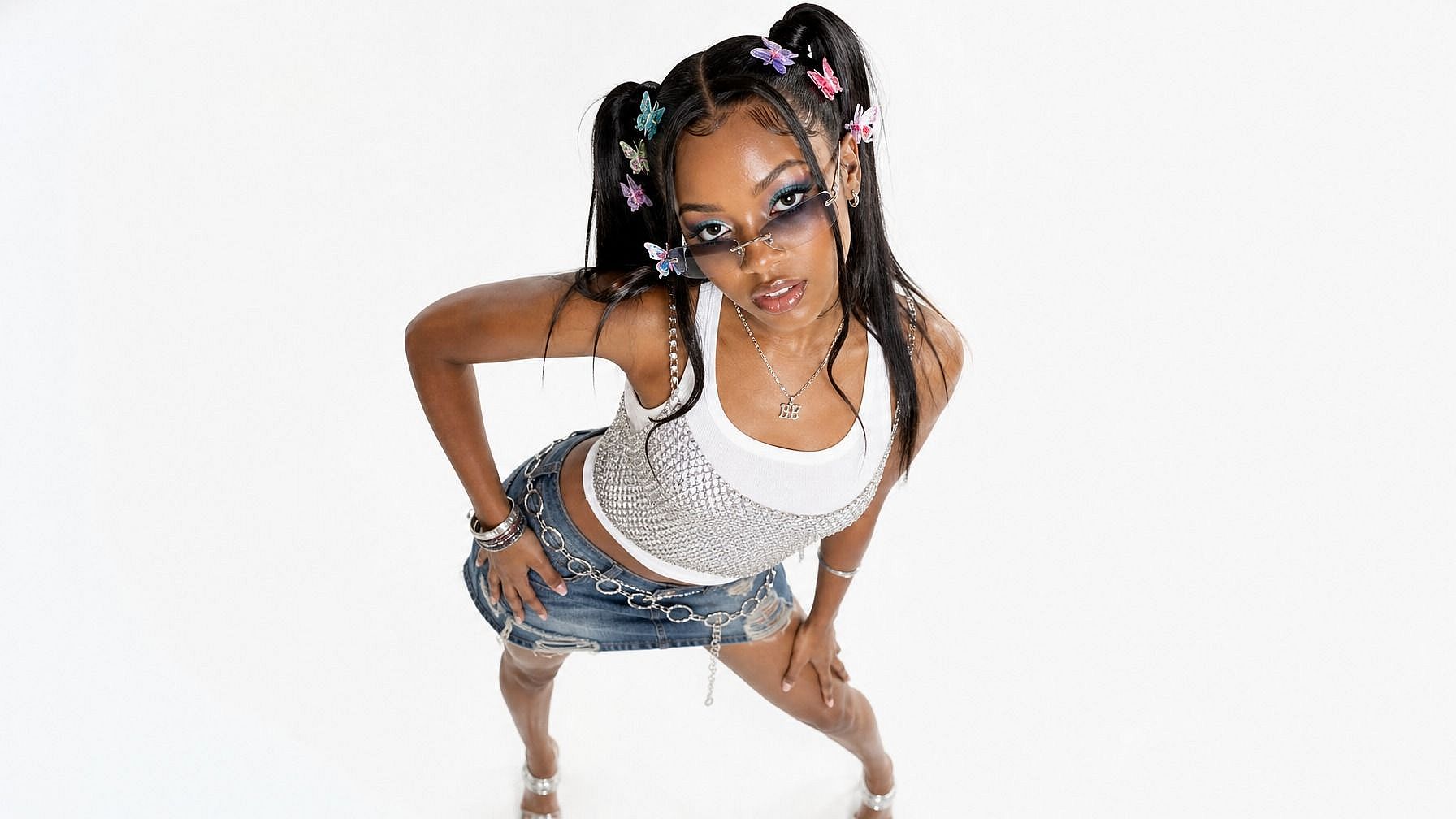
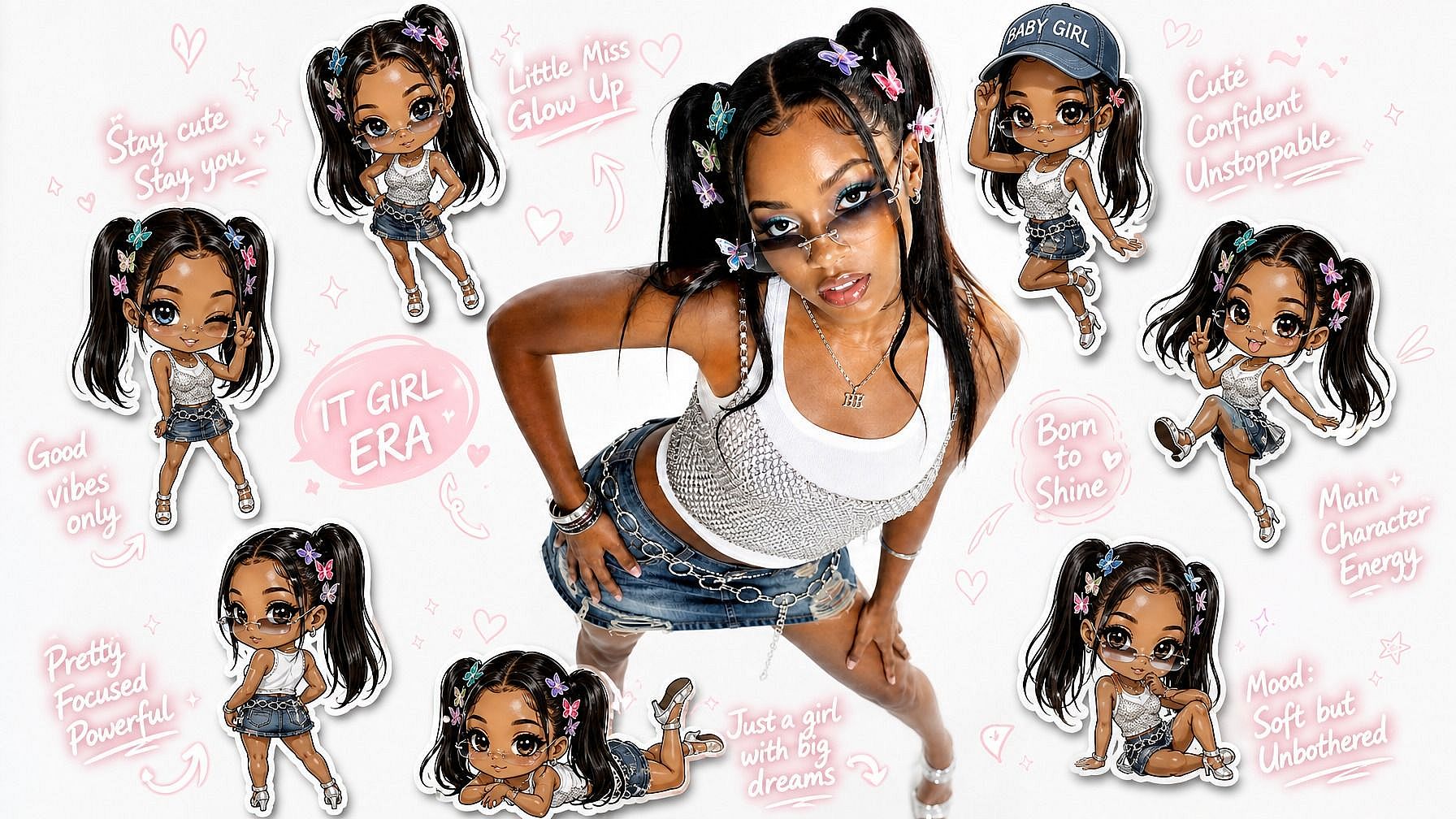
Create a consistent character with AI Character, give it a name, a look, and a vibe. This is the person who will star in every panel.
Describe and generate each panel
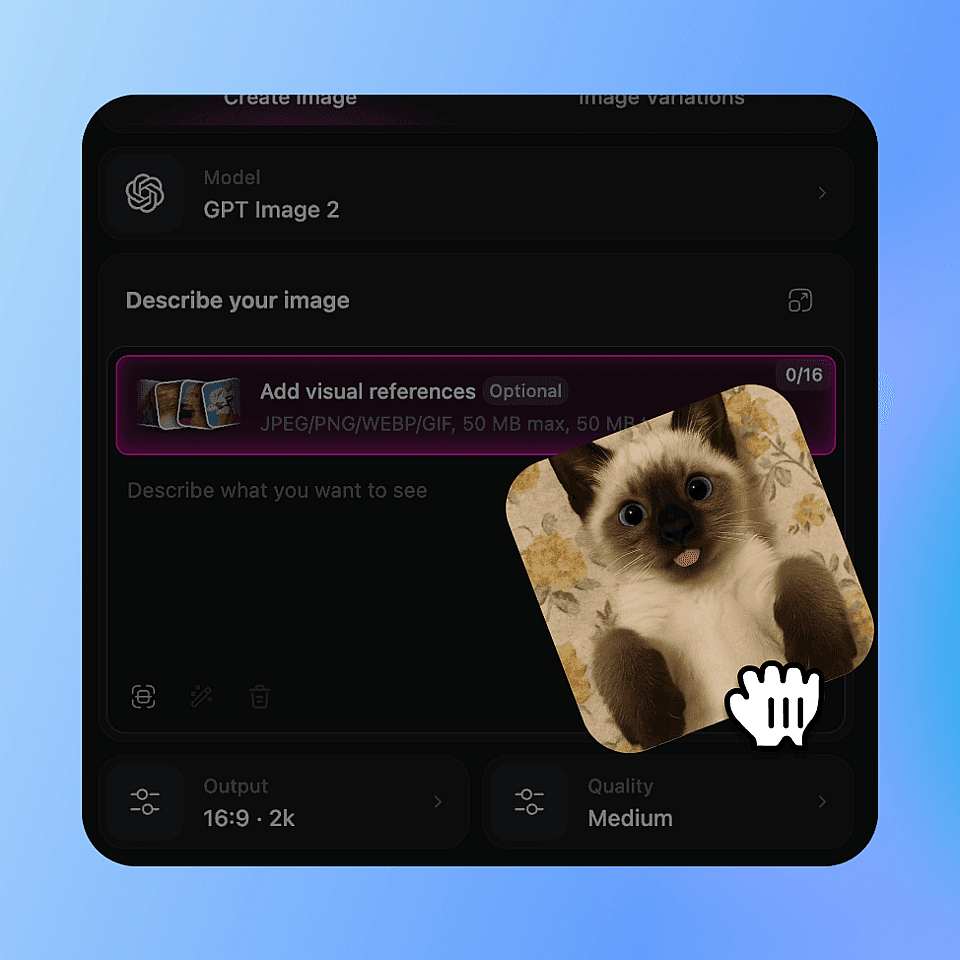
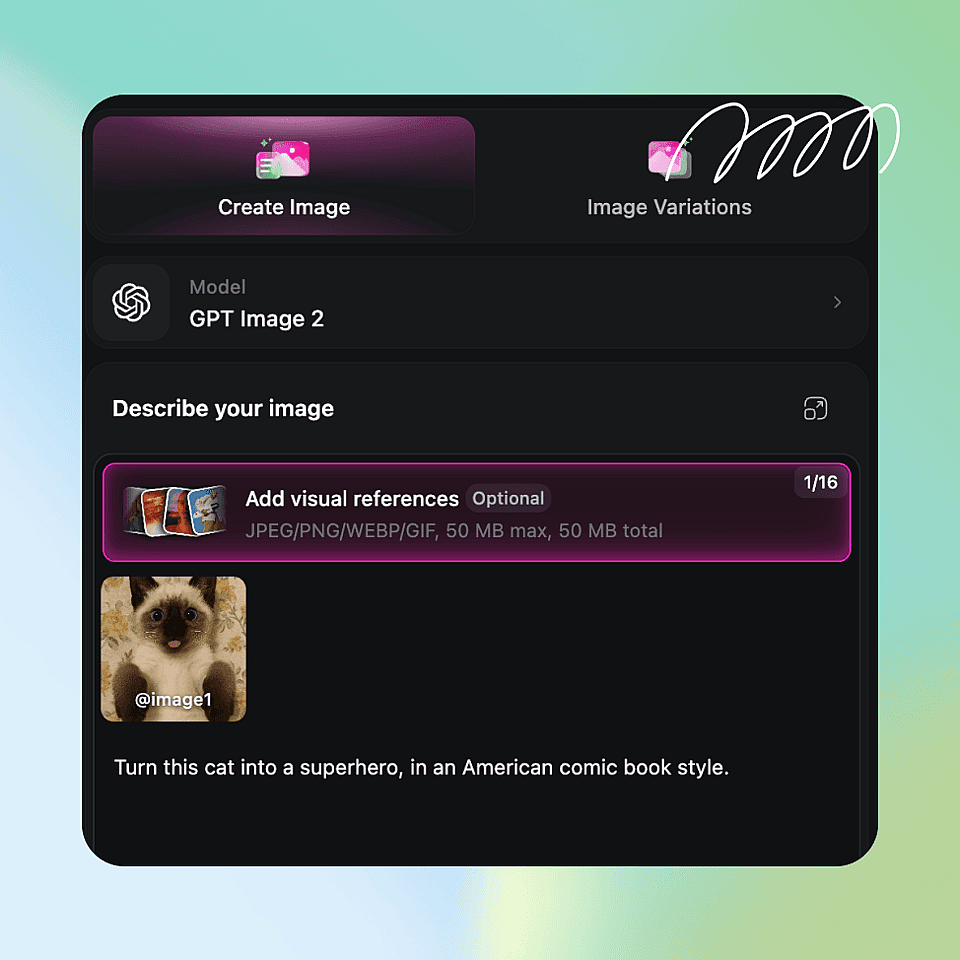
Write the scene plus a style word like "manga panel" or "newspaper strip," then run it through the AI art generator. Reuse your saved character so the face stays locked, and add text or speech bubbles for panels that need dialogue.
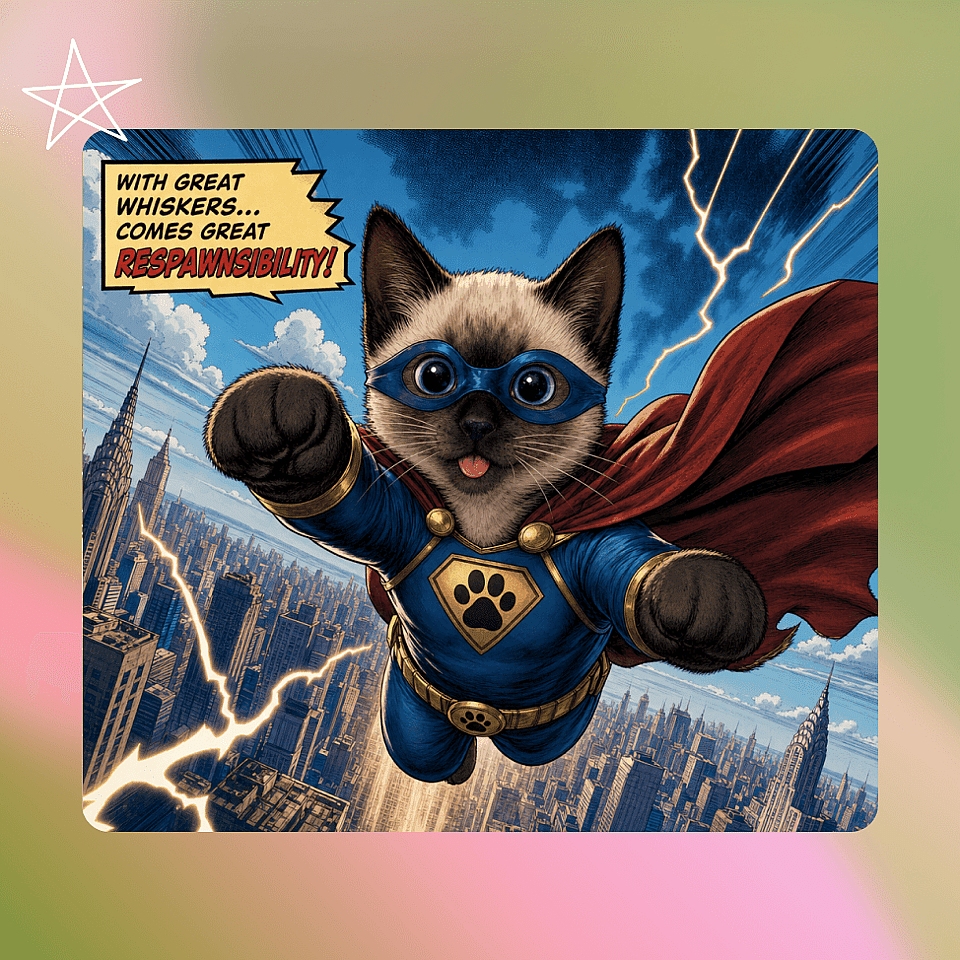
Refine and upscale
Tweak any panel in the editor, then upscale for print or high-res posting. Repeat for each panel until your strip or page is done.
Key Features for Making Comics
OpenArt gives you what a comic actually needs, not just one image, but a repeatable pipeline for consistent panels.
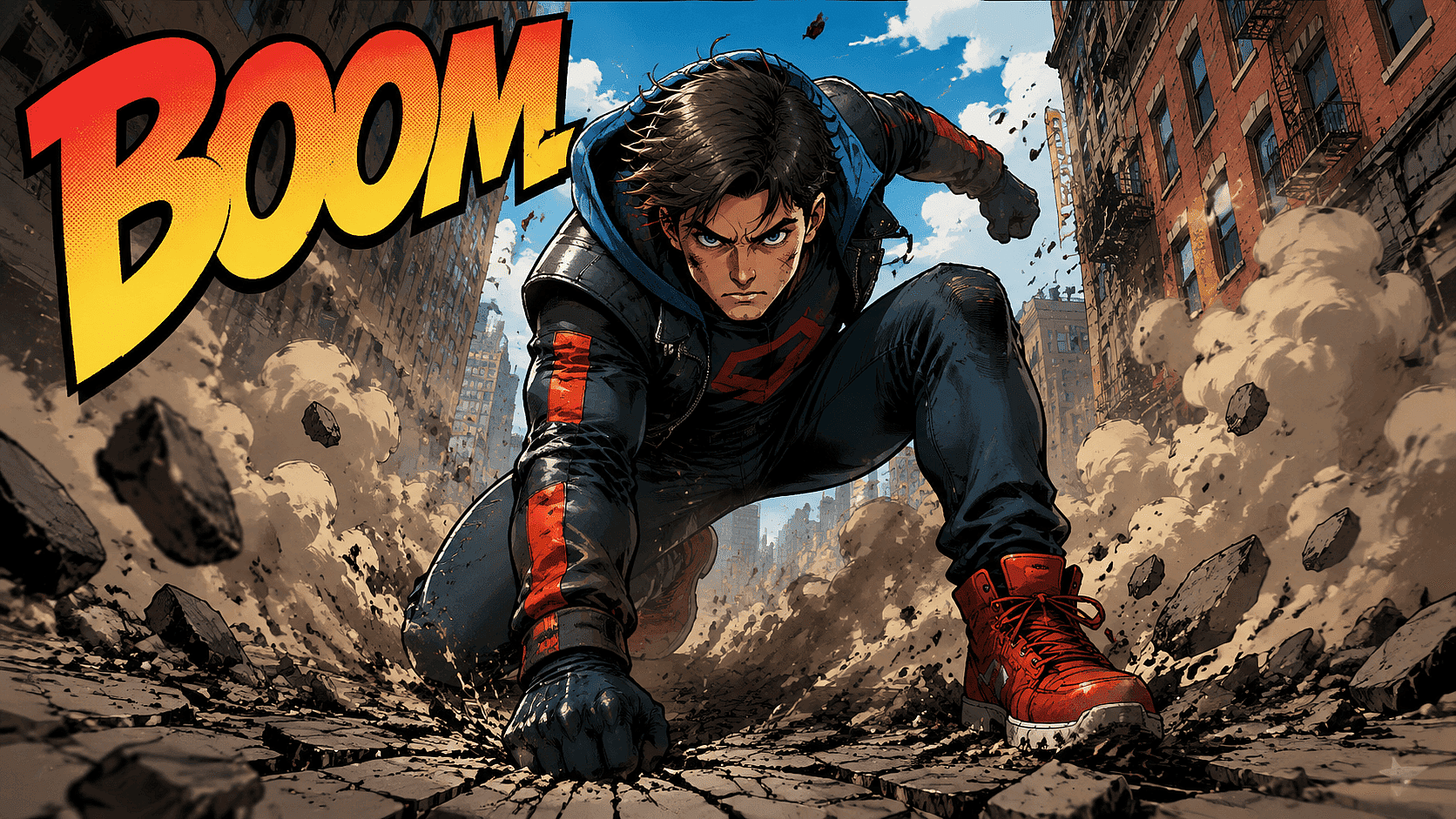
Text to Comic
Type what happens in the scene. The AI image generator renders it as a panel. Describe the setting, the action, the mood, and the camera angle. You get comic art from plain text, no drawing skill required.
Try it Now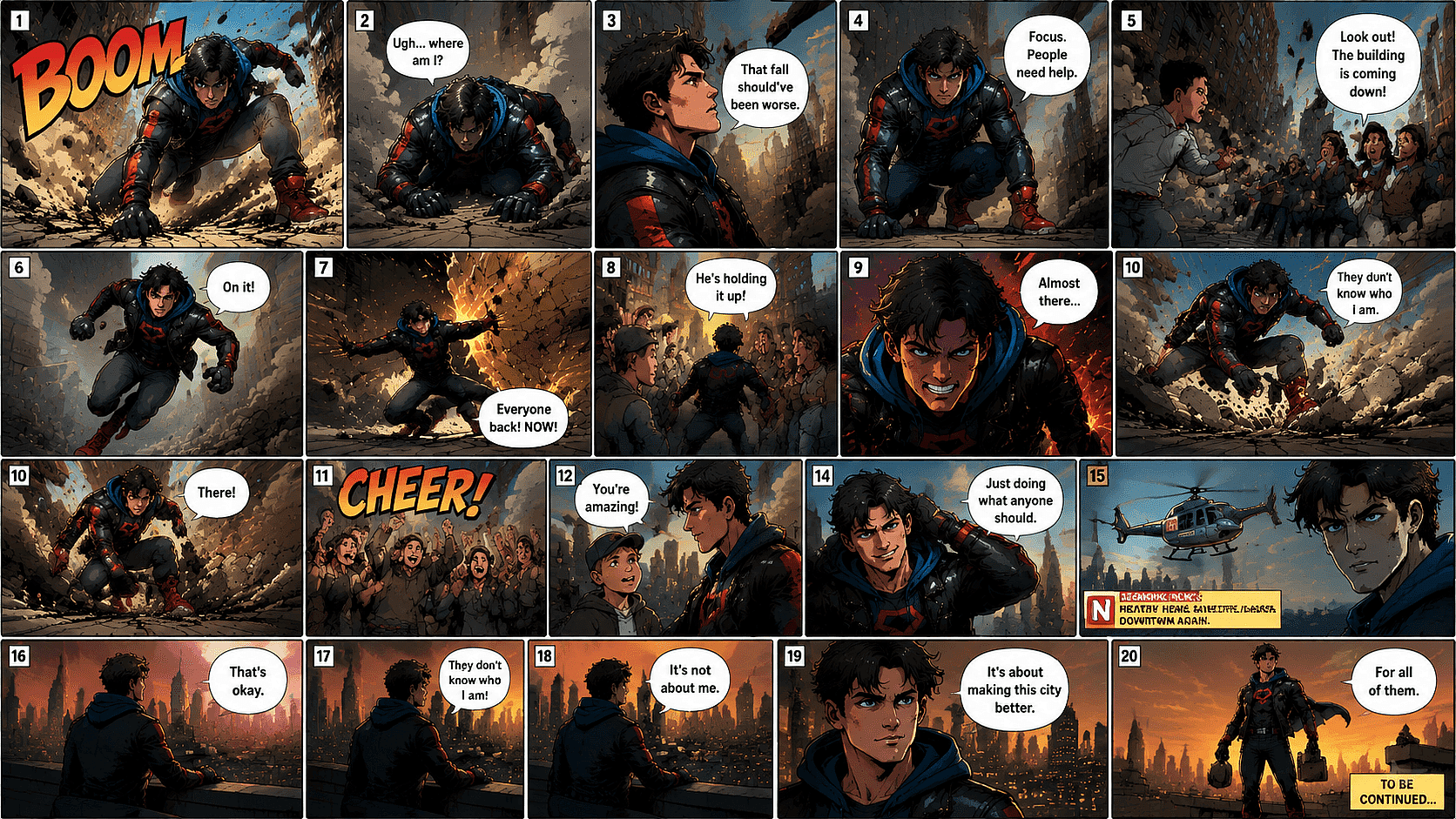
Character Consistency Across Panels
This is the big one. Use OpenArt’s AI consistent character to lock your hero. Same face, same hair, same jacket in panel one and panel twenty. This is what separates a real comic from a pile of random images. Save your character once and reuse it across the whole story.
Try it Now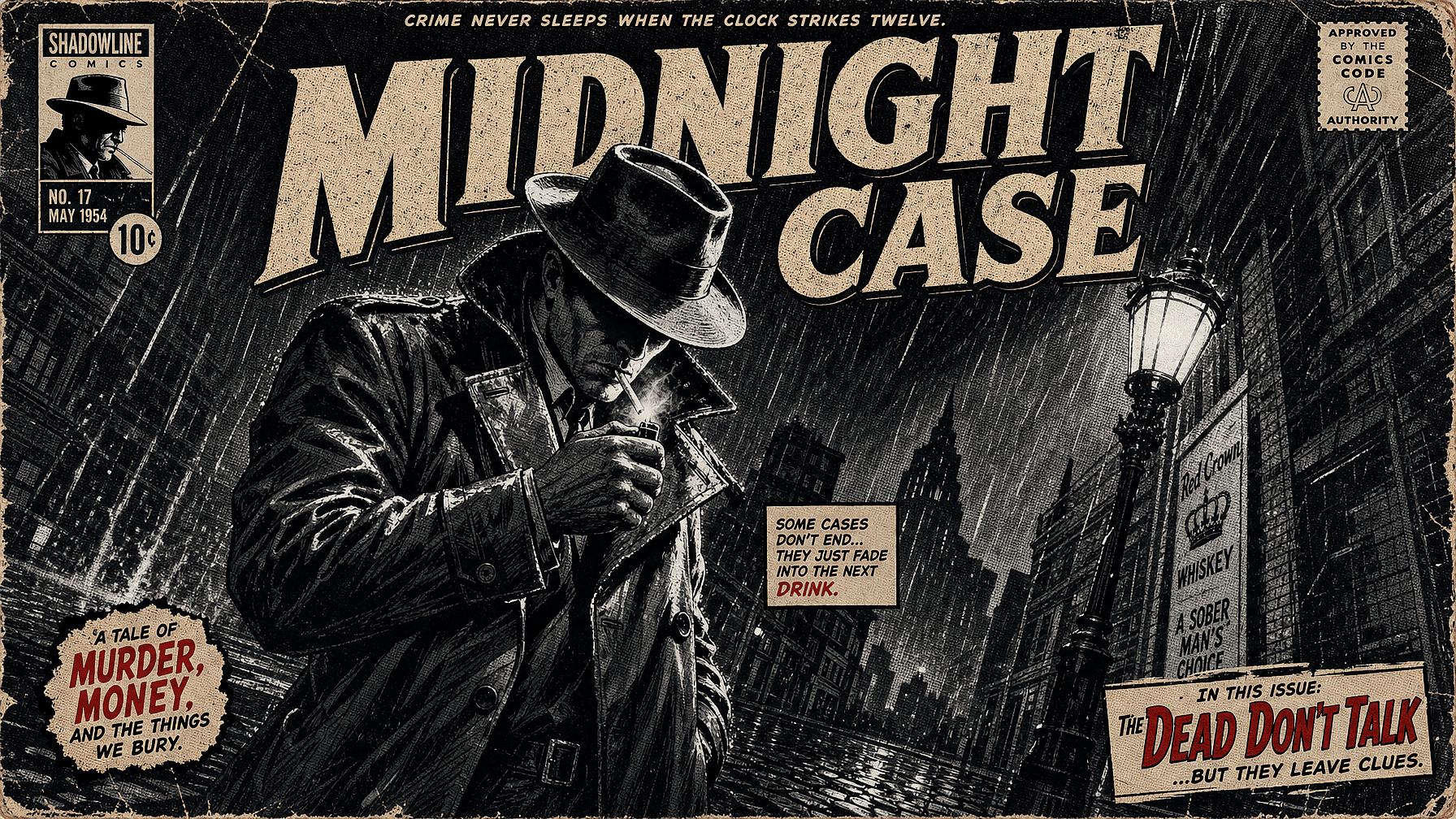
Comic Styles on Demand
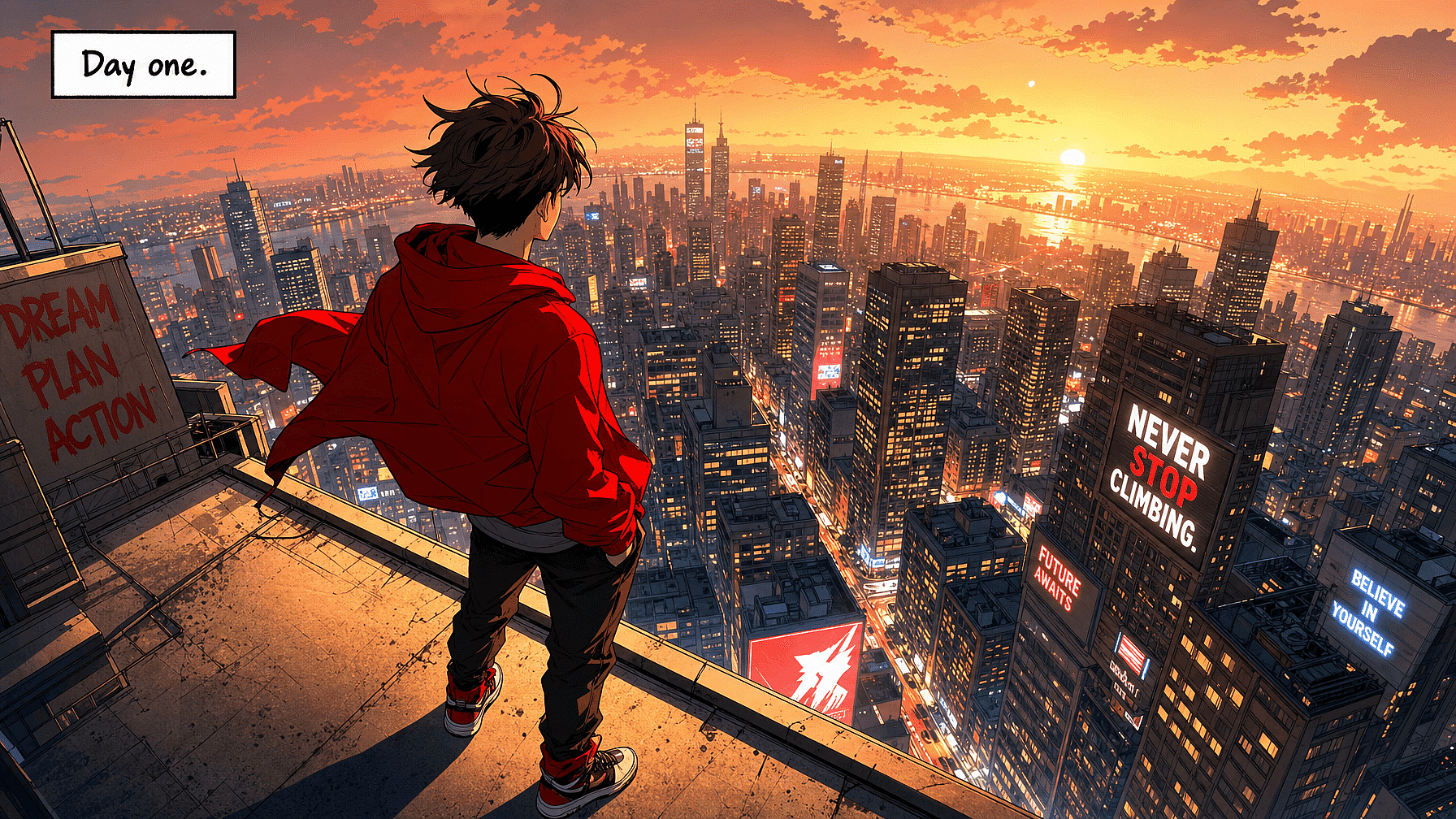
Manga, webtoon, American superhero, newspaper strip, kids’ cartoon, noir, watercolor. Switch styles with a phrase in your prompt. Want a clean vector look or a bold cover? Reach for style transfer to push any panel toward the exact aesthetic you want.
Try it Now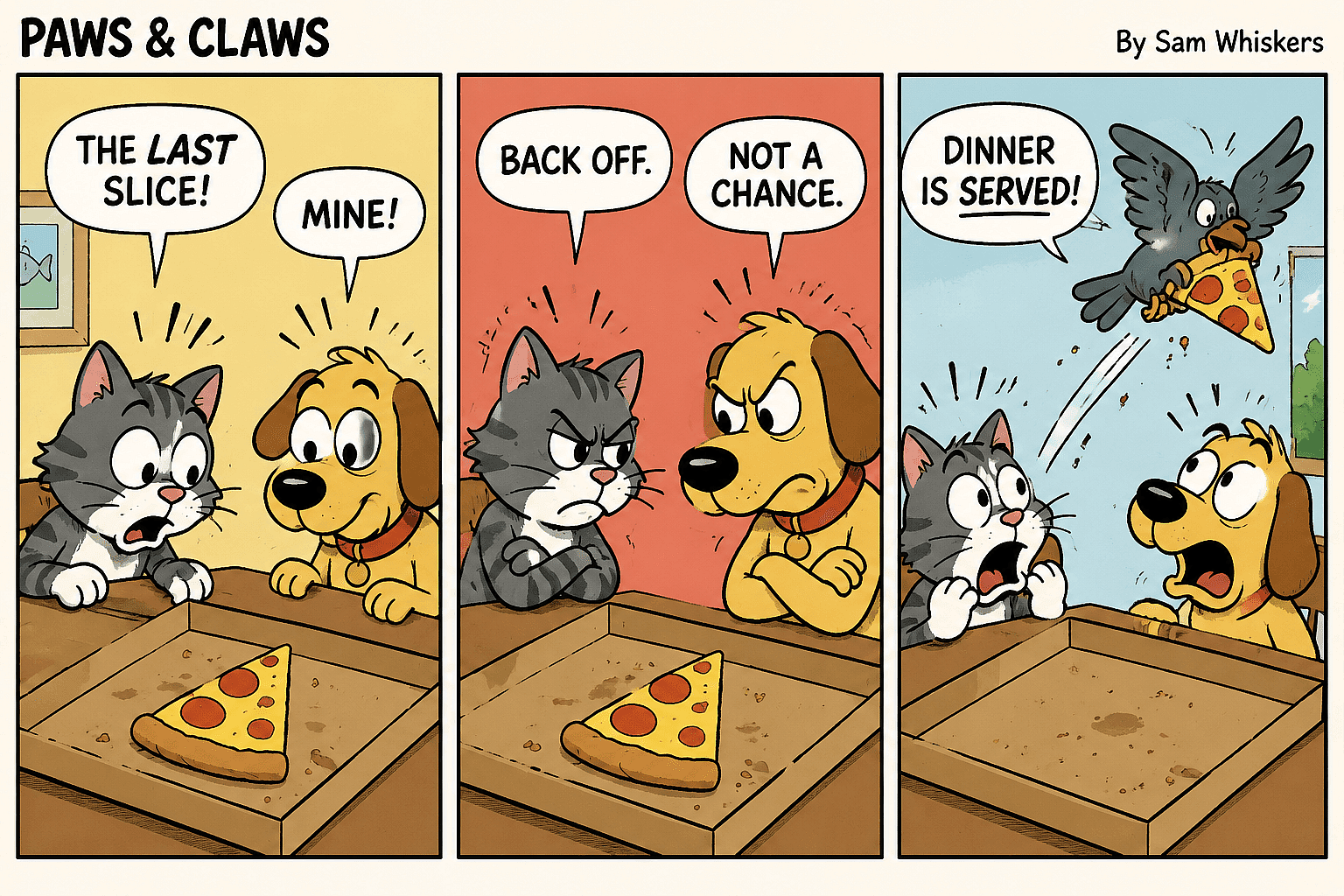
Speech Bubbles and Text
Legible text in panels is hard for most AI. OpenArt’s newer models handle captions, signs, and speech bubbles far better. Use GPT Image 2 or Nano Banana Pro when your panel needs readable words baked in. Add dialogue that actually reads clean.
Try it Now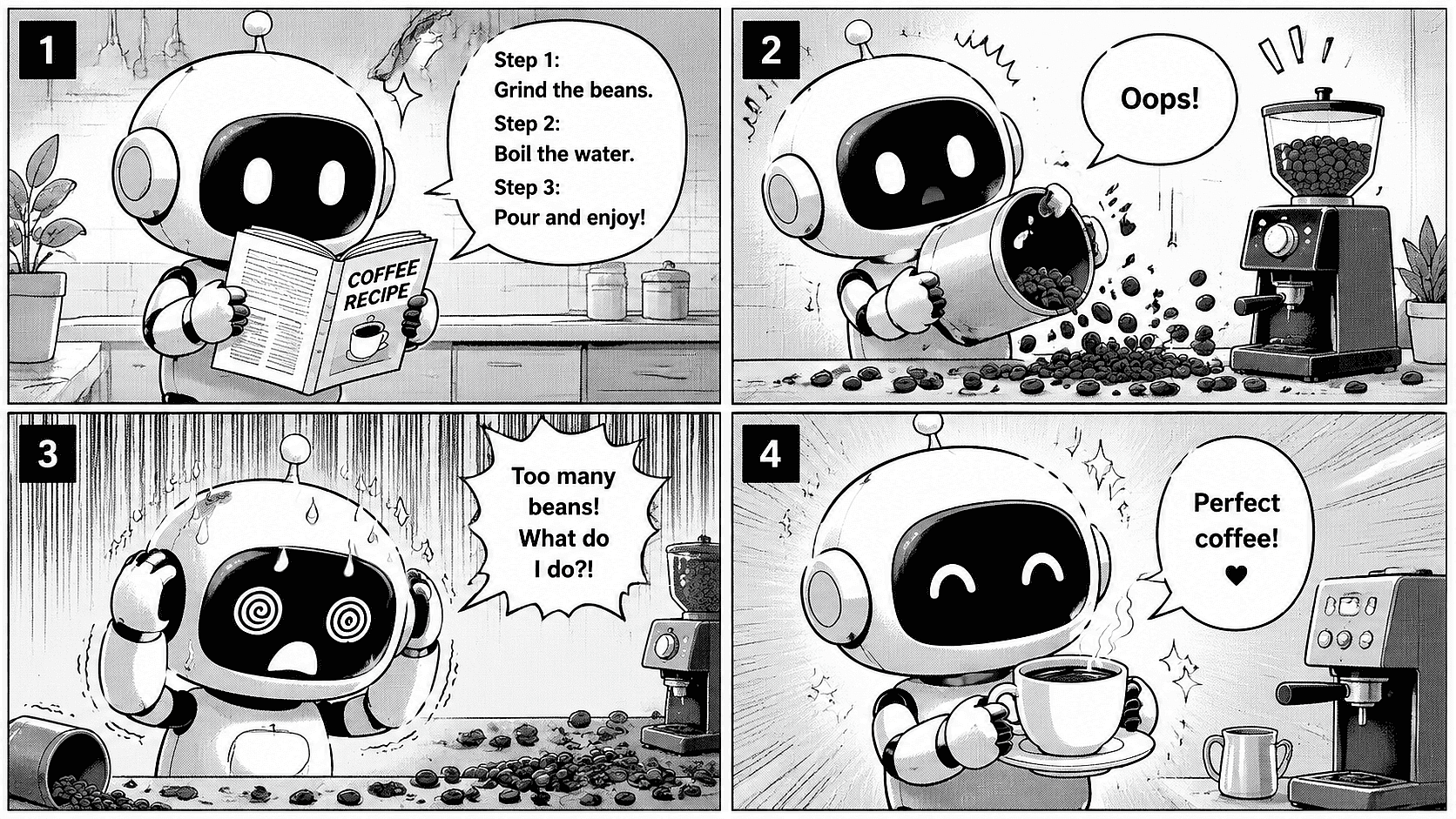
Panel and Page Layouts
Ask for a two-panel gag, a four-panel strip, or a splash page. Describe the panel count and flow in your prompt. Build single strips or stack panels into a full comic book page.
Try it NowFrequently Asked Questions
Get Insights from Experts Blog
Get the insights you need. Our experts share actionable hacks, break down the hottest topics, and provide essential how-to guides to help you create, optimize, and scale.
Read More