

AI Car Generator
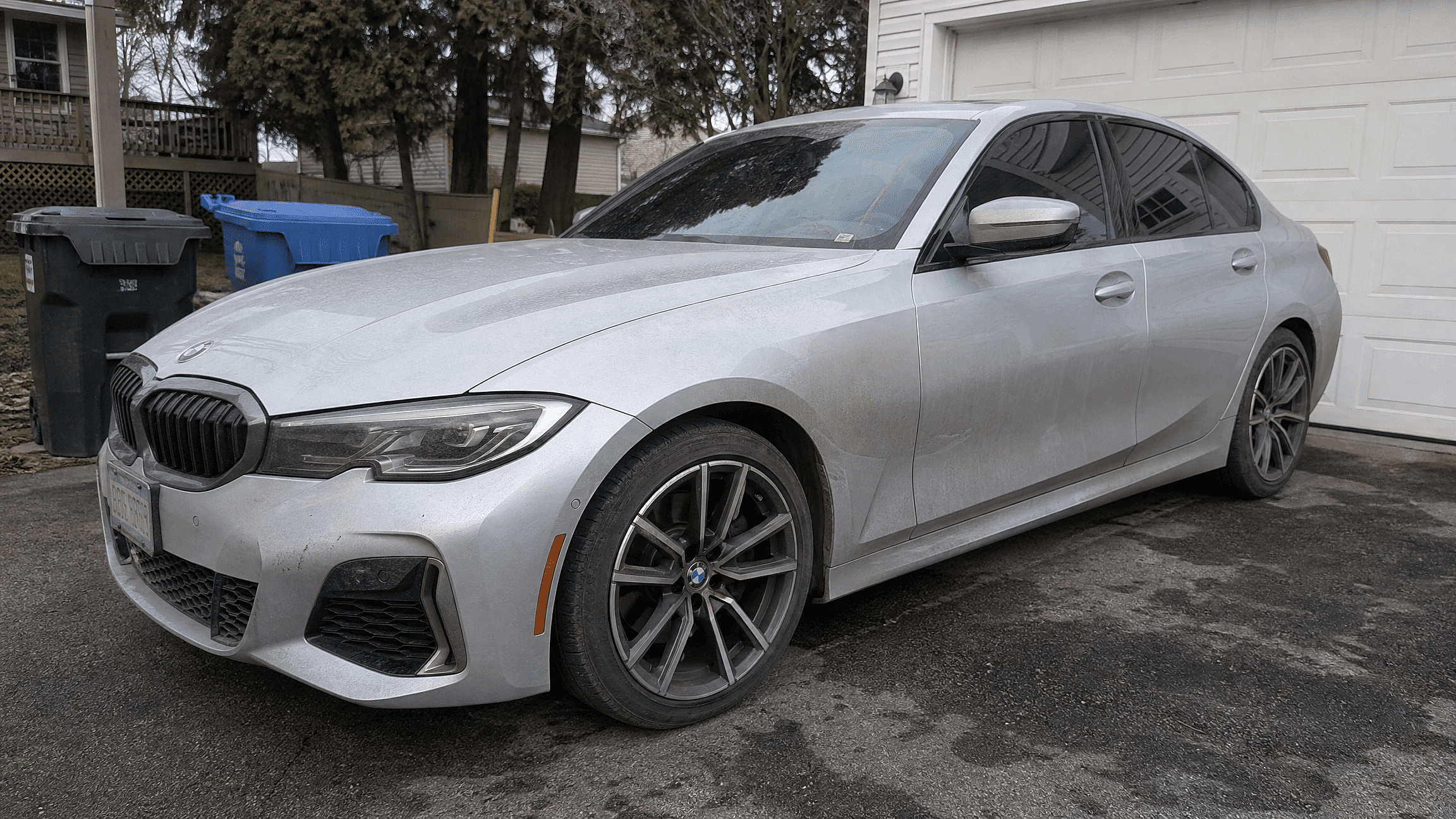
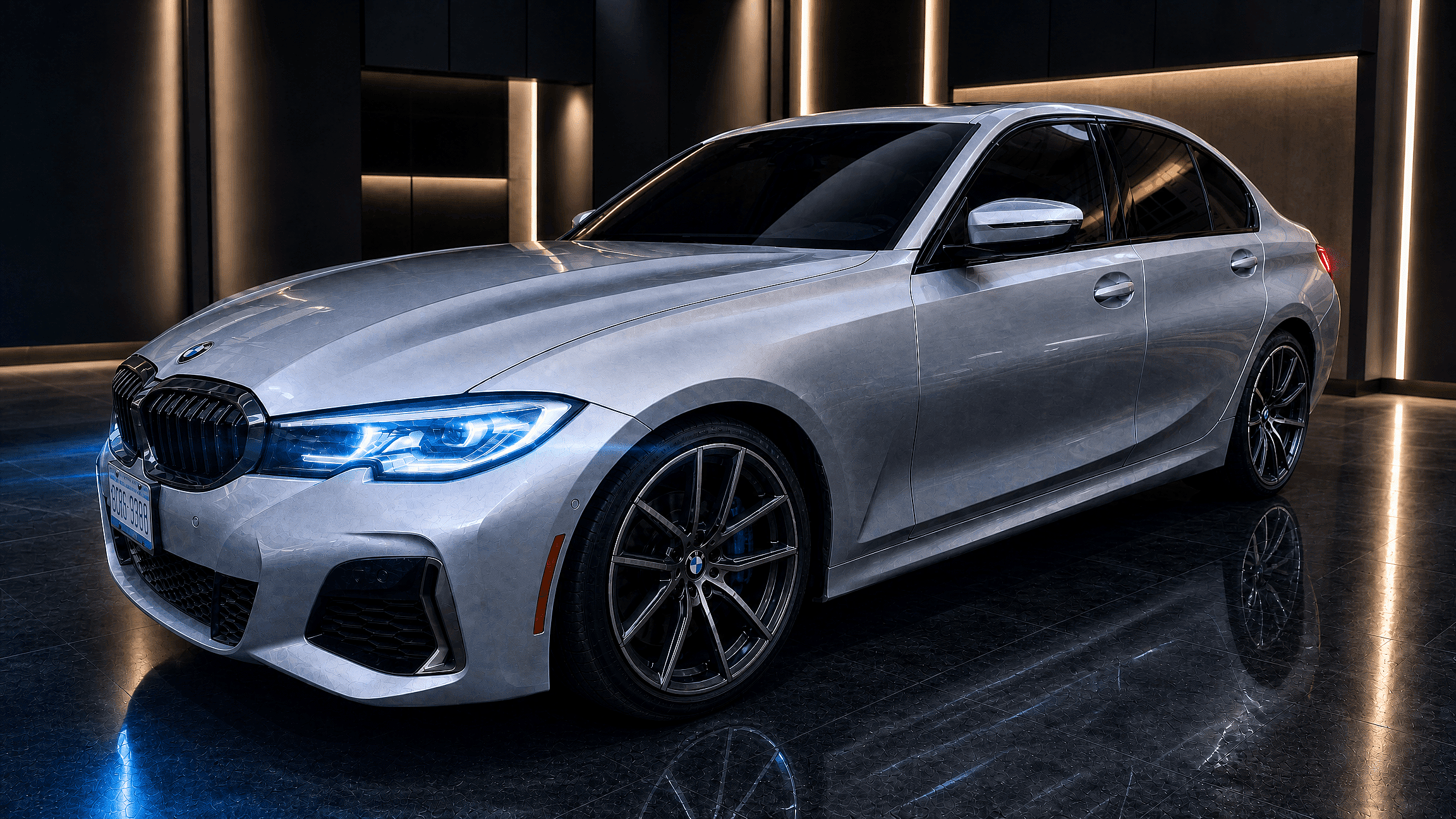
Upload your car photo and try new paint colors, wheels, body kits, or backgrounds in seconds. Powered by OpenArt's leading image models, you get showroom-grade visuals for listings, mod previews, and social posts without touching a wrench or Photoshop.
 Add an image Or drag and drop here · JPEG, PNG, WEBP
 Community Car Creations
Explore prompt ideas from car owners, dealers, and automotive creators using OpenArt to restyle real vehicles, plan builds, and make share-ready visuals.
Feature Ideas for AI Car Generation
Randomized copy for the car generator page, focused on vehicle restyling, listing polish, modification previews, and community-ready content.
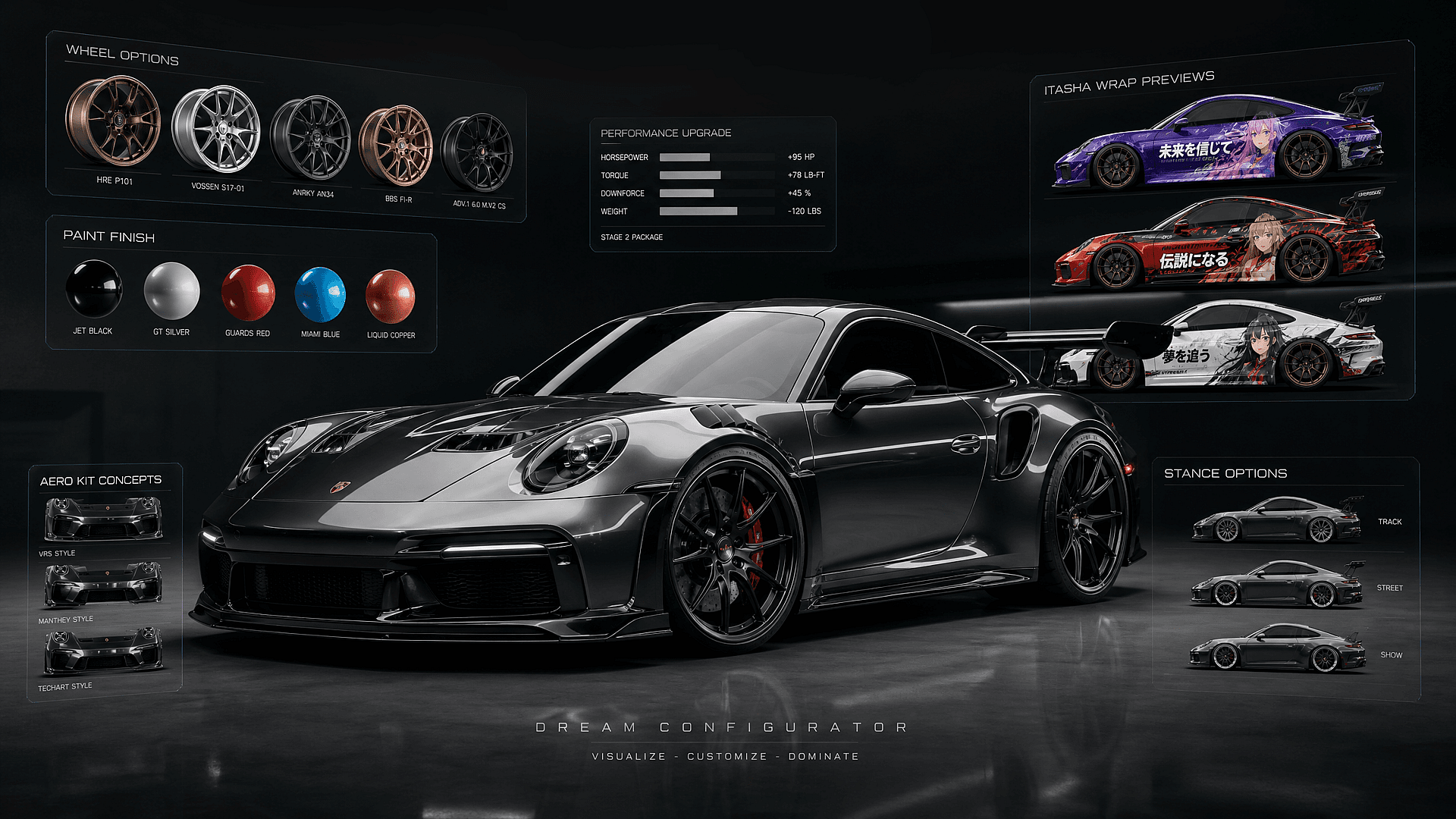
Wheels, Stance, and Body Kit Mockups
Preview wheel swaps, lowered suspension, wider arches, splitters, spoilers, and full body kits from the same source image. The generator keeps the car recognizable while letting you test modifications that are expensive or hard to visualize from product photos alone.
Prompt and Reference Control
Start with a text prompt, upload a real car photo, or combine both for tighter control. Keep the body shape, color family, and perspective from your reference while using prompts to guide lighting, setting, mood, camera angle, and modification style.
Dealer-Ready Scene Restaging
Move a vehicle from a driveway, parking lot, or auction lane into a clean studio, showroom, mountain road, city street, or luxury garage. Use consistent backgrounds across a whole inventory so every listing feels polished without scheduling a new shoot.
Instant Style Experiments
Turn one car photo into multiple visual directions in minutes. Try matte paint, chrome wraps, racing stripes, retro liveries, blacked-out trim, or clean OEM-plus styling before touching the real vehicle. It is a fast way to compare ideas and find the look that actually fits the car.
How to Use the AI Car Generator
Three steps from phone photo to finished image.
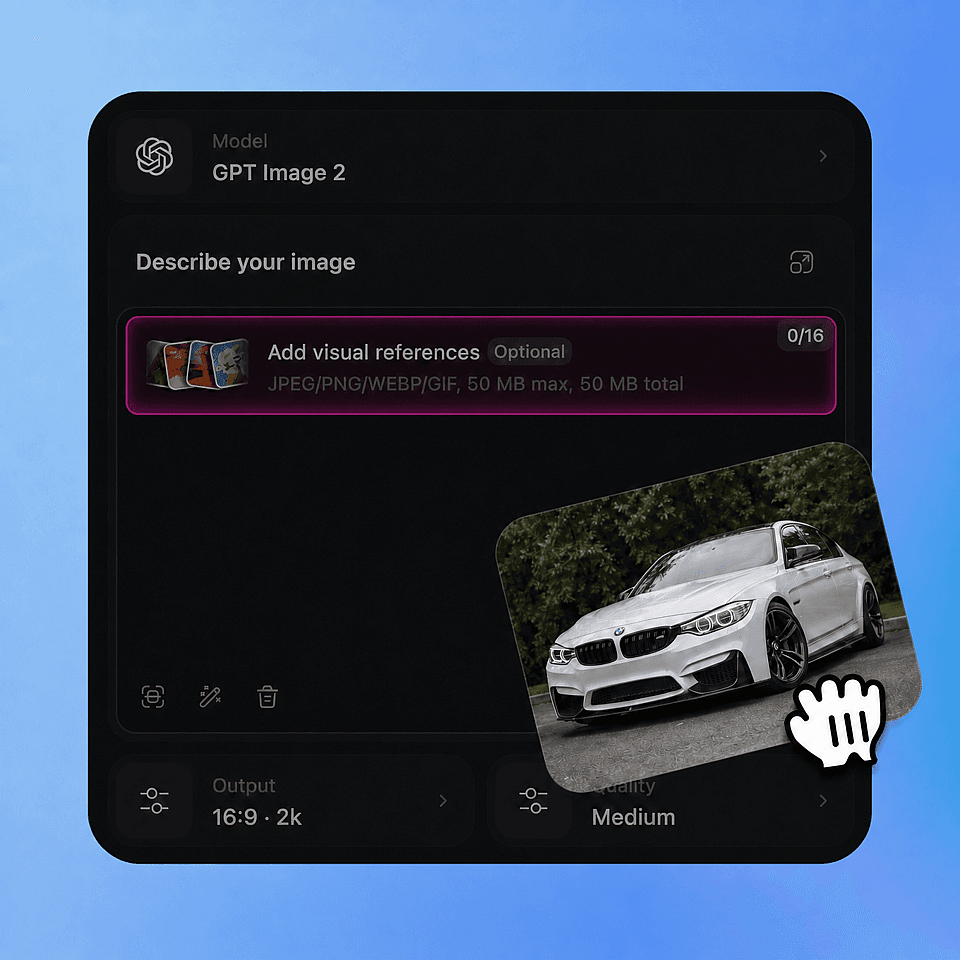
Upload Your Car Photo
Drop in a clear shot of your car (front, three-quarter, or side view) as JPG, PNG, or HEIC.
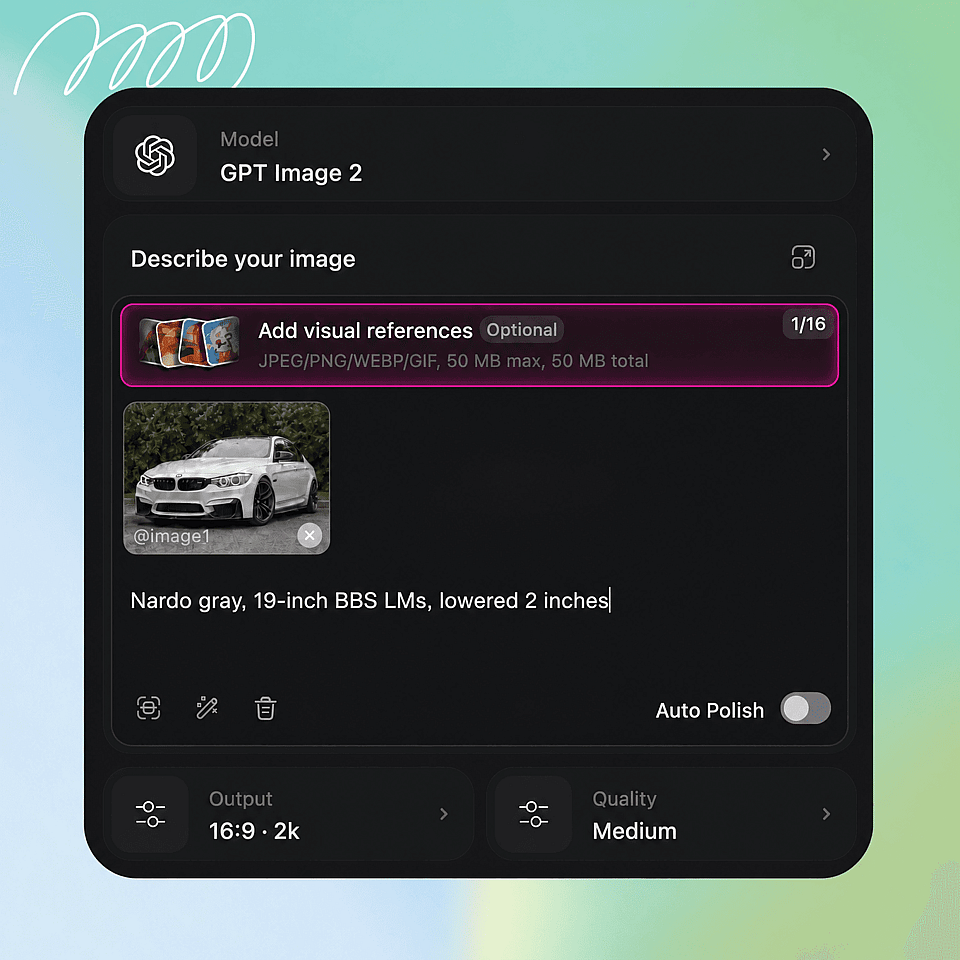
Pick a Change
Choose paint, wheels, tint, body kit, background swap, or cleanup. Combine in a single prompt ("nardo gray, 19-inch BBS LMs, lowered 2 inches").
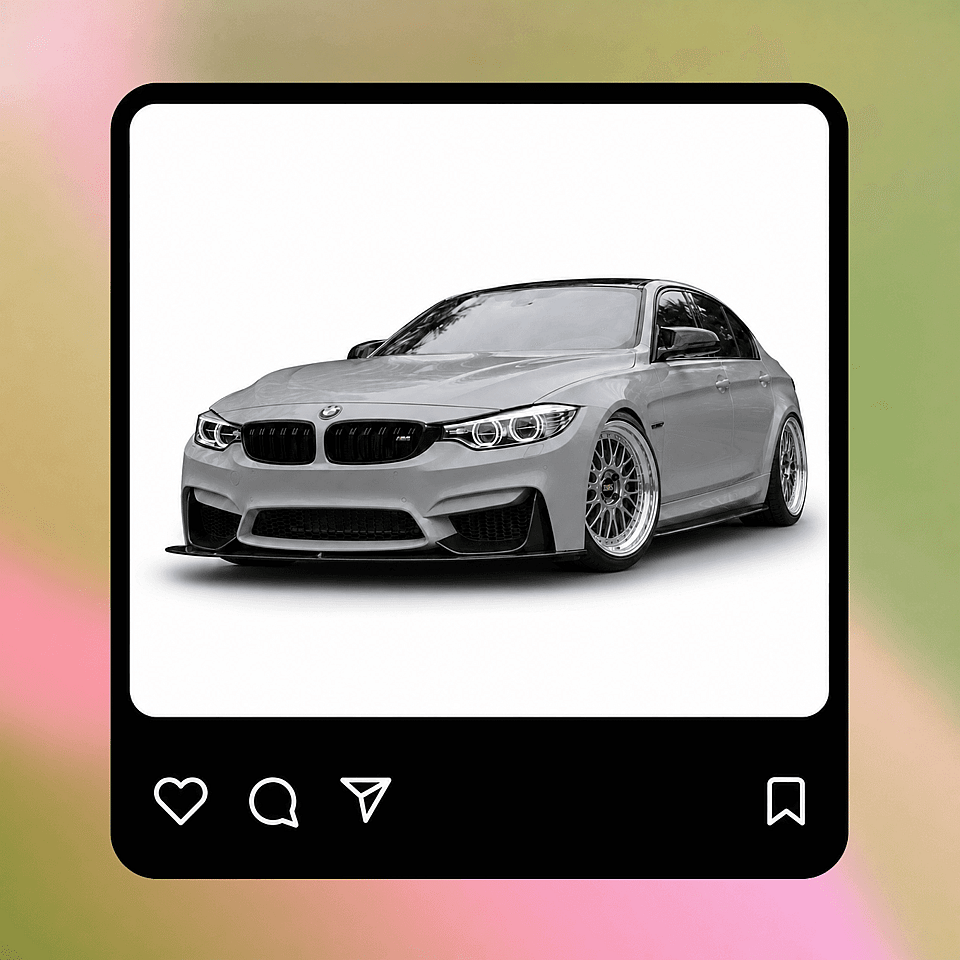
Refine and Export
Tweak with follow-up prompts ("darker tint, swap to bronze wheels"), then export at 4K for listings or print.
Use Cases for the Car Community
From weekend builders to dealership teams, these ideas show how different car communities can use OpenArt in everyday workflows.
Community Car Meets
Create posters, announcement graphics, and featured build images for local meets, club nights, and online car communities. Generate a consistent visual theme for the whole event without needing every owner to submit studio-quality photos.
Try it Now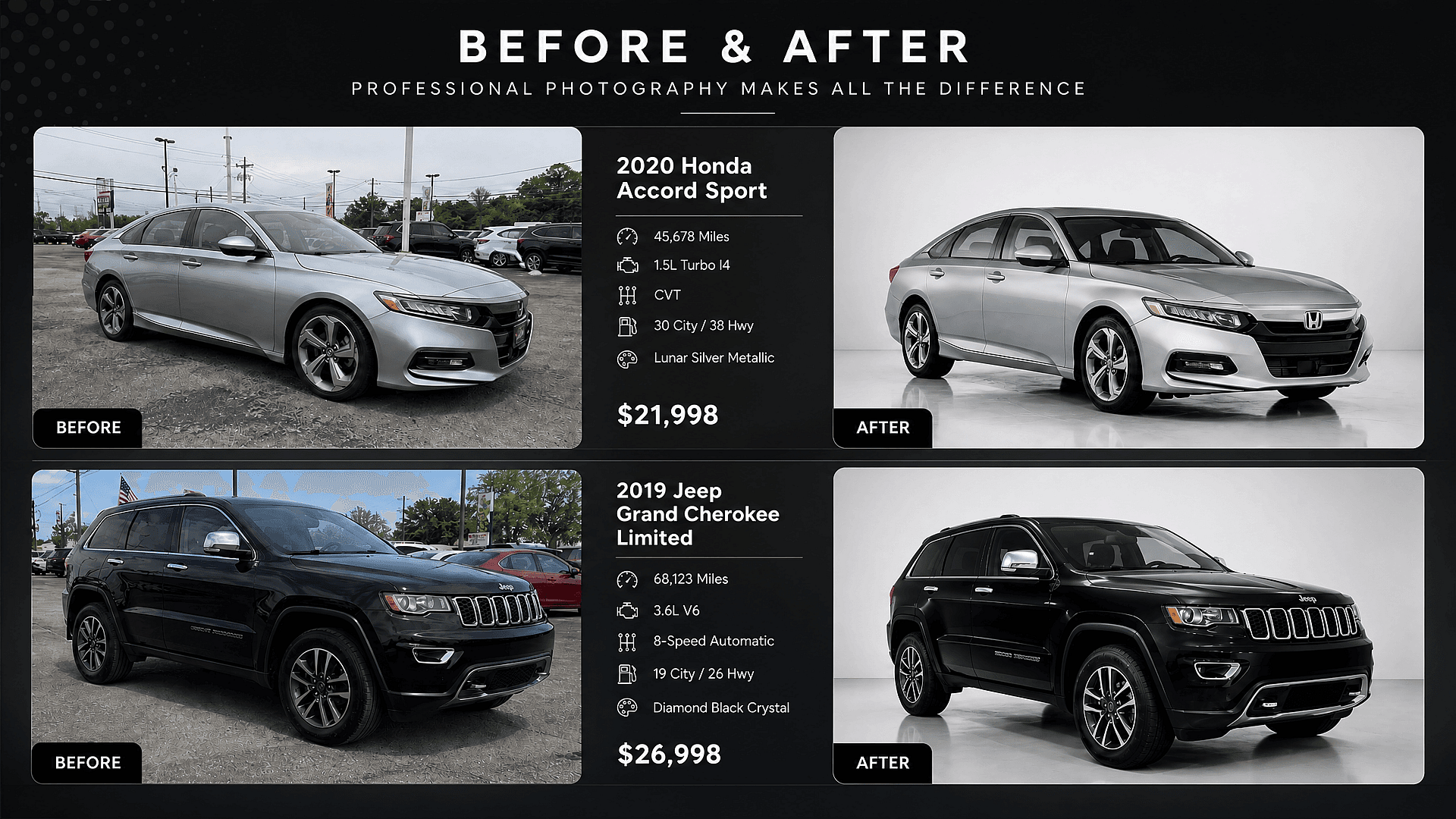
Brands and Campaign Mockups
Mock up vehicle wraps, launch visuals, sponsorship concepts, and dealership campaigns before involving production teams. It is useful for pitching creative directions quickly while keeping enough visual polish for stakeholders to understand the idea.
Try it Now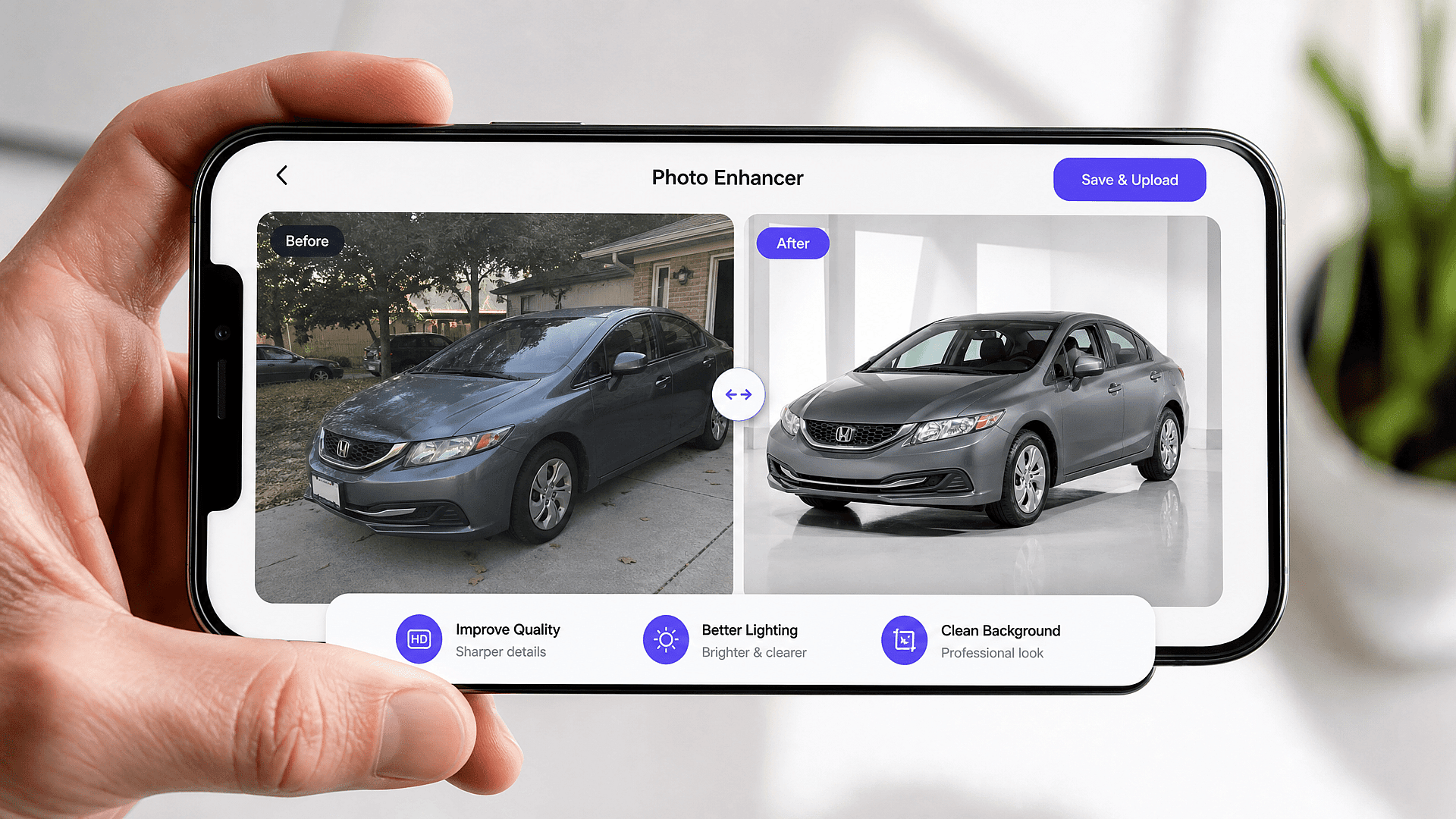
Automotive Creators
Make thumbnail concepts, comparison carousels, concept renders, and before-after posts without needing a new shoot every week. Creators can turn one build into a stream of visual ideas for Instagram, TikTok, YouTube, newsletters, and community posts.
Try it Now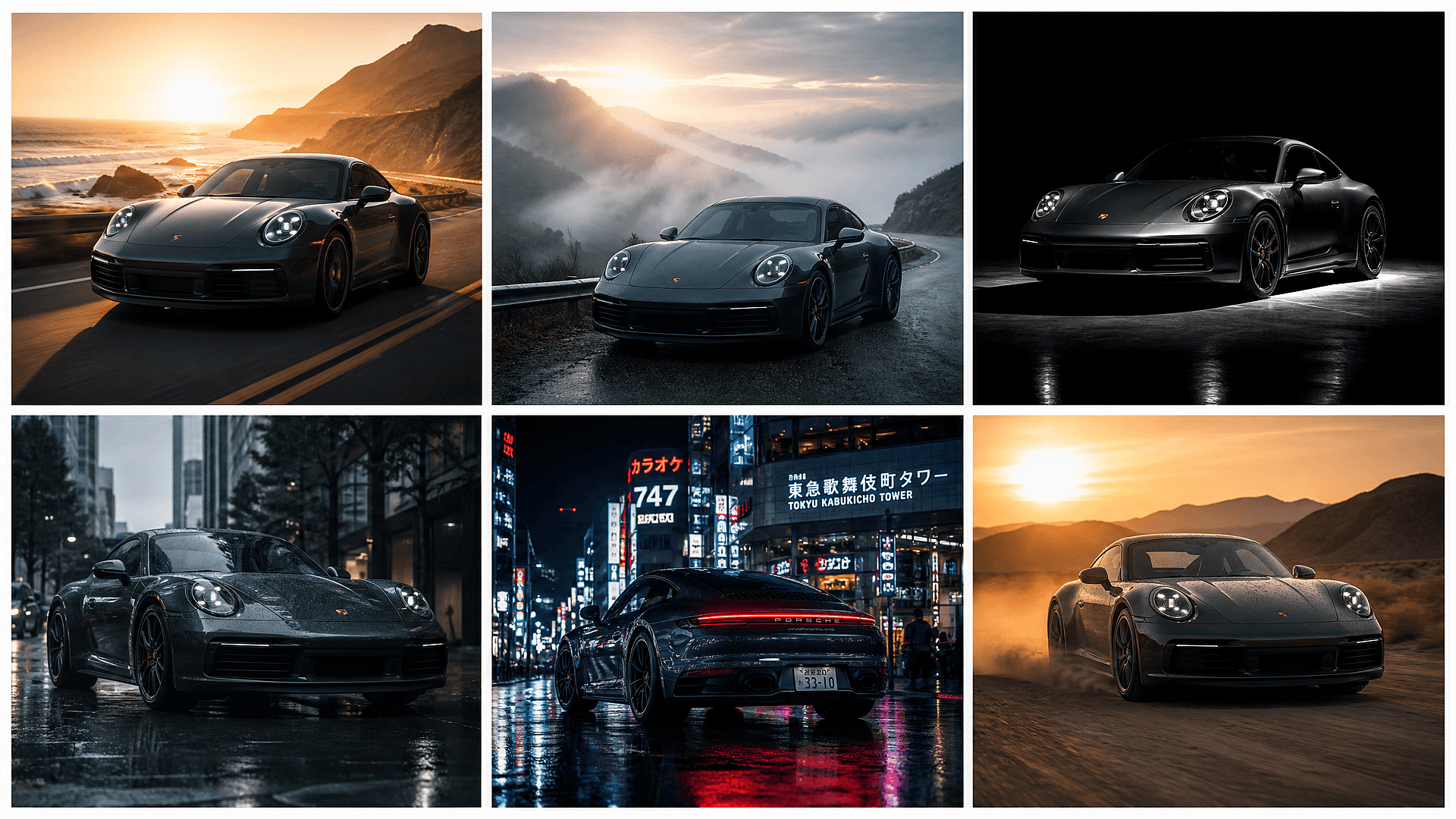
Marketplace Sellers
Upgrade Facebook Marketplace, Craigslist, Cars & Bids, or Bring a Trailer images with cleaner backgrounds and better lighting. A sharper lead image can make the listing feel more trustworthy and help buyers focus on the vehicle instead of the driveway clutter.
Try it NowFrequently Asked Questions
Get Insights from Experts Blog
Get the insights you need. Our experts share actionable hacks, break down the hottest topics, and provide essential how-to guides to help you build, optimize, and scale.
Read More