

AI Book Illustration Generator
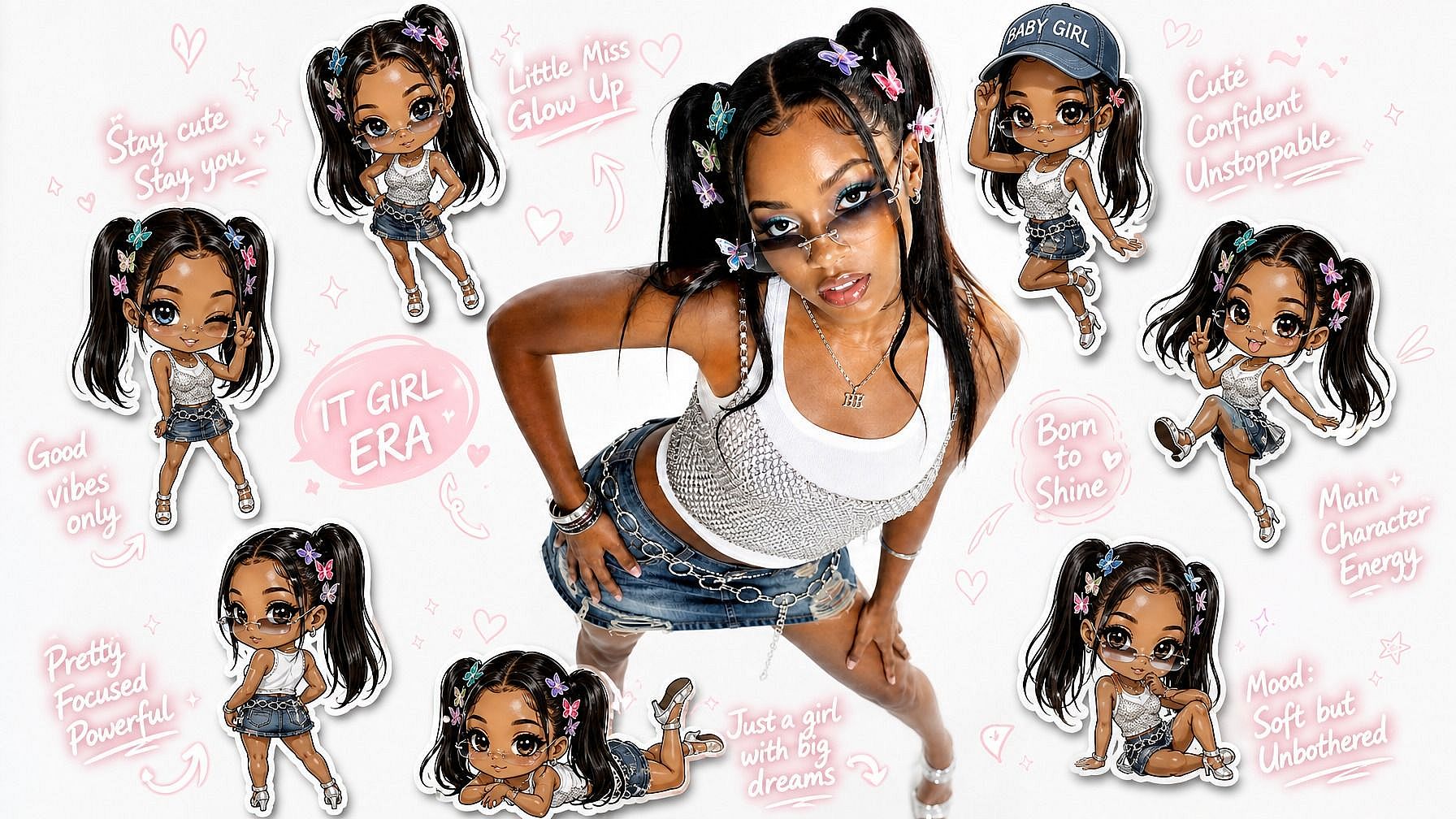
Generate storybook scenes, maintain consistent characters across every page, edit any detail with OpenArt, and turn ideas into publishing-ready artwork.
How to Create Book Illustrations with OpenArt
From your first idea to finished artwork, OpenArt helps you create, refine, and organize every illustration in a simple workflow.
Choose the Best Model
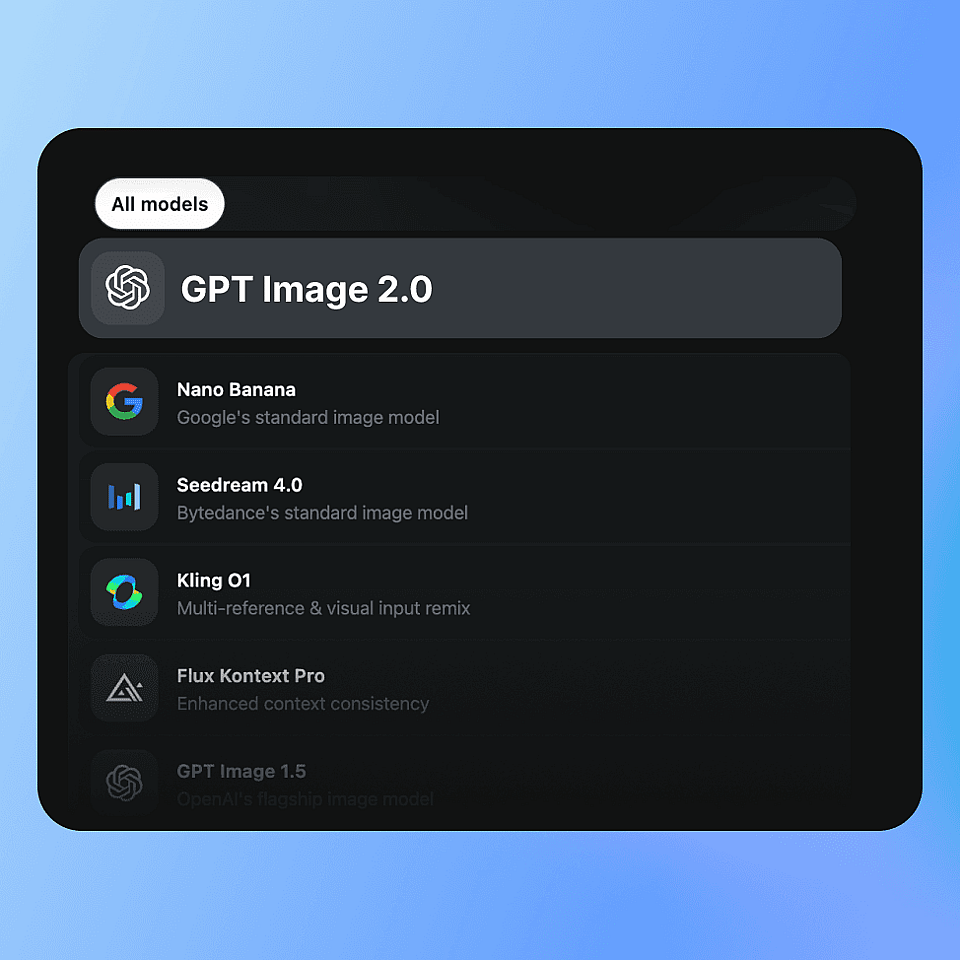
Select from OpenArt's latest image models, including GPT Image 2 and Nano Banana Pro, depending on the level of realism, artistic style, and text rendering you need.
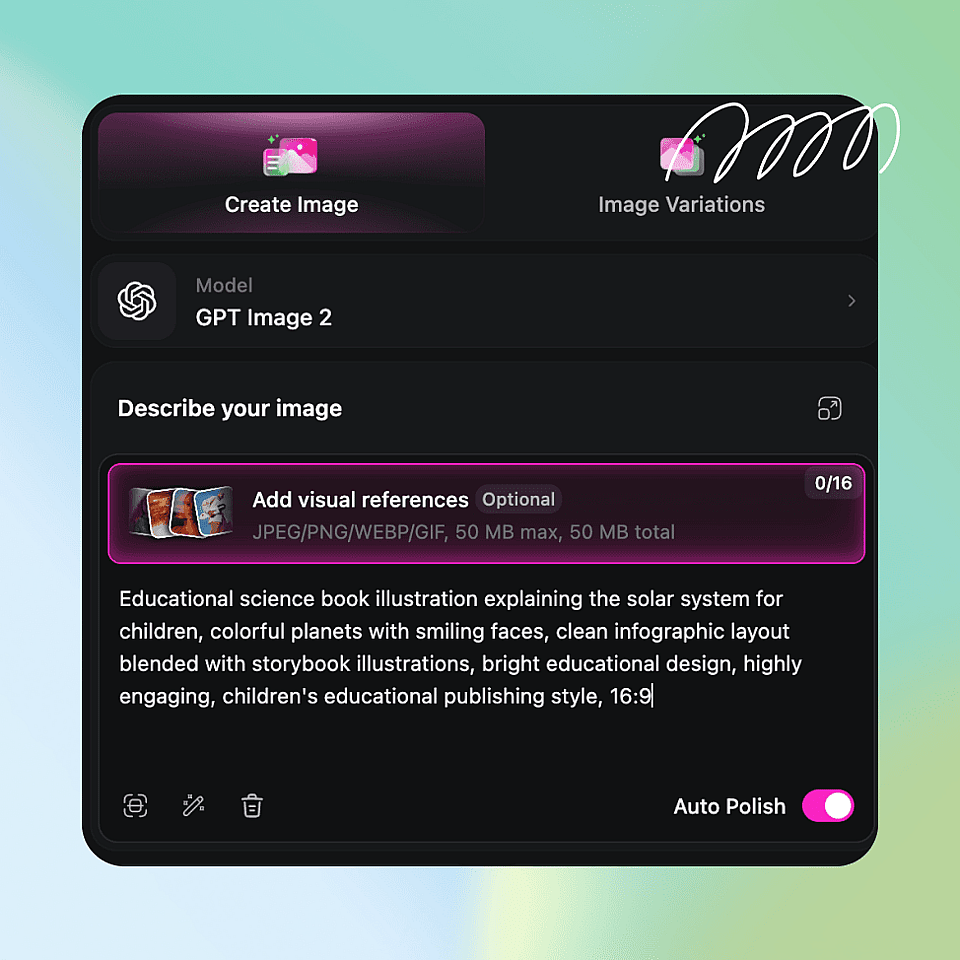
Describe Your Scene
Write what you want to illustrate, including the character, setting, mood, and style.
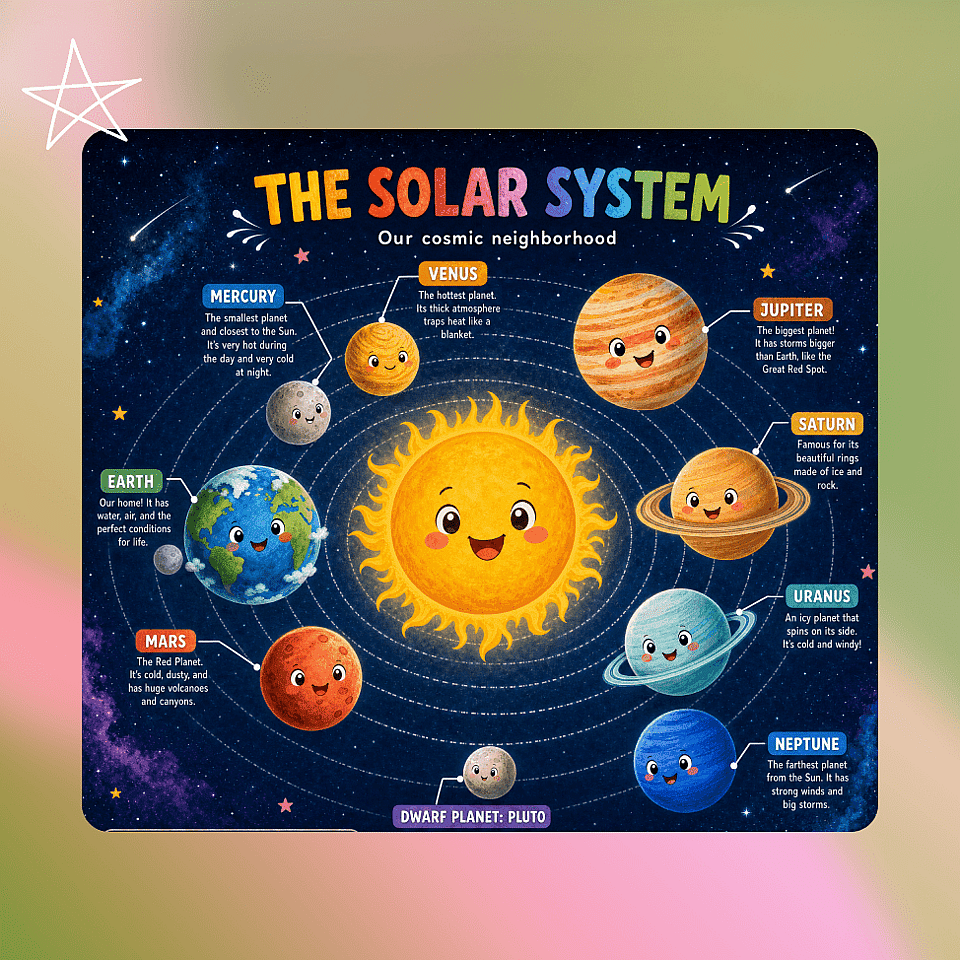
Generate and Export
Refine details with OpenArt’s AI Image Editor, save your pages in Projects, and export high-resolution artwork for your book.
Create Illustrations for Every Type of Book
Bring any story, idea, or concept to life with AI-generated artwork tailored to your creative vision.
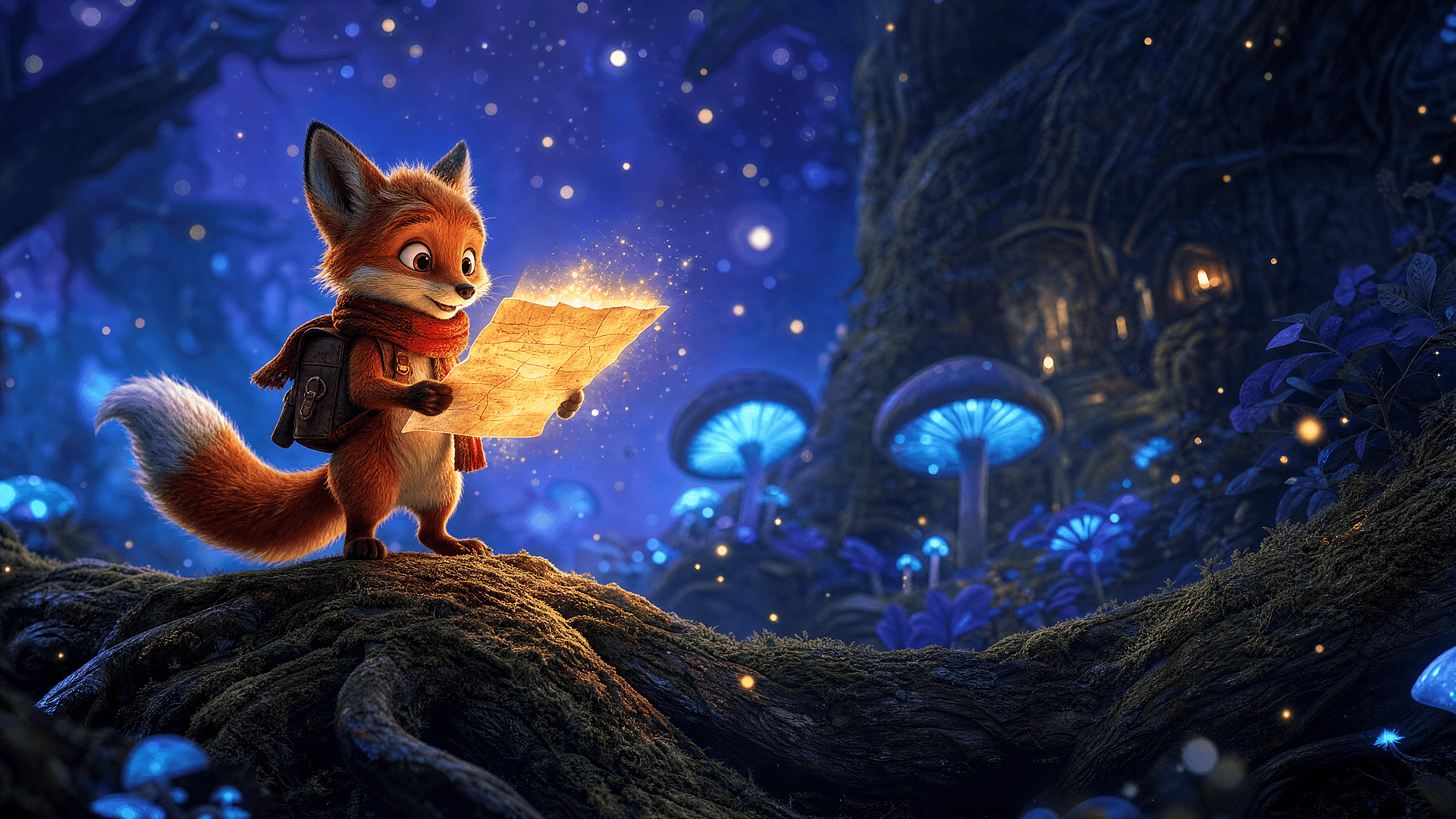
Children's Books
Generate warm, colorful illustrations with expressive characters, playful animals, and magical environments that engage young readers.
Try it Now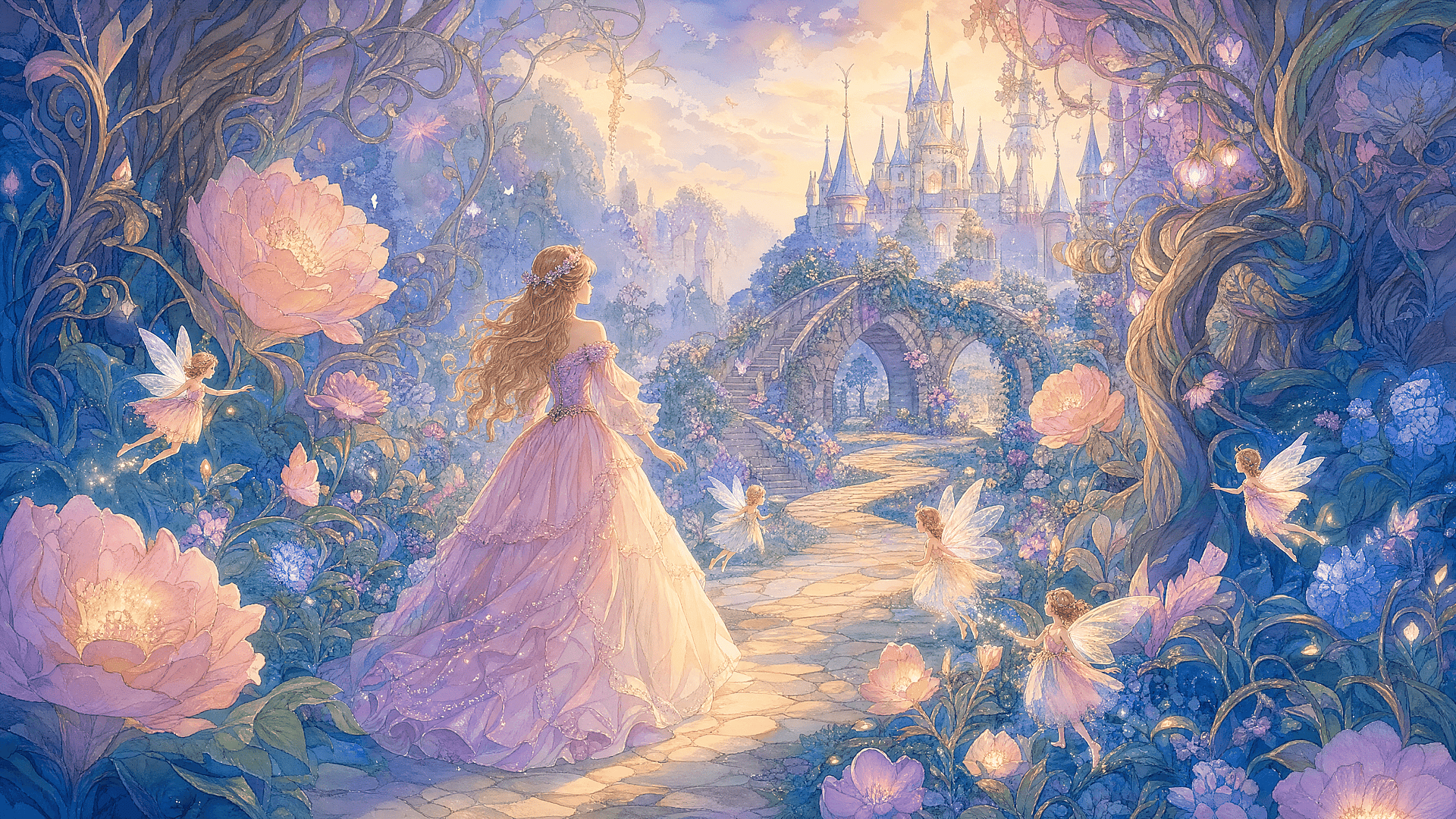
Fairy Tales
Bring enchanted forests, castles, dragons, princesses, and magical creatures to life with whimsical artwork.
Try it Now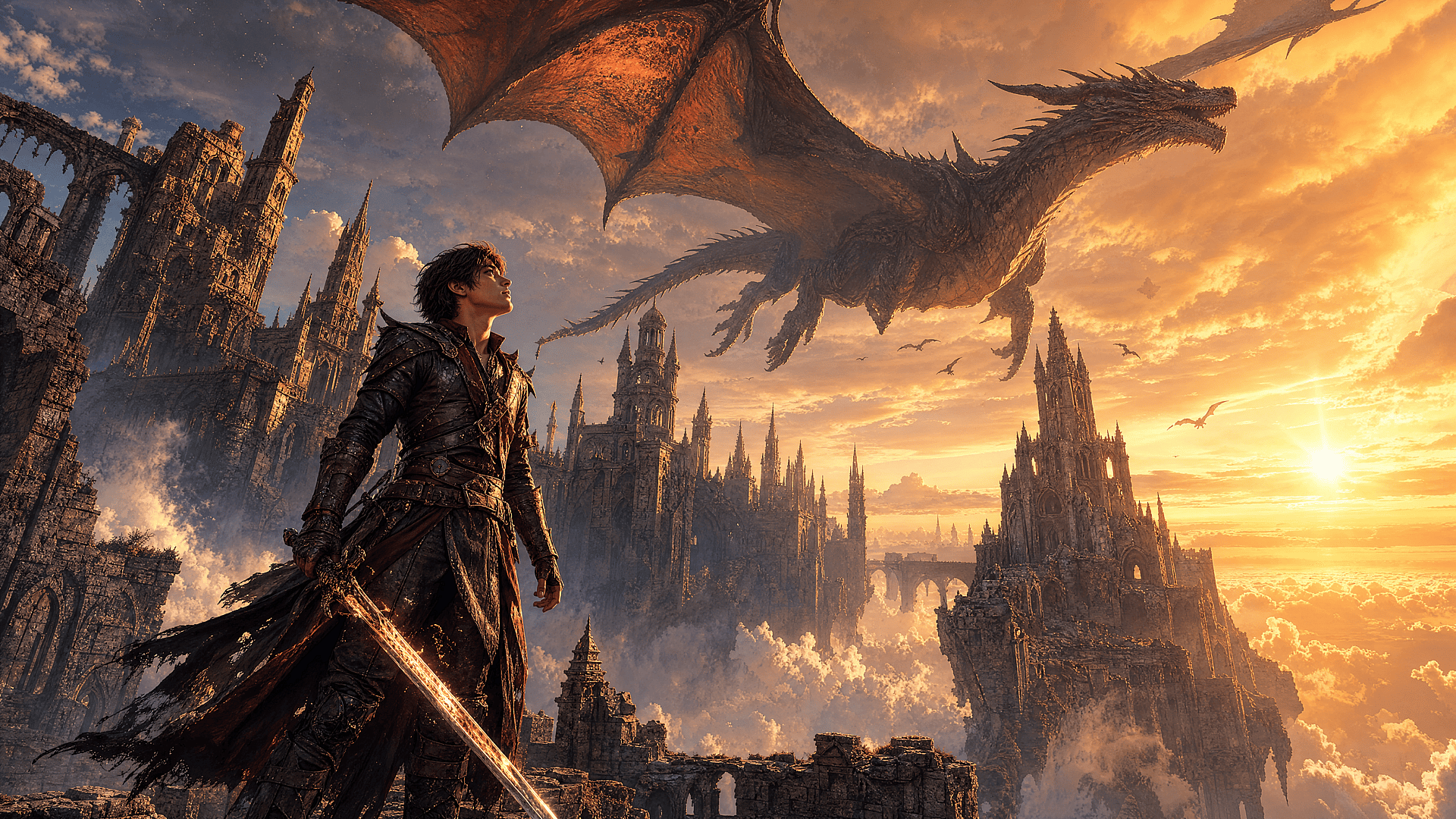
Fantasy Novels
Design epic battle scenes, mythical kingdoms, magical landscapes, and unforgettable heroes for your next fantasy adventure.
Try it Now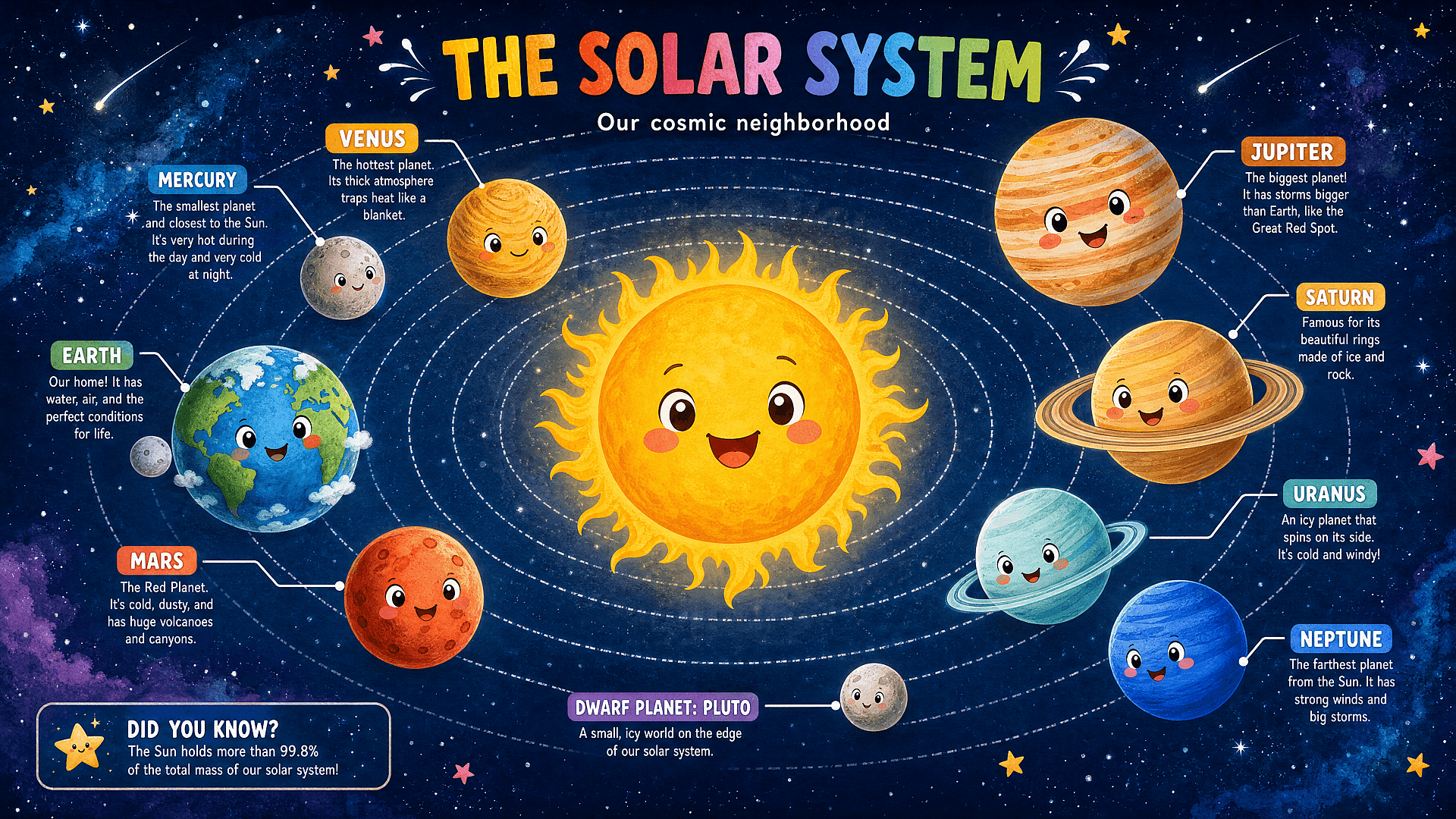
Educational Books
Create engaging visuals for science, history, geography, language learning, and classroom materials that make complex topics easier to understand.
Try it Now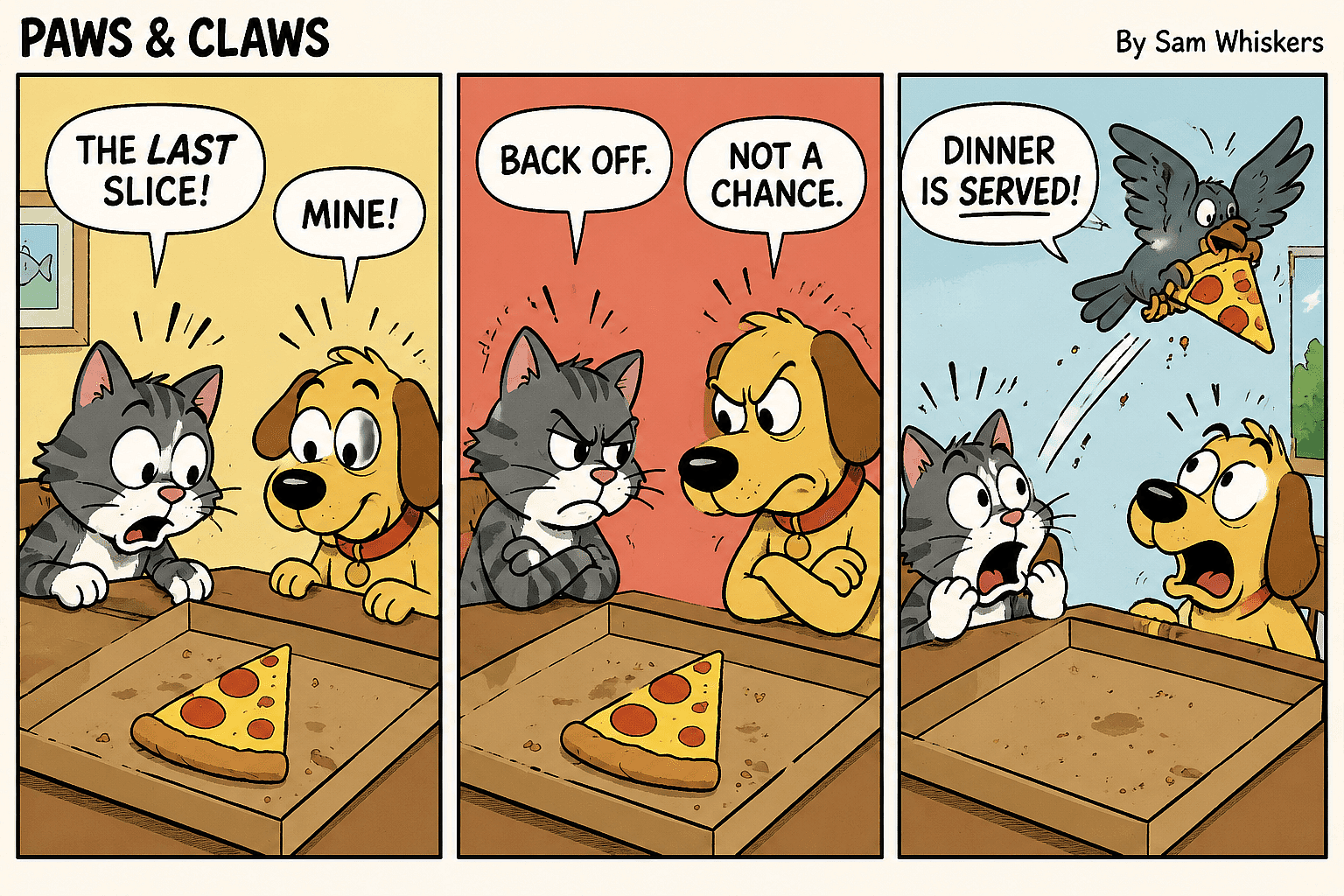
Comic Book
Generate cinematic scenes with dynamic compositions while maintaining character consistency across every panel.
Try it NowFrequently Asked Questions
Get Insights from Experts Blog
Get the insights you need. Our experts share actionable hacks, break down the hottest topics, and provide essential how-to guides to help you create, optimize, and scale.
Read More