

AI Bikini Generator
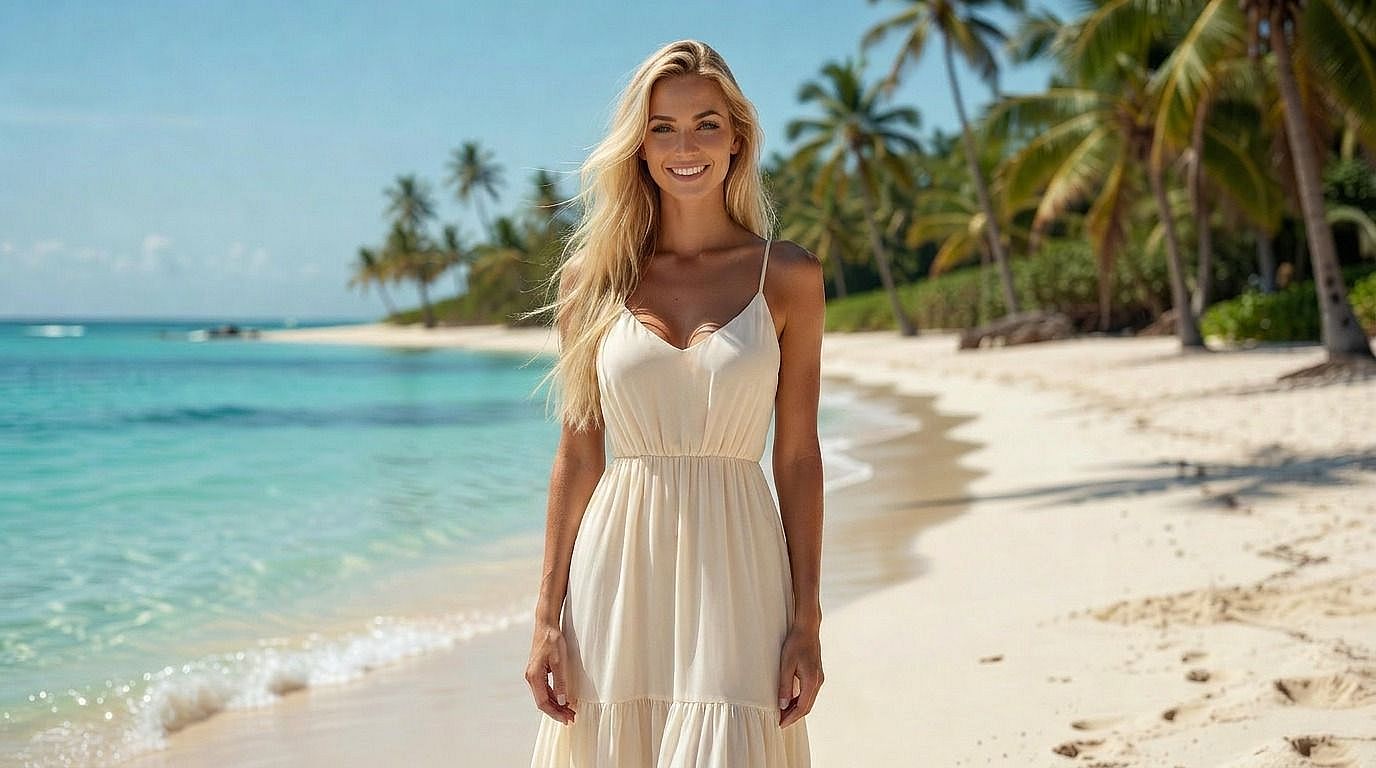
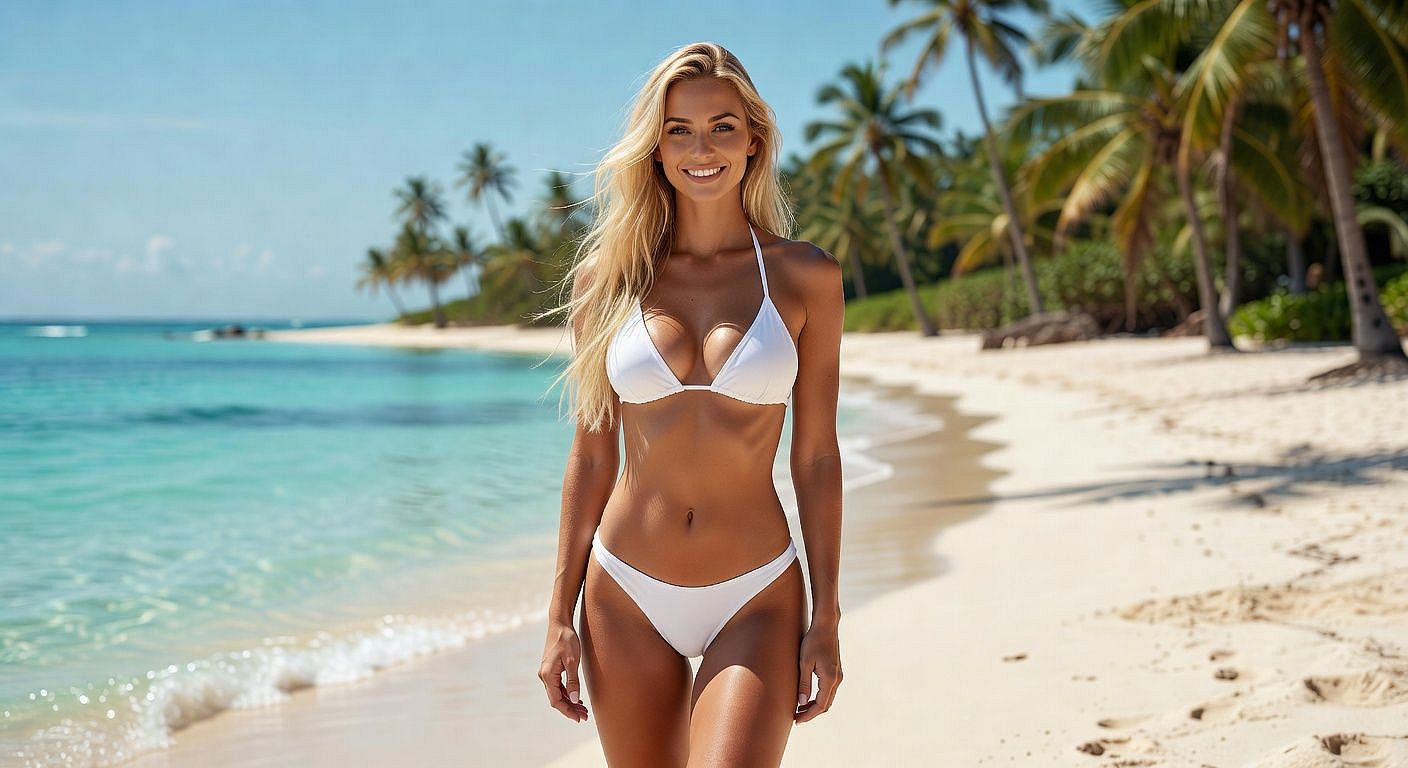
OpenArt's AI Bikini Generator creates realistic swimwear visuals, bikini model photos, AI influencer content, and lookbooks, from text or images. Built for creators, designers, and brands marketing summer lifestyle.
 Add an image Or drag and drop here · JPEG, PNG, WEBP
 Community Creations
See what people are creating. From swimwear designers mocking up new collections and AI influencers building summer content weeks to creators turning vacation selfies into polished beach editorial shots, explore how the bikini generator gets used.



Key Features of the AI Bikini Generator
OpenArt's AI bikini generator runs on the same leading image models behind the rest of the suite: GPT Image 2.0, Nano Banana Pro, and Seedream 5. Fabric texture, body anatomy, lighting, and identity preservation are where these models are strongest, which is exactly what a swimwear render needs to hold up.
Bikini Designs & Model Shots from Text
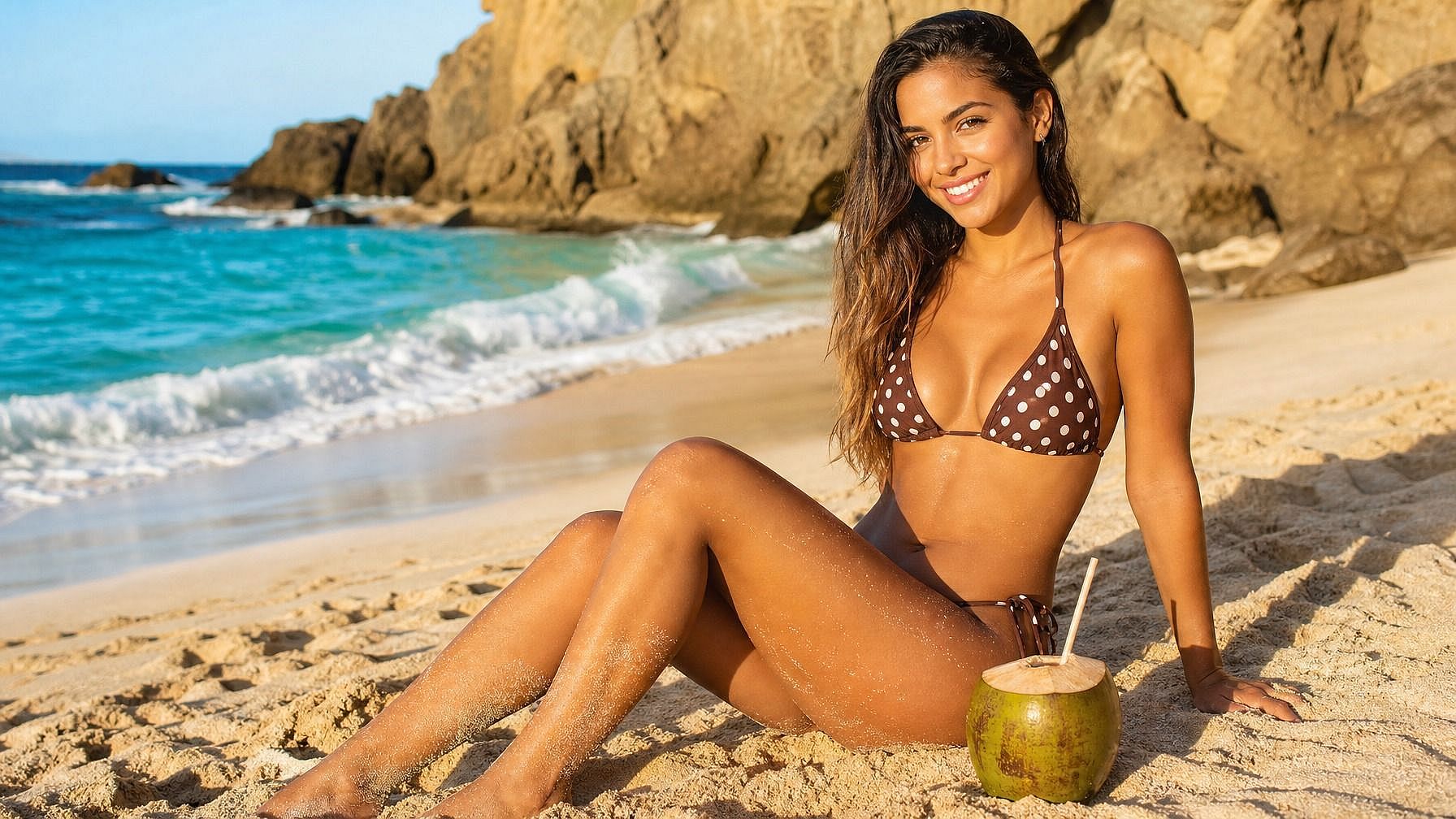
Describe what you want: a minimalist black two-piece on a model at golden hour beach, a retro high-waisted polka-dot bikini on a 70s poolside set, a neon sporty bikini for a fitness brand. OpenArt's AI Image Generator turns that into a polished swimwear render. Useful for design concepting, brand lookbooks, AI influencer content, and product mockups before a real shoot.
Turn Your Own Photo into a Bikini Shoot
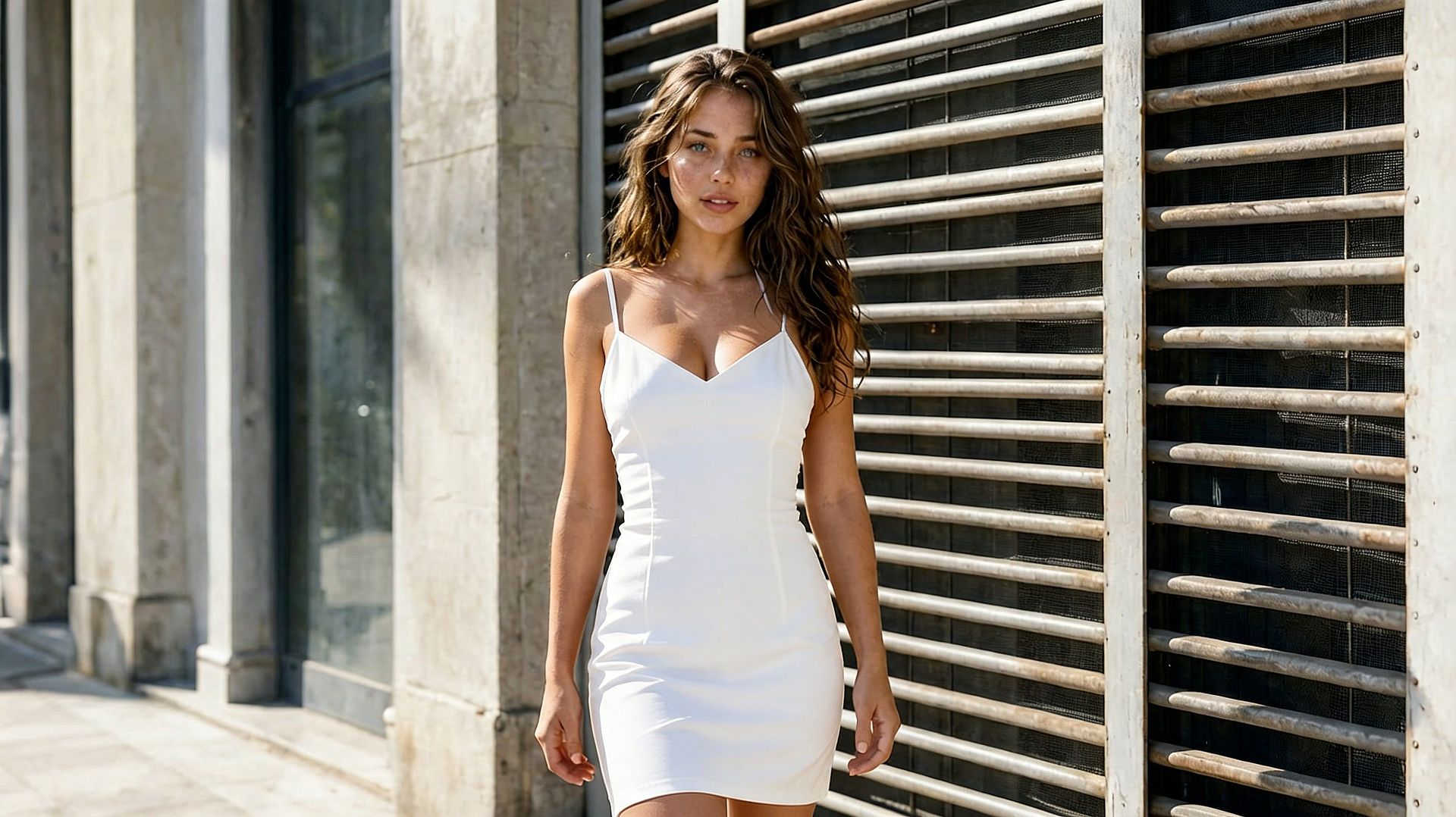
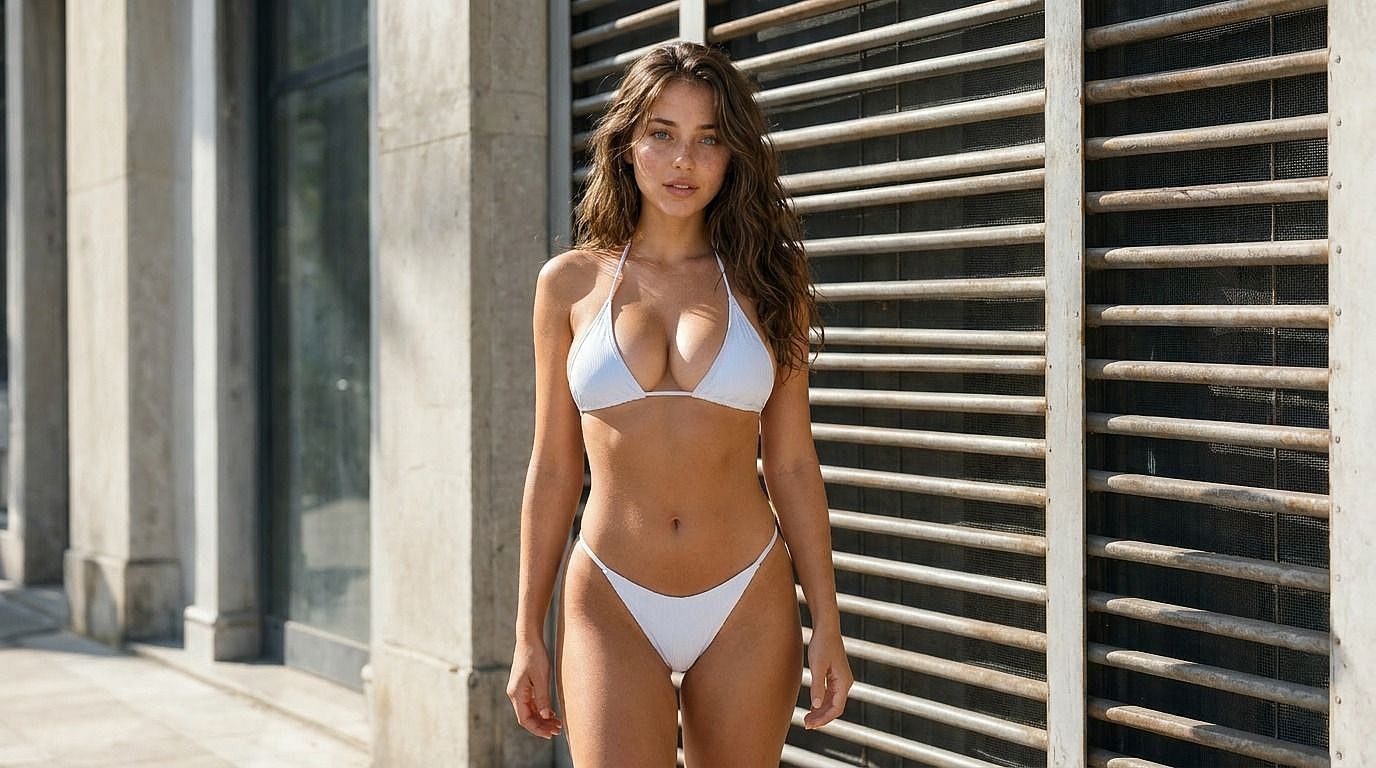
Upload a photo of yourself, a model, or an AI Character and swap the outfit for a bikini while the face, body, and pose stay put. Pick the bikini style, the setting, and the lighting, and the AI re-renders the photo as a beach, poolside, or studio shoot. Identity stays locked, so it still looks like you. If you need to handle a fuller wardrobe swap on the same photo, the AI Clothes Changer picks up from there.
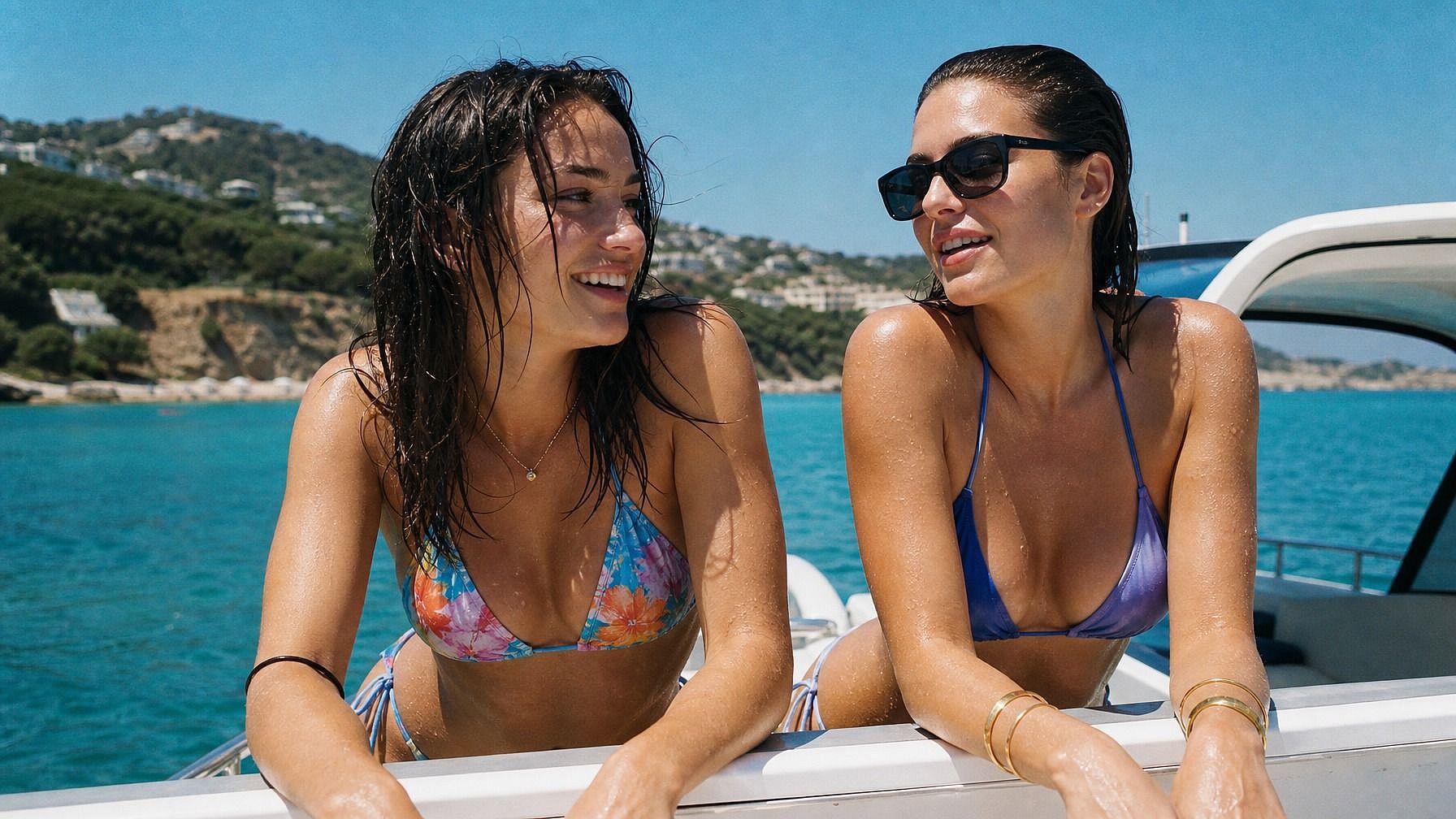
Full Style Range, Any Setting
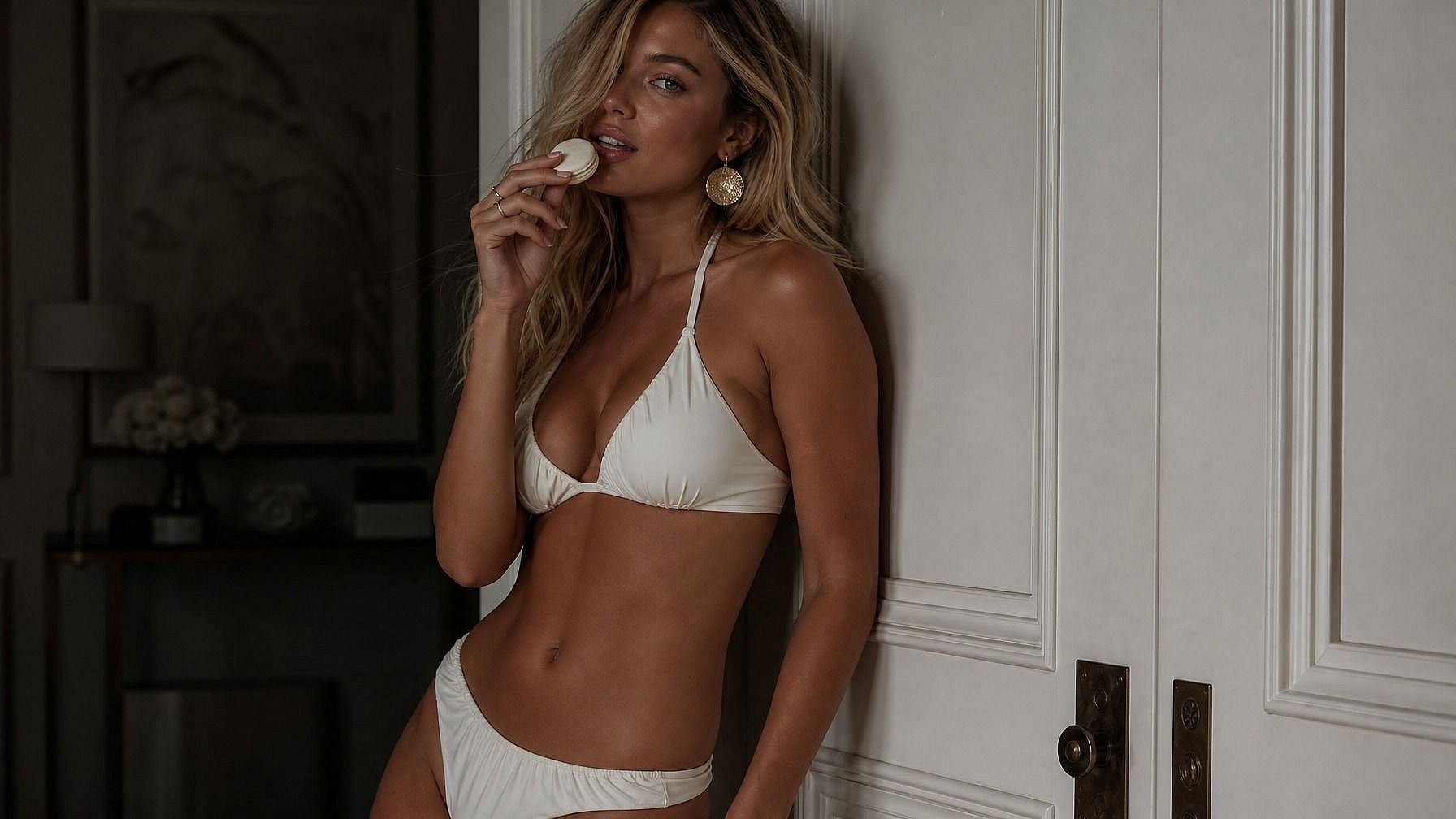
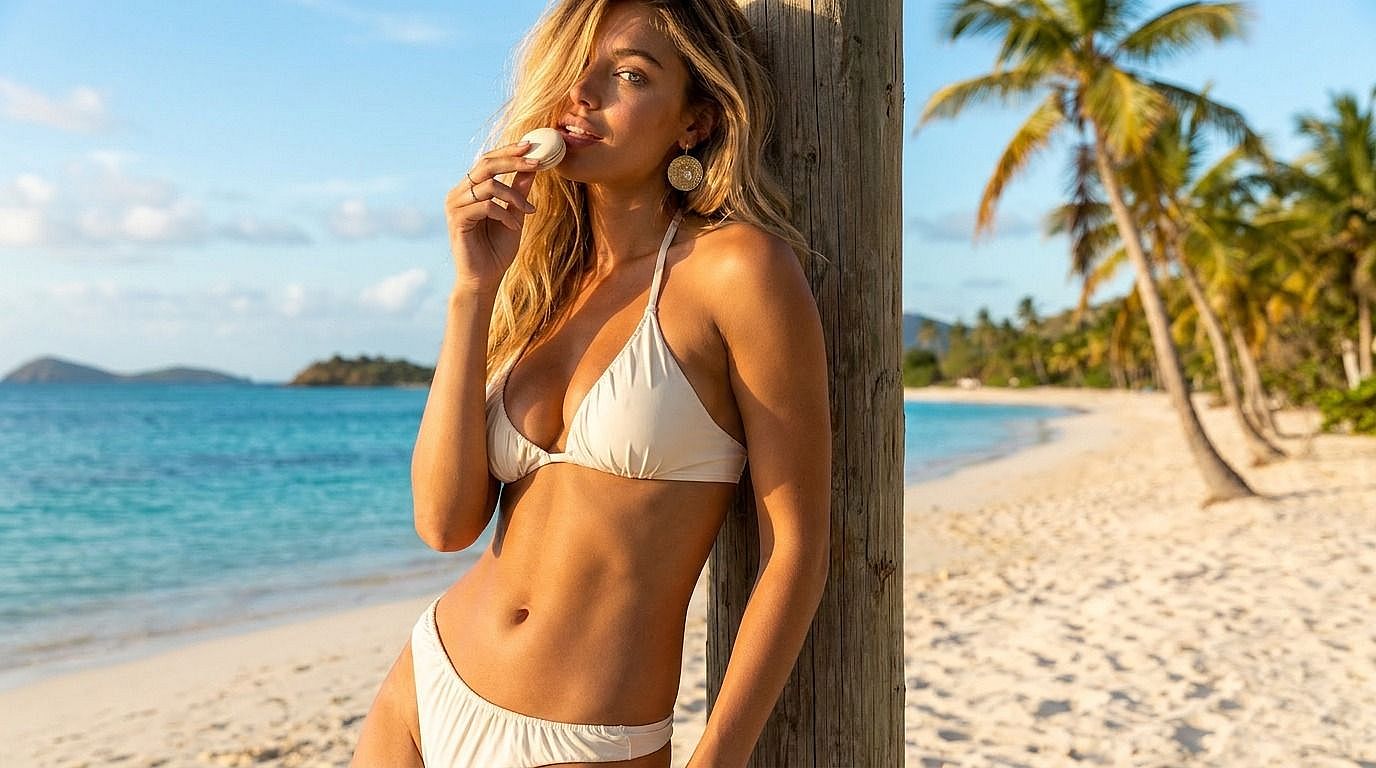
Two-piece, one-piece, tankini, high-waisted retro, sporty, crochet, designer, swim-resort wear, monokini, halter, bandeau, or slingshot bikini. Backgrounds run from tropical beach to infinity pool to a clean studio backdrop to a golden hour rooftop. Describe the look and the scene, and the AI generates the shot in the world you're aiming for.
Part of a Full Image Editing Suite
Once your image is generated, keep refining it in the same window. Adjust the bikini color, swap the background, change the lighting, generate a series of poses, or run a few wardrobe variations side by side. This pairs cleanly with the Clothes Changer and Clothes Remover tools when the edit calls for a broader wardrobe change, and with the AI Influencer Generator when you're building out a recurring look for a virtual model rather than a one-off shot.
How to Use the AI Bikini Generator
Generate or edit bikini photos in three steps.
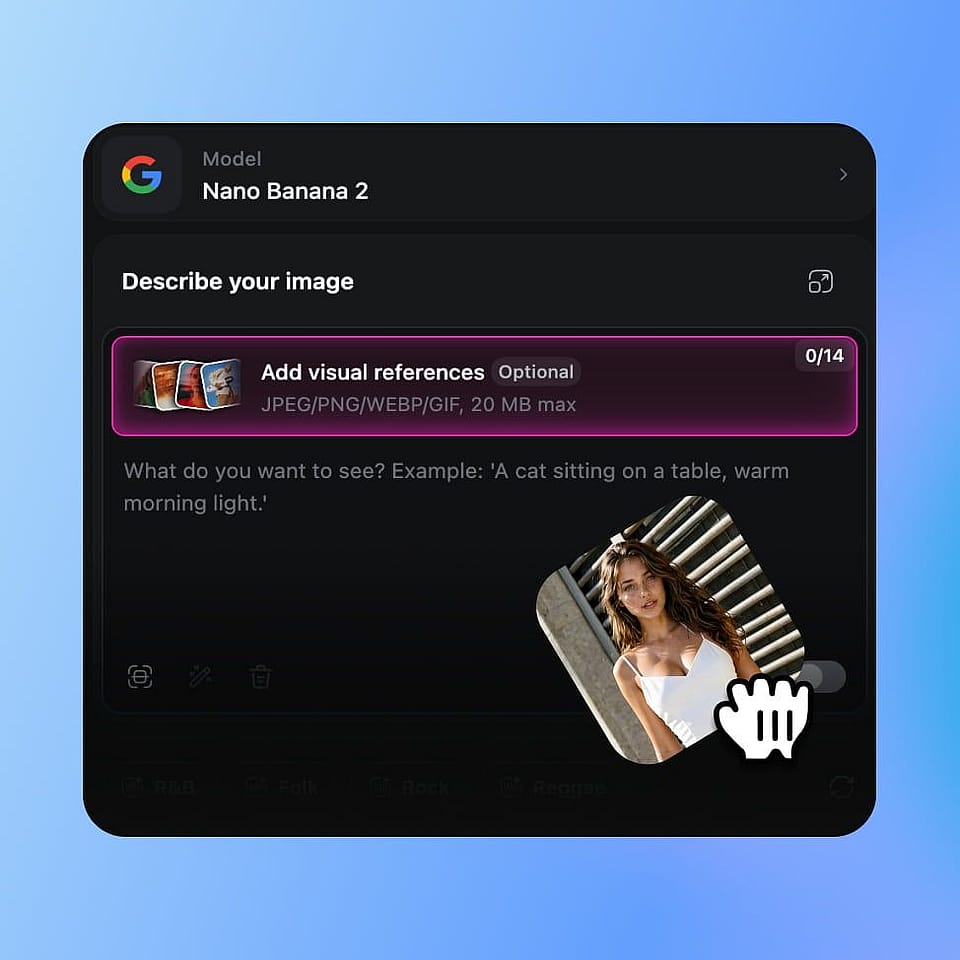
Pick the Image Tool
Open OpenArt's image tools. Use Generate if you want to create a bikini design or model shot from a prompt. Use Edit Image if you want to upload your own photo and swap the outfit into a bikini.
Prompt What You Want
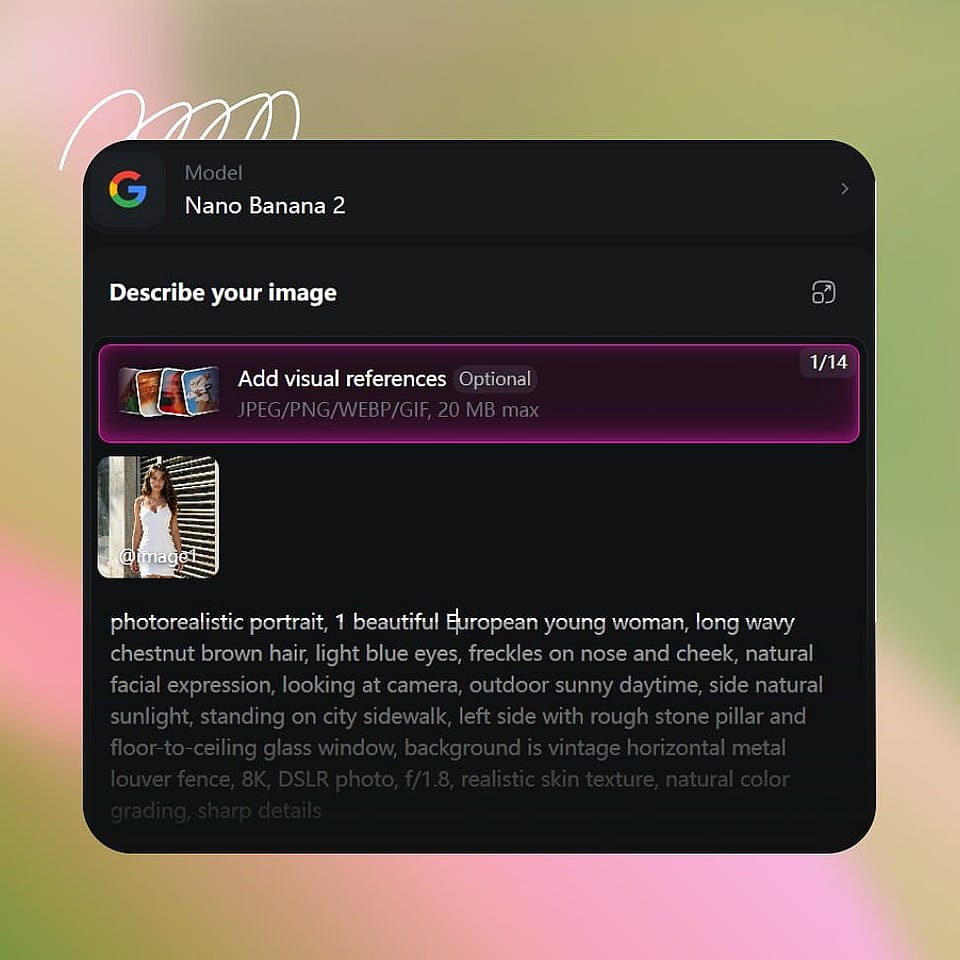
For generation, describe the bikini, the model, the setting, and the lighting — "white crochet two-piece, beach at golden hour, soft warm tones." For photo edits, describe the bikini style and the new setting — "swap to a black sporty bikini, studio backdrop, soft daylight."
Generate and Download
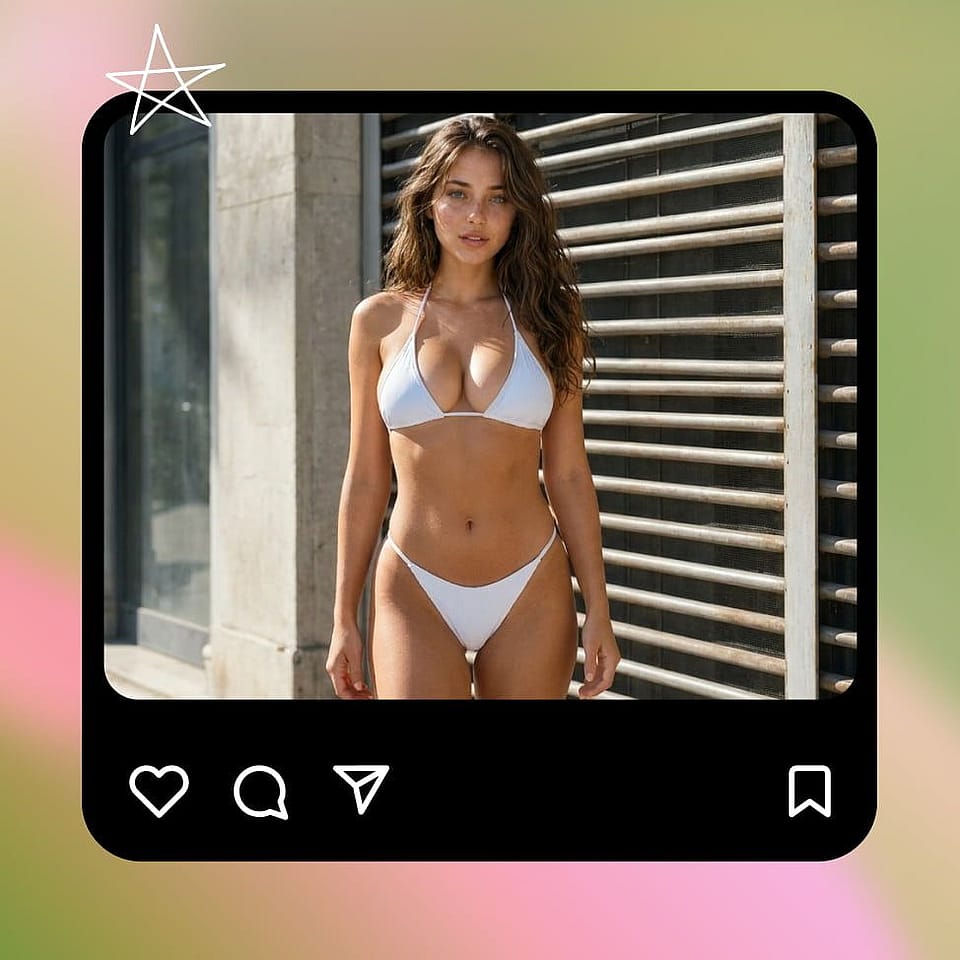
Run it, preview the result, and refine if needed. Try a different bikini style, swap the background, adjust the lighting, or generate a few variations until you land on the one that fits your collection, content, or shoot.
Built for Designers, Brands, and Personal Content
Generate or edit bikini photos for whatever you're making — a swimwear line, an AI influencer feed, a vacation post, or a brand campaign.
Swimwear Designers and Brand Lookbooks
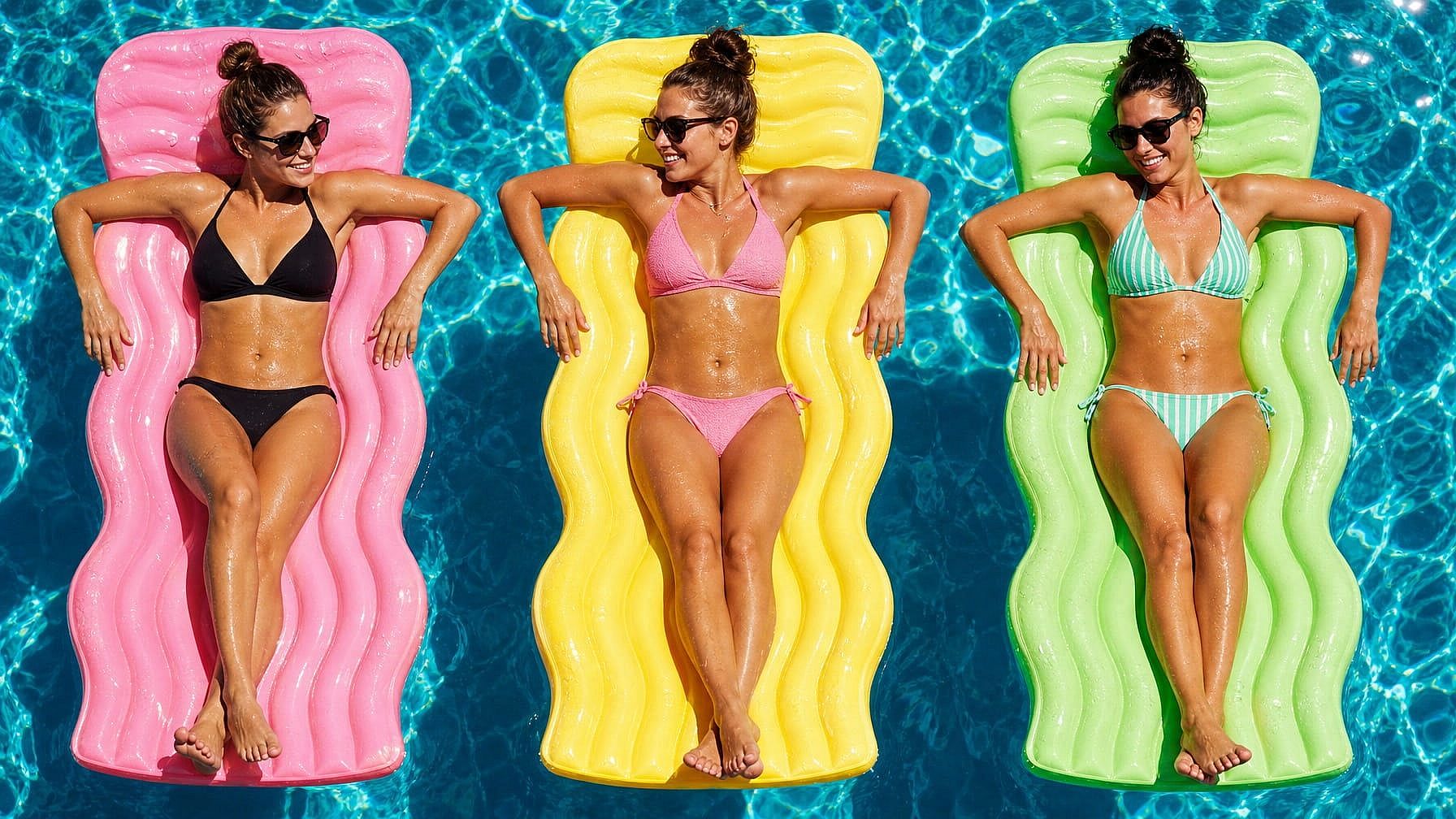
Mock up new bikini collections before the real shoot, fabric, color, silhouette variations rendered on AI models in beach, pool, or studio settings. Useful for early-stage design reviews, internal pitches, marketing pre-production, and collection planning. The AI handles a full lookbook in the time a real shoot takes to schedule.
Try it Now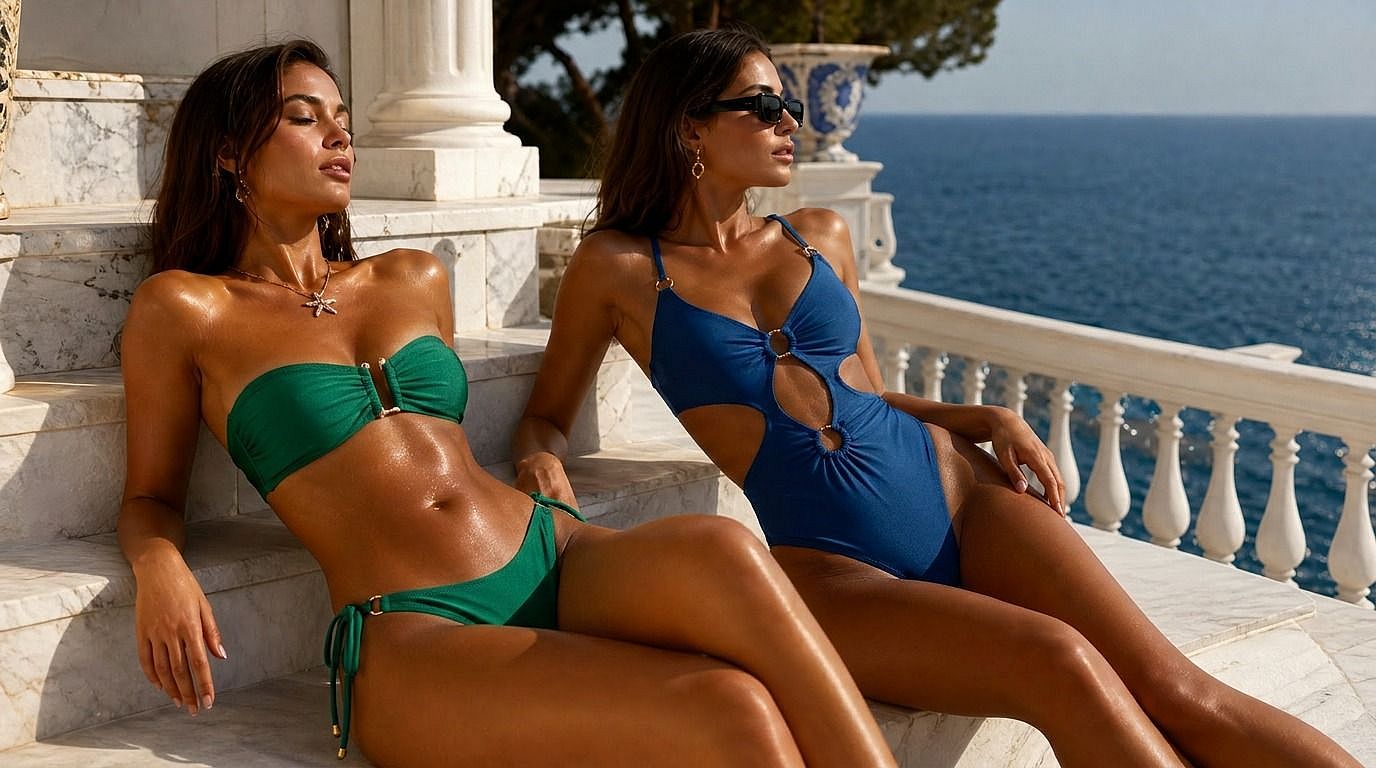
AI Influencers and Content Creators
Build a summer content week for an AI influencer or recurring character, bikini shoots in different settings, outfits, and lighting, all with the same character thanks to OpenArt's character library and Character 2.0 consistency. Plan a feed without booking a single location or model.
Try it Now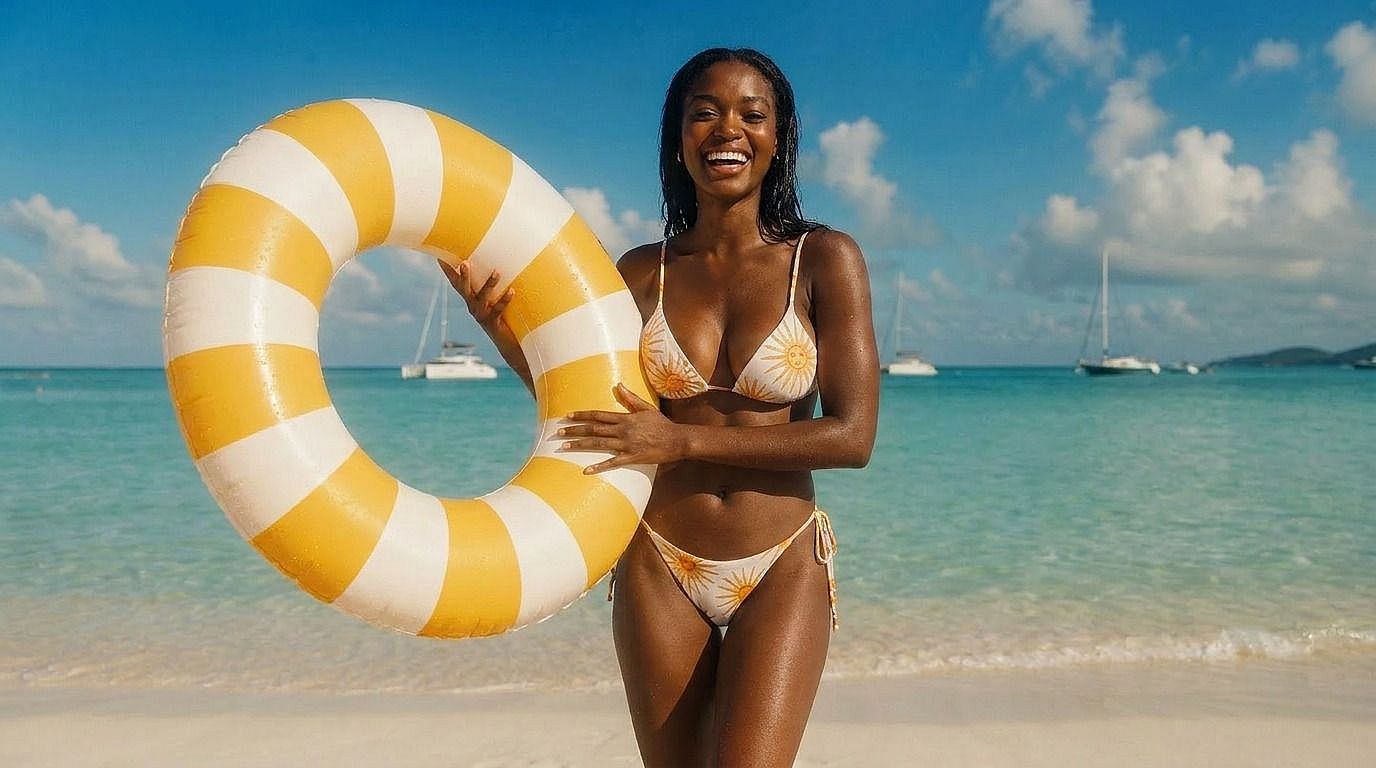
Personal Vacation and Summer Content
Turn a regular photo of yourself into a polished beach editorial, same face, same pose, just restyled with a different bikini and a cleaner setting. Useful for social posts, summer content, and vacation memories you want to dial up to magazine-quality without redoing the trip.
Try it Now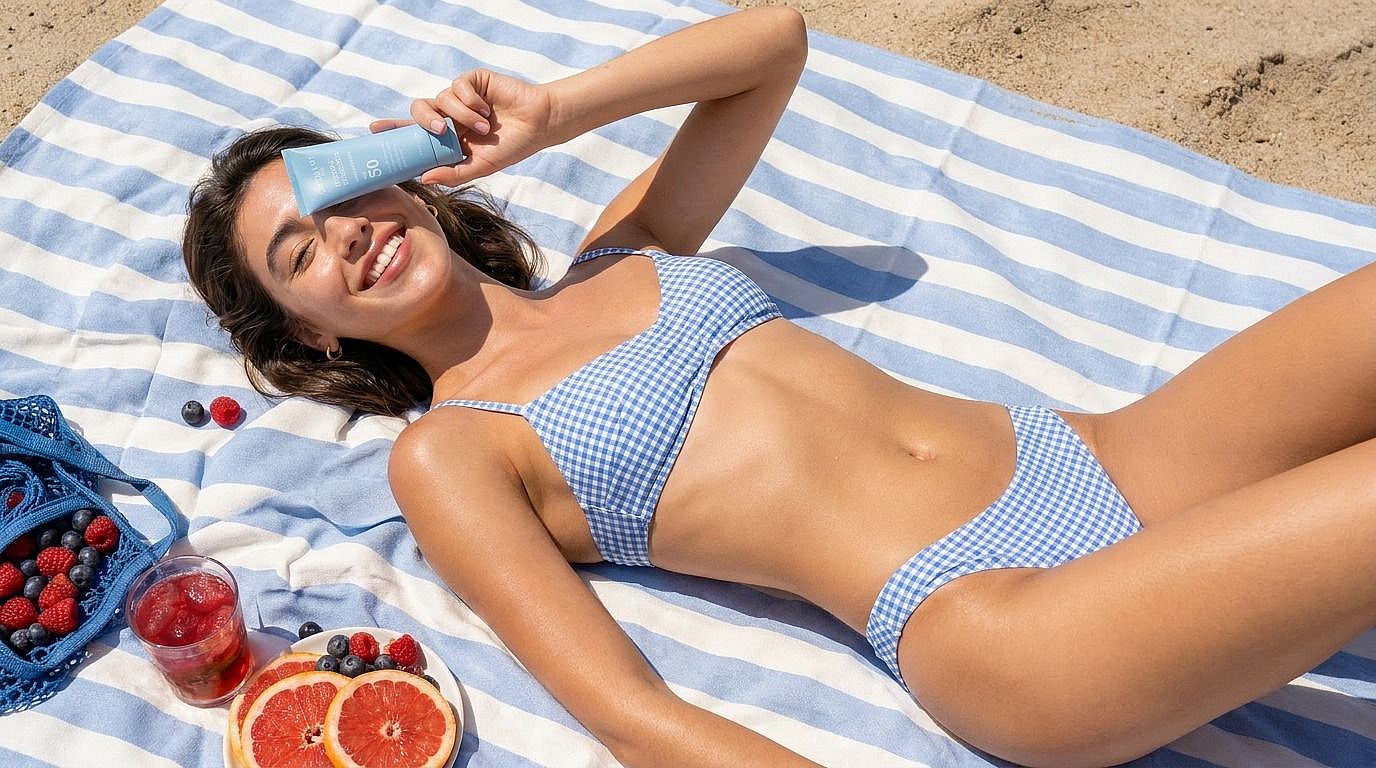
E-Commerce and Product Mockups
Generate product-on-model mockups for swimwear listings, ads, and landing pages, a single bikini shown across multiple body types, settings, and lighting conditions. Useful for stores that need lookbook-quality product photography without the cost of a full shoot per SKU.
Try it Now