

AI VFX
Add cinematic AI VFX to footage you already shot. Swap backgrounds, relight entire scenes, or transform a single region, all from one upload and ready in minutes.



Three Modes, One Upload
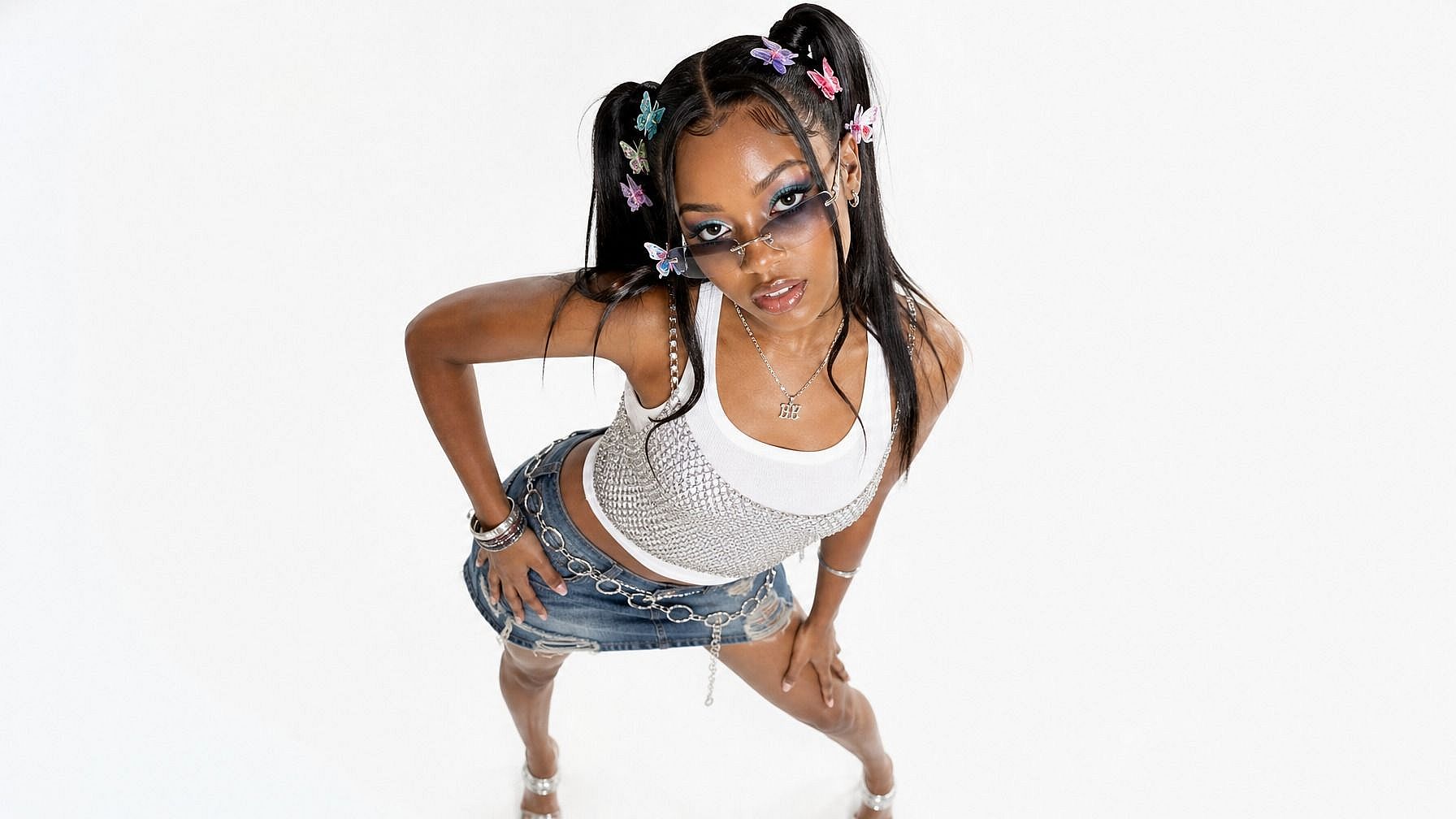
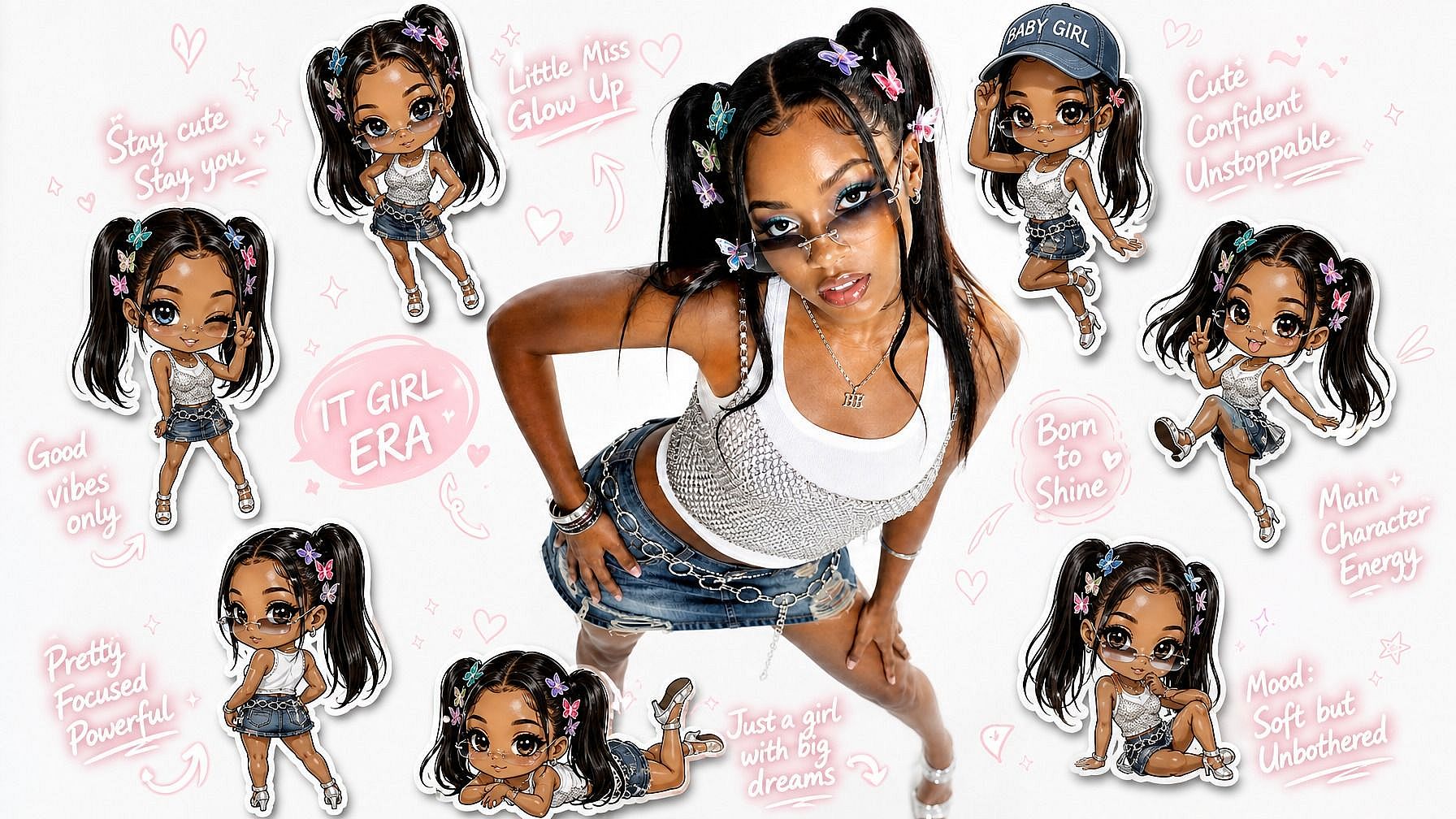
A single clip unlocks background swaps, full-scene relighting, and masked inpainting, in our AI VFX generator.



No Studio, No Pipeline
No green screen, compositor, or render farm needed. The AI does the work a VFX team used to, including all color grading and visual effects.
Minutes, Not Hours
Every VFX AI task is delivered in minutes, with built-in side-by-side compare views to see the added AI video effects.
Community Creations
See how creators, filmmakers, and brands are using OpenArt VFX to transform footage they already shot.
Three VFX Modes, One Upload
OpenArt's AI VFX runs on Beeble's SwitchX, a video model built for high-fidelity subject isolation, full-frame relighting, and masked region edits. The same upload becomes whatever AI VFX effects you need.
Swap Any Background
Background mode isolates your subject and replaces the scene behind them. No green screen and no manual cutout. Pick a preset, upload an image, or generate a new world with the best AI VFX generator.
Relight The Scene
Relight mode rebuilds the lighting, color, and mood across the full frame. It relights the scene instead of adding a filter, so shadows and highlights look real. Your performance and motion stay exactly as shot.
Mask Objects, Transform The Rest
Inpaint mode lets you protect part of the frame and change the rest. Paint a mask over what should stay, like a person or a prop. That region holds across every frame while the AI transforms everything else as per your prompt.
Direct Every Result
All three modes take the same inputs: a preset, your own reference image, or an AI-generated scene. Add a text prompt to fine-tune the look. Your creative direction works the same way every time. Everything from AI cinematic effects and AI color grading to full AI video transformation is handled smoothly.
How to Use OpenArt VFX
Three steps. Three modes. Minutes to a finished result.
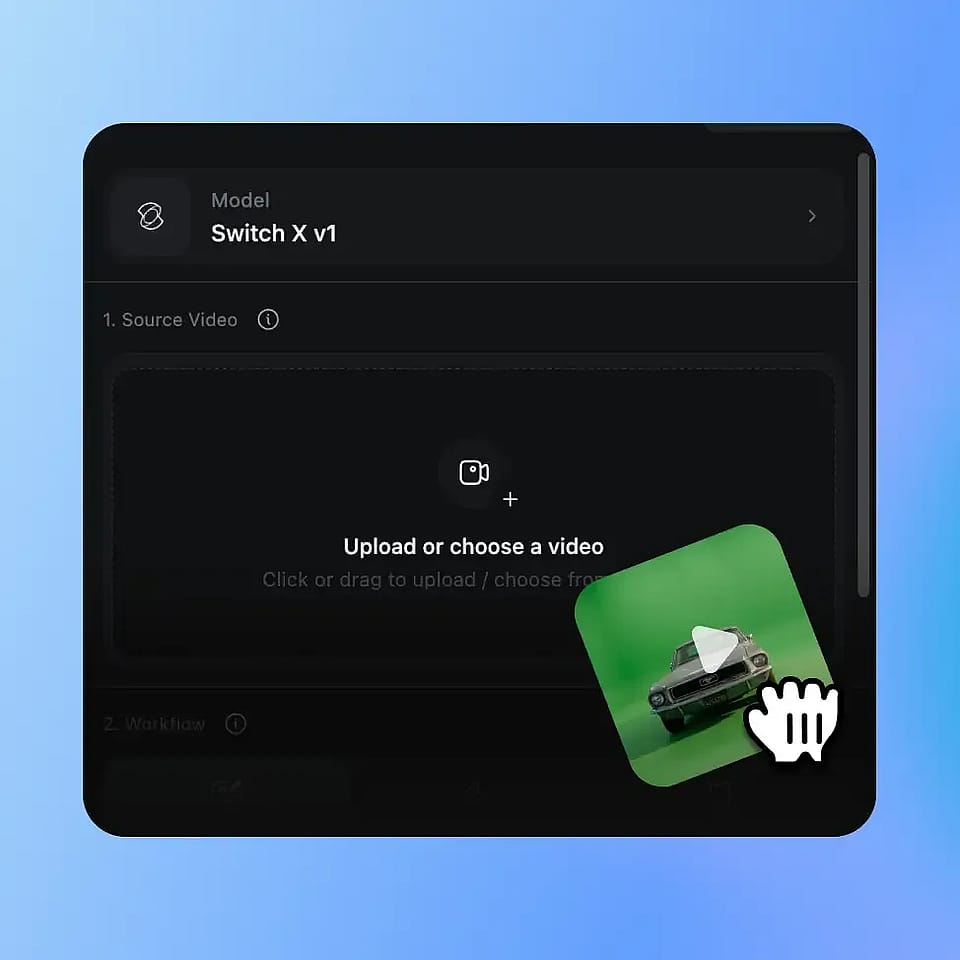
Upload Your Video
Drop in any MP4 or MOV clip. AI VFX works on footage from any room, with no green screen or studio setup.
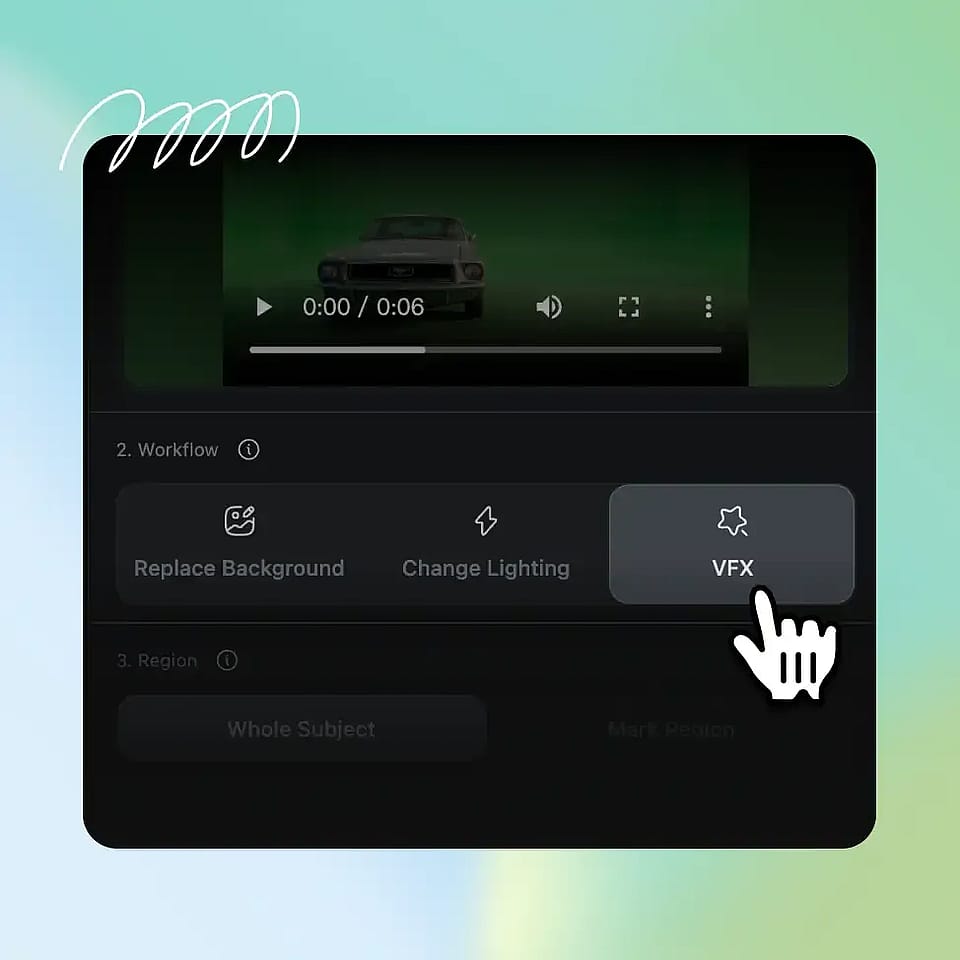
Pick Your VFX Option
Choose Background, Relight, or Inpaint. Direct it with a preset, a reference image, or a text prompt.
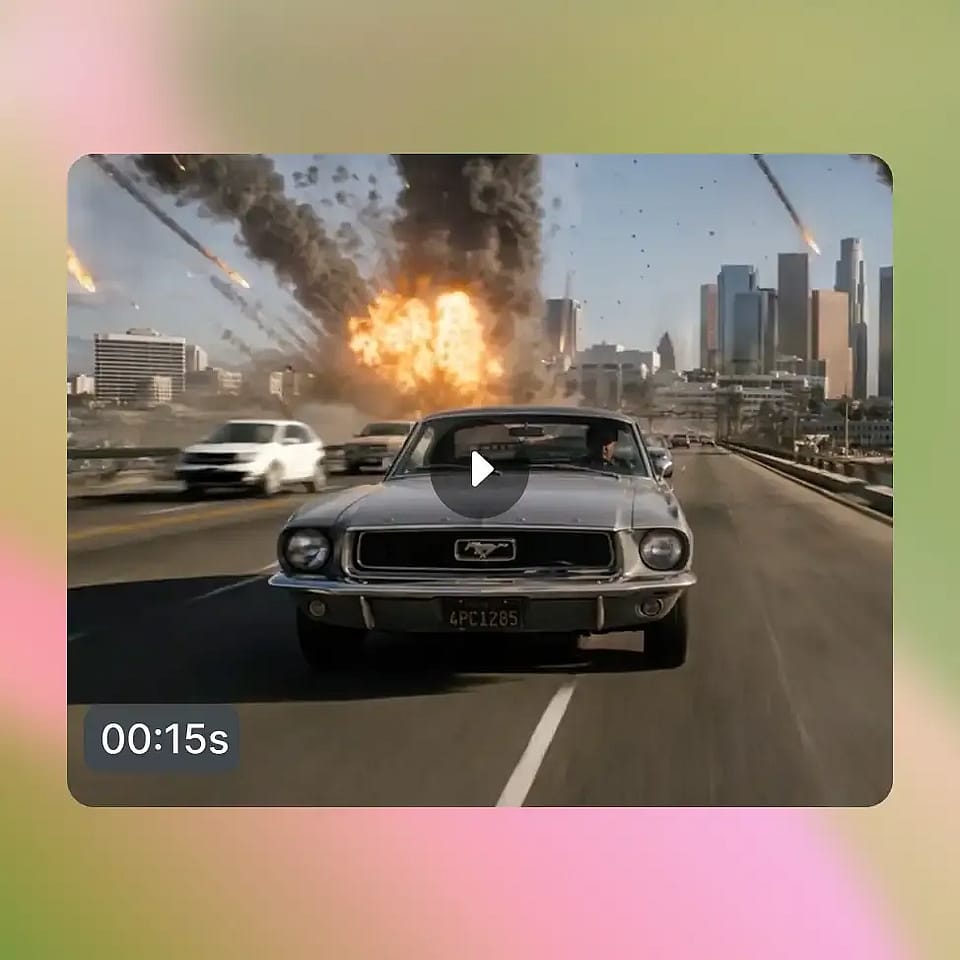
Generate and Compare
The AI model renders your clip in a few minutes. Preview the result, refine if needed, and download an MP4.
AI VFX for Every Creator
From solo creators to brand teams, here is how people put our AI VFX generator and editor to work.
Social Media Creators
YouTubers, TikTokers, and podcasters film at home and want a better look. Swap the background or relight the shot for a signature style. Same footage, new world, in minutes.
Try it NowFilmmakers and Directors
Directors get AI-assisted VFX without Nuke or After Effects. Protect a performer and restyle the scene around them. Reshoots and compositing become a mask and a prompt.
Try it NowBrands and Marketers
Brand and product teams scale content without scaling production. Film once, then apply different backgrounds or moods per campaign. One shoot becomes a full content library.
Try it NowEducators and Presenters
Coaches, teachers, and remote teams record from home offices. Replace any room with a clean, on-brand background. Look professional every time you hit record.
Try it Now